










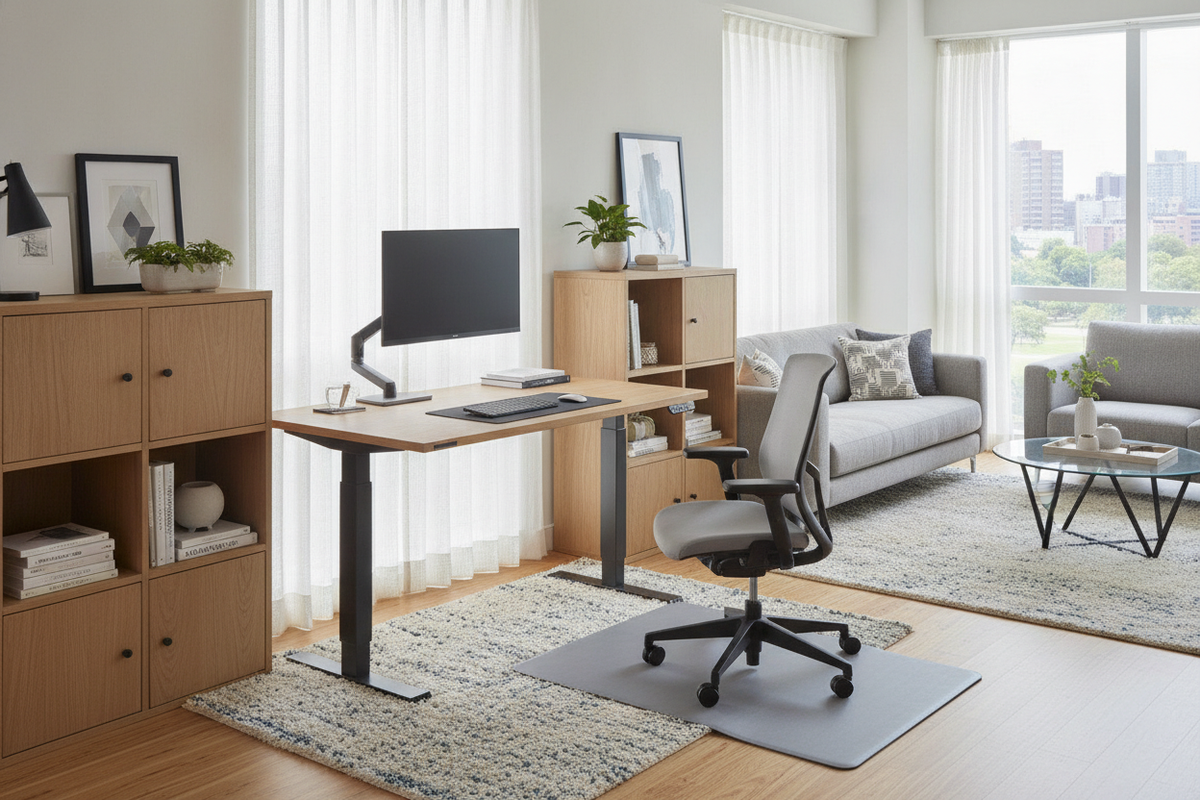
Evaluating Warehouse Club Sit-Stand Desks: The All-in-One Phenomenon
Shopping for a desk that raises and lowers at warehouse retail clubs like Costco presents an appealing value proposition: complete, ready-to-assemble packages that combine motorized lift frames, finished work surfaces, pre-wired electronic control panels, and integrated drawers in a single carton. Rather than sourcing modular components separately, shoppers can browse fully assembled floor models in person to inspect aesthetic finishes and test basic motor functionality.
However, turnkey retail desks also require careful spatial and functional evaluation. Commercial height-adjustable desks often prioritize modularity, allowing users to swap tops, attach heavy monitor arms, and customize under-frame components. In contrast, retail warehouse models emphasize integrated consumer convenience, which introduces specific design constraints around desktop drillability, drawer clearances, and cable pathways. Evaluating how these consumer-focused designs align with your everyday computing habits is essential before bringing a heavy flat-pack box home.
Lift Mechanism Archetypes and Frame Structural Geometries
The core utility of any high-low desk rests on its motorized lifting column system. Warehouse club adjustable desks typically adopt one of two mechanical arrangements: single-motor synchronized crossbars or dual-motor independent leg columns.
- Single-Motor Systems: These configurations utilize a single motor unit mounted beneath the surface, driving a hexagonal rotation rod that connects both legs. While cost-effective and dependable for standard laptop and light desktop setups, single-motor systems often feature centralized motor housing bulk that can encroach on upper legroom.
- Dual-Motor Telescopic Columns: Desks utilizing independent motors concealed within each vertical column distribute lifting force evenly across both sides of the work surface. This arrangement typically yields smoother vertical transit, higher weight tolerance, and a cleaner aesthetic beneath the main top.
Beyond motor count, frame structural geometry dictates horizontal stability. Telescopic columns with wide steel base feet provide grounding against front-to-back tilt, while rigid upper frame brackets keep the tabletop level during upward and downward travel. Sturdier models also integrate leveling glides beneath each foot to compensate for uneven flooring surfaces.
Tabletop Materials: Tempered Glass vs. Engineered Wood Composites
Warehouse retail displays frequently showcase workstations with glossy tempered glass surfaces alongside classic engineered wood composite or laminate tops. Each surface presents distinct trade-offs for work habits and accessory mounting.
Tempered glass surfaces deliver a modern, luminous presence that pairs well with a contemporary high-end workstation aesthetic. Many glass-top models feature dry-erase marker capabilities, integrated capacitive touch controls, and flush-mounted wireless charging pads embedded directly beneath the surface. However, glass tops cannot be drilled for under-desk mounts and are generally incompatible with standard clamp-on monitor arms due to point-load stress risks on the glass perimeter.
Engineered wood tops, finished with durable melamine or laminate veneers, offer greater mechanical versatility. These surfaces accept standard C-clamp and grommet monitor mounts, accommodate drilled cable trays, and provide a warmer tactile feel under prolonged forearm contact during seated work sessions.
Integrated Storage Drawers vs. Ergonomic Seated Knee Clearance
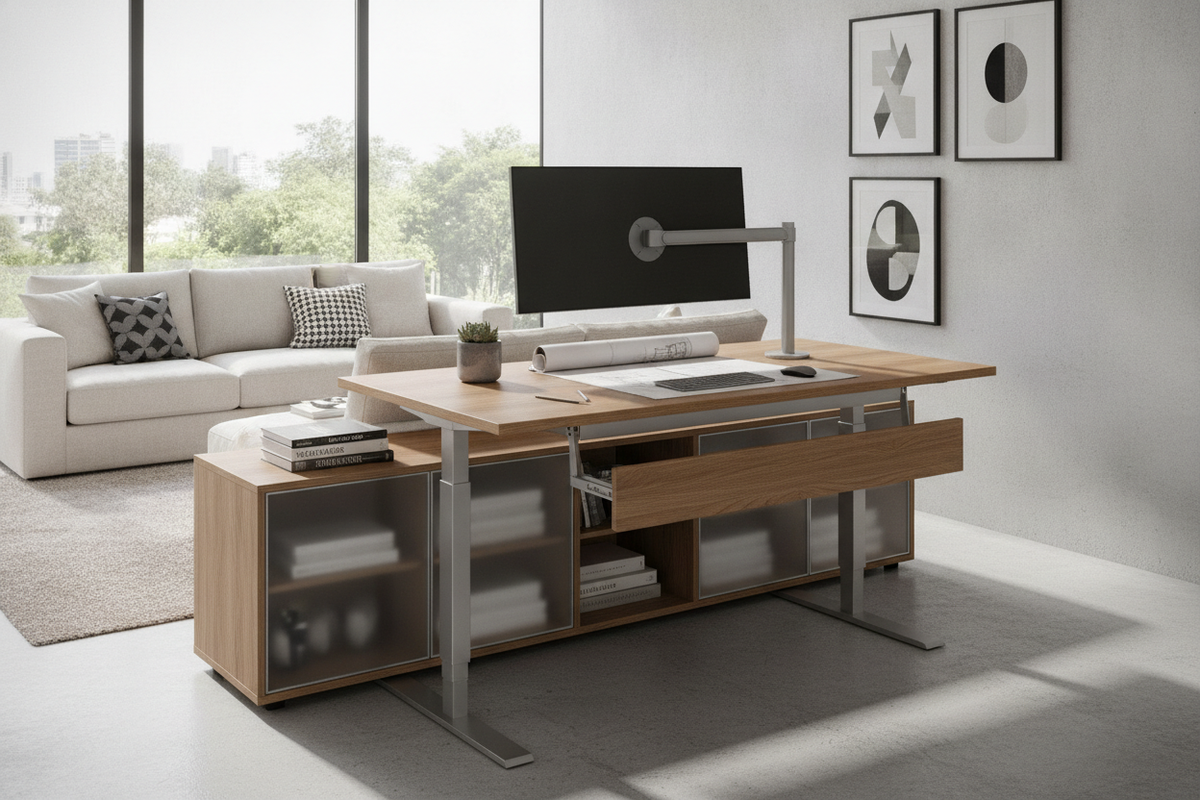
A signature feature of many warehouse club high-low desks is the shallow pull-out drawer positioned directly below the front edge of the tabletop. While convenient for storing pens, charging cords, and small notebooks, integrated drawers can create ergonomic challenges when curating a small-space desk layout.
Because the drawer assembly adds vertical depth below the desktop plane, it reduces the clearance available between the bottom of the desk and the user's thighs while seated in an ergonomic office chair. Users with taller frames or chairs with fixed-height armrests may find that the desk must be elevated above comfortable typing height to avoid thigh or armrest contact with the drawer frame. When evaluating these models, compare your natural seated elbow height against the total under-desk depth including the drawer housing.
Retail Logistics: Box Dimensions, Transport Fit, and Assembly Planning
Bringing a flat-packed standing desk home directly from a warehouse club requires logistical planning. Because these products package steel frames, motorized columns, power supplies, and full-length tops into a single carton, the packaging is exceptionally heavy and cumbersome.
- Vehicle Cargo Capacity: Measure the interior cargo length of your vehicle before purchase. While hatchbacks and mid-size SUVs with folded rear seats can often accommodate the length of a standard desktop box, narrow door openings or angled wheel wells can prevent the box from resting flat.
- Two-Person Handling: The combined weight of steel framing and tempered glass requires two people for safe lifting into vehicle trunks, navigating stairways, and maneuvering through residential hallways.
- Floor Prep for Assembly: Assembling an electric desk typically involves building the frame upside down. Clear a wide, clean floor area lined with a soft blanket or the carton's cardboard packaging to protect delicate tabletop edges from scratches during inverted assembly.
Dynamic Cable Management and High-Low Travel Paths
A desk that raises and lowers demands thoughtful cable routing that accounts for the entire vertical range of motion. Unlike static desks where cords remain fixed, adjustable workstations require dynamic slack management to prevent pulled plugs or damaged ports.
Identify a single primary power drop by mounting a sturdy surge protector beneath the desk surface. Route all desktop equipment—monitors, laptops, and task lighting—directly into this under-desk power strip. Only one master power cord then needs to travel from the desk down to the wall outlet. Ensure this master cord has sufficient slack when the desk is fully raised to avoid tension strain on the wall receptacle.
Expanding Beyond Minimalist Desktops: Complementary Office Storage
Because retail high-low desks emphasize streamlined, minimalist silhouettes with limited built-in drawer space, sustaining an organized work environment requires dedicated secondary storage pieces that do not interfere with the desk's motorized travel path.
Low-profile mobile filing pedestals equipped with casters provide excellent modular storage that can glide beneath the desk when lowered or roll to the side during standing sessions. For reference materials, decorative accessories, and heavy peripherals, pairing your sit-stand workstation with wall shelving or above-desk storage setups keeps the main desktop clear of clutter while preserving full vertical movement.

Dejar un comentario
Este sitio está protegido por hCaptcha y se aplican la Política de privacidad de hCaptcha y los Términos del servicio.