










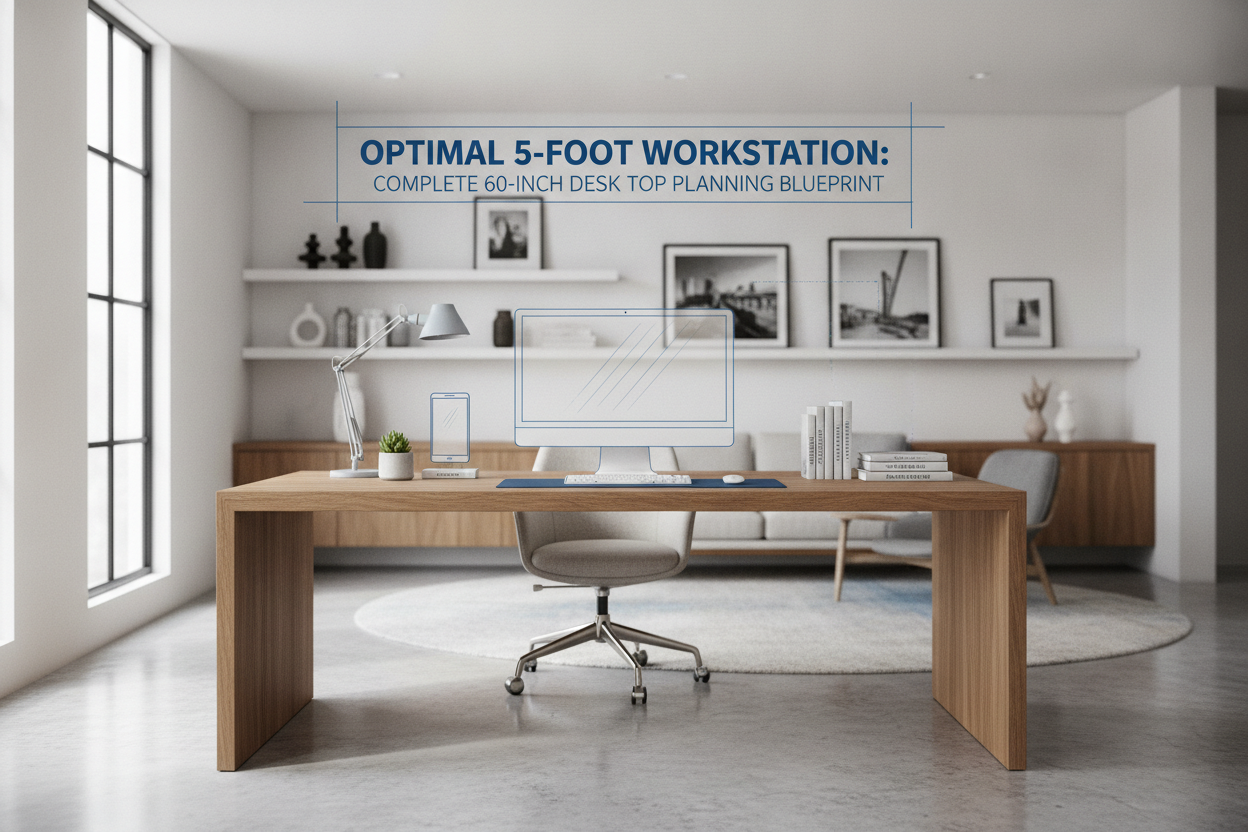
A 60 inch desk top represents one of the most versatile dimensions in modern workspace planning. Spanning five feet in width, this format provides generous surface area for complex computer setups, paperwork, and technical peripherals without overwhelming standard room layouts. Successfully designing around a five-foot tabletop requires attention to surface zoning, frame compatibility, durable finishes, and practical under-desk storage.
Sizing Dimensions and Spatial Fit for a 60" Desk Top
Width Dynamics and Room Clearance
Introducing a 60" desk top into a home office or bedroom requires evaluating natural circulation paths. While a five-foot width fits neatly against standard walls, preserving clearance on either side prevents the workstation from feeling boxed in. Leaving open space around the perimeter also ensures easy access to power outlets, adjacent windows, and freestanding storage units.
Equally important is the floor space behind the desk. A wider tabletop naturally encourages lateral movement between different work areas, making unobstructed clearance essential for smooth chair movement throughout the day.
Balancing Depth: Standard vs. Deep Profiles
When selecting a 60 desk top, surface depth plays a key role in visual comfort and overall functionality:
- Moderate Depth Profiles: Ideal for compact rooms, laptop docks, or single-monitor configurations where keeping accessories within easy arm reach is the primary goal.
- Deep Surface Profiles: Well-suited for heavy multi-display setups, large keyboard pads, drawing tablets, or users who prefer a wider visual focal distance from larger screens.
Surface Zoning Architecture for 5-Foot Tabletops
Primary Display and Peripheral Placement
With five feet of horizontal space, a 60 inch desk top easily accommodates dual monitors, an ultrawide display, or a primary screen paired with an open laptop. To maximize usable surface area, many workstation builders elevate their screens using risers or mounting arms. Exploring methods for styling desktop shelves and risers can keep the main surface clear for daily input tools, audio gear, and lighting controls.
Unlike traditional, compartmentalized furniture such as specialized enclosed desk surfaces, an open flat desktop provides complete flexibility to rearrange hardware and accessories as daily tasks evolve.
Active Task and Analog Writing Zones
Organizing a 60-inch surface into structured functional sections helps maintain daily order:
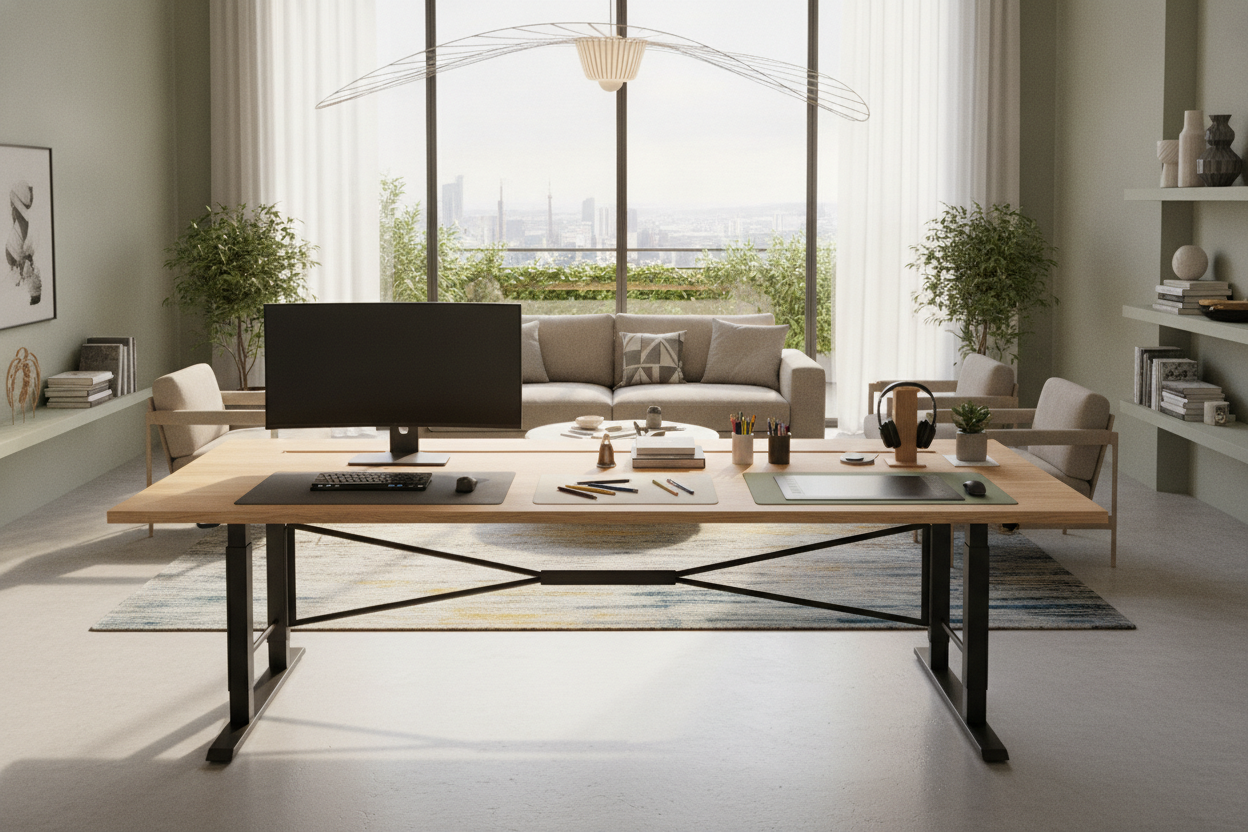
- Central Task Zone: Houses your primary keyboard, mouse mat, and central display for focused computing tasks.
- Secondary Digital Wing: Accommodates auxiliary displays, vertical laptop stands, tablet docks, or communication hardware.
- Analog Reference Wing: Leaves an open area for physical notebooks, project binders, sketchpads, or reading materials.
Material Aesthetics and Finish Selection
Warm Wood Grains and Walnut Tones
The visual character of a 60 inch desk top establishes the mood of your entire office. Rich wood-look finishes, such as warm walnut, textured oak, and deep espresso tones, introduce organic warmth that softens the look of tech gear. Walnut finishes pair exceptionally well with neutral walls, black metal frames, and minimalist desk mats to create a balanced, professional environment.
Edge Profiles and Surface Durability
Daily use exposes tabletops to wrist friction, coffee mugs, and clamped accessories. Choosing a surface with high-quality laminate or a durable protective coating safeguards against scuffs, moisture, and wear. Smooth or beveled front edges improve forearm comfort during extended typing sessions, reducing contact pressure over long working hours.
Structural Frame Support and Mounting Considerations
Span Support and Deflection Prevention
A five-foot span places greater physical demand on underframe support than smaller tables. To prevent center sagging over time, a 60 desk top should be paired with a frame featuring longitudinal crossbeams or reinforced steel rails. When clamping heavy monitor mounts to the rear edge, a solid core helps distribute weight evenly across the board.
Sit-Stand and Fixed Base Frame Compatibility
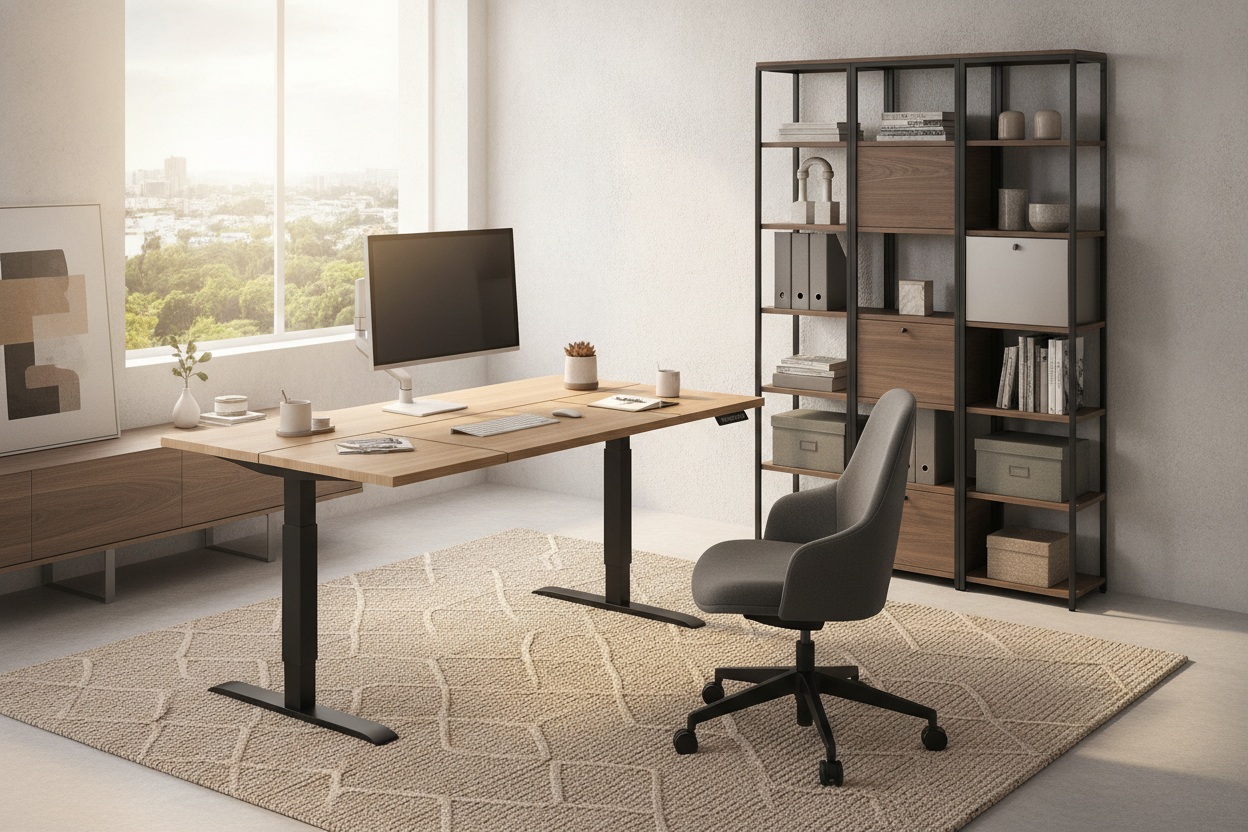
Whether choosing an electric height-adjustable frame or static steel legs, confirm that the base expands wide enough to properly support the five-foot tabletop. Most motorized sit-stand frames feature adjustable telescoping rails. Setting the frame width close to the outer edges enhances lateral stability, minimizing wobble during typing or height adjustments.
Integrating Storage and Cable Management
Under-Desk Mobile Pedestals and Knee Clearance
A notable benefit of a 60" desk top is its generous knee clearance. Even when placing a mobile filing cabinet or slim drawer unit underneath one side, users retain ample legroom in the primary seating area. This setup keeps essential paperwork, stationery, and small accessories organized without crowding your posture.
Cable Routing Channels and Grommet Placement
Managing cords across a broad five-foot surface keeps your workstation looking tidy. Integrated cable grommets, rear notches, or under-desk wire trays route power and display cables out of view. Securing cords along the underframe keeps the desk silhouette clean from all viewing angles.
Alternative Configurations and Extended Workstations
While a linear 60 inch desk top fits many standard layouts, users needing wraparound workspace or integrated shelving might explore dedicated corner workstations with built-in storage. Comparing linear layouts with L-shaped options helps identify the best configuration for your available room layout and storage demands.
Workstation Planning Checklist
A thoughtfully planned 60 inch desk top serves as a reliable, versatile hub for productive work. Balancing frame stability, smart surface zones, and under-desk organization allows you to create a workstation tailored to your daily needs.
- Check Clearances: Verify room dimensions to ensure adequate space for walking paths and chair movement around the five-foot span.
- Select Frame Support: Choose an underframe with sturdy longitudinal support rails to prevent long-term surface sag.
- Establish Surface Zones: Separate central typing areas from analog writing spaces and auxiliary tech gear.
- Incorporate Storage: Pair the top with low-profile drawers or cable raceways to maintain an open, functional work surface.

Dejar un comentario
Este sitio está protegido por hCaptcha y se aplican la Política de privacidad de hCaptcha y los Términos del servicio.