










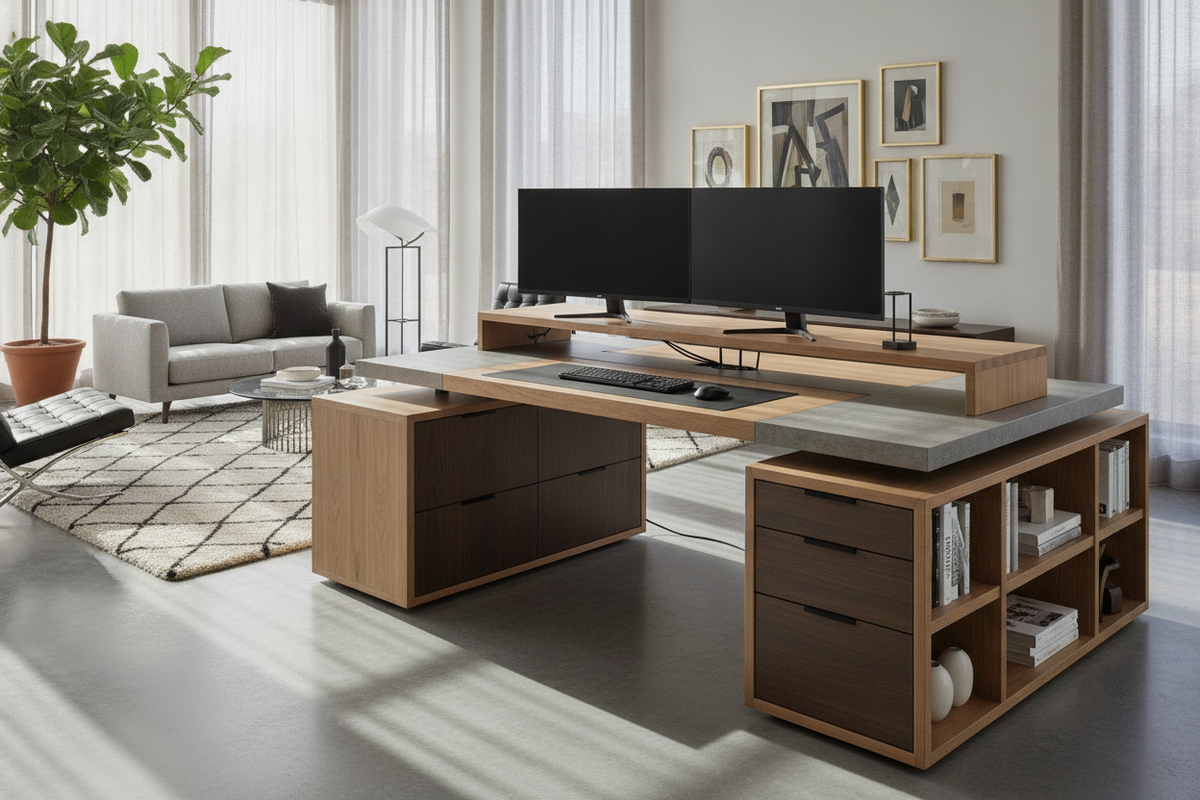
A multi-screen workspace transforms everyday productivity, whether you manage complex financial spreadsheets, coordinate live video streams, edit media timelines, or navigate research across multiple browser windows. However, placing two displays onto a standard surface requires more than just clear tabletop space. Selecting the right desk for dual monitors demands careful planning around desktop dimensions, focal depth, frame rigidity, and integrated organization.
Dimensional Decision Tiers: Choosing Width and Depth for Multi-Display Setups
When selecting a desk for multiple monitors, desktop width and depth represent the two most critical dimensions. If a surface is too narrow, the screens will overhang the edges or crowd out desktop essentials. If it lacks depth, displays will sit uncomfortably close to your field of vision, causing neck craning and eye strain.
To choose the best configuration for your workspace, consider how standard multi-screen arrangements map to physical dimensions:
- Compact Multi-Display Tier: Suitable for dual smaller monitors or a single display paired with a closed or compact laptop. When room footprint is strictly limited, exploring curated compact small space collection furniture helps identify streamlined profiles that maximize usable work area without overwhelming modest alcoves.
- Standard Dual-Monitor Tier: Ideal for side-by-side standard displays angled slightly inward toward the user. This width provides adequate perimeter clearance for desktop speakers, a desk pad, and mouse movement.
- Expanded Multi-Screen and Laptop Tier: Designed for an expansive desk for 2 monitors and a laptop on an elevated stand, or dual wide displays paired with vertical task accessories.
Surface depth is equally vital. A shallow depth often forces the keyboard directly beneath the screen pedestals, leaving no room for resting your forearms. Choosing a deeper desktop allows you to push screens back to an ergonomic viewing distance while leaving dedicated room in front for keyboards, writing pads, and input hardware.
Structural Topologies: Straight Desks vs. Corner and L-Shaped Configurations
The overall silhouette of your desk dictates how smoothly you can scan between screens without twisting your spine. Evaluating the geometry of your room helps determine whether a linear or angular desk provides the best layout.
Linear Straight Desks
A classic rectangular dual monitor computer desk places both displays directly in front of you along a single horizontal axis. This layout works best when one screen serves as the primary focal point directly ahead, while the secondary screen sits slightly angled to the left or right for reference material. Straight desks integrate cleanly along open perimeter walls and offer uncomplicated cable drop pathways.
L-Shaped and Corner Workstations
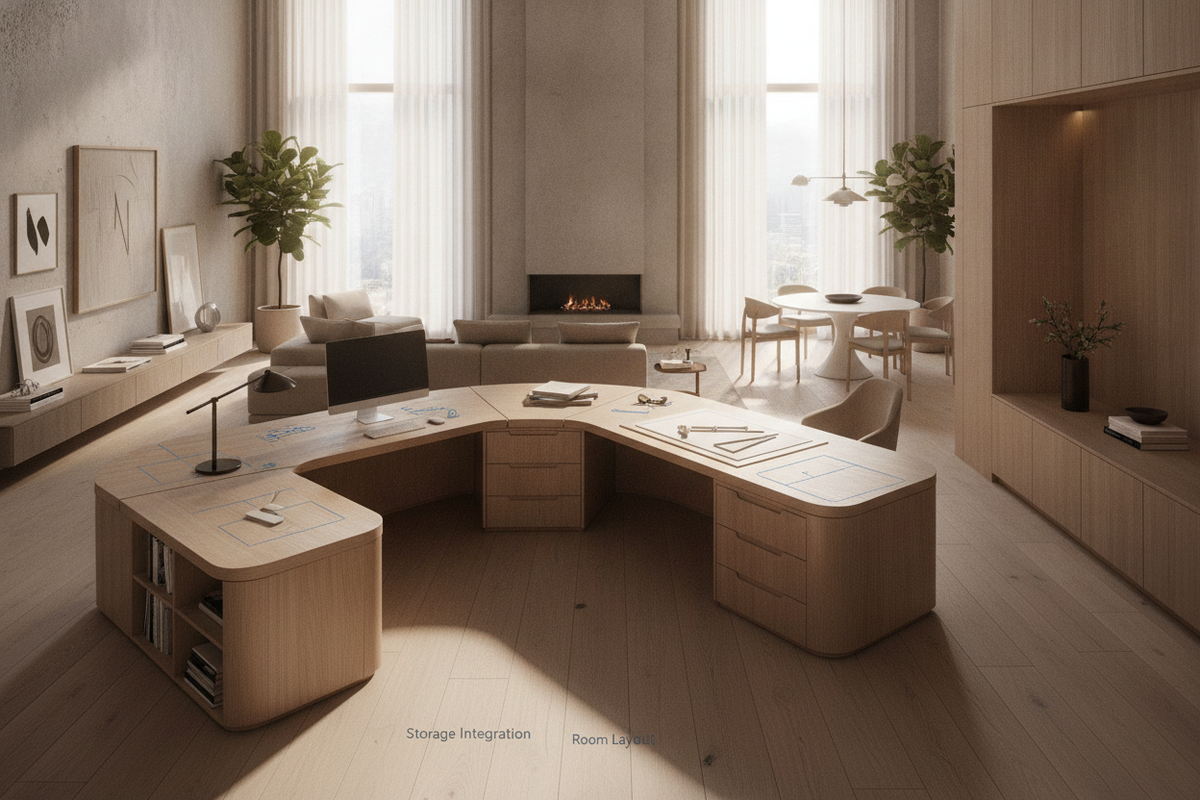
For users who need to divide primary computer tasks from secondary administrative duties, an L-shaped or corner desk offers a distinct advantage. Selecting dedicated office computer desk product designs with dedicated corner wings lets you mount dual screens at the corner apex or designate one wing for a multi-monitor display and the return wing for writing, scanning, or printer hardware. This wrap-around geometry shortens reach distances and keeps everything within a natural swivel radius.
Monitor Mounting, Weight Distribution, and Desktop Material Dynamics
Supporting two computer displays introduces concentrated physical weight and leverage. How you choose to support your screens determines the stress placed on the desktop surface:
- Freestanding Dual Stands: Two individual stock monitor bases or a unified dual-display desktop stand distribute weight directly over a broad footprint on the desktop surface.
- Clamp-On Articulating Arms: Dual monitor arms free up valuable desktop real estate below the screens, but they focus the entire weight and torque of both displays onto a single clamp point at the back edge. Ensure your desktop panel is solid and reinforced along the rear rim to withstand this focused clamping pressure.
- Elevated Monitor Risers: A computer desk with monitor stand provides a built-in elevated shelf. Choosing a computer desk monitor product with elevated shelving lifts screens to comfortable eye level while creating open storage cubbies directly underneath the riser for stationery, audio interfaces, and keyboard stowing.
When selecting a large desk for multiple monitors, look for robust core materials, reinforced under-top support beams, and sturdy leg frames that prevent center sagging over long-term use.
Storage Synergy and Surface Organization for Multi-Screen Workstations
Dual-monitor setups naturally require more cables, peripheral accessories, and desktop hardware. Without adequate integrated storage, a multi-screen workstation quickly becomes cluttered with external hard drives, power bricks, and charging cables.
Incorporating dedicated storage elements restores balance to your work surface:
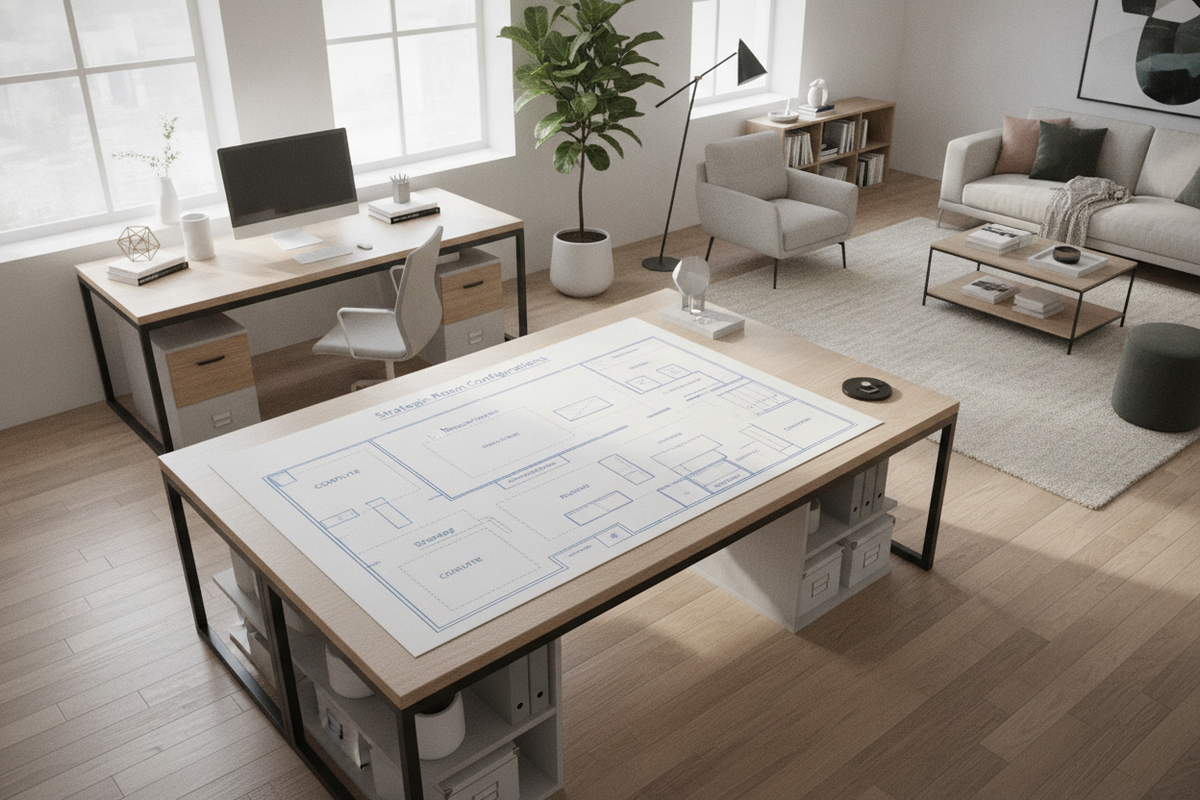
- Under-Desk Pedestals and Drawers: A dual monitor desk with drawers keeps everyday office supplies, paperwork, and mobile accessories tucked away while preserving open tabletop surface area. Reading a practical office setup desk guide provides strategic layout ideas for arranging drawer units without obstructing comfortable knee clearance.
- Keyboard Trays: A dual monitor computer desk with keyboard tray moves the keyboard and mouse off the primary desktop, freeing up the entire main surface for multi-screen stands, graphics tablets, and notebooks.
- Concealed Office Cabinets: For dual-screen setups located in shared living areas or bedrooms, consulting a concealed armoire computer desk guide highlights how enclosed workstations can conceal expansive dual screens and work towers behind handsome cabinet doors at the end of the workday.
Cable Routing, Peripheral Hubs, and Assembly Staging
A multi-screen arrangement easily doubles the number of power bricks, HDMI or DisplayPort cables, and USB connections running across your workstation. Streamlined cable management maintains both safety and visual appeal.
Plan your assembly and wiring sequence methodically:
- Stage on a Level Surface: Assemble your desk frame on a soft rug or protected floor, ensuring all frame bolts are tightened evenly. Adjust the leveling feet on the base legs so the desktop is completely stable before placing expensive screens on top.
- Mount Power Strips Beneath the Surface: Fasten an under-desk cable management tray or mount a surge protector underneath the desktop. This allows monitor power cables to route directly beneath the desk rather than dangling to floor outlets.
- Centralize Docking Hubs: Place your central docking hub or USB switch near the center line between the two monitors to keep display connection leads short, tidy, and out of the primary work path.
Frequently Asked Questions About Desks for Dual Monitors
Can I fit dual monitors and a laptop on a compact desk?
Yes. To fit two monitors alongside a laptop on a smaller desk, consider mounting the two displays on an elevated monitor riser or a clamp arm, and placing the laptop on an angled vertical stand to minimize its physical desktop footprint.
How deep should an office desk for two monitors be?
A multi-monitor desk should provide enough depth to maintain a comfortable arm's length viewing distance from the screens while leaving adequate room in front for a standard keyboard, mouse pad, and wrist rest.
Are L-shaped desks better than straight desks for dual screens?
L-shaped desks excel if you want a wraparound viewing angle or need to separate your computer workstation from an open writing or crafting space. Straight desks are typically better suited for linear rooms and standard side-by-side display stands.

Dejar un comentario
Este sitio está protegido por hCaptcha y se aplican la Política de privacidad de hCaptcha y los Términos del servicio.