










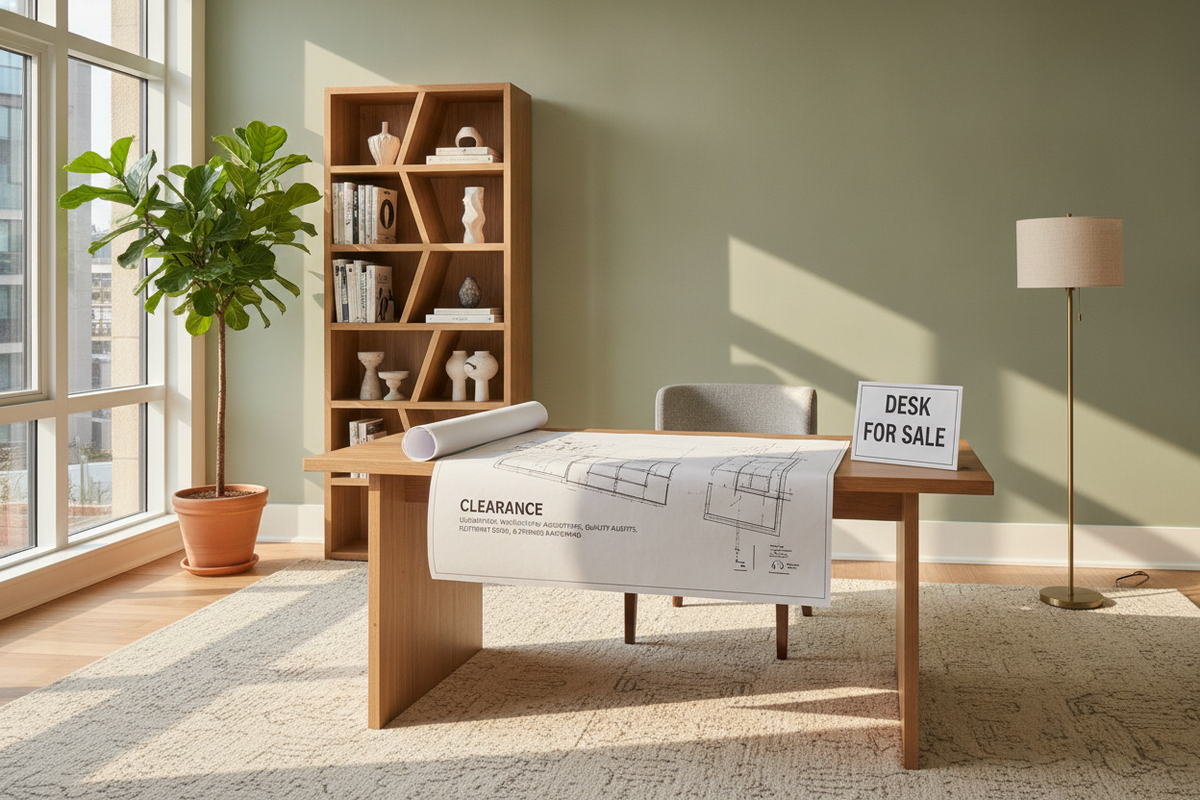
Navigating Desk Sales and Clearance Events: The Structural Value Framework
Finding a quality workstation during clearance events or seasonal promotions requires looking past markdowns and evaluating core furniture architecture. When searching through listings for a desk for sell, distinguishing between genuine value and compromised design helps ensure that a discounted purchase serves daily working habits over the long term. A well-built workstation balances structural stability, ergonomic surface depth, and resilient hardware.
Differentiating Overstock, Closeout, and Core Desk Archetypes
Workstation price reductions typically arise from specific retail inventory shifts. Overstock events occur when high-demand designs are produced in surplus volumes, offering standard catalog items at reduced pricing. Closeout models, by contrast, often signal line discontinuations or aesthetic updates, making them advantageous for shoppers who need a standalone piece rather than a modular system intended for future expansion. Understanding whether a promotional piece is an overstock staple or an outgoing design clarifies whether complementary accessories and matching finishes will remain accessible later.
Structural Quality Checklist for On-Sale Workstations
Before purchasing from an office desk sale or clearance collection, assessing foundational joinery and assembly mechanisms provides confidence in the piece's durability. Key architectural elements to review include:
- Joinery Fasteners: Robust cam-lock systems combined with solid wood dowels provide better joint stability under shifting weight than friction fittings alone.
- Edge Sealing: Continuous edge banding along perimeter panels shields core boards against everyday wear and ambient humidity.
- Hardware Action: Full-extension ball-bearing drawer glides allow smooth operation without racking or sagging when compartments are filled.
- Underframe Bracing: Reinforced modesty panels or dedicated sub-frame stretchers prevent lateral sway when typing or adjusting desktop monitors.
Spatial Footprint Tiers for Home and Office Desk Sales
Selecting the proper footprint prevents spatial congestion and supports natural traffic flow within study rooms, bedrooms, or dedicated home offices. Reviewing a curated office study collection provides helpful context for matching desk dimensions with coordinated shelving and filing solutions.
Compact Study Desks for Alcoves and Secondary Bedrooms
Compact workstations serve well in bedroom corners, shallow alcoves, and multipurpose living areas where square footage is at a premium. These designs emphasize vertical efficiency and streamlined depths, allowing laptop computing and reading without projecting far into walkway paths. For spaces requiring visual calmness during off-hours, exploring concealed armoire workstation strategies can further assist in tucking away work essentials within multifunction floor plans.
Mid-Scale Writing and Computer Desks for Dedicated Rooms
Mid-scale surfaces provide the balanced footprint needed for traditional single or dual-screen computer arrangements. With adequate depth for keyboards, writing pads, and task lighting, standard writing and computer desks accommodate full workdays comfortably. These models often serve as anchor furniture pieces in standard bedrooms converted to full-time remote workstations.
Corner and L-Shaped Configurations for Multi-Monitor Layouts
For intensive multitasking, research, or dual-discipline work, corner workstations maximize floor utilization by capturing underutilized corner intersections. Choosing a dedicated corner computer desk with built-in storage divides technical computing gear on one wing from physical documents and reference books on the other, establishing clear operational zones within a single footprint.
Storage Configuration Matrix in Discounted Office Desks
Workstation utility depends heavily on how built-in storage interfaces with seated legroom. When evaluating a home office desk on sale, shoppers should map out what supplies require concealed containment versus open reach.
Pedestal Drawers, Open Shelving, and CPU Cabinets
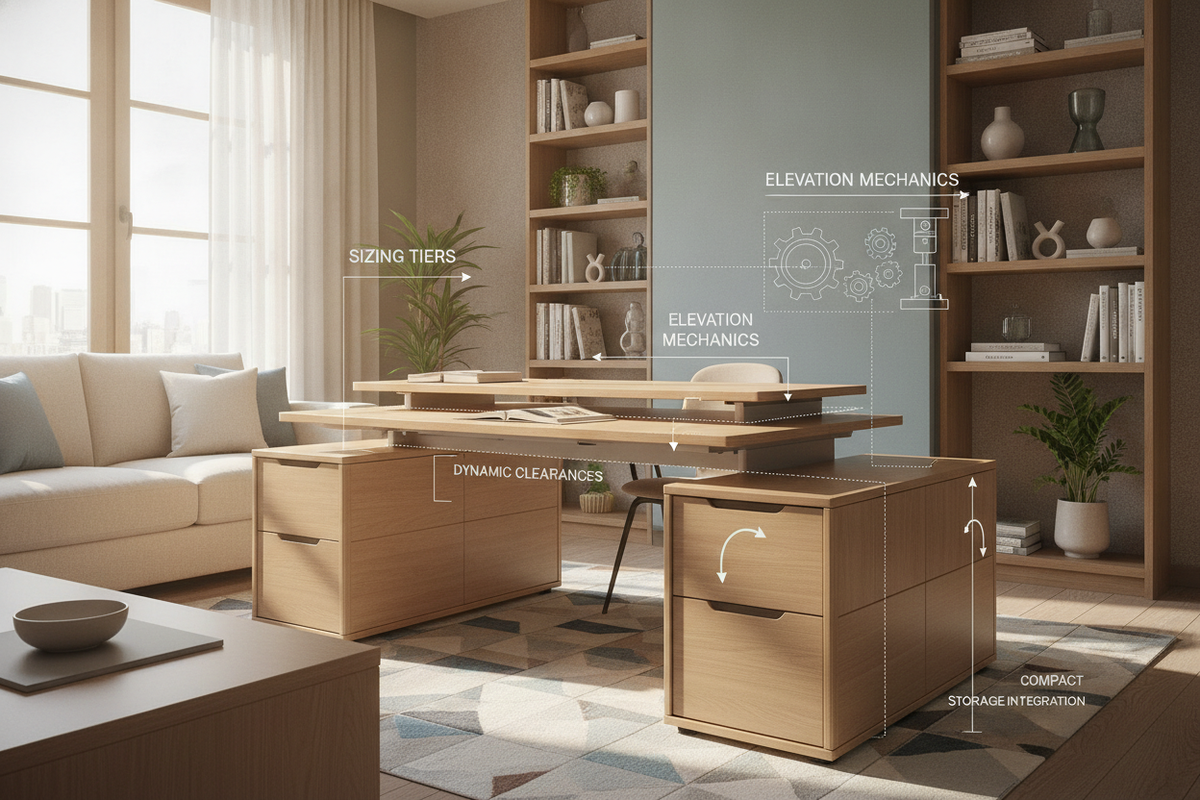
Integrated storage comes in varied arrangements, from streamlined lateral drawers to complete side credenzas. A multi-drawer storage desk unit organizes paperwork, stationery, and hardware accessories inside dedicated compartments, keeping desktop surfaces free of visual clutter. Open utility cubbies allow quick access to daily notebooks, while ventilated lower cabinets safeguard desktop computer towers from floor dust.
Vertical Hutches and Overhead Organization Pairings
When floor dimensions are constrained, utilizing vertical overhead space offers expansive storage capacity without demanding additional room area. Integrating a top hutch creates partitioned shelving for reference materials, storage boxes, and decorative accents. Reviewing an overhead desk organization guide helps in balancing vertical storage weight while maintaining a clean, open room aesthetic.
Material Selection and Surface Durability Standards
The materials specified in a discounted workstation dictate its long-term resilience against heat, moisture, and daily surface friction.
Laminate, Engineered Board, and Melamine Surfaces
Modern engineered wood boards faced with premium melamine or laminate veneers provide high resistance against daily surface scuffs and spills. Melamine surfaces resist moisture absorption and wipe clean easily, making them well-suited for high-traffic student workstations and active office setups. Inspecting the density and protective coating of desktop panels ensures the work surface remains flat and uniform over years of use.
Metal Understructures and Structural Cross-Bracing
Desks featuring powder-coated steel leg assemblies and cross-braced support bars offer rigid stability with minimal visual bulk. Metal leg frameworks withstand repeated chair bumps and maintain structural integrity during room rearrangements, providing a dependable foundation for desktop computing gear.
Room Layout Strategies and Clearance Zones for New Desks
Proper placement transforms a newly acquired desk into an efficient, ergonomic workspace. Planning clearance paths and utility access prior to assembly ensures smooth integration into your living space.
Perimeter Wall Placement and Seating Clearance Guidelines
Positioning a workstation along a primary wall preserves central room circulation while maintaining access to wall outlets. Ensure adequate clearance behind the desk to permit comfortable task chair push-back and swivel movement. When placing desks near windows, setting the surface perpendicular to light sources minimizes direct screen glare throughout the day.
Concealed Cable Routing and Power Strip Management
Managing cords and surge protectors maintains an uncluttered environment and prevents tripping hazards. Utilizing built-in desktop grommets, modesty panel channels, and adhesive cable trays keeps power bricks and monitor cables cleanly organized behind the furniture framework.

Dejar un comentario
Este sitio está protegido por hCaptcha y se aplican la Política de privacidad de hCaptcha y los Términos del servicio.