










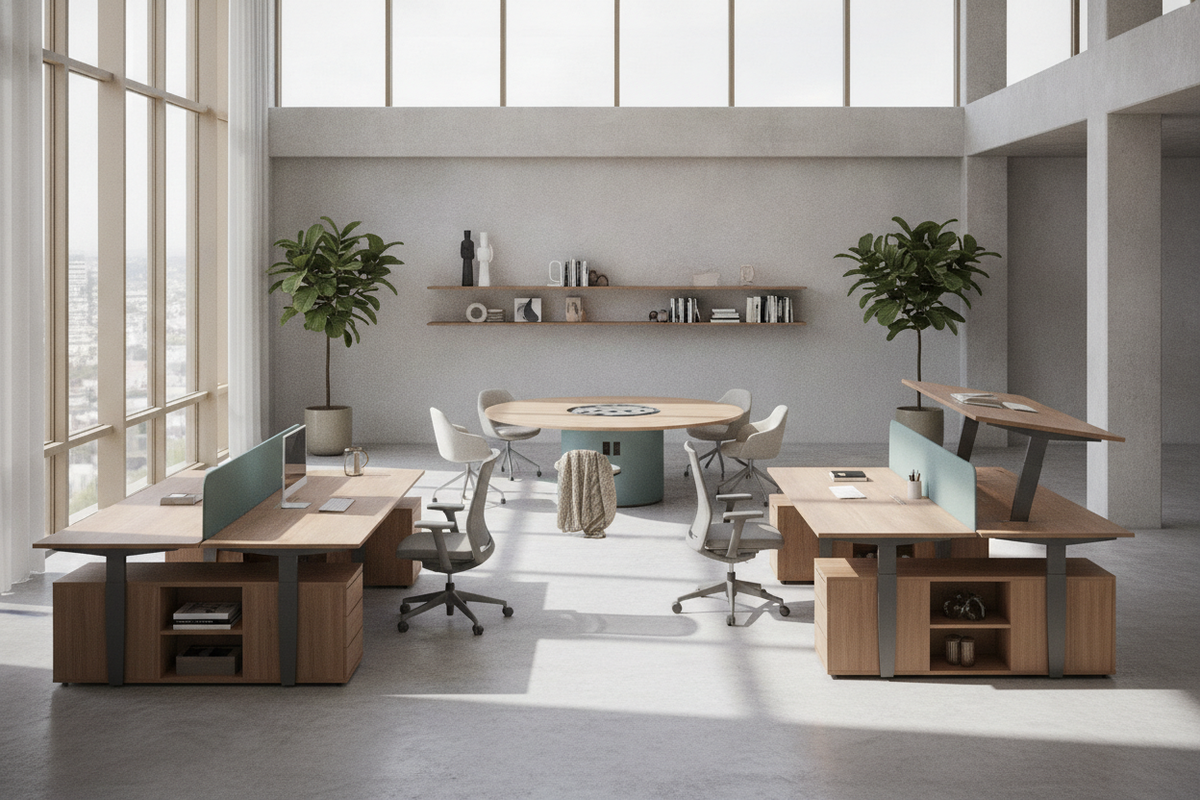
Understanding the Flexible Desk Architecture: Core Types and Modalities
Modern work environments require furnishings that adapt to multiple tasks, changing postures, and varying room configurations. A flexible desk system serves as an adaptable platform rather than a static fixture, accommodating shifting daily routines and technological setups. Selecting the appropriate desk flex configuration depends on how frequently the work surface needs to adjust, the layout of the room, and whether the space is shared or dedicated.
Height-Adjustable Sit-Stand Desks vs. Modular Surface Systems
Dynamic height adjustability is a core component of adaptable workspaces. Incorporating a motorized flex stand desk allows users to alternate smoothly between sitting and standing postures throughout the day. Dual-motor mechanisms and memory settings simplify height transitions for households or offices with multiple users sharing a single station. For setups prioritizing programmable elevation controls, pairing an office stand desk product provides straightforward vertical movement across diverse task requirements.
Modular surface systems offer an alternative form of adaptability by focusing on reconfigurable shapes rather than vertical travel. Segmented surfaces, bridge connectors, and expandable desktop leaves allow a flex desk to scale in size when project requirements expand or team collaboration demands additional layout space.
Mobile and Fold-Away Workstations for Multi-Purpose Rooms
When an office shares square footage with a bedroom, living area, or guest suite, mobility becomes essential. Caster-based mobile workstations allow users to wheel desks out of primary circulation paths when the workday ends. Wall-mounted drop-leaf desks and hideaway secretary units offer another compact alternative, folding flat against the wall to preserve floor space. Exploring a dedicated desk office guide can provide helpful inspiration for concealing workstations within multi-purpose living areas.
Dimensional Frameworks: Matching Desk Proportions to Room Geometries
Proper spatial planning ensures that an adjustable desk operates smoothly without obstructing traffic paths or interfering with surrounding furniture.
Depth and Width Selection for Dedicated vs. Shared Zones
Workstation footprints generally fall into compact, standard, and wide profile categories:
- Compact Profiles: Best suited for secondary living areas and narrow study nooks, prioritizing vertical storage over deep horizontal surface area.
- Standard Footprints: Well-balanced dimensions suitable for dual-monitor setups, laptop docks, and standard task lighting in dedicated home offices.
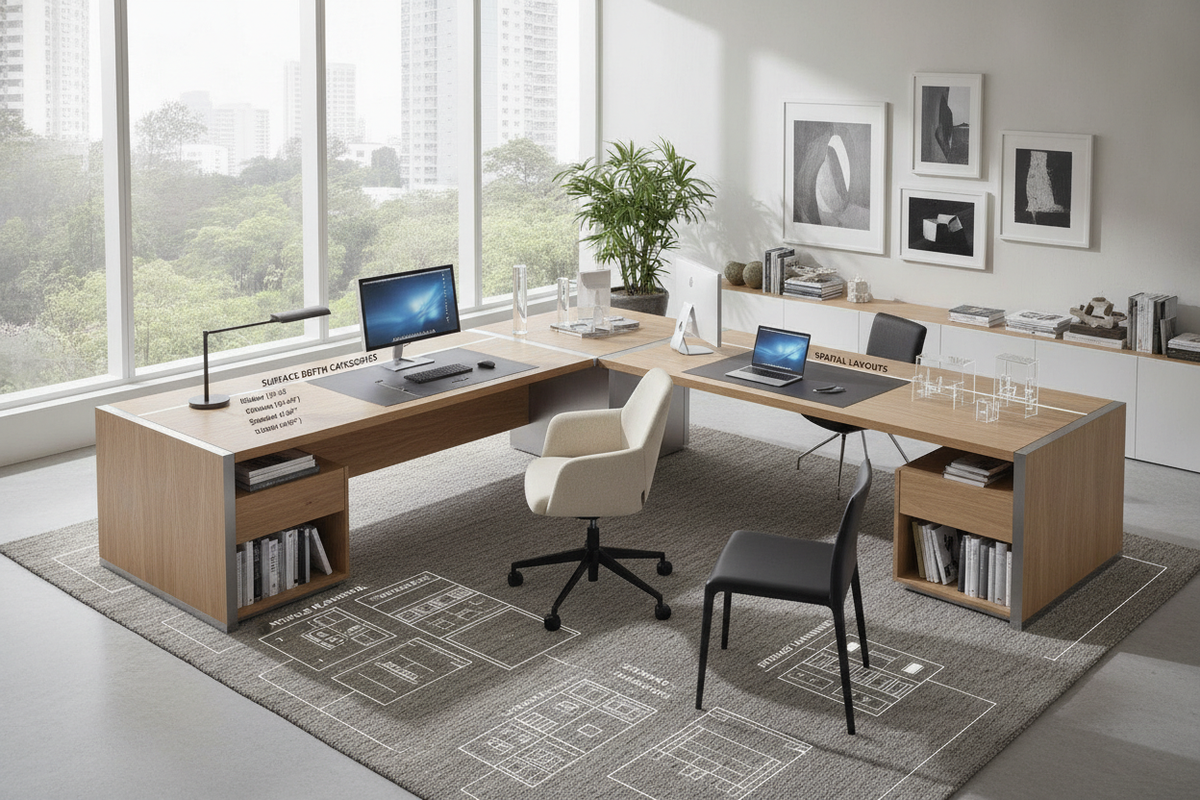
- Wide Formats: Designed for expansive multi-screen workflows, physical paperwork review, or shared collaborative settings in a flex desk office environment.
Desktop depth must accommodate proper focal distance from screens while preserving sufficient leg clearance beneath the frame. Placing a desk along a primary walkway requires leaving enough perimeter clearance behind the task chair to prevent travel restrictions during push-back and standing transitions.
Vertical Clearance and Motion Envelope Planning
Height-adjustable desks require an unobstructed vertical motion envelope. Wall art, window sills, electrical faceplates, and suspended pendant lights must remain clear of the desktop perimeter across its entire range of motion. Utilizing a stable office stand desk product requires deliberate planning around baseboards and adjacent side furniture to eliminate contact during elevation cycles.
Storage Coordination for Agile and Clutter-Free Workstations
Because flexible and sit-stand desks move or reconfigure regularly, storage solutions should remain independent of the primary moving frame to prevent overloading the lifting columns and restricting legroom.
Under-Desk Mobile Pedestals and Freestanding Credenzas
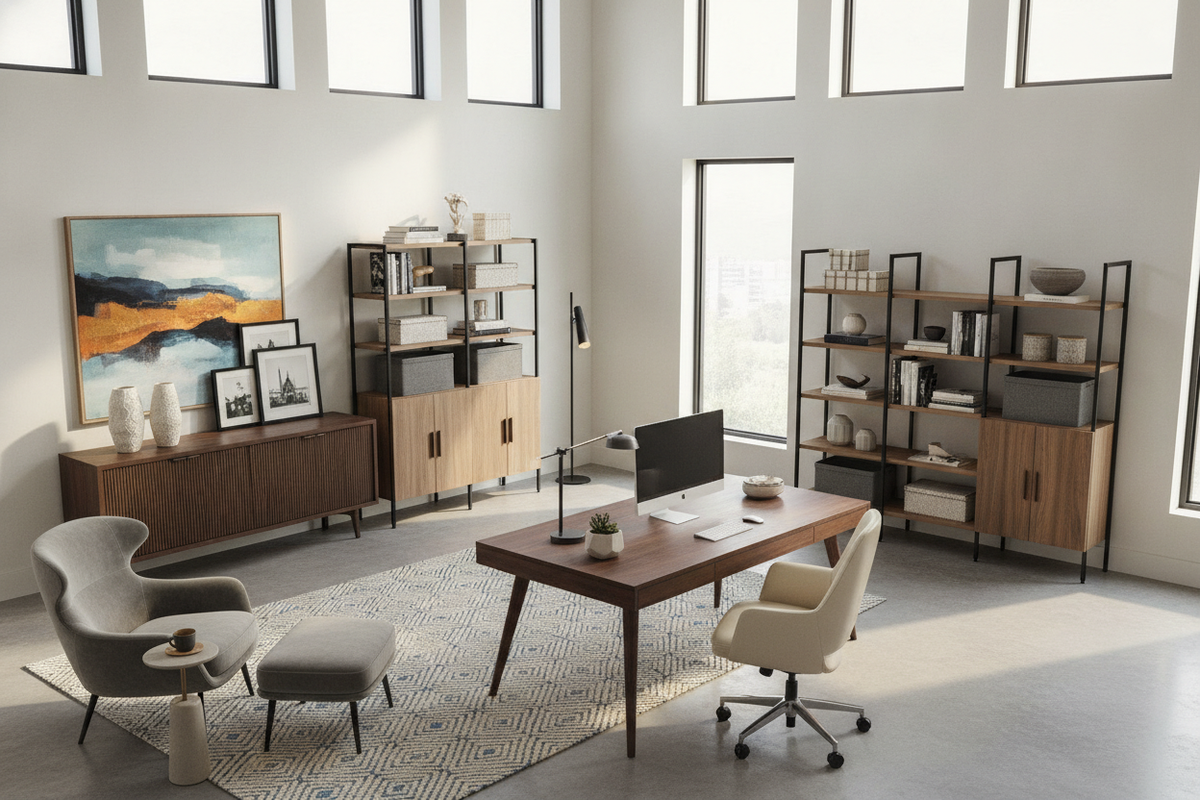
Mobile pedestals with locking casters fit neatly under the desk at seated heights and roll aside effortlessly when maximum lower-frame space is needed. For larger utility needs, low-profile credenzas and sideboards positioned parallel or perpendicular to the desk establish an ergonomic L-shaped workflow. Integrating a high-capacity office desk product keeps reference materials, printers, and peripheral devices close at hand without weighing down the main desk surface.
Vertical Wall-Mounted Units and Overhead Organization
Wall shelves and floating ledges capture vertical storage potential without consuming floor area. When installing overhead shelves above a sit-stand desk, calculate the highest elevation point of your monitors to ensure clear vertical spacing. Reviewing an aesthetic desk office guide offers practical advice for styling wall-mounted units that complement your workspace decor while preserving full height-adjustment functionality.
Material Selection, Frame Stability, and Assembly Logistics
The long-term durability of a flexible workstation depends on the quality of its structural frame and surface materials.
Desktop Surface Durability and Frame Geometry
Desktops constructed from high-density engineered wood, high-pressure laminates, or solid hardwoods resist surface abrasion and sagging under equipment weight. For height-adjustable frames, heavy-gauge steel lifting columns with wide footings minimize lateral wobble at elevated standing positions. Inverted leg designs and reinforced crossbars enhance torsional rigidity during daily typing and adjustment.
Cable Slack Management and Power Distribution
Dynamic movement introduces unique cable routing requirements. A workstation that changes height or moves across a room requires organized power distribution to prevent cords from catching or pulling taut during movement. Recommended cable management techniques include:
- Mounting a surge-protected power strip to the underside of the desktop frame.
- Using an articulated cable spine or flexible wire sleeve to bundle cords running from the desktop to the wall outlet.
- Leaving sufficient cord slack at the maximum standing elevation before securing cables in place.
- Utilizing adhesive clips and under-desk wire trays to prevent dangling cords from snagging on chair armrests.
Application Scenarios: Designing the Ideal Flex Desk Workflow
Implementing an adaptable workstation layout depends on your daily operational needs:
- Solo Remote Professional: Position a motorized sit-stand desk facing natural light, complemented by a mobile rolling pedestal for personal storage and dedicated under-desk cable management.
- Multi-User Household Workspace: Utilize a memory-preset flex desk paired with a neutral credenza, allowing family members of varying heights to switch between settings with ease.
- Hybrid Team Shared Office: Arrange modular desks in back-to-back pods with integrated wire channels and movable file pedestals to support shifting hot-desking schedules.
By coordinating desk proportions, structural materials, vertical clearances, and decoupled storage, you can establish a versatile workstation that supports varied tasks and postures for years to come.

Dejar un comentario
Este sitio está protegido por hCaptcha y se aplican la Política de privacidad de hCaptcha y los Términos del servicio.