










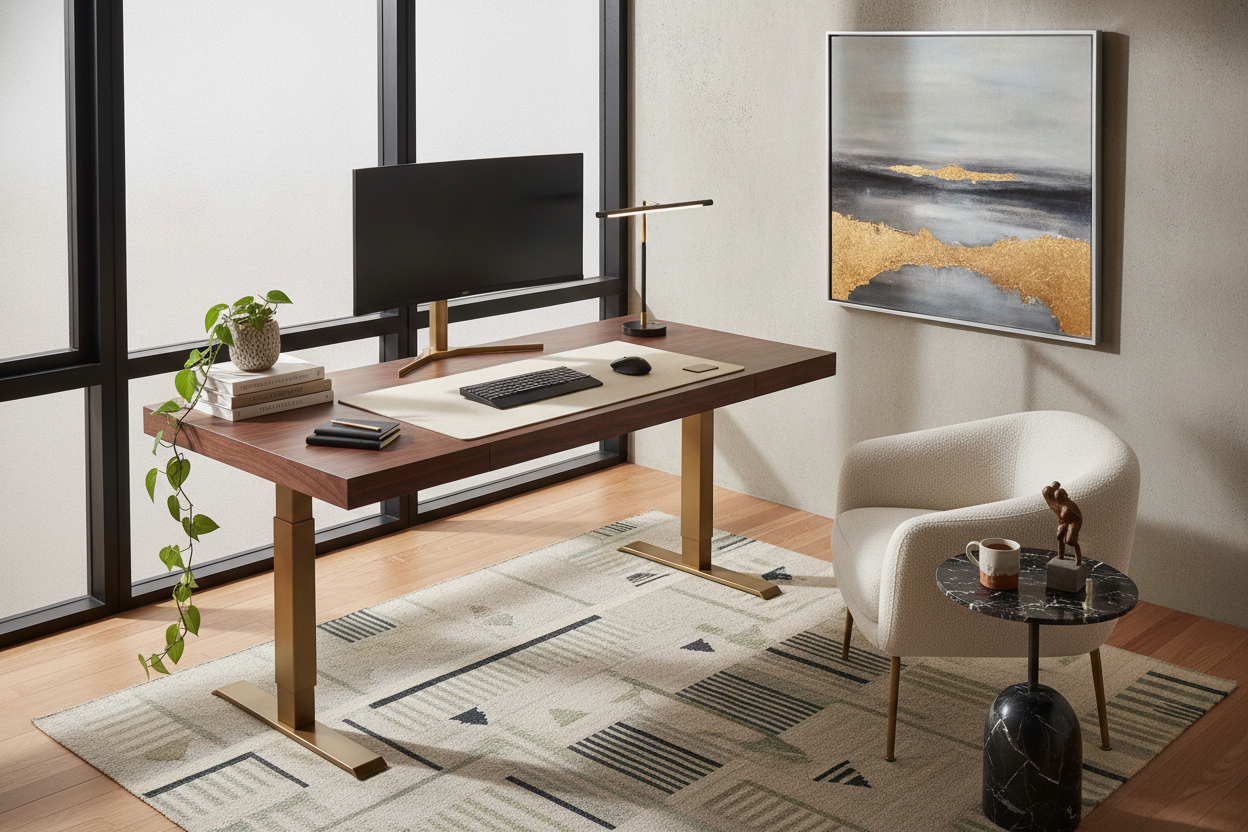
I remember the first time I brought a height-adjustable frame into my house. I had spent months curating a mid-century vibe with teak sideboards and velvet chairs, only to ruin it with a white-and-grey slab that looked like it was stolen from a call center. Most modern standing desks are designed for corporate bulk-buys, not for people who actually care about their home's aesthetic.
The truth is, an ergonomic setup doesn't have to look like a medical device. I’ve spent the last three years testing frames, swapping tops, and hiding enough cables to power a small village. If you’re tired of your office looking like a cubicle, you have to stop thinking about the desk as a piece of tech and start treating it like a piece of furniture.
- Choose solid wood or high-pressure matte laminates over cheap, shiny particle board.
- Invest in a cable management tray that actually hides the power brick.
- Use heavy, 'anchored' decor that won't slide when the motor engages.
- Ground the desk with a rug to separate the 'work' zone from the rest of the room.
The 'Corporate Call Center' Epidemic
The biggest mistake people make is buying the first 48-inch white-on-white desk they see on a lightning deal. Bringing a stand up desk modern in its design into a room filled with warm woods and soft textures creates a massive visual clash. It feels cold, sterile, and temporary.
I’ve found that the 'office' look usually comes from the legs. If you can, opt for a frame with a tapered leg or a powder-coated finish in a muted tone like forest green or sand rather than the standard gloss black. It’s about softening the industrial edges so the piece feels intentional within your home.
Ditch the Basic Laminate for Real Texture
If your desktop feels like a giant mousepad, it’s never going to look expensive. I always tell people to skip the $50 'carbon fiber' or 'white wood grain' tops. They are thin—usually 0.6 inches—and they feel hollow when you type. You want something with heft, ideally 1 inch thick or more.
A electric height adjustable desk with dual storage is a great way to avoid the 'floating plank' look. By adding built-in modules or a textured pegboard, you break up the flat surface and add architectural interest. Look for real walnut veneers or matte finishes that don't pick up every single fingerprint. Texture is the difference between a desk that looks like a utility and a contemporary sit stand desk that looks like a design choice.
The Black Hole of Wires (And How to Hide Them)
Nothing kills the vibe of a contemporary adjustable desk faster than a 'waterfall' of black plastic cords dangling from the back. When the desk goes up, the mess becomes even more visible. It’s the ultimate giveaway of a budget setup.
My secret? A 10-foot braided power cable and a magnetic cable channel. You need a single 'spine' that travels down one leg. Use Velcro ties—never zip ties—to bundle your monitor and laptop cables into one thick cord. This bundle should move as one unit. If you have a massive power brick for your monitor, mount it to the underside of the desk using heavy-duty command strips. If I can see a wire, I haven't finished the job.
Styling the Top Without Causing an Avalanche
Decorating a modern sit/stand desk requires a bit of physics. You can't just throw a spindly floor lamp next to it or a tiny bud vase on the corner. When that motor starts, things vibrate. I once lost a favorite ceramic mug because I didn't account for the 'start-stop' jolt of a cheap motor.
Instead, use a heavy leather or felt desk mat to 'zone' your keyboard and mouse. It adds a layer of luxury and dampens the sound of your mechanical keyboard. When you style a chic modern desk, choose low-profile items like a heavy brass tray for your pens or a stone coaster. For lighting, a clamp-on architect lamp looks much more high-end than a plastic LED stick and keeps your surface clear for actual work.
Don't Forget the Floor Around It
A modern sit to stand desk often looks like it’s floating in space. To make it look like a permanent fixture, you have to ground it. A low-pile vintage rug or a high-quality chair mat (not the clear plastic ones that turn yellow) defines the workspace. I personally use a 4x6 wool rug under mine; it adds a pop of color and hides the feet of the metal frame.
Pairing the desk with a chair that actually looks like a chair—not a gaming throne—is the final step. You want something with fabric or leather upholstery. If you are trying to make a basic office desk for a high-end look, the chair is where you spend the extra money. It bridges the gap between 'ergonomic station' and 'curated library.'
My Personal Experience: The Wobbly Disaster
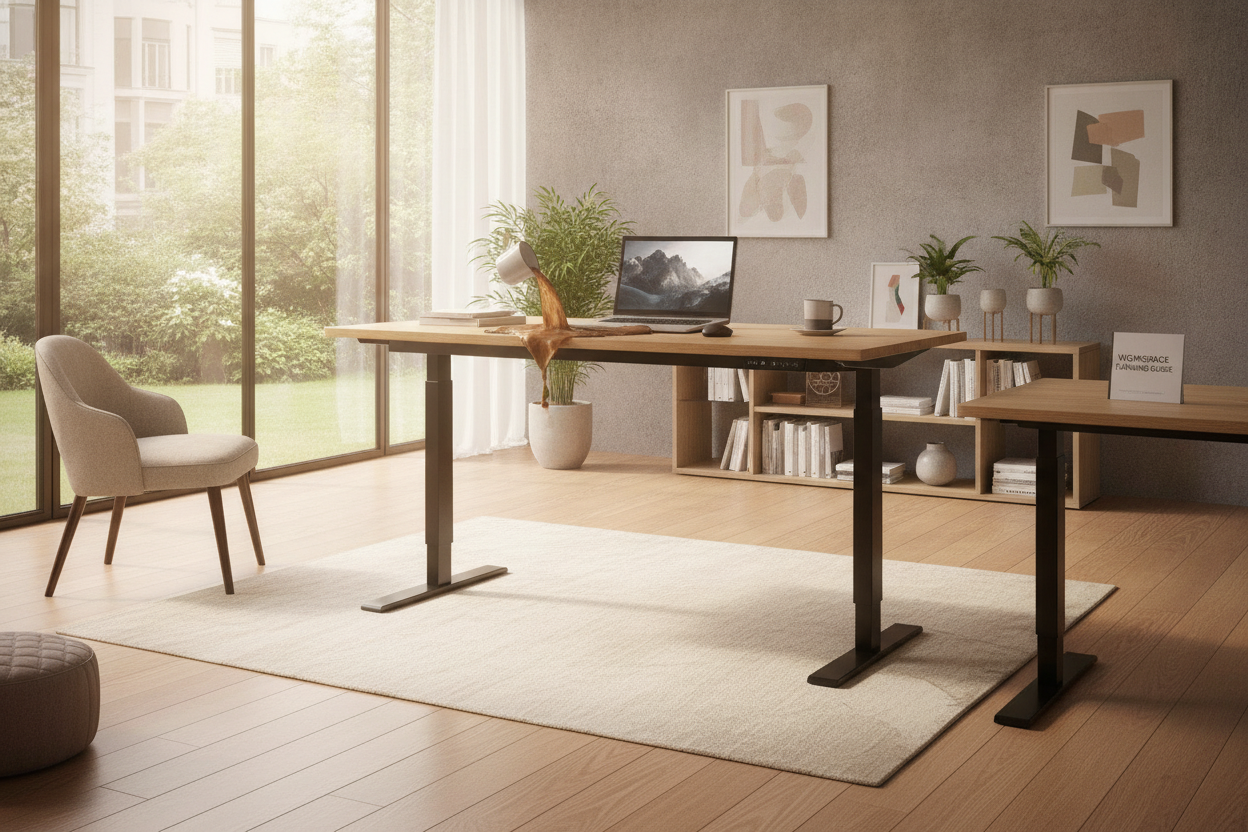
I once bought a single-motor frame because it was $150 cheaper than the dual-motor version. Huge mistake. Not only was it loud enough to wake my cat in the next room, but it had a 'hiccup' at the 40-inch mark. Every time I raised it, my coffee would slosh onto my laptop. I eventually sold it for half what I paid and bought a heavy-duty T-frame. I learned the hard way: if the base is light, the desk will shake. Buy the heavy frame; your sanity is worth the extra $100.
FAQ
Do I need a special rug for a standing desk?
Not necessarily, but avoid high-pile shags. They make the desk unstable and get caught in the wheels of your office chair. A flat-weave or low-pile rug is your best bet.
How do I hide the giant power brick?
Use industrial-strength adhesive Velcro. Stick one side to the brick and the other to the underside of your desktop. It keeps it off the floor and out of sight.
What is the best desktop material?
Solid wood is king for longevity, but a high-pressure laminate (HPL) is better if you're prone to spilling water or coffee. It’s much more durable than the cheap melamine used in big-box stores.

Dejar un comentario
Este sitio está protegido por hCaptcha y se aplican la Política de privacidad de hCaptcha y los Términos del servicio.