










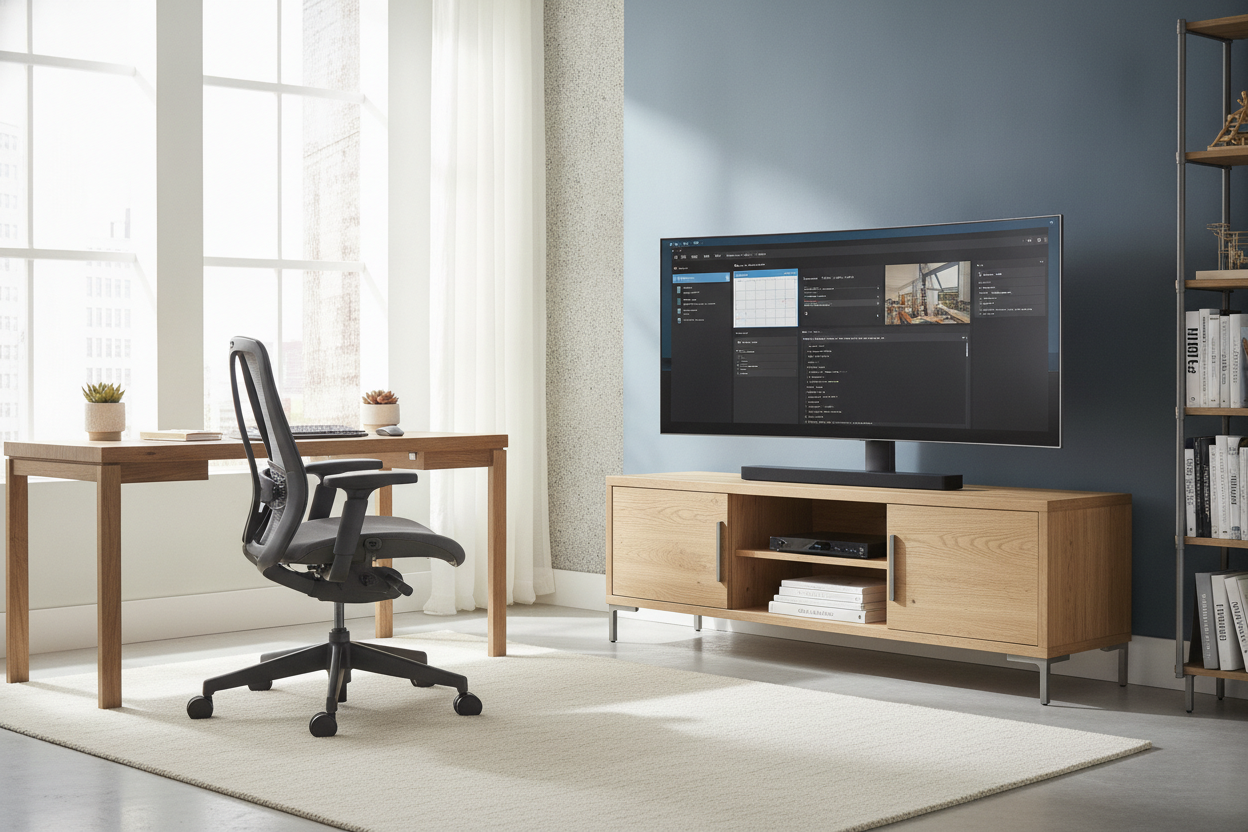
For three years, I lived inside a digital cockpit. I had three 27-inch monitors angled toward my face, consuming every square inch of my 60-inch desktop. It felt productive at first, but eventually, the clutter started to close in on me. My desk wasn't a workspace anymore; it was a graveyard for HDMI cables and plastic monitor stands. I finally decided to upgrade my home office by clearing the deck and moving my primary display to a dedicated office tv stand.
- Reclaims up to 70% of your desk surface area for actual work.
- Forces a healthier focal distance, significantly reducing afternoon eye strain.
- Provides layout flexibility that wall mounts simply can't touch.
- Eliminates the 'tech-heavy' look of traditional multi-monitor setups.
The Multi-Monitor Burnout is Real
The standard advice for remote workers is usually 'more pixels equals more productivity.' I fell for it hard. I had Slack on the left, my CMS in the middle, and email on the right. But after 18 months of this, I realized I wasn't more efficient—I was just more distracted. The physical presence of those screens created a claustrophobic barrier between me and the rest of the room. I felt like I was working in a Best Buy backroom rather than a home.
Beyond the mental fatigue, the physical toll was mounting. I was constantly micro-adjusting my neck, pivoting 30 degrees left and right all day long. My desk, a solid piece of kiln-dried white oak, was hidden under a mess of black plastic and tangled wires. I realized that if I wanted to keep my sanity, I had to get the tech off the furniture. I needed a dedicated tv stand for office use that would allow me to push the screen back, giving my eyes and my brain some much-needed breathing room.
Why I Skipped the Wall Mount
The obvious solution seemed to be mounting a 43-inch 4K screen to the wall, but I hesitated. First, I hate repairing drywall. If I decide to move my desk six inches to the left next month, a wall mount becomes a permanent mistake. I needed something that offered the stability of a mount with the mobility of a piece of furniture. When you browse various tv stands, you realize that a freestanding unit is the only way to maintain layout flexibility.
I also live in a house where the studs aren't exactly where they should be. Relying on a wall bracket meant my screen would be off-center from my desk, which is an ergonomic nightmare. A freestanding stand allows for precision. I can tuck the base right up against the back of my desk, keeping the screen at the perfect height and distance without committing to a permanent renovation. Plus, if I ever decide to turn this room back into a guest bedroom, the stand can just roll into the living room.
Reclaiming My Desk (The Ergonomic Win)
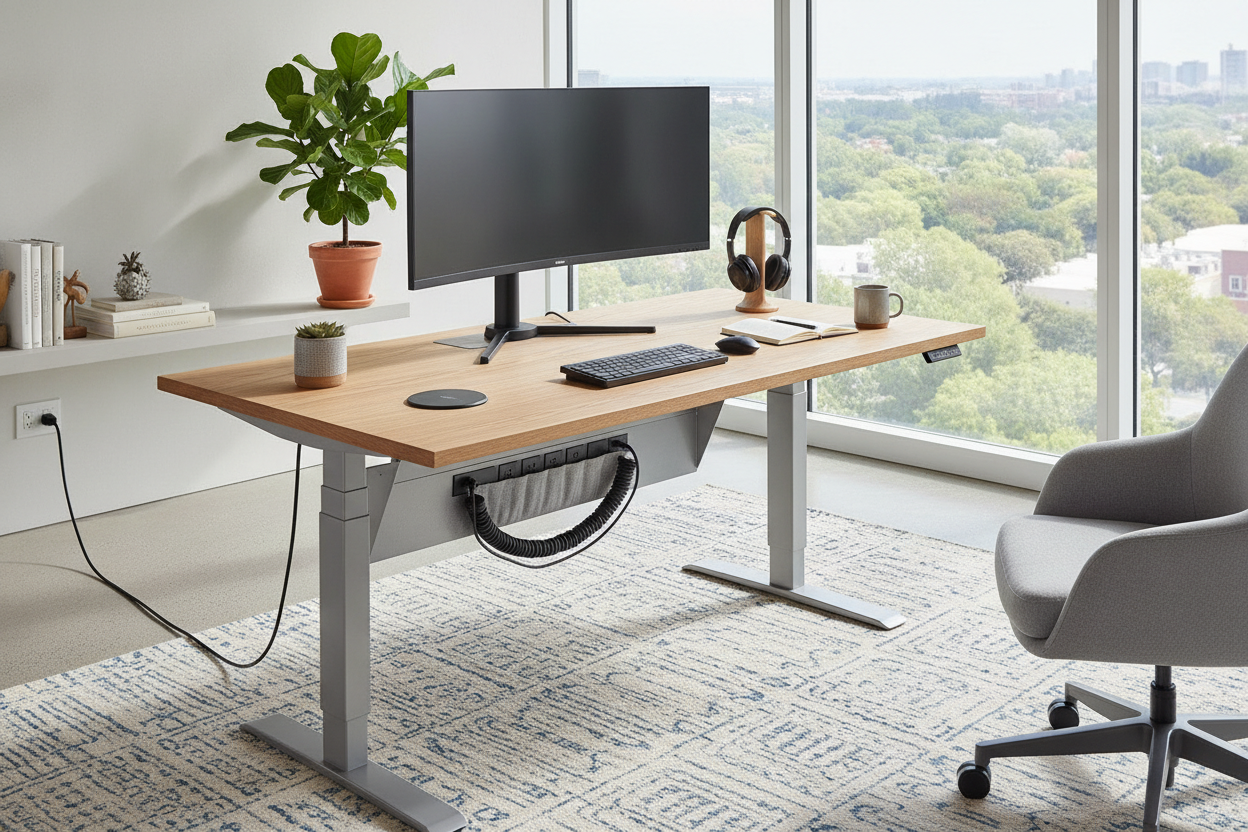
The moment I moved my screen onto an office tv stand, my desk felt twice as large. Suddenly, I had room for a physical notebook, a cup of coffee that wasn't in danger of being knocked over, and—most importantly—my wrists had space to rest. Most people don't realize how much depth a monitor stand steals. By moving the screen just six inches further back on its own stand, I hit that '20-20-20' ergonomic sweet spot for my eyes.
For those who are tight on space, you don't have to sacrifice storage for a screen. I've seen colleagues use a file cabinet tv stand to kill two birds with one stone. It keeps the printer and the tax returns tucked away while providing a stable, chest-height base for a large monitor. The key is getting the screen off the actual work surface. Once the desk is clear, the mental load of starting your workday drops significantly.
How to Avoid the 'Corporate Boardroom' Look
The biggest fear with putting a TV stand in an office is that it will look like a sterile conference room. You want to avoid those height-adjustable silver poles that look like they belong in a hospital. Instead, look for materials that match your existing decor. I opted for a matte black steel frame with walnut accents. It feels intentional and residential, not like I'm about to give a PowerPoint presentation to a board of directors.
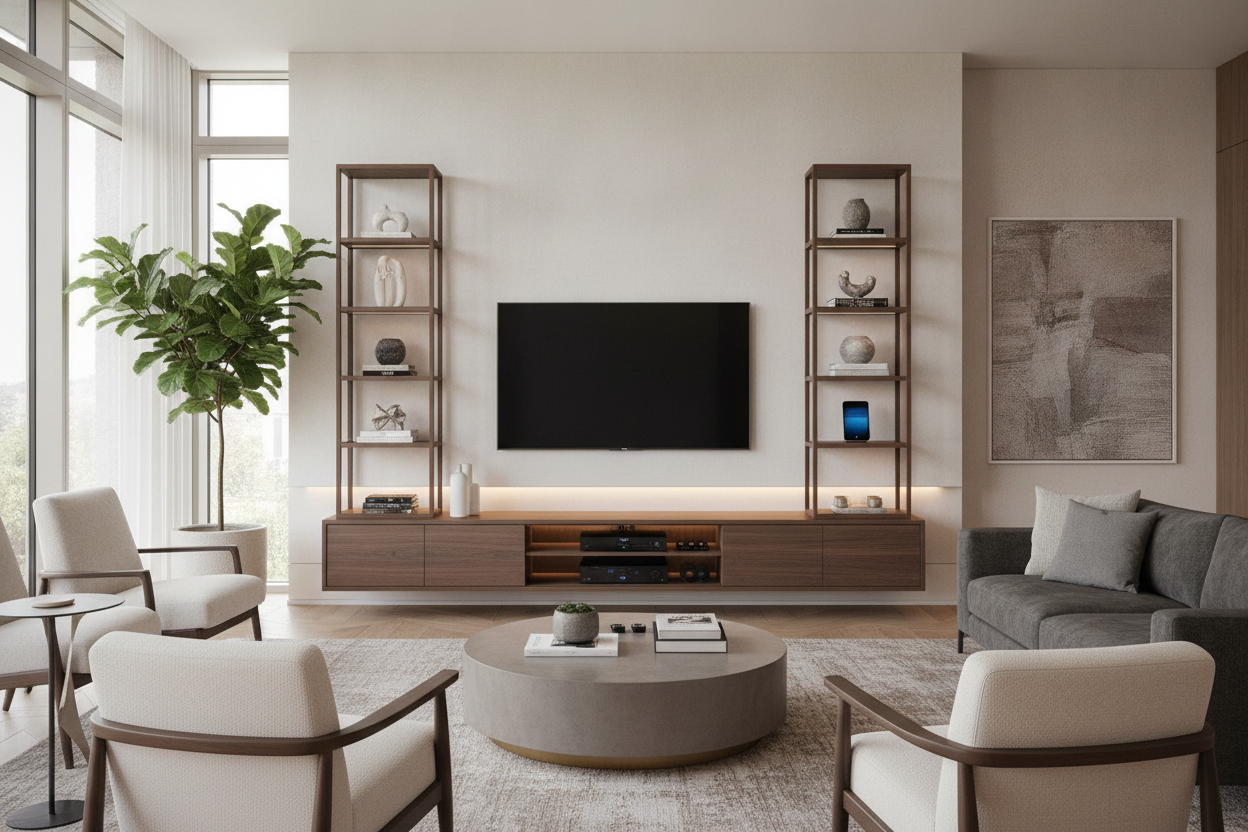
Texture matters. If your office has soft rugs and linen curtains, a cold glass-and-chrome stand will look like an eyesore. I spent a long time searching for an artsy tv stand that doesn't look like office furniture to ensure the vibe stayed cozy. Think tripod legs in warm wood or a low-profile credenza that hides the cables inside a ventilated cabinet. When the tech is integrated into a piece of real furniture, it stops feeling like 'equipment' and starts feeling like part of your home.
Is a TV stand stable enough for a desk setup?
Yes, provided you don't buy the cheapest $30 plastic model. Look for a stand with a heavy steel base or wide-set legs. If you have kids or pets, a weighted base is non-negotiable to prevent tipping.
Will a TV stand make the screen too high?
Most stands are designed for lounging on a sofa, which is actually perfect for desk height. You want the top third of your screen at eye level. Check the 'center-of-VESA' height measurement before you buy to ensure it aligns with your seated position.
How do I hide the cables running from the stand to my desk?
Use a cable spine or simple Velcro ties. Run the wires down the back leg of the stand. If you want a truly clean look, choose a stand with integrated cable management channels built into the frame.

Dejar un comentario
Este sitio está protegido por hCaptcha y se aplican la Política de privacidad de hCaptcha y los Términos del servicio.