










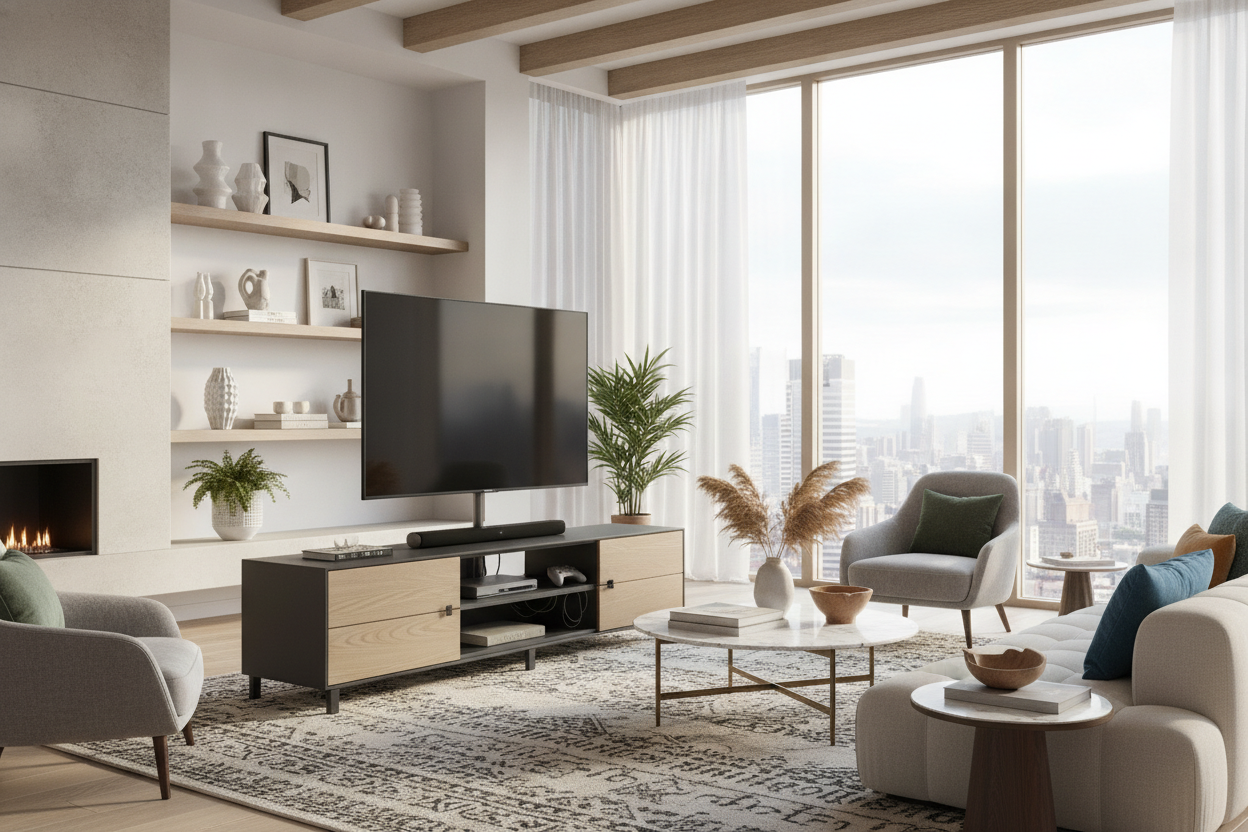
I spent three hours last Tuesday staring at a tangled nest of black plastic behind my TV. It looked like a tech octopus had died in my living room. Finding the best stand for tv shouldn't feel like a structural engineering exam, but after scrolling through dozens of 'minimalist' pieces that couldn't hold a soundbar, I realized how much junk is actually out there.
Quick Takeaways
- Avoid cardboard backboards; they sag and offer zero cable management.
- Measure your TV's actual width, not the screen size, to avoid the 'overhang' look.
- Closed storage is mandatory if you have more than two gaming consoles.
- Solid wood or reinforced steel is the only way to prevent mid-shelf bowing.
Why Most Media Units Are Actually Terrible
Most stuff you find at big-box retailers is basically compressed sawdust held together by hope and a thin layer of contact paper. The back panel is usually a flimsy sheet of cardboard you have to punch holes through yourself. It’s frustrating because the media console vs credenza debate is usually about style, but for me, it's about structural integrity. If a piece can't handle a 60-pound OLED without bowing in the middle, it’s not the best media console for your home.
Another massive fail in modern best tv units is the lack of ventilation. I’ve seen beautiful cabinets that are essentially ovens for your electronics. If there aren't cutouts for heat to escape, your PlayStation is going to sound like a jet engine within twenty minutes of gameplay. You need real wood or high-quality plywood—not the cheap 1.2 lb density MDF that warps the second a drop of water touches it.
My Checklist for the Best Stand for TV
I have three non-negotiables when I’m hunting for a best tv media console. First, it needs to be deep enough. Most modern receivers are 16 inches deep, but many 'trendy' stands are only 14 inches. That leads to the 'cable poke-out' where your unit sits three inches away from the wall. It looks terrible.
Second, I look for built-in wire management that actually works. I’m talking about internal channels that let you run cords between shelves without them being visible from the front. You can find popular best seller options that incorporate these features without looking like office furniture. Third, it needs a reinforced frame. I’ve seen too many 'best' lists recommend pieces that wobble if you so much as walk briskly past them. If I can't sit on it (and I’m 180 lbs), I don't trust it with my TV.
Drawers vs. Open Shelving: What Actually Works
Open shelving is a trap set by people who only own one Apple TV and zero dust. In the real world, open shelves become magnets for pet hair and tangled HDMI cords. If you want a best entertainment center that actually keeps your sanity intact, go for closed storage. It hides the clutter, the controllers, and the three different remotes you only use to change the input.
The Case for the Classic 3-Drawer Layout
I’ve tested every configuration imaginable, and I keep coming back to symmetry. A classic 3 drawer TV stand is the gold standard for a reason. It gives you a dedicated spot for tech, a spot for board games, and a spot for those random manuals you'll never read. It keeps the visual weight of the room balanced, especially under a massive screen.
Should You Float It? Wall-Mounted vs. Freestanding
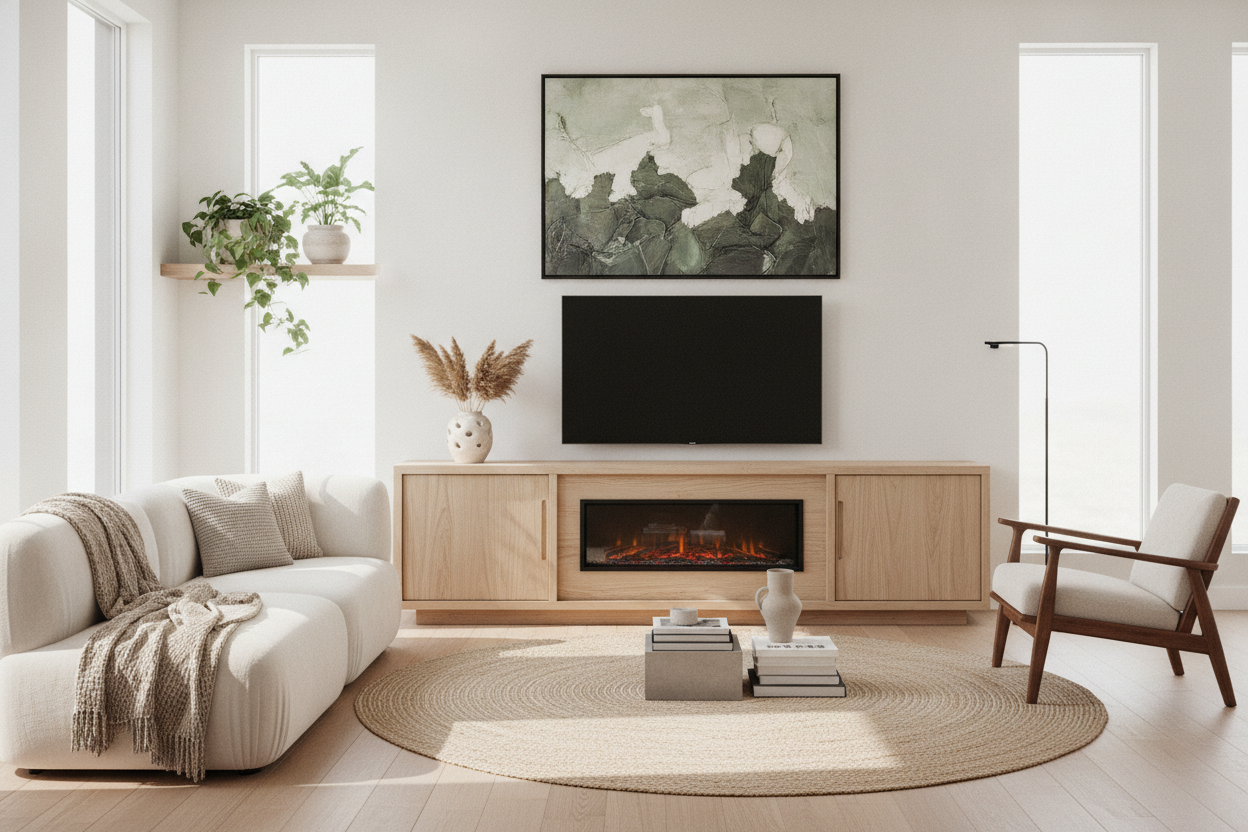
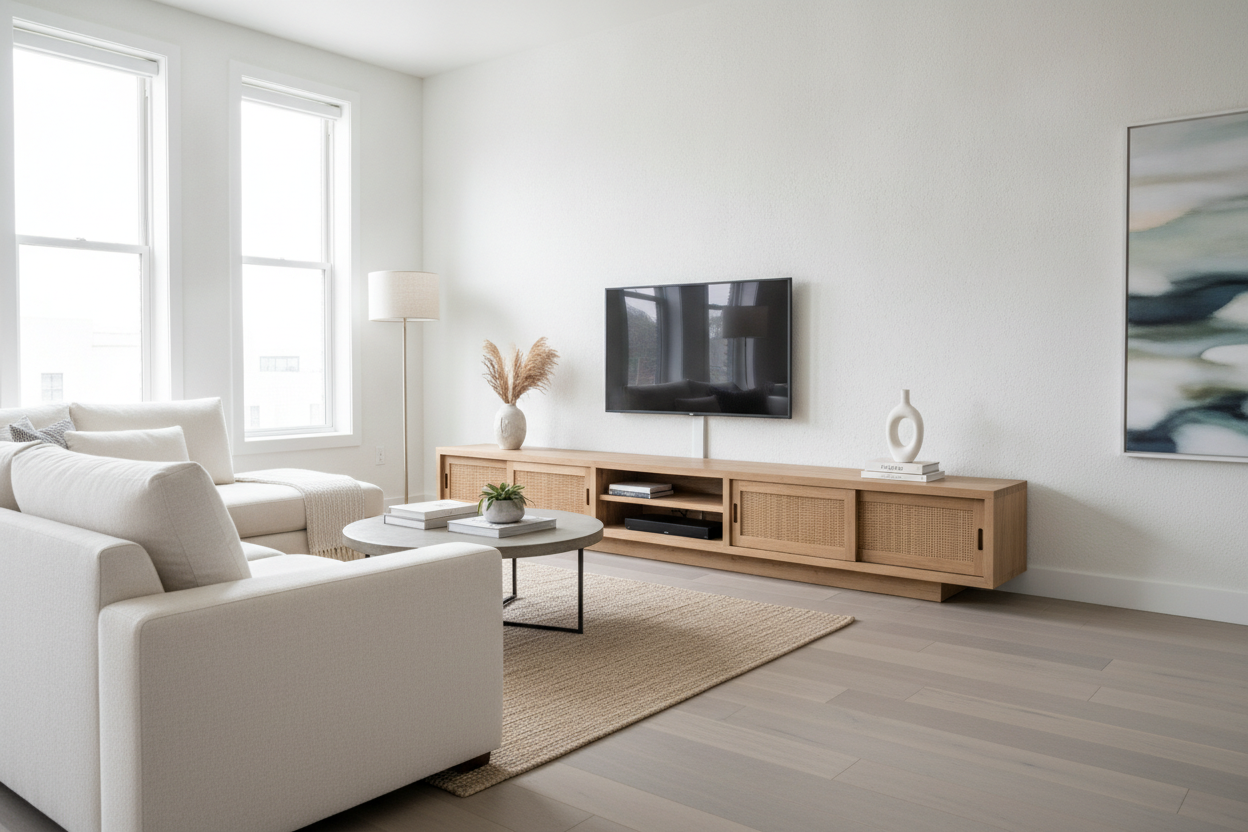
Floating units look incredible in photos. They make a small room feel twice as big because you can see the floor running all the way to the baseboard. But here is the reality: if you aren't ready to find the studs and use heavy-duty anchors, don't do it. I once tried to DIY a floating TV stand wall mounted media console into old drywall with cheap plastic toggles—it ended with a very expensive trip to the electronics store.
Freestanding units are safer and easier to move if you decide to rearrange your living room. However, if you have a robot vacuum, a floating unit is a life-saver. No more dust bunnies congregating under the media center where the broom can't reach.
The 'Plus 4 Inches' Rule for Sizing
The biggest mistake people make is buying a stand that is the exact same width as their TV. It makes the whole setup look top-heavy and cheap. You want at least 4 inches of breathing room on either side of the screen. For a 65-inch TV, your best media stand should be at least 65 to 70 inches wide.
If you have a massive 85-inch screen, you might need to look at modular setups or a symmetric L shaped TV stand to fill the wall space properly. A wider base anchors the room and makes the TV feel like a deliberate part of the design rather than a black mirror just hanging out on the wall.
FAQ
How high should my TV stand be?
Your eyes should be level with the middle of the screen when sitting. For most sofas, that means a stand height of 18 to 24 inches. If you’re craning your neck up, it’s too high.
Can I put a TV on a dresser?
You can, but check the weight limit. Dressers are built for clothes, not 70-pound electronics. Also, you'll likely have to drill your own holes for cable management, which can ruin a good piece of furniture.
Does wood type really matter?
Yes. Solid wood like oak or walnut handles the weight and heat much better than particle board. If you’re on a budget, look for high-grade birch plywood over MDF.

Dejar un comentario
Este sitio está protegido por hCaptcha y se aplican la Política de privacidad de hCaptcha y los Términos del servicio.