










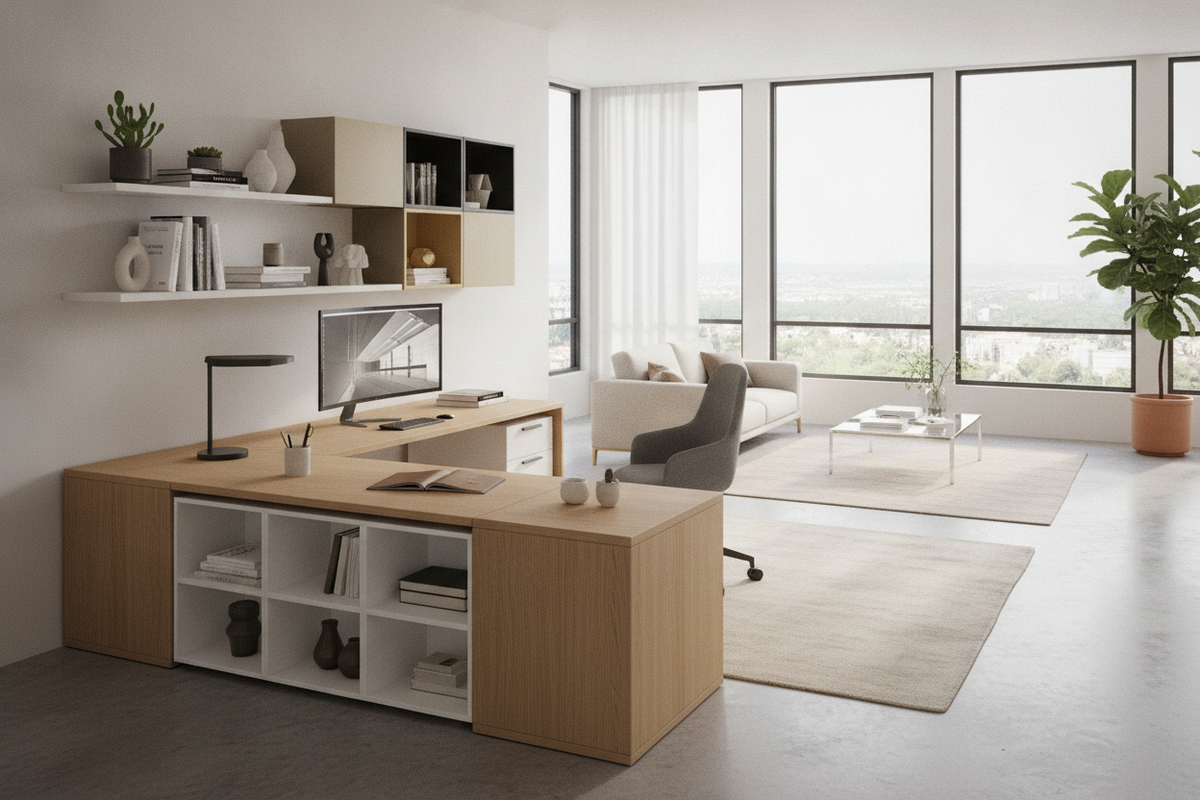
Selecting an l shape office desk can fundamentally transform how a workspace functions on a daily basis. Whether configuring a dedicated commercial suite, establishing a home workstation, or integrating a study area into a multi-purpose room, the corner or dual-surface layout provides a natural physical division between computing tasks, administrative duties, and peripheral storage. By distributing hardware and materials across two intersecting wings, users gain continuous access to wide working surfaces without requiring an excessively deep single desktop.
The structural geometry of an L-shaped workstation creates an intuitive cockpit-style environment. Everything remains within arm's reach while preserving clear visual separation between digital screens, writing supplies, and reference materials. Planning the right setup requires balancing room dimensions, workflow patterns, storage modules, and material construction.
Sizing and Dimension Decision Tiers for L-Shaped Desks
L-shaped desks generally fall into three structural scale profiles, each tailored to distinct room footprints and technological demands:
- Compact Corner Desks: Tailored for modest rooms, studio apartments, or compact alcoves, these models prioritize floor efficiency. They generally feature shallower desktop depths while preserving adequate legroom and surface area for a single laptop, keyboard, and basic stationery. Exploring an office computer desk product offers practical insight into how compact corner geometry accommodates essential equipment without overcrowding smaller rooms.
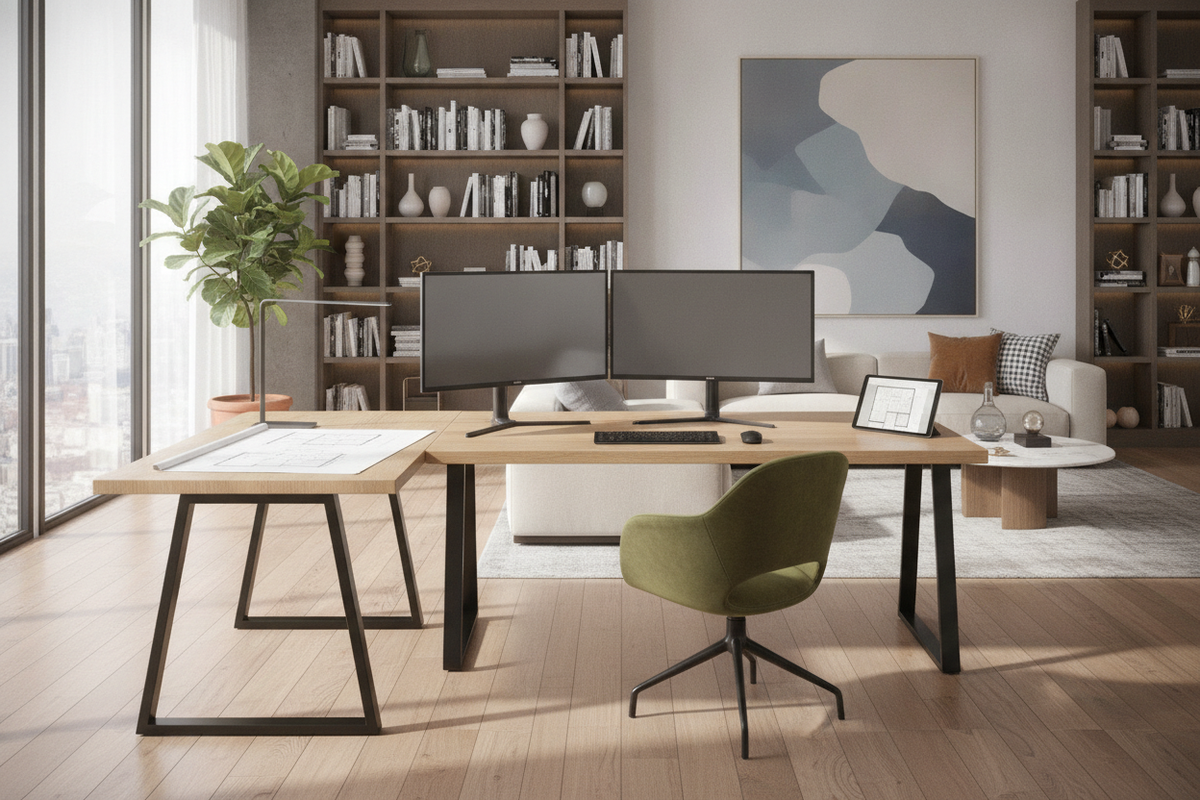
- Standard Dual-Monitor Workstations: Built for daily professional work, standard models feature equal or asymmetrical return lengths capable of supporting multiple displays, desktop docking stations, and external peripherals without surface crowding. This size tier represents a balanced middle ground for dedicated home offices.
- Extended Executive Configurations: These comprehensive workstations incorporate wide primary surfaces paired with deep lateral returns. They are designed for expansive physical document handling, shared hardware setups, multi-device audio-visual equipment, and integrated cabinetry.
Dual-Wing Workflow Architecture: Primary Surface vs. Return Wing
The primary advantage of an L-shaped layout lies in its natural zoning capacity. Establishing distinct operational zones prevents digital accessories from encroaching on open work areas, creating a more orderly and focused environment:
The primary surface is best reserved for central computing tasks. Position primary monitors, central keyboards, and main input devices along this plane to align squarely with your primary seating angle. Keeping this zone uncluttered reduces physical strain and unnecessary twisting during concentrated screen time.
The return wing functions as a versatile secondary station. This wing comfortably hosts analog tasks such as reviewing printed documents, hand-writing, managing desktop stationery, or housing peripheral equipment like printers and desktop scanners. For additional tips on arranging clean, cost-conscious desktop zones, reviewing an office computer desk guide can provide useful layout inspiration for separating daily work streams.
Storage Configurations: Drawers, Hutches, and Modular Cabinets
Maintaining clear desktop real estate requires aligning your desk choice with appropriate storage modules:
- Integrated Pedestals and Drawers: Built-in box-box-file drawers or lateral file units secure documents, writing instruments, and personal office supplies beneath the desk return. Opting for a drawer office storage product provides dedicated enclosed space directly adjacent to your primary seating area, keeping active papers hidden yet accessible.
- Vertical Hutch Additions: Vertical hutches utilize overhead wall space, offering cubbies and upper shelving for binders, reference manuals, and decorative accents without expanding the desk floor footprint.
- Modular Credenzas and Shelving: When built-in drawers are absent, pairing the desk with complementary freestanding units from a broader office storage collection preserves an open, minimalist leg bay while accommodating extensive filing and organizational needs.
Floor Planning and Room Placement Configurations
How an L-shaped desk is positioned within a room dictates foot traffic, natural lighting balance, and overall focus:
Perimeter Corner Layout: Aligning both outer desk edges against perpendicular walls helps preserve open central floor space. This configuration is often well-suited for bedrooms or compact home studies where maintaining open pathways is essential. Position the primary display to minimize direct reflections from nearby windows.
Peninsula and Room-Divider Layout: In open-concept living areas or larger office layouts, placing the main desk surface along a wall while extending the return wing into the open room creates an effective visual boundary. This setup demarcates the workspace from surrounding living areas without requiring physical partition walls.
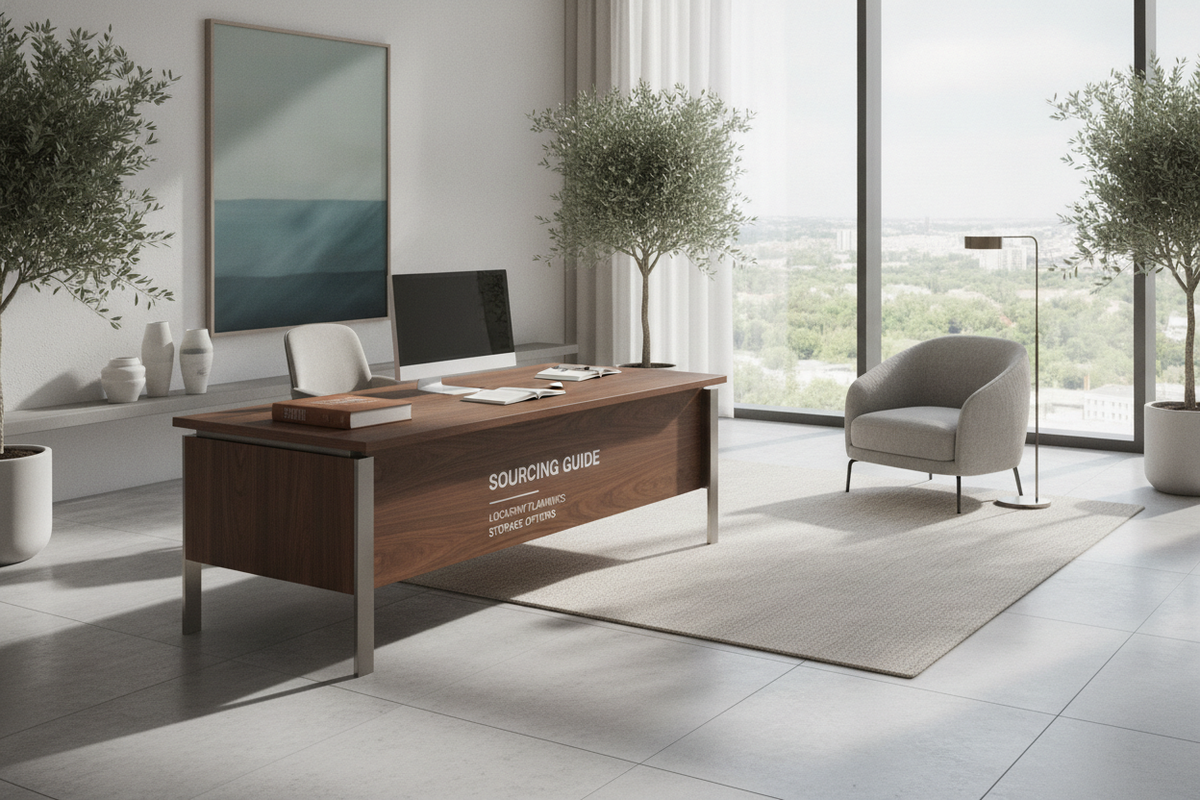
Floating Central Arrangement: For large executive offices, positioning the desk away from the walls allows for an commanding layout with dedicated visitor seating on the opposite side of the main desktop.
Ergonomic Clearance: Always maintain sufficient clearance around all perimeter edges and behind the chair. The inner corner radius should allow a swivel chair to rotate freely between both desk wings. Pair your layout with supportive seating, and consult an office desk chair guide to maintain comfortable posture during extended working sessions.
Cable Management and Peripheral Routing Strategies
Because an L-shaped desk often supports multiple hardware components across two distinct wings, organized cable management is essential for preserving an uncluttered environment:
- Grommet Holes and Passthroughs: Look for desktop surfaces equipped with integrated desktop grommets to route power and display cables directly underneath the work surface.
- Under-Desk Cable Trays: Mounting horizontal raceways or wire baskets beneath the primary wing keeps power strips and bulky adapters off the floor and out of sight.
- Adhesive Cable Clips: Securing peripheral cords along the inner frame rails prevents wires from tangling with legroom or chair castors when moving between workstations.
Material Selection, Structural Stability, and Assembly Best Practices
Evaluating materials ensures your workstation provides long-term stability and fits your interior aesthetic:
- Engineered Wood with Laminate: Delivers practical resistance against daily wear, surface scratches, and light moisture while offering a wide range of modern matte, neutral, and wood-grain finishes.
- Steel and Metal Framing: Provides structural bracing and open visual profiles, frequently utilizing diagonal crossbars or reinforced corner plates to minimize lateral wobble.
- Reversible Return Configurations: Many contemporary L-shaped frames offer reversible installation, allowing the secondary wing to be mounted on either the left or right side to adapt flexibly to changing room layouts.
When assembling an L-shaped desk, loosely fasten all structural bolts and frame connectors before fully tightening hardware once the desk is square on a level surface. This simple practice ensures seamless joints between desktop panels and solid overall frame alignment across both wings.

Dejar un comentario
Este sitio está protegido por hCaptcha y se aplican la Política de privacidad de hCaptcha y los Términos del servicio.