










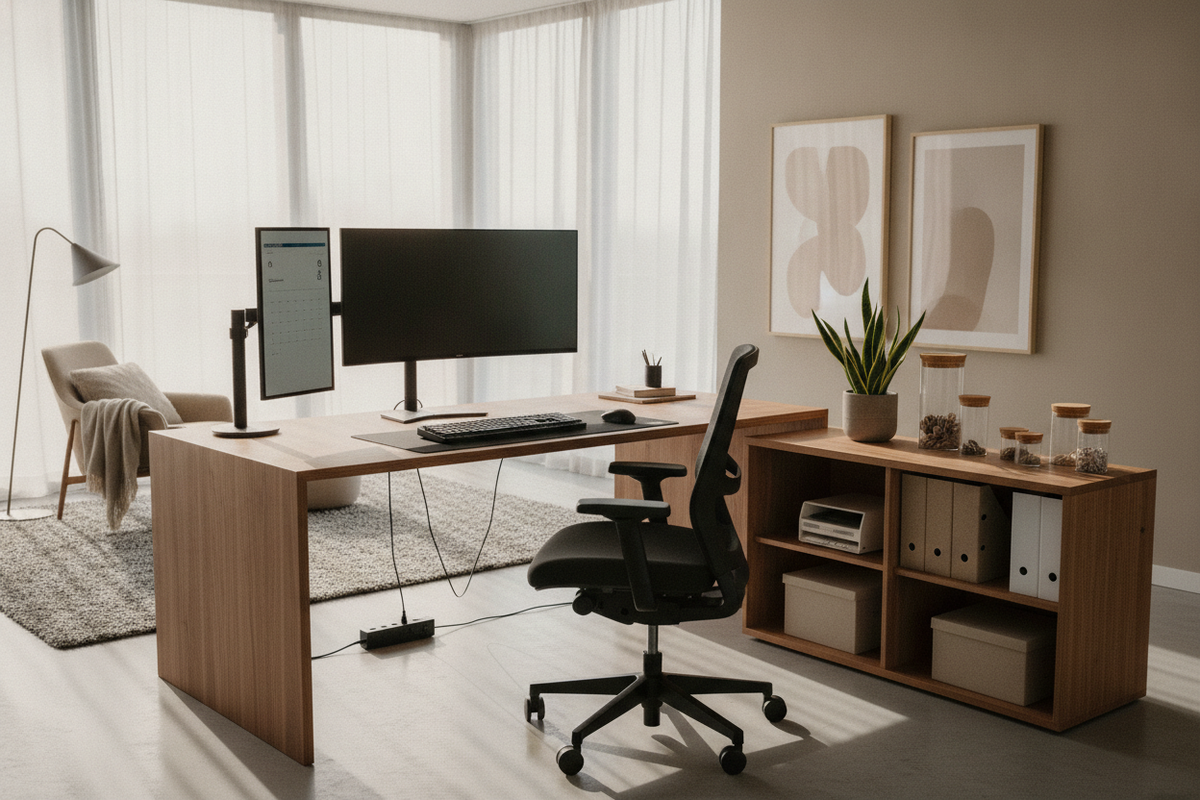
Creating an intentional workspace requires more than placing a display and keyboard on a flat surface. A truly refined work environment functions as an integrated physical system where structural proportions, body movement, and surrounding cabinetry work in harmony. Understanding intentional space planning, as explored in our work desk office guide, anchors your physical working rhythm and establishes the spatial clarity needed for sustained daily focus.
Foundations of an Ergonomic Desk Setup: Aligning Body Geometry with Workstation Architecture
A balanced workspace begins with the concept of neutral posture. Rather than forcing your body to adapt to rigid, ill-fitting furniture, an ergonomic workstation conforms to your natural physical geometry, reducing unnecessary tension across your shoulders, spine, and lower extremities.
The Kinetic Relationship Between Seating, Work Surface, and Floor Support
Every ergonomic configuration functions as a kinetic chain. The base of this chain is your seating relationship to the floor. When seated, your feet should rest flat and supported, establishing a stable foundation for the pelvic girdle. Your thighs should rest comfortably parallel to the floor, avoiding upward pressure on the hip joints or concentrated downward contact beneath the knees.
From this foundational base, the height of your desk surface must meet your arms at a natural resting elevation. If a worksurface is situated too high, the shoulders instinctively shrug upward to compensate; if situated too low, the upper torso tends to slump forward. Proper desk geometry eliminates these awkward postural compromises.
Neutral Alignment Principles: Elbow Angles, Wrist Horizons, and Eye Level Sightlines
To preserve ease throughout long tasks, keep your upper arms relaxed beside your torso while your forearms extend forward at an open, roughly horizontal plane. The wrist horizon should remain flat and neutral rather than bent upward or angled sharply against the desk edge.
Sightlines dictate your cervical posture. Positioning your primary display directly ahead ensures your neck does not rotate laterally during focused tasks. For detailed perspective on visual distances and eye-level alignment, our ideal ergonomic set guide outlines practical techniques to align your screen with natural gaze angles.
Desktop Reach Zones and Geometry: Mapping the Functional Workstation Envelope
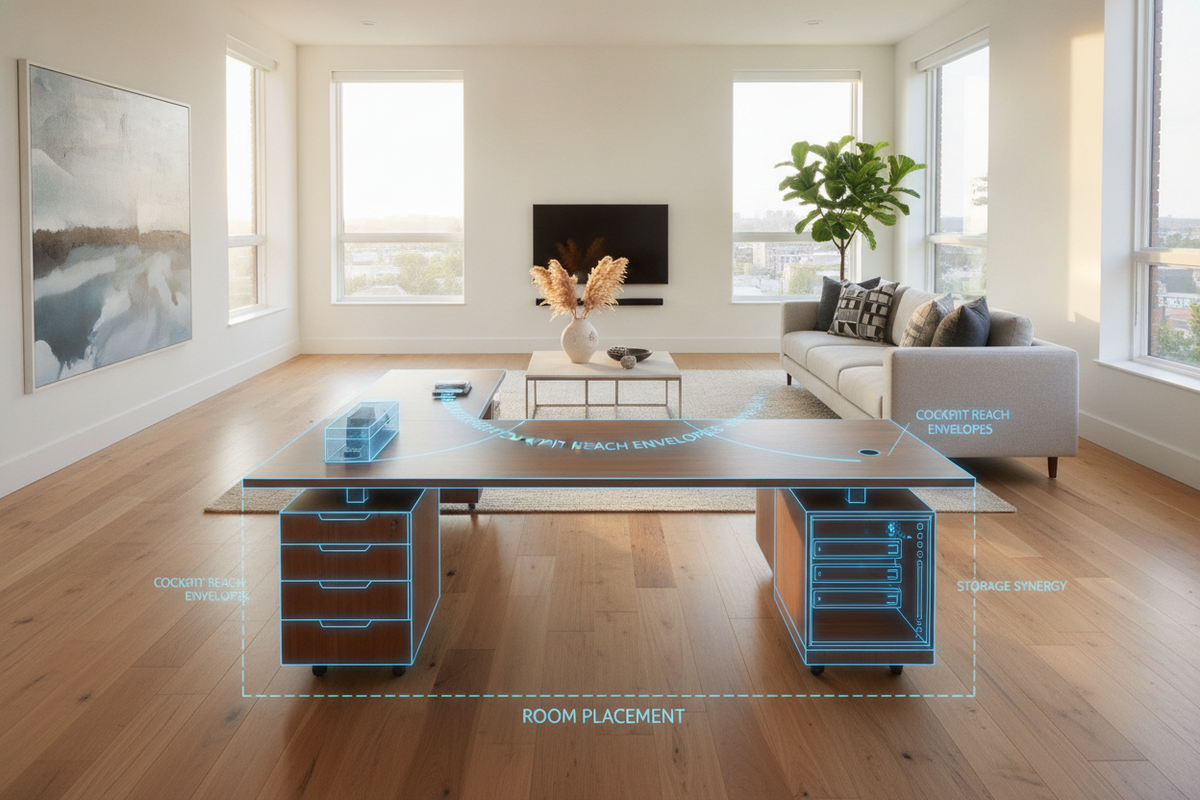
Workspace efficiency relies on spatial zones mapped around your natural reach envelope. Organizing desktop accessories according to usage frequency minimizes repetitive overreaching and supports fluid movement.
Primary Reach Zone: High-Frequency Inputs and Forearm Sweep
The primary reach zone corresponds to the natural horizontal sweep of your forearms while your elbows remain loosely parked near your sides. This immediate semi-circular boundary represents prime desktop real estate. Reserve this area exclusively for primary input devices, including:
- Central keyboard mechanisms aligned with your seated centerline
- Pointing devices positioned immediately adjacent to the keyboard
- Active writing pads or core physical input controllers
Keeping essential tools within this compact envelope allows you to type and navigate without extending your shoulders forward or leaning out of pelvic alignment.
Secondary and Tertiary Reach Zones: Display Arrays, Documents, and Occasional Peripherals
The secondary reach zone extends to the limits of a full arm extension without bending your waist or tilting your torso forward. This perimeter accommodates reference documents, desktop lighting, task notepads, and secondary input hardware. Beyond this threshold lies the tertiary zone, suitable for desktop monitor risers, cable pass-through grommets, decorative elements, and ambient accessories that require only occasional physical interaction.
Selecting Desk Archetypes for Optimal Ergonomics: Form, Clearance, and Surface Craft
The core desk structure sets the tone for your daily workflow. Choosing the right profile depends on your room layout, peripheral load, and daily task diversity.
Height-Adjustable Sit-Stand Desks vs. Fixed Worksurfaces
Dynamic movement across the workday helps maintain engagement and physical comfort. Integrating an adaptable model such as the ergonomic office desk product allows effortless shifts between seated and standing configurations. Motorized transitions encourage spontaneous posture variations without interrupting concentration.
For rooms utilizing fixed-height furniture, pair the desk with adjustable footrests and precision chair lifts to match the fixed surface height with your neutral forearm position.
L-Shaped Corner Desks for Multi-Monitor and Task-Segmented Setups
When tasks demand distinct zones—such as separating digital computing from tactile writing or multi-display monitoring—an L-shaped surface offers distinct advantages. Selecting a dedicated expansive solution like the office computer desk product accommodates multiple screens on one wing while preserving an open, uncluttered return for manual work and organization.
Surface Durability, Tactile Finishes, and Beveled Edge Comfort
The tactile experience of a desktop directly influences daily comfort. Desks engineered with rounded or gently beveled leading edges alleviate localized contact pressure along the wrists and forearms. Exploring the broader computer desk collection reveals diverse dimensions, resilient laminate finishes, and refined edge profiles built for everyday use.
Under-Desk Spatial Clearances and Kinetic Movement Zones
An often overlooked dimension of workstation planning is the open cavity beneath the surface. Unobstructed lower clearances provide the physical room required for regular lower-body repositioning.
Legroom Envelopes and Knee Clearance Margins
The lower clearance zone must accommodate full knee flexion and leg extension without structural interference from low-hanging crossbeams, structural aprons, or crowded storage drawers. When positioning under-desk filing pedestals, maintain ample center width to allow your legs to pivot and adjust freely without bumping into side panels.
Foot Placement Horizons and Eliminating Obstructions
Cables, surge protectors, and power supplies resting loosely across the floor reduce usable foot space and create physical clutter. Elevating power strips into under-desk raceways ensures feet can rest flat, stretch outward, or utilize an angled footrest without accidental wire tangles.
Integrating Storage and Organization into an Ergonomic Workspace
A cluttered desktop compromises clear reach envelopes. Integrating purposeful storage keeps utility items accessible while preserving primary surface area for active work.
Mobile Pedestals, Lateral File Cabinets, and Credenzas
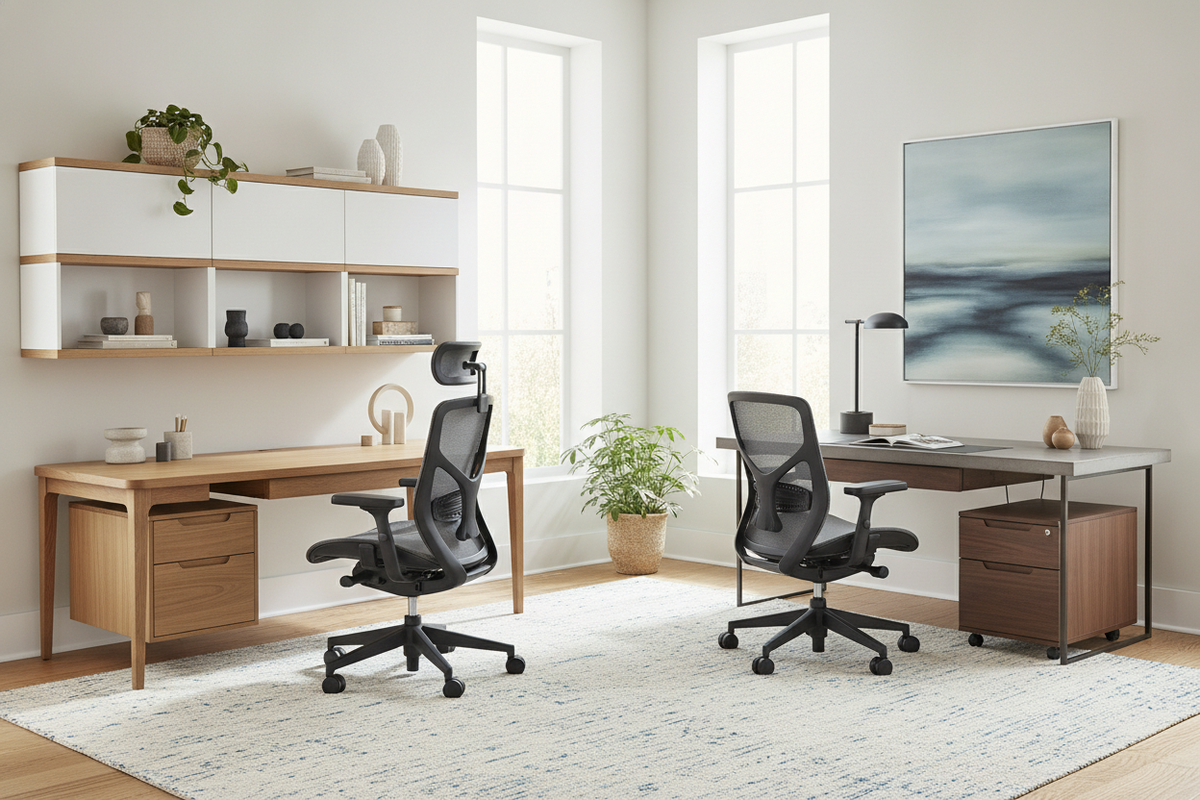
Positioning mobile file pedestals alongside or just outside the primary knee cavity preserves desktop spaciousness. Lateral file cabinets and low credenzas situated behind or perpendicular to the desk provide accessible storage for archives, reference materials, and heavier equipment without crowding your immediate work zone.
Vertical Wall Storage and Overhead Hutches to Preserve Desktop Real Estate
Utilizing vertical wall shelving and overhead hutches draws secondary items upward, keeping the horizontal desktop clear. Organizing reference libraries, audio interfaces, and stationery in structured vertical storage maintains direct line-of-sight access without intruding on monitor focal depths.
Cable Management Architecture for Visual Calm and Kinetic Safety
Organized cable routing is essential for aesthetic appeal and mechanical safety. Use cable spines, under-mount channel trays, and adhesive wire clips to consolidate power and data cords. This structure prevents cord snagging during sit-stand height adjustments and preserves a clean, visual horizon throughout your office space.
Step-by-Step Implementation Guide: Setting Up Your Ergonomic Workstation at Home
Calibrate your workspace methodically from the ground up to establish an ideal ergonomic environment:
- Baseline Seating and Pelvic Support: Adjust seat pan height until feet rest flat on the floor and thighs remain parallel. Engage the lumbar contour of your chair to support the lower spine.
- Desk Surface Height and Arm Support: Align desk elevation or armrest height so forearms rest parallel to the desktop with relaxed shoulders and neutral wrists.
- Monitor Elevation and Focal Distance: Position the screen approximately an arm's length away, aligning the upper edge of the display with or slightly below eye level.
- Input Device Positioning: Arrange your keyboard and mouse side-by-side within your primary reach zone, ensuring smooth forearm sweeps without reaching forward.
- Cable Routing and Storage Check: Consolidate peripheral cables off the floor and assign reference materials to nearby cabinets or vertical shelving to maintain an open workspace.

Dejar un comentario
Este sitio está protegido por hCaptcha y se aplican la Política de privacidad de hCaptcha y los Términos del servicio.