










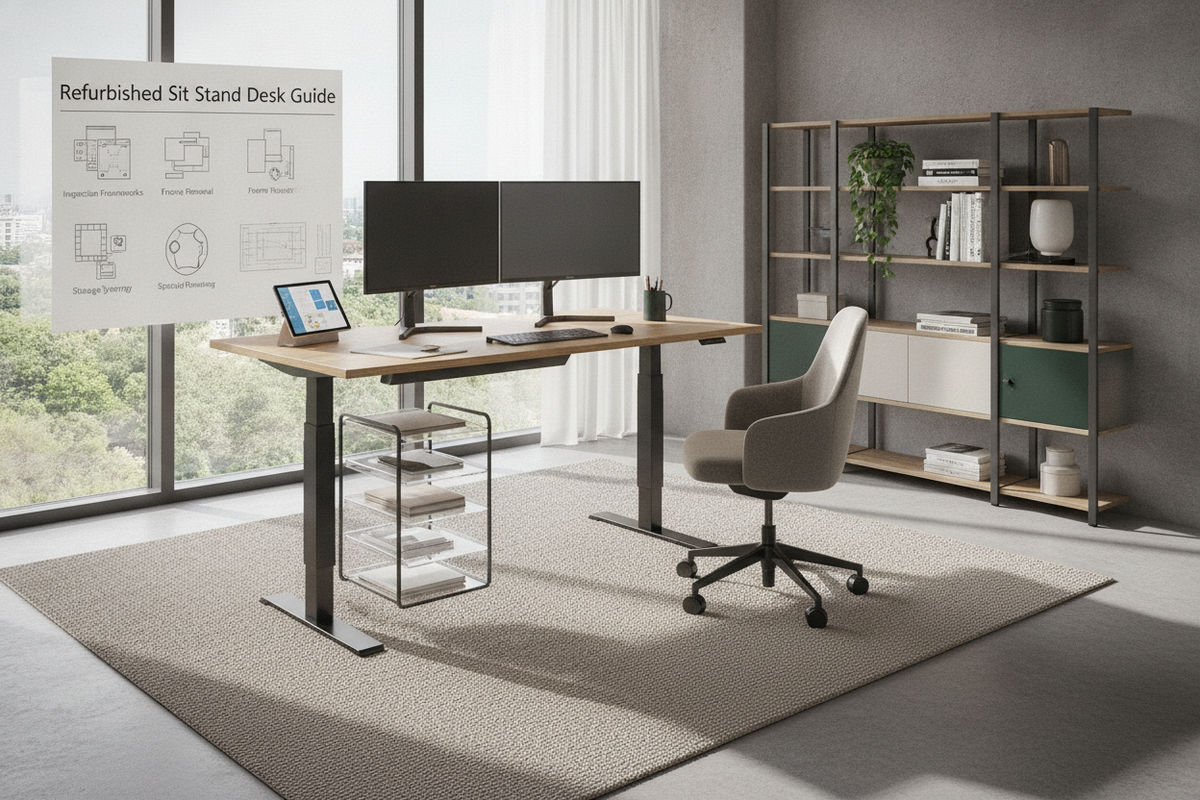
Investing in a workspace upgrade often involves choosing between brand-new commercial inventory and pre-owned pieces. A refurbished sit stand desk offers an appealing middle ground, combining heavy-duty construction with resource-conscious procurement. However, acquiring a standing desk refurbished by a secondary supplier or refreshing a used office furniture standing desk independently requires a methodical evaluation of electronics, kinetic joints, and frame stability.
Understanding the Value and Mechanics of a Refurbished Sit Stand Desk
The secondary furniture market features a wide spectrum of pre-owned workstations, ranging from untouched surplus to thoroughly overhauled systems. Understanding the provenance and grading of these pieces ensures you select a dependable workstation for long-term daily use.
- Factory Refurbished: Units returned to the original manufacturer, inspected, re-certified with fresh firmware or replacement control boxes, and repacked.
- Seller Reconditioned: Desks sourced from corporate liquidations, cleaned, mechanically tested, and fitted with functional replacement parts where necessary.
- As-Is Pre-Owned: Direct second-hand purchases that have not undergone diagnostic testing or component replacement.
High-grade commercial frames often feature thicker steel gauge profiles, dual-motor synchronization, and robust crossbars that outlast standard entry-level frames. Choosing a restored frame keeps high-mass steel components in circulation while allowing you to pair the foundation with custom worksurfaces. When comparing secondary market units to factory-assembled alternatives, browsing a dedicated office sit stand product provides a helpful baseline for contemporary handset functions and integrated controller designs.
The Pre-Purchase Inspection Protocol: Kinetic and Hardware Diagnostics
Motorized height-adjustable desks rely on precise mechanical and electronic harmony. Before finalizing a refurbished purchase or accepting a delivered unit, execute a comprehensive hardware diagnostic.
1. Telescoping Lift Columns
Examine the multi-stage lift columns for uniform extension. Check for visible score marks, scratches, or uneven grease buildup along the internal glide tracks. The lifting movement should be smooth and steady without catching or stuttering during vertical travel.
2. Electronic Handsets and Control Modules
Cycle the desk through multiple height adjustments. Test all physical buttons, digital displays, and memory preset slots to confirm that positional data saves correctly. Inspect the power supply brick and motor cables for frayed insulation, bent pins, or loose connector housings.
3. Structural Fasteners and Lateral Stability
Inspect the crossbeam mounting plates, under-desk support rails, and floor leveller feet. Structural bolts should thread cleanly into their housings without stripped heads or cross-threading. For additional installation precautions and common arrangement oversights, consult our office standing desk guide.
Tabletop Evaluation and Surface Reconditioning Strategies
The worksurface takes the brunt of everyday wear. A refurbished desk may feature its original top or arrive as a bare frame ready for custom surface fitting.
When assessing existing worksurfaces, look closely at the perimeter edge banding. High-pressure laminate tops can develop delamination or moisture swelling around cable grommets and edges if exposed to liquids. If minor surface scratches exist on a laminate surface, specialized color-matched filling compounds can blend blemishes into the pattern.
For solid wood or real-veneer tops, surface refinishing allows you to remove localized stains and restore natural luster through gentle sanding, staining, and sealing. When installing an entirely new custom worktop onto a refurbished frame, utilize threaded brass inserts rather than driving coarse wood screws directly into the underside. Threaded inserts allow for repeated disassembly and reassembly without degrading the structural grip of the wood fibers, preserving balance across the crossbeams.
Spatial Integration and Dynamic Clearance Planning
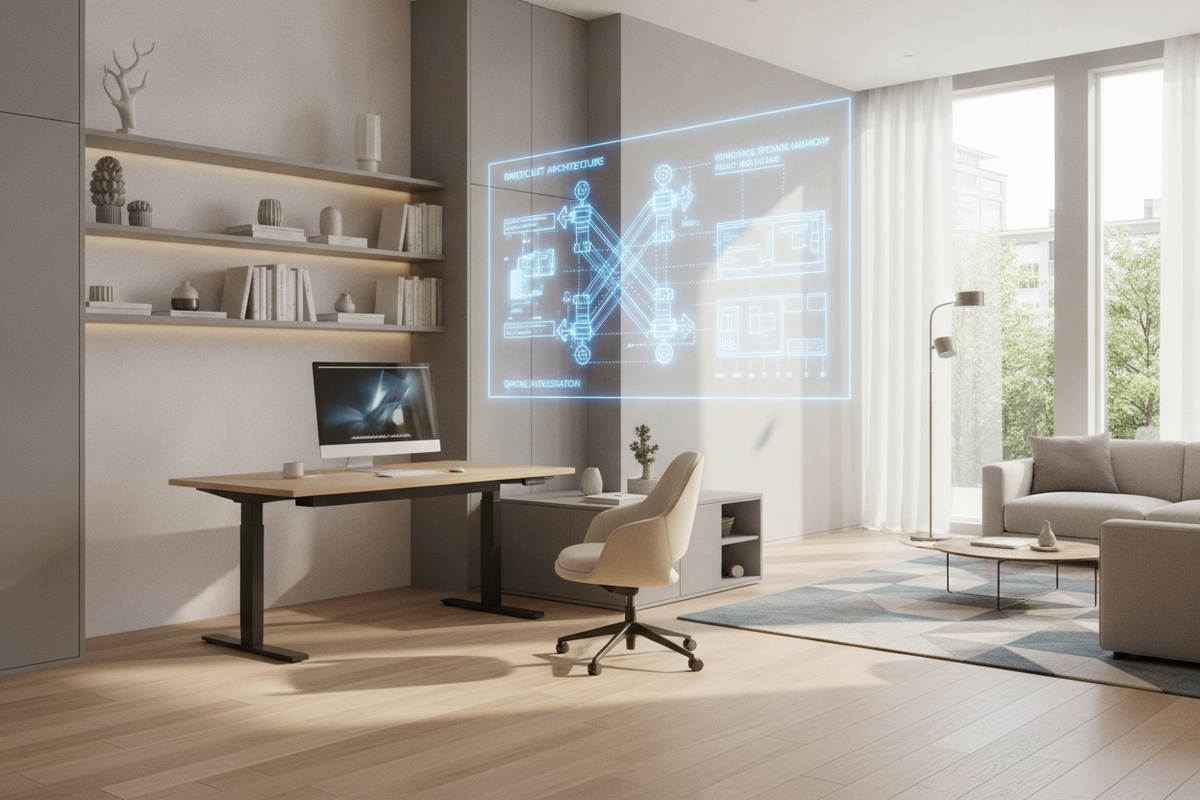
Unlike static workstations, an adjustable desk demands a dynamic three-dimensional clearance envelope. Integrating a refurbished desk into a home office layout requires careful spatial mapping to prevent collisions and cord strain.
- Vertical Travel Clearance: Map the upward path of monitors and desk accessories to ensure complete clearance beneath window sills, low-hanging pendant lights, and wall-mounted art.
- Perimeter Buffer Zones: Maintain sufficient perimeter clearance from adjacent walls and static bookcases to prevent pinch points when the surface lowers or raises.
- Kinetic Cable Routing: Route power cables through flexible articulated raceways or expandable braided sleeves, leaving sufficient slack at the lowest and highest positions so power cords never pull taut.
If you plan to utilize overhead storage or floating shelving above an adjustable workstation, review our desk office guide to balance accessible storage with unobstructed kinetic travel.
Pairing Refurbished Desks with Decoupled Storage Systems
Modern sit-stand frames perform best when freed from the excessive weight of permanently attached, bulky hanging drawers. Integrating decoupled storage keeps the motorized columns balanced and provides modular flexibility.
Mobile storage pedestals fitted with smooth-rolling casters tuck cleanly beneath the worksurface during seated sessions and can glide alongside the desk when elevated. Alternatively, flanking the desk with a dedicated credenza or standalone filing unit establishes a dual-zone office environment, separating active desktop computing from archival document and accessory storage. Integrating high-capacity organizational pieces, such as a matching office desk product storage cabinet, keeps everyday stationery organized without encumbering dynamic desk mechanics.
Essential Setup, Re-Calibration, and Long-Term Maintenance
Once your refurbished desk is positioned in its dedicated workspace, completing initial calibration and establishing a routine maintenance schedule ensures reliable operation over years of daily service.
To synchronize dual-motor columns after transport or power interruption, execute a control box reset. Most modern control units calibrate by holding the down button until the frame reaches its lowest mechanical stop, momentarily pausing, and then performing a slight rebound to confirm the baseline level. Periodically inspect and tighten crossbeam bolts, clear dust away from column glide pads with a dry microfiber cloth, and ensure levelling glides remain adjusted flush with the flooring surface to eliminate unwanted lateral movement.

Dejar un comentario
Este sitio está protegido por hCaptcha y se aplican la Política de privacidad de hCaptcha y los Términos del servicio.