










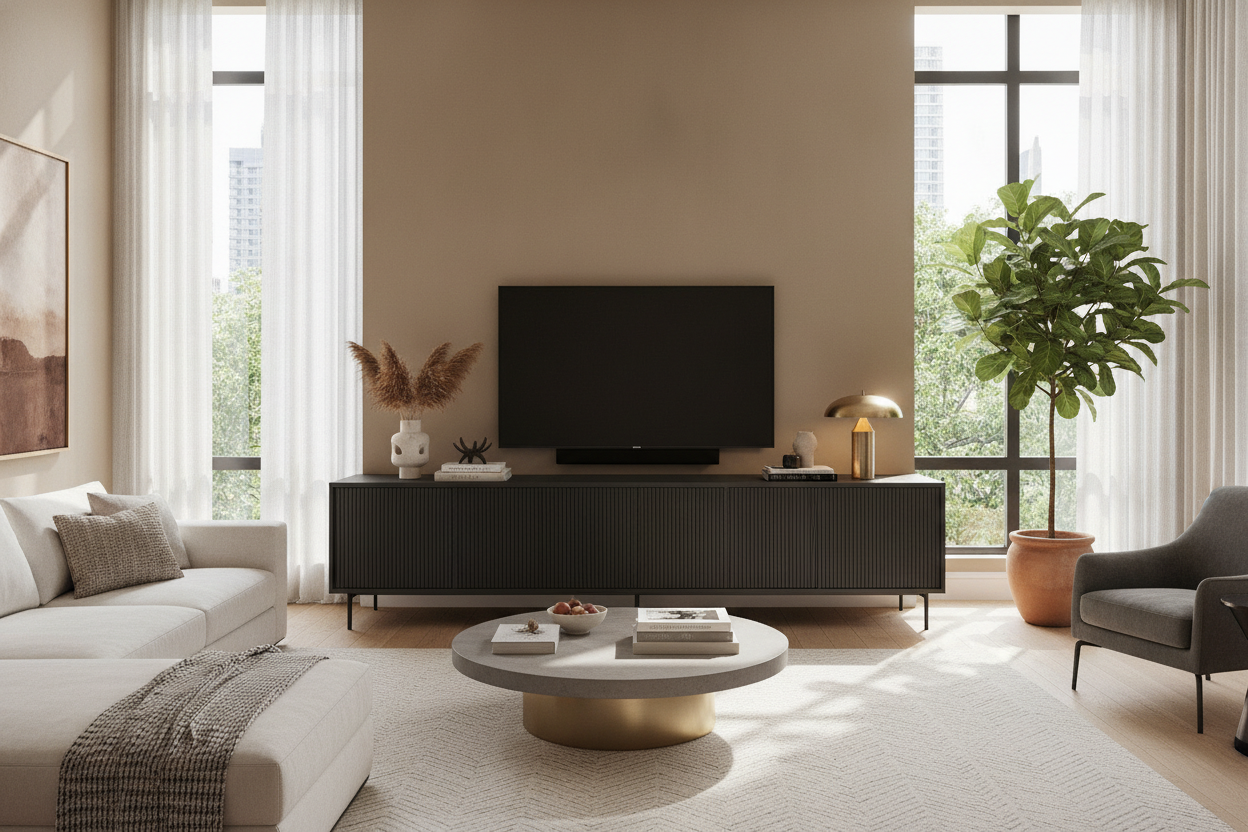
I spent three weeks staring at a 75-inch TV sitting on a $40 IKEA side table because I couldn't decide on a 'real' stand. It looked ridiculous—like a billboard balanced on a toothpick. That’s when I realized most people buy media credenzas that are way too small for their actual lives.
We’ve been conditioned to buy furniture that just barely fits the footprint of our tech. But if you want a room that looks like a professional designed it, you have to stop thinking about 'fit' and start thinking about 'scale.' I’ve tested enough living room setups to know that undersizing your furniture is the fastest way to make an expensive apartment look like a dorm room.
- The wider the console, the wider the room feels.
- Aim for at least 6-10 inches of 'breathing room' on either side of the screen.
- Height matters—keep your eye level at the bottom third of the screen.
- Hidden storage is non-negotiable for routers and messy cables.
The 'Lollipop Effect' (And Why Your TV Wall Looks So Weird)
You’ve seen it. Your neighbor has a massive, beautiful 4K screen, but it’s perched on a narrow little box that’s exactly the same width as the TV. This is the 'Lollipop Effect.' It makes your expensive TV look top-heavy and the rest of your wall look like an afterthought. When the base is too narrow, the TV dominates the room in a way that feels aggressive rather than integrated.
It’s a common mistake born from the fear of 'taking up too much space.' But in reality, a small stand makes a room feel cramped because it breaks the horizontal line of the wall. A narrow credenza/media console forces the eye to focus on a single, heavy point. You want the eye to travel across the room, which is only possible if you give it a long runway to follow.
Why Extra-Long Media Credenzas Fix Everything
Stretching your furniture footprint horizontally is the ultimate cheat code. It’s a trick I learned after moving into a narrow 'railroad' apartment in Brooklyn. By putting a massive, 80-inch piece of furniture against the long wall, the whole room suddenly felt ten feet wider. It anchors the space and provides a solid foundation that makes the TV feel like a piece of art rather than a black hole of tech.
But wait, are we talking about a console, a sideboard, or a credenza media unit? The terminology is a mess. I usually point people toward a breakdown of Media Console vs. Credenza: What Does TV Stand For Anymore? to clear up the confusion. Generally, you want something with enough depth for a receiver but low enough that you aren't craning your neck. A long, low profile is the goal here.
The Golden Ratio for Screen-to-Console Width
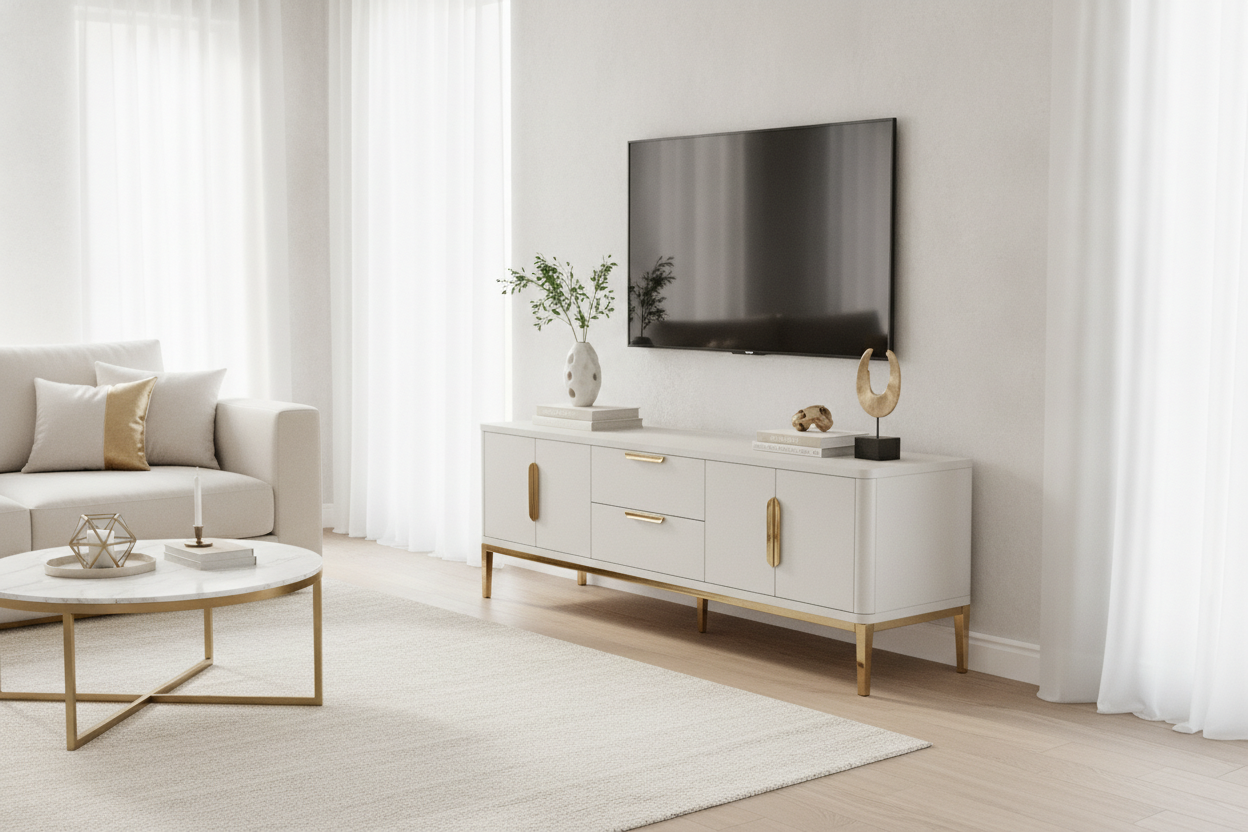
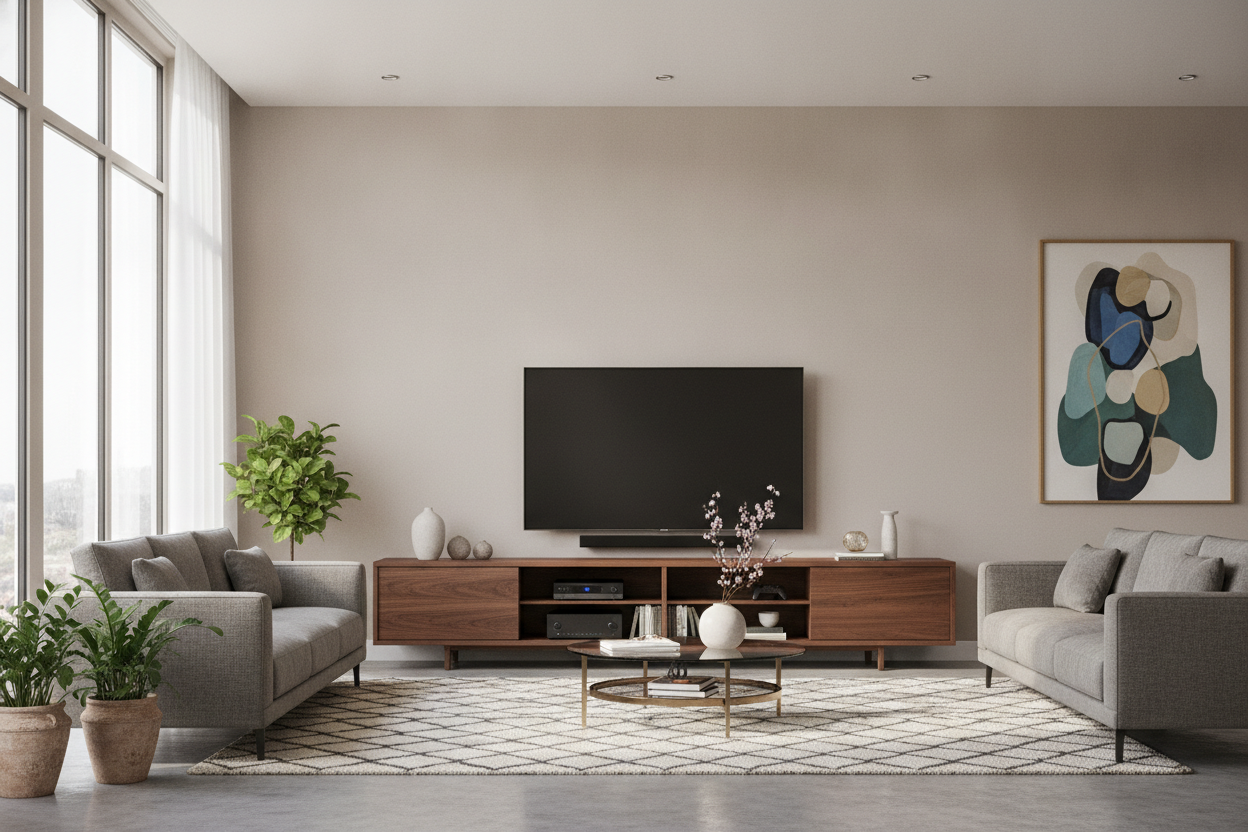
If you have a 65-inch TV, it’s roughly 57 inches wide. If you put that on a 60-inch stand, you only have 1.5 inches of space on either side. That’s not a design choice; that’s a claustrophobia trigger. You need breathing room. I always recommend a long 78.7 media console for anything in the 65-to-75-inch range. This gives you nearly a foot of space on either side to place a lamp or a vase, which keeps the screen from feeling like it’s suffocating the furniture.
How to Style a Massive Credenza/Media Console Without Cluttering It
Once you have that extra surface area, don't just fill it with remote controls and half-empty water bottles. Treat the top of your credenza/media console like a fireplace mantel. You want to break up that long flat plane with different heights. I like to put a structural table lamp on one end—something with a bit of weight to it—and a few stacked coffee table books on the other.
If you’re worried about the 'black box' look of the TV, lean a piece of framed art next to it. It overlaps the screen slightly from certain angles and softens the tech-heavy vibe. If you choose a 4 drawer tv stand media console, you can keep the top pristine because all the junk—batteries, chargers, the Nintendo Switch controllers—is tucked away in the drawers. Balance the visual weight: if the TV is centered, offset your decor. If the TV is off-center, use a tall plant on the opposite side to bring back the equilibrium.
Hiding the Mess: The Reality of Credenza Media Storage
The biggest perk of an oversized unit isn't just the looks; it's the sheer volume of 'hide-all' space. Most small TV stands have one sad little shelf that ends up covered in dust and tangled HDMI cables. A proper media unit gives you room for specialized book media storage solutions inside the cabinets. I use mine to hide the mesh router, a power strip, and about four board games I haven't played since 2019.
One pro tip: check the back panels before you buy. If it doesn't have pre-drilled cable management holes, you'll be stuck DIY-ing it with a hole saw, which is a great way to ruin a Saturday. A high-quality unit will have ventilated back panels so your electronics don't melt while you're playing 4K games.
Personal Experience: My 80-Inch Mistake
I once bought a 60-inch stand for a 65-inch TV because it was on a 'final sale' clearance. I thought I was being smart and saving a few hundred bucks. Every single day I looked at it, it bothered me. The TV looked like a giant head on a tiny neck. I eventually sold it on Marketplace for half what I paid and bought the 80-inch version of the same unit. The difference was night and day. The room felt calmer, the TV felt 'held,' and I finally had a place to put my favorite ceramic lamp. Don't cheap out on length—you'll regret it every time you sit on the couch.
FAQ
Can I use a dining sideboard as a media console?
Yes, but check the height. Sideboards are often 34-36 inches tall, which might put the TV too high for comfortable viewing. If you have a high-back sofa, it works. If you have a low, modern sofa, you'll get a neck ache.
How do I stop my devices from overheating in a closed cabinet?
Look for units with slatted doors or mesh fronts. If you have solid wood doors, you can leave them cracked during heavy gaming sessions, or install a small USB-powered cooling fan in the back panel.
Should the TV be centered on the credenza?
Not necessarily. Off-centering the TV can look very intentional and 'architectural' if you balance the other side with a tall lamp or a piece of art. It’s a great way to make a large TV feel less like the focal point of the entire room.

Dejar un comentario
Este sitio está protegido por hCaptcha y se aplican la Política de privacidad de hCaptcha y los Términos del servicio.