










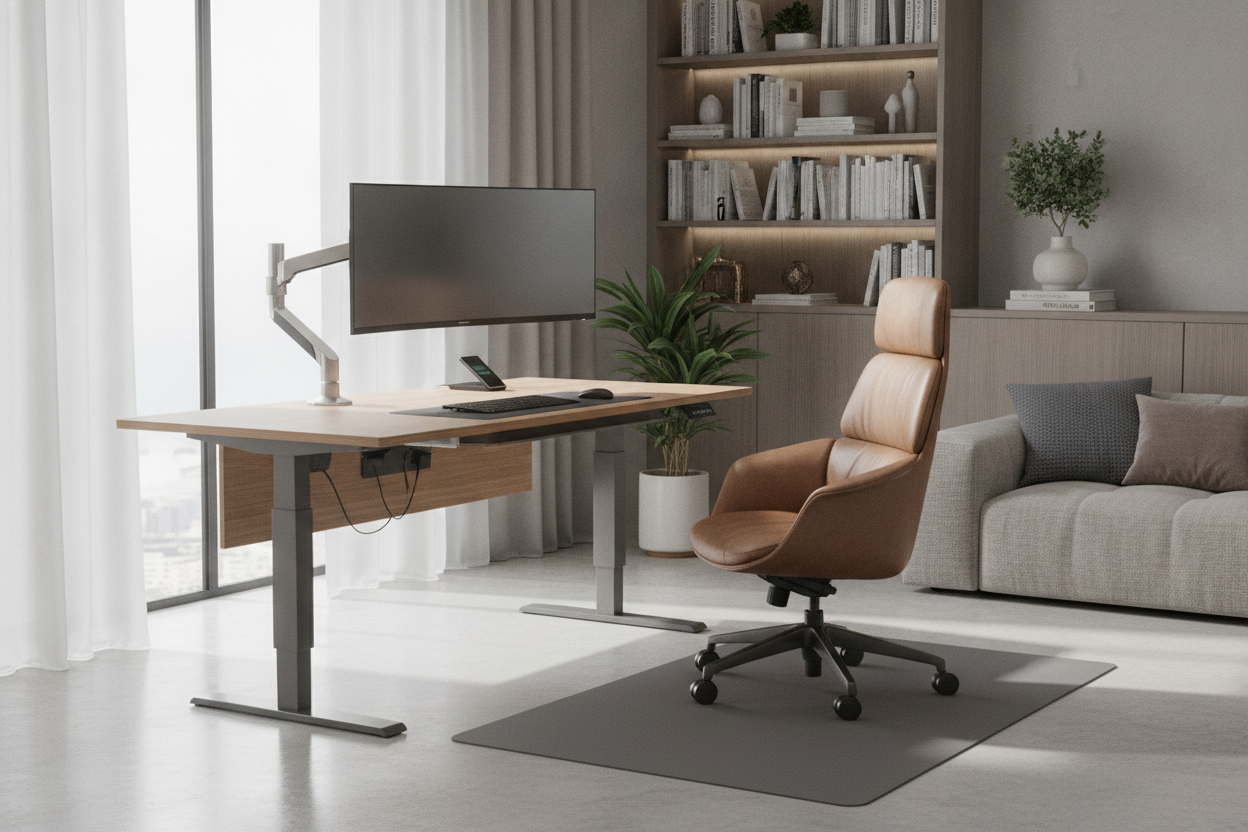
I spent three nights staring at a $199 desk on Amazon, convinced I had found a loophole in the furniture economy. By the time I actually hit 'buy' on my setup, the total was closer to $650, and I felt like I had been pickpocketed by an algorithm. Understanding the true cost of a standing desk requires looking past the glossy landing page prices and into the guts of the shipping box.
- Base prices usually exclude the actual tabletop or use cheap laminate.
- Single-motor frames are cheaper but often wobble at full extension.
- Cable management is a hidden $50-$80 tax you practically have to pay.
- Shipping for a 100lb motor system is rarely truly 'free.'
The $200 Illusion (Why Base Prices Are Lying to You)
Most people asking how much does a stand up desk cost are greeted with a $189 price tag that is, frankly, a bit of a lie. That is almost always the price for a manual hand-crank frame or a single-motor base that supports a tiny 40-inch top you have to buy separately. If you want a desk that doesn't feel like it was made from recycled soda cans, you have to upgrade.
I eventually figured out what drives up a standing desk cost, and it is usually the gap between the 'starting at' price and a desk that actually functions in a real office. A frame-only purchase sounds like a deal until you realize you have to source, sand, and drill your own slab of wood. By the time you buy a decent desktop, you are well past that $200 teaser price.
The 'Must-Have' Accessories That Wreck Your Budget
The secondary market for desk add-ons is where the real budget-bleeding happens. You buy the desk, set it up, and then realize your cables look like a plate of spaghetti hanging off the back. A decent steel cable management tray will run you another $30 to $50. It’s not really optional unless you want to kick your power strip every time you stretch your legs.
Then comes the monitor arm. If you want a screen that doesn't sag or bounce while you type at standing height, you need a heavy-duty arm, which adds another $100. Toss in a $60 anti-fatigue mat—because standing on hardwood in socks for six hours is a recipe for back pain—and your 'cheap' desk has suddenly doubled in price before you’ve even turned it on.
Are Smart Controllers Actually Worth the Upsell?
Most brands charge a $30 to $50 premium for a keypad with memory presets. You might think you can just hold the 'up' button until it looks right, but trust me: you won't. After the third day, you'll get tired of guessing the perfect height. It is much more efficient to find a sit stand up desk with memory preset controller included in the base package.
I have used the basic up/down buttons and they are a nightmare for consistency. If the desk is even half an inch too low, your wrists will feel it by noon. Having a one-touch button that remembers your exact ergonomic sweet spot is one of the few upgrades that actually pays for itself in saved frustration.
Shipping Heavy Metal: The Silent Budget Killer
These things are heavy. A dual-motor steel frame alone weighs about 70 pounds. Add a solid wood top, and you are looking at over 100 pounds of freight. When a site offers 'free shipping,' they have usually baked that $80-120 cost into the retail price. There is no such thing as a free lunch when it comes to moving heavy machinery across the country.
I have ordered the 'budget' options before, and they often arrive via the cheapest carrier possible. My last cheap frame arrived with a box so shredded it looked like it had been dragged behind the truck. High-end brands charge more because they use better packaging and reliable freight partners who won't leave a 100-pound box at the curb in a rainstorm.
The Final Math: So, How Much Do Standing Desks Cost?
So, how much do standing desks cost in the real world? If you want something that won't die in six months, here is the breakdown. A budget setup starts around $350 but comes with compromises in stability. A solid mid-range setup—the kind I actually recommend—will land between $500 and $800 once you include a decent top and cable management.
If you are just looking for a place to park a laptop, a standard writing computer desk is a fraction of the price and much easier to move. But if you are committed to the standing life, don't cheap out on the motors. I once bought a 'bargain' desk that used a single motor and a hex-rod to drive the other leg. Within three months, the rod stripped, and the desk got stuck at a permanent 42-inch height. I spent a week working on a barstool until the replacement parts arrived. Buy the dual motors; your future self will thank you.
FAQ
Do I really need dual motors?
Yes, if you have more than one monitor or a heavy desktop. Dual motors are quieter, lift more weight, and last much longer than single-motor systems that have to strain to lift the load.
Can I save money by using my own desktop?
Absolutely. Buying a frame-only and adding an IKEA top or a hardware store butcher block is a classic move. Just make sure the wood is thick enough to take the mounting screws without splitting.
Is a standing desk worth it for a laptop only?
Probably not. The weight of a laptop doesn't justify the heavy-duty motors. You might be better off with a simple desk converter or a fixed-height standing desk if you don't need to switch back and forth often.

Dejar un comentario
Este sitio está protegido por hCaptcha y se aplican la Política de privacidad de hCaptcha y los Términos del servicio.