










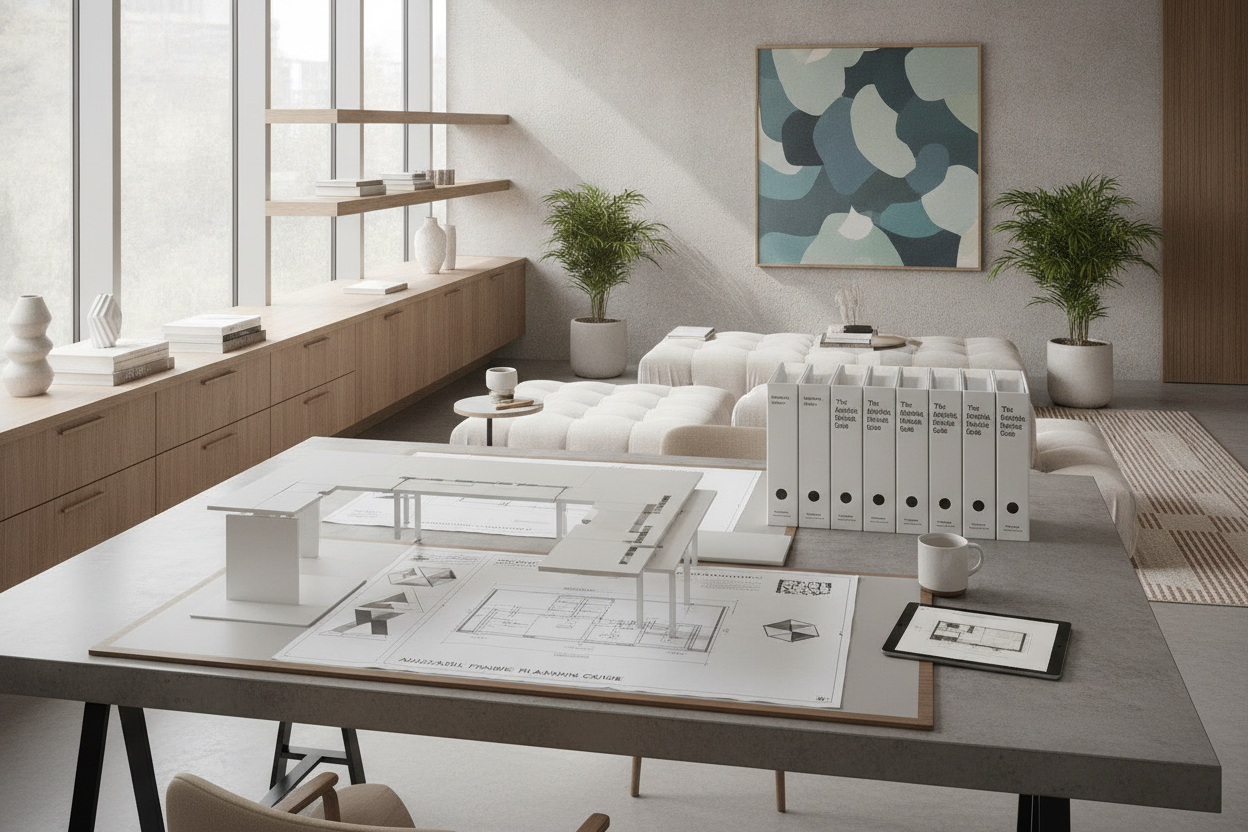
Designing a dedicated workspace that flexes alongside dynamic physical and developmental needs requires a fundamental departure from static furniture paradigms. Modern adaptive desks provide an architectural solution that balances adjustability, unobstructed floor clearance, and durable construction. Whether tailored for an evolving home study corner, a multi-user collaborative room, or a dedicated creative studio, selecting an adaptive desk involves understanding how structural frames, surface articulation, and peripheral cabinetry interact to support diverse daily routines.
Understanding Adaptive Desk Architecture: Structural Foundations for Flexible Workspaces
At the core of an adaptive desk is a frame engineered to support changing postures and mobility preferences. Unlike traditional desks with fixed aprons and rigid four-leg arrangements, an adaptable workstation relies on specialized geometries that maximize open clearance beneath the desktop.
Frame engineering typically incorporates cantilevered, C-frame, or set-back T-leg profiles. By moving vertical supports toward the rear perimeter of the worksurface, these designs eliminate obstructive front crossbars and knee barriers. This structural arrangement provides ample volume for mobility aids, footrests, and varied seating styles without structural interference.
Adjustment mechanisms dictate how readily the surface responds to changing tasks throughout the day:
- Manual Pin-Lock and Knob Assemblies: Sturdy mechanical systems adjusted during initial setup or periodic reconfiguration, ideal for single users with stable dimensional preferences.
- Hand-Crank Systems: Smooth mechanical gearing that allows reliable elevation changes without relying on electrical connections, offering intuitive control for shared spaces.
- Counterbalanced Pneumatic Lifts: Fluid, rapid height transitions activated with minimal physical effort, enabling effortless switches between seated and standing positions.
- Motorized Lift Columns: Smooth push-button transitions that facilitate precise leveling and programmable height presets across multiple daily users.
Spatial Clearance, Perimeter Planning, and Room Flow
Integrating adaptive desks into residential layouts requires deliberate spatial planning that extends beyond the tabletop dimensions. Circulation pathways must accommodate wide approach angles, gentle turning radii, and obstacle-free perimeter zones.
Positioning the desk perpendicular to primary windows helps balance natural ambient daylight while avoiding high-contrast surface glare on reflective screens or study papers. Maintaining dedicated buffer zones around the workstation ensures that adjusting height or tilting surfaces does not conflict with adjacent walls, window sills, or electrical fixtures.
Cable management requires structured routing channels to maintain floor safety. Flexible cable spines, under-desk wire trays, and perimeter raceways keep power cords contained during dynamic elevation changes, preventing cords from catching on moving frames or trailing across open floor space.
Worksurface Ergonomics: Tilt Mechanisms, Edge Profiles, and Zone Layouts
Adaptive worksurfaces often combine flat landing areas with multi-angle articulating panels. A tilting surface reduces neck flexion during drafting, reading, and close tactile tasks, bringing materials into a comfortable visual field without requiring the user to lean forward.
When selecting a tilt-capable adapt desk, consider key surface refinements:
- Split-Surface Configurations: A dual-surface layout provides a tilting primary section alongside a stable, horizontal secondary zone for drinks, task lighting, and organizing caddies.
- Integrated Edge Retainers: Soft-touch front lips, magnetic ledges, or subtle perimeter ridges keep notebooks, pens, and digital tablets from sliding off angled surfaces.
- Beveled and Rounded Contours: Smooth edge treatments distribute contact pressure evenly across forearms and wrists during prolonged study sessions.
Arranging tabletop tools into functional zones separates primary activities from peripheral devices. Keeping daily essentials within an easy arm sweep prevents overextension, while secondary technology can rest securely on dedicated horizontal tiers.
Pairing Adaptive Workstations with Accessible Storage and Organization
Because an adaptive desk prioritizes open legroom, integrated fixed drawers are rarely suitable beneath the central desktop. Instead, pairing the workstation with modular, independent storage maintains spatial flexibility without sacrificing organizational capacity.
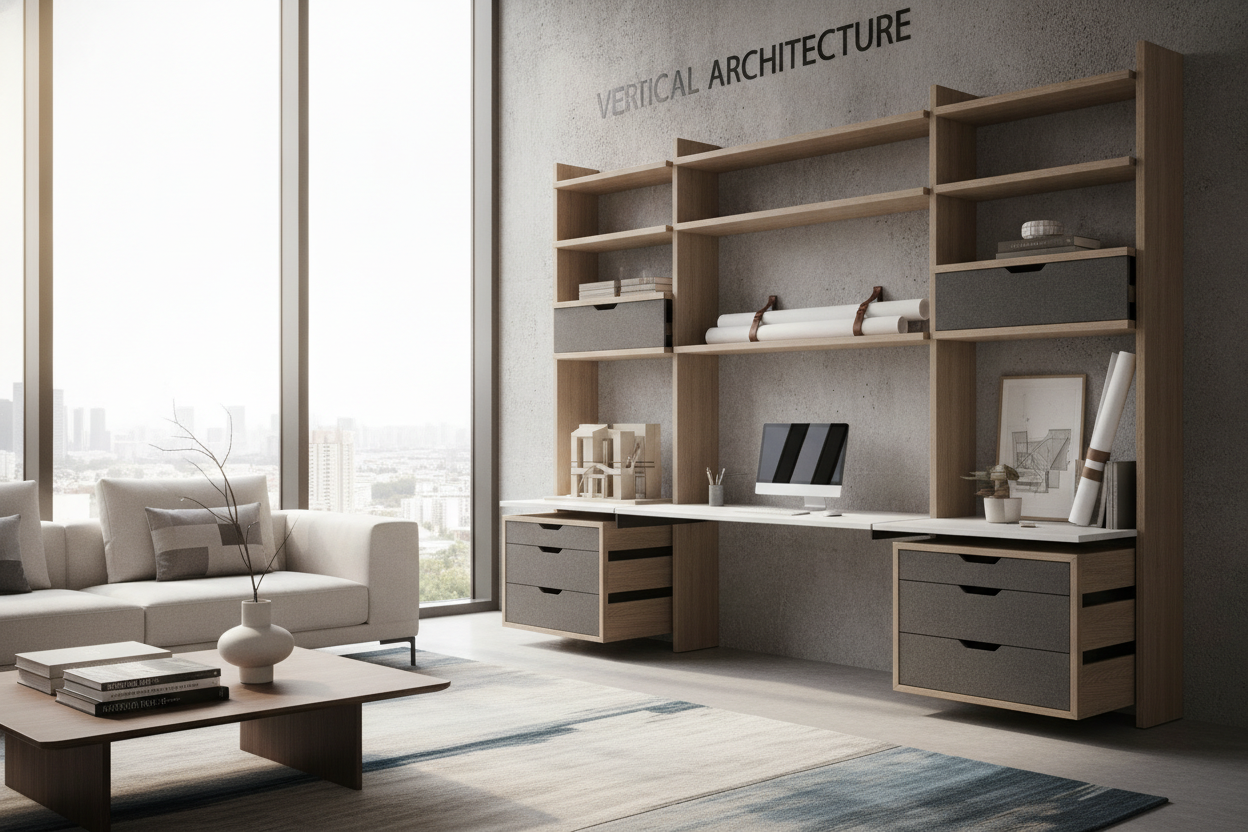
Low-profile mobile pedestals fitted with smooth-rolling casters can be positioned beside the desk perimeter or rolled away entirely when extra clearance is needed. In addition, wall-mounted floating shelving and shallow credenzas positioned adjacent to the desk provide accessible storage within comfortable reach heights.
Modular pegboards, side-hanging utility baskets, and magnetic accessory rails attached directly to the outer desk frame offer easy-access holding zones for writing utensils, headphones, and sensory tools without encroaching on under-desk leg space.
Material Selection, Durability, and Long-Term Maintenance
Workstations subject to regular height adjustments and varied tasks demand robust materials that withstand continuous handling. High-pressure laminate (HPL) surfaces, solid core boards, and powder-coated steel frameworks offer exceptional resistance to scratches, minor spills, and surface wear.
Matte surface textures are particularly advantageous, as they diffuse overhead illumination and minimize visual fatigue during long focus sessions. Edge banding should be securely sealed with durable thermoplastic edging to protect underlying cores against impacts and moisture.
Periodic maintenance maintains structural integrity and smooth operation:
- Check and tighten frame fasteners, bracket joints, and leveling glides to maintain overall stability.
- Wipe down mechanical tracks and wipe lift columns clean of dust and debris to ensure unimpeded travel.
- Use mild, non-abrasive cleaners on tabletops to preserve non-glare surface coatings.
Decision Framework: Selecting the Ideal Adapt Desk Setup for Your Space
Choosing the right adaptive desk configuration begins with evaluating user requirements, spatial limitations, and long-term organizational goals. Consider the following planning steps before selecting components:
- Assess User Reach and Mobility Needs: Determine whether simple manual adjustment or rapid pneumatic/motorized repositioning best supports the primary user's independence.
- Map Surrounding Floor Space: Verify unobstructed clearance for chairs, mobility devices, and perimeter storage units through the full vertical range of the desk frame.
- Identify Storage Strategies: Plan dedicated lateral credenzas, mobile pedestals, or wall shelving to preserve open knee clearance beneath the main tabletop.
- Prioritize Surface Functionality: Select a split-top or articulating desktop if activities include frequent drafting, reading, or tactile project work.
By balancing structural adjustability, intentional room flow, and modular storage, an adaptive desk creates a resilient, supportive environment tailored to evolving study and work routines.

Dejar un comentario
Este sitio está protegido por hCaptcha y se aplican la Política de privacidad de hCaptcha y los Términos del servicio.