










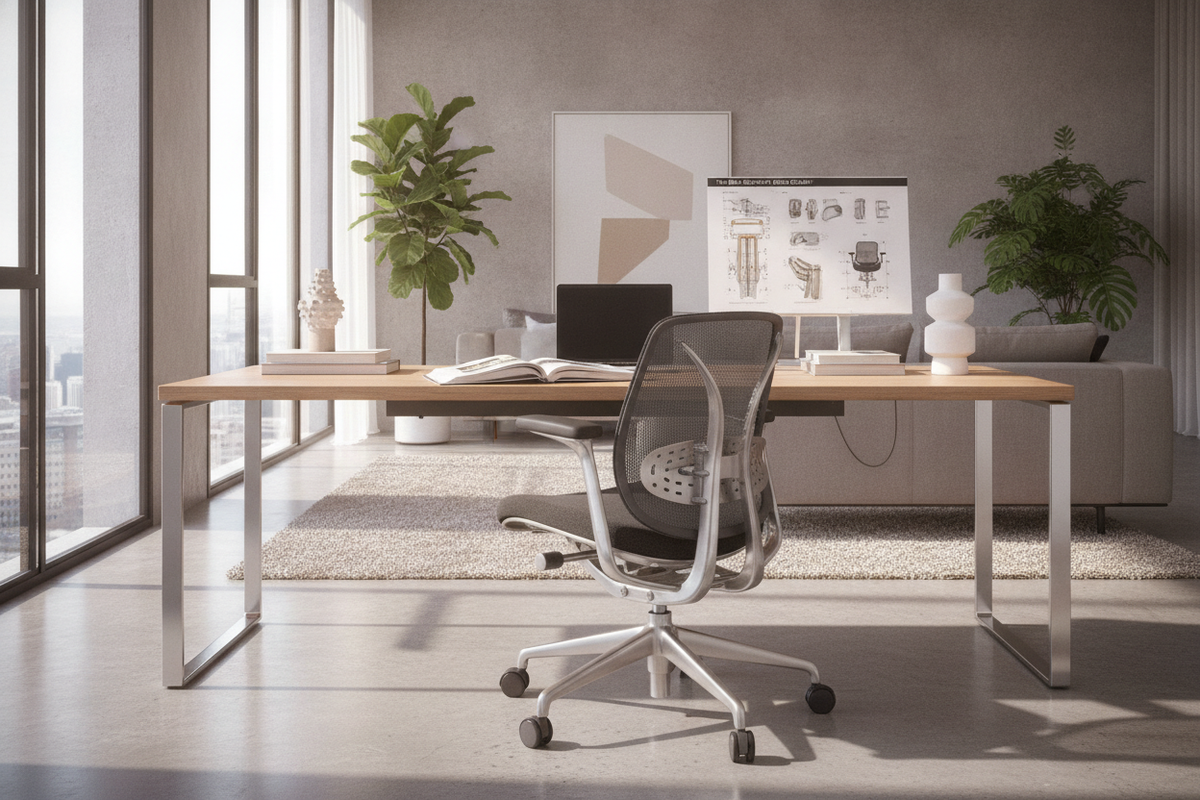
Anatomy of Lumbar Architecture: Why Lower Back Support Dictates Seating Performance
A well-engineered back support desk chair serves as the structural foundation for any productive home office or professional workstation. When sitting for extended periods, the natural inward curve of the lower spine requires consistent physical reinforcement. Without adequate contact, the pelvis tilts backward, leading to slouching and upper body fatigue. An office chair with lumbar support stabilizes the base of the spine, distributing upper body weight evenly across the seat pan and backrest frame.
Choosing an office desk chair lumbar support system involves understanding how the contour of the chair interacts with your natural spinal curve. A reliable spine support office chair does not force an exaggerated arch; rather, it fills the negative space between your lower back and the chair frame, enabling relaxed contact while maintaining an upright working posture.
Lumbar Mechanism Types: Comparing Fixed, Adjustable, and Dynamic Back Support Systems
Not all lower back contours operate the same way. When evaluating a lumbar support chair, the mechanism responsible for lumbar positioning determines how easily the chair adapts to different body proportions:
- Fixed Lumbar Contours: Molded directly into the structural frame or foam cushioning. While straightforward and durable, fixed contours require the user's torso length to match the chair's built-in curvature precisely.
- Adjustable Lumbar Support: An adjustable lumbar support chair features a dedicated pad or carriage that shifts vertically and sometimes horizontally. This allows users to align the support apex directly with the small of the back.
- Dynamic and Self-Adjusting Systems: Modern office chairs with lower back support often utilize spring-tensioned or pivoting lumbar sections that automatically modulate pressure as you recline, lean forward, or shift position.
- Integrated Tension Dials: Premium models incorporate internal flex mechanisms controlled by an external knob, allowing micro-adjustments to the firmness of the adjustable chair back without external pads.
Backrest Geometry and Silhouette Profiles: Mid-Back vs. High-Back Computer Chairs
The total silhouette of computer chairs with back support influences how much of the upper torso and shoulders receive stabilization throughout the workday. Selecting between mid-back and high-back profiles depends on task dynamics and physical support needs.
Mid-back designs provide focused support across the lower spine and lower thoracic region. These profiles allow full shoulder mobility, making them ideal for dynamic work environments where reaching across broad desks or turning toward credenzas is common. In contrast, an ergonomic back support chair with a high-back frame extends support up through the upper thoracic vertebrae and neck, which helps distribute body weight during reclined thinking sessions.
Understanding ergonomic seating geometry and posture alignment ensures that your back support office chair complements your working habits rather than restricting natural motion, creating a stable platform for a productive work chair for back support.
Material Selection and Structural Longevity: Breathable Mesh vs. Contoured Foam
The physical composition of a mesh chair with lumbar support alters both thermal comfort and surface pressure distribution. Evaluating upholstery materials ensures your chair maintains its shape and support over years of daily use:
- Elastomeric Mesh: Tensioned mesh suspensions adapt fluidly to the spine while promoting air circulation. High-tensile mesh prevents heat buildup during long work sessions and provides flexible lower back cradle support.
- Molded High-Density Foam: An office chair comfortable back support design using contoured foam offers a softer, more substantial contact area. Dual-density foams provide firm lumbar backing with softer upper padding to prevent pressure points.
- Reinforced Polymer and Aluminum Frames: The structural spine of a rolling chair with back support must resist torsional twisting when leaning or shifting weight, maintaining alignment between the seat pan and the lumbar mechanism.
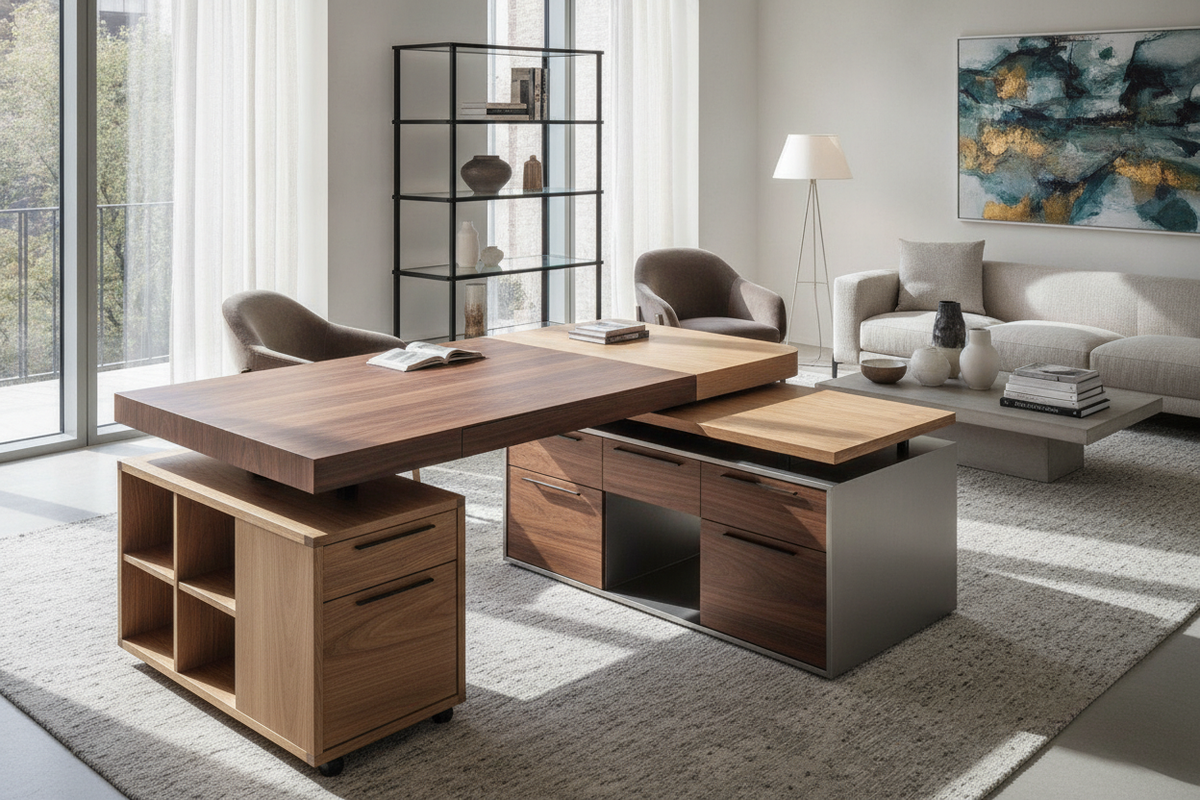
Workstation Integration: Coordinating Your Chair with Height-Adjustable and Storage Desks
A high-performance lumbar support chair for home environments cannot function in isolation; it must integrate seamlessly with your desk and storage architecture. When planning your workstation layout, coordinating seat elevation and armrest clearance prevents awkward reaches that counteract back support.
Pairing your back support work chair with an ergonomic office desk product allows you to transition between seated and standing modes while maintaining proper forearm angles. When seated, armrests should adjust to glide smoothly beneath the desktop, allowing your torso to remain fully supported against the backrest rather than perching forward on the seat edge.
For a deeper exploration of clearance dimensions and mechanical alignment, consult our guide on pairing your desk and chair mechanics to build a cohesive setup where your work chair with back support operates in harmony with your surface heights.
Spatial Clearance, Casters, and Office Storage Synergy
Movement around your workstation influences how consistently you utilize your chair's lumbar features. A home office chair with lumbar support requires adequate floor clearance to roll, swivel, and access storage elements without awkward twisting.
When organizing an office with an office computer desk product, ensure that active filing drawers, CPU compartments, and daily reference shelves sit within your primary reach envelope. Placing heavy storage units too far away encourages repetitive overreaching, pulling the lumbar spine away from the backrest. Furthermore, matching dual-wheel hooded casters to your flooring type—softer polyurethane for hard surfaces and dense nylon for low-pile carpets—guarantees smooth mobility and stable positioning across all lumbar support office chairs.
Decision Framework: Selecting the Ideal Back Support Work Chair for Your Setup
To choose the right work chair lumbar support system for your home office, evaluate your workspace through three key criteria:
- Mechanism Versatility: Prioritize an adjustable lumbar support chair if multiple users share the workstation, or choose a dynamic suspension model for active task switching.
- Desktop Alignment: Verify that the chair's armrests and maximum seat elevation allow unhindered access to your desk surface and keyboard tray.
- Storage Reach Envelope: Position your seating within a clear radius of storage drawers and desktop accessories to minimize twisting and preserve continuous back contact.
By harmonizing lumbar mechanism engineering with deliberate workstation layout, your back support desk chair will deliver dependable posture alignment and day-long structural support.


Dejar un comentario
Este sitio está protegido por hCaptcha y se aplican la Política de privacidad de hCaptcha y los Términos del servicio.