










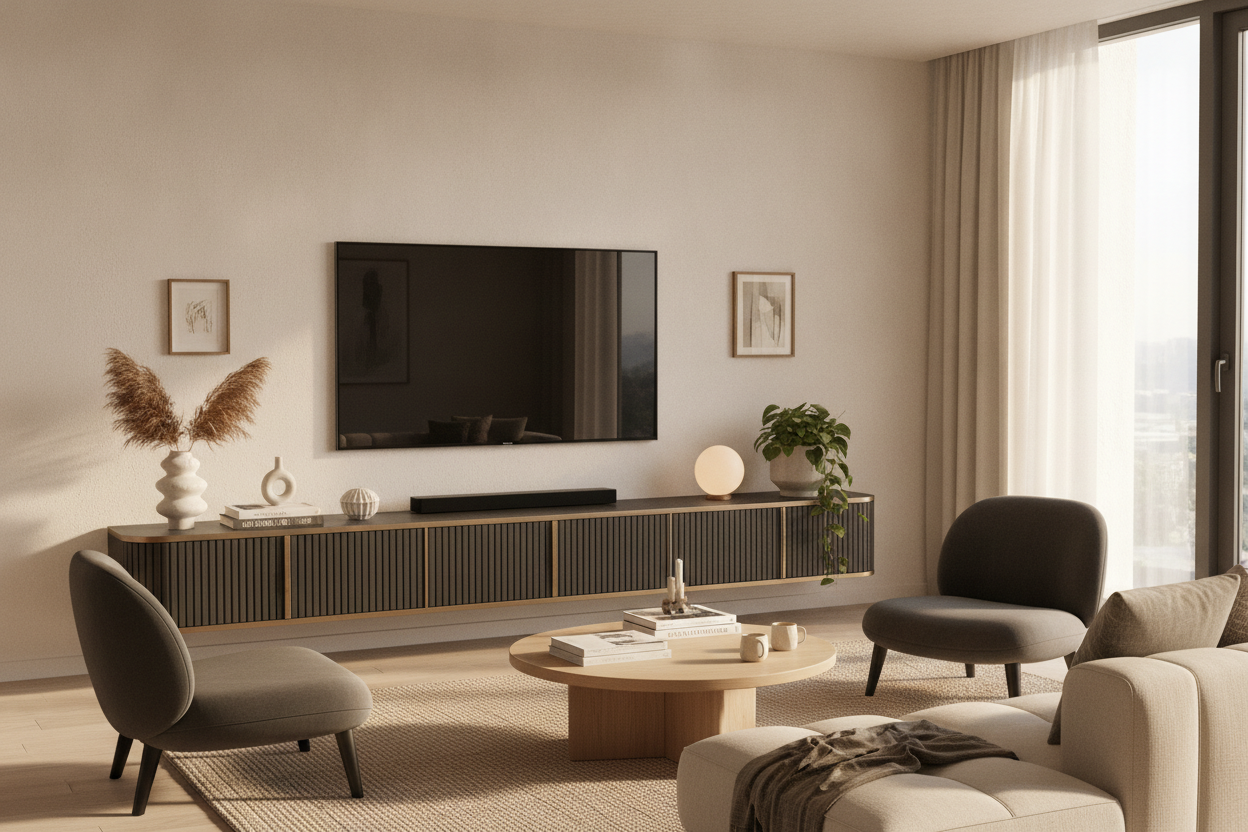
I remember the day I finally wall-mounted my 65-inch OLED. I stood back, remote in hand, and felt... nothing. Actually, I felt like I was in a Buffalo Wild Wings waiting for a table. The TV was there, but the wall was naked. It looked temporary, like I was about to move out or hadn't quite finished unpacking. That is the problem with the minimalist 'just mount it' trend; without a proper media centre for tv, your living room lacks a visual soul.
- Wall-mounting is great for height, but it needs a visual anchor below to ground the room.
- Your console should be at least 20% wider than the screen to avoid the 'top-heavy' look.
- Closed storage is non-negotiable for the inevitable mess of routers and gaming controllers.
- A quality unit acts as a piece of furniture first and a tech stand second.
The 'Floating Screen' Mistake (And Why It Looks Unfinished)
We have all seen it. You walk into a beautiful home, and there is a massive black rectangle bolted to a vast, empty white wall. It is jarring. Without a piece of furniture underneath, the TV looks like it is drifting away into space. It creates a cold, sterile atmosphere that feels more like a waiting room than a place where you actually want to kick off your shoes and relax.
A tv media centre provides what designers call a 'visual anchor.' It gives the eye a place to rest and defines the entertainment zone. When you leave that space empty, the proportions of the room fall apart. You end up with a weird gap between the floor and the screen that makes your ceilings look shorter and your tech look like an afterthought.
What Actually Makes a Good Anchor Piece?
I have made the mistake of buying those spindly, cheap metal racks from big-box stores. They wobble if you breathe on them and they look like they belong in a college dorm. A real anchor piece needs some heft. I am talking about kiln-dried hardwoods or high-quality veneers that can actually support the visual weight of a 75-inch screen.
The best part about modern design is that the best media centre for tv often doesn't actually look like a tv stand. You want something that looks like a high-end credenza or a vintage sideboard. It should have character—tapered legs, interesting door textures, or solid brass hardware. If it looks like it could hold your grandmother's fine china, it is probably stylish enough to sit under your 4K television.
The Cord Chaos Reality Check
Minimalism is a lie when it comes to home tech. Between the PlayStation, the Apple TV, the mesh router, and the soundbar, you have a literal rat's nest of cables. Nothing kills a room's vibe faster than a tangle of black plastic snakes drooping down from the screen. Even if you run wires through the wall, you still have the boxes to deal with.
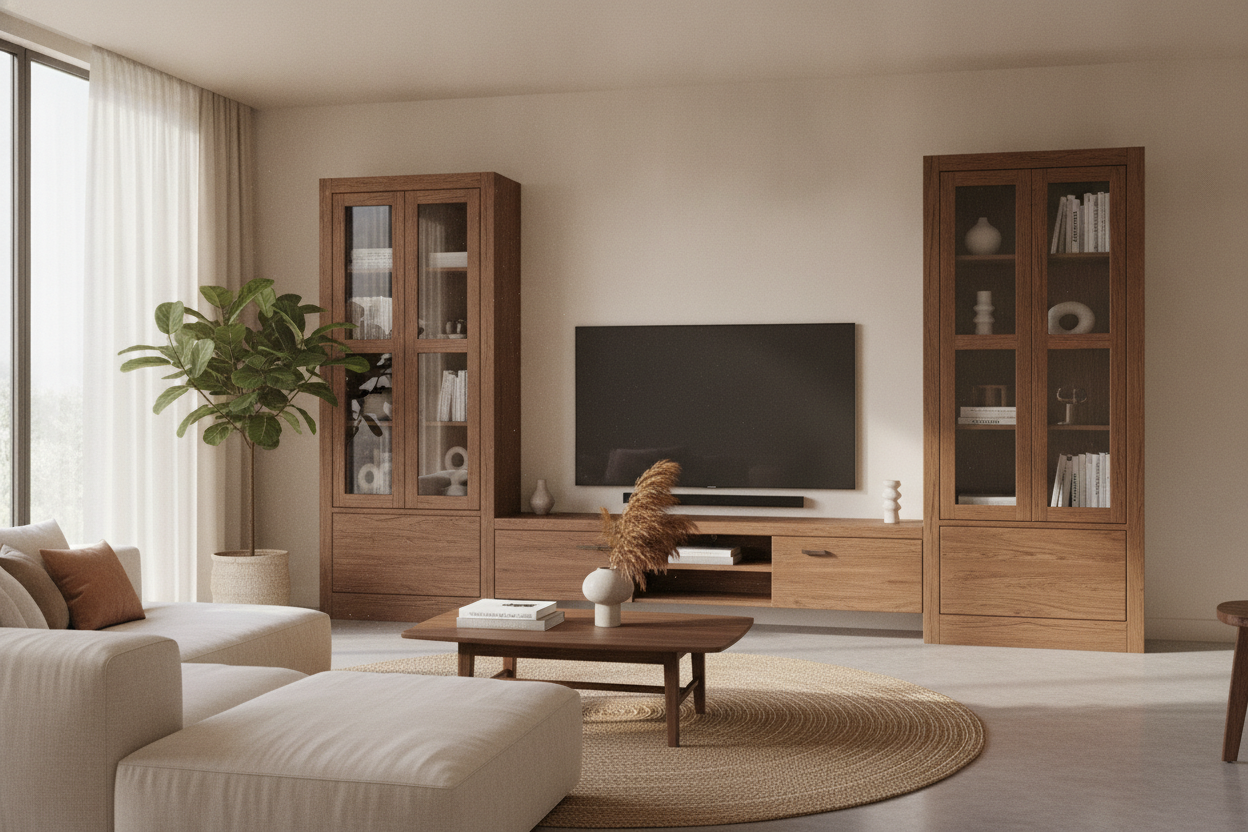
This is where a mediacenter tv setup with closed storage becomes a lifesaver. You need a unit with ventilated back panels and internal shelving. It is the only way to hide all your cords without losing your mind. I always look for units with 'cord management' cutouts—those little circular holes are the difference between a clean aesthetic and a technical nightmare.
Finding the Right Scale for Your Space
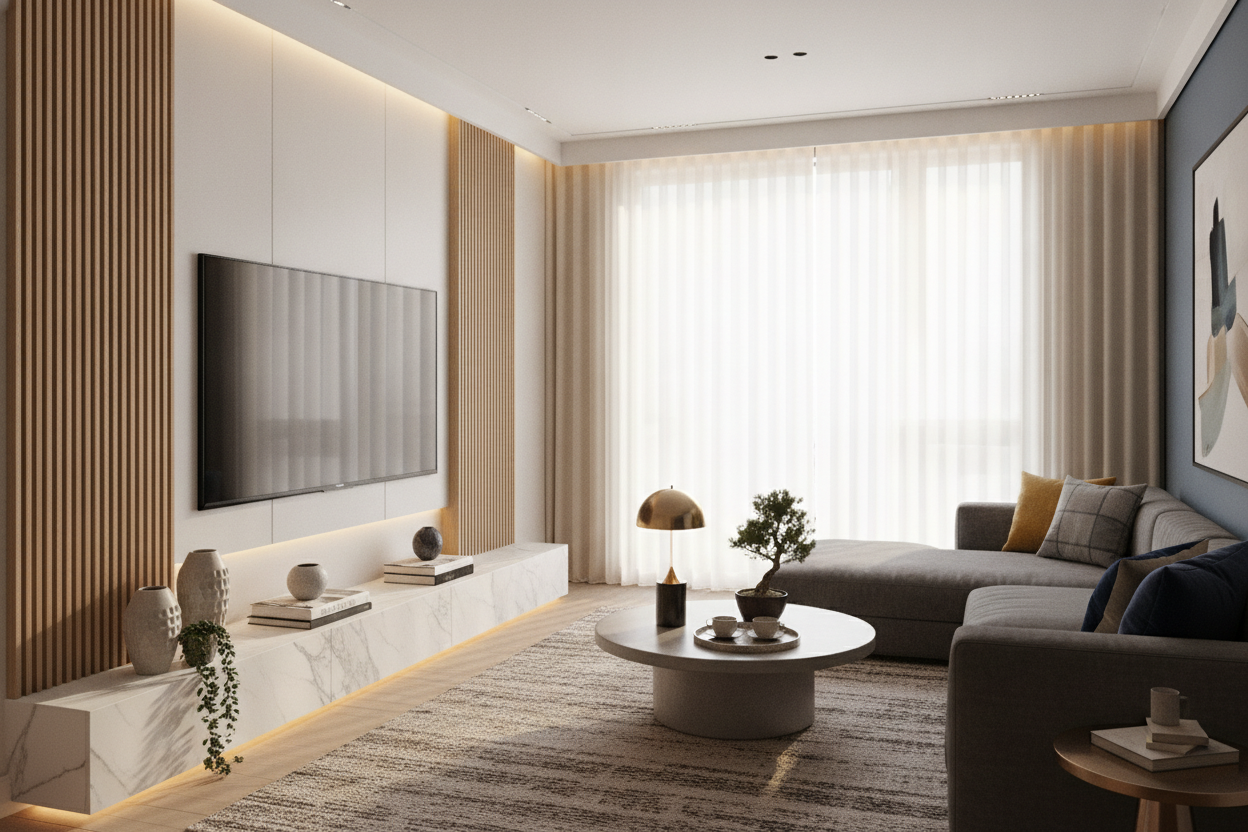
Proportion is everything. If your TV is 60 inches wide and your stand is 60 inches wide, it looks terrible. It creates a vertical column of 'stuff' that feels cramped. You want your media unit to be significantly wider than the screen. This creates a pleasing triangle of negative space that makes the whole wall feel intentional.
For those of us with oversized screens, a wide 4-drawer media console is usually the sweet spot. It provides enough horizontal runway to balance out a massive 85-inch display while giving you plenty of drawer space for things you actually use, like extra HDMI cables or those three different remotes you can never find. Measure twice, buy once—and always go wider than you think you need.
Styling Your Setup Without the Clutter
Once the furniture is in place, don't just leave it empty. This is your chance to inject some personality. I like to place a low-profile table lamp on one end of the console. It provides a soft glow that reduces eye strain during movie nights and looks much better than a harsh overhead light. Add a few coffee table books and maybe a textured ceramic bowl for your keys.
The goal is to blend the tech into the room's decor. If you are struggling to find a piece that fits your vibe, you can browse modern tv stands to see how different finishes like walnut or matte black change the energy of the room. Keep the objects on top low-profile so they don't block the screen, and avoid anything reflective that might catch the glare of the TV.
Is it okay to use a dresser as a media centre?
Sure, but check the height. Dressers are often 35-40 inches tall, which might put your TV too high for comfortable viewing. Aim for a surface that keeps the middle of the screen at eye level when you are sitting on your sofa.
How do I stop my consoles from overheating in a closed cabinet?
Look for units with slatted doors or open backs. If your cabinet is totally enclosed, you can buy small, USB-powered cooling fans to install in the back panel. They are cheap and save your gaming console from a slow, hot death.
Should the TV be centered on the wall or the furniture?
Always center the TV on the furniture. If the furniture is off-center on the wall, that can look like a deliberate design choice. If the TV is off-center from the console, it just looks like you didn't own a tape measure.

Dejar un comentario
Este sitio está protegido por hCaptcha y se aplican la Política de privacidad de hCaptcha y los Términos del servicio.