










The Architectural Anatomy of a Built-In Sit-Stand Desk
Traditional millwork prioritizes seamless, static lines where countertops, side gables, and storage units join without visible separation. In contrast, incorporating a built in sit stand desk introduces vertical motion into an otherwise stationary architectural composition. Designing a workstation that combines the custom aesthetic of perimeter casework with motorized movement requires careful planning around spatial boundaries, visual continuity, and mechanical independence.
Rather than mounting the moving desktop directly to adjacent wall studs or static side panels, an architectural built in stand up desk relies on a decoupled interior frame. The lifting columns rest on their own structural base while flanking cabinets, overhead bridges, and wall paneling create the surrounding framework. This layout delivers the appearance of bespoke built-ins while allowing the desktop to travel smoothly between sitting and standing elevations without binding against neighboring joinery.
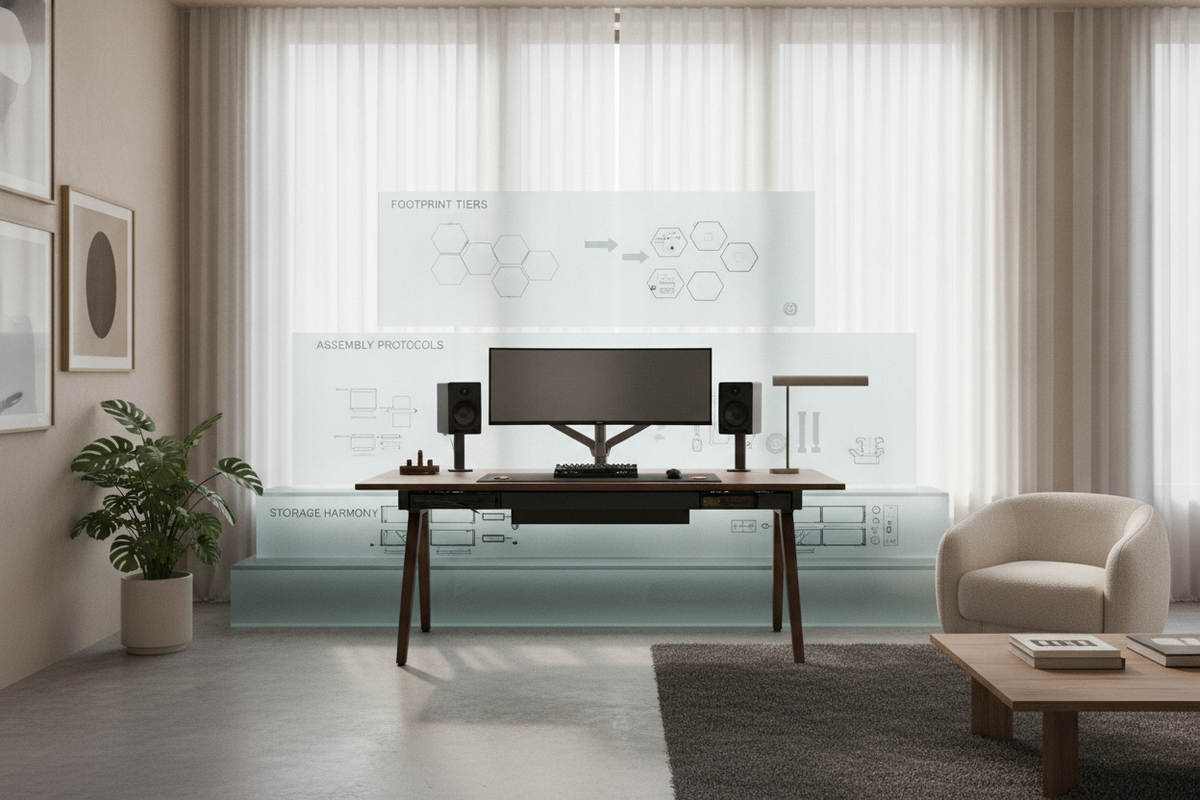
Dimensional Tiers and Spatial Footprint Categories
Planning the footprint for an integrated sit-stand workstation depends on whether the installation occupies an existing alcove niche, a full-wall run, or a transitional corner alcove. In an alcove setting, the perimeter walls define the structural envelope, making precise interior width calculations essential. When developing casework inspired by a built desk guide, maintaining independent movement zones ensures the finished structure looks fully customized rather than retrofitted.
- Alcove Niches: Confined on three sides, these spaces require consistent boundary spacing between the moving top and the flanking drywall or side pilasters to avoid friction during vertical travel.
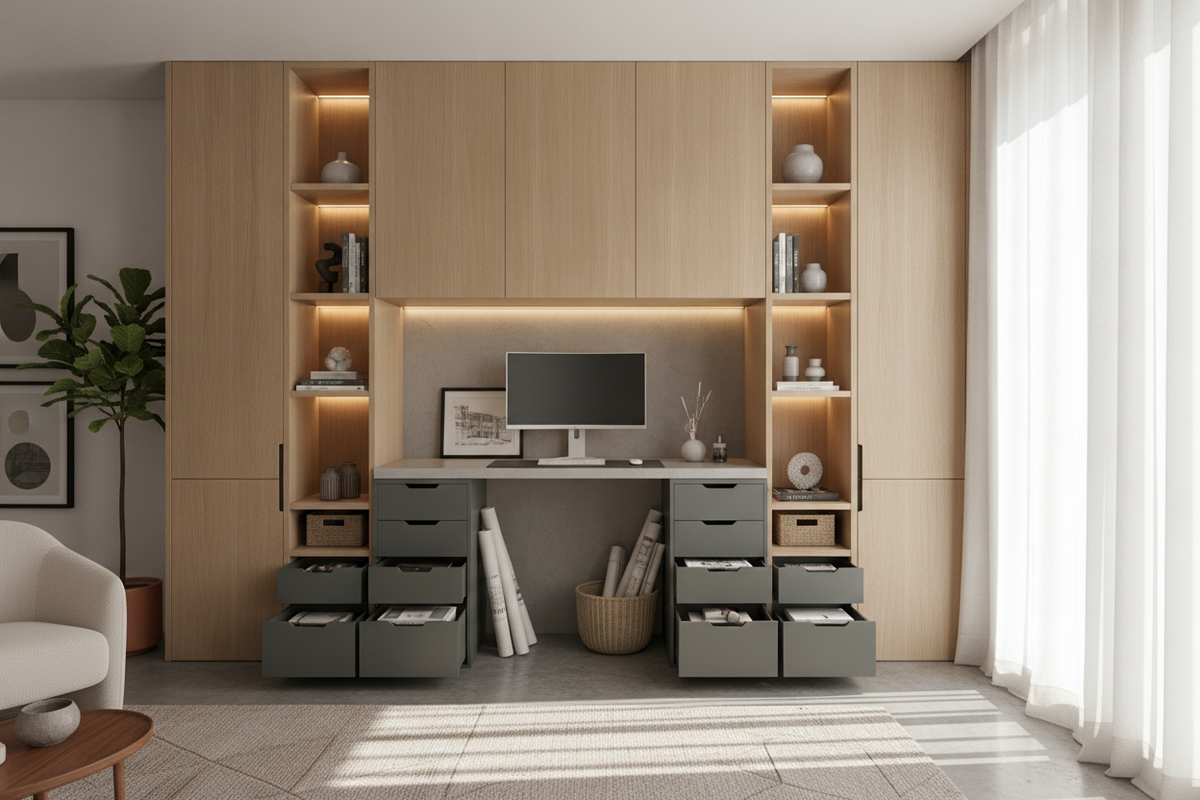
- Full-Wall Cabinet Runs: Flanked by tall storage towers or base drawers, the motorized worktop sits inside a dedicated central bay while overhead bridging shelves complete the unified upper line.
- Corner L-Configurations: Combining a motorized main surface with an adjacent static return credenza requires intentional level matching at the lowest seated height.
Kinematic Clearances and Wall-Gap Engineering
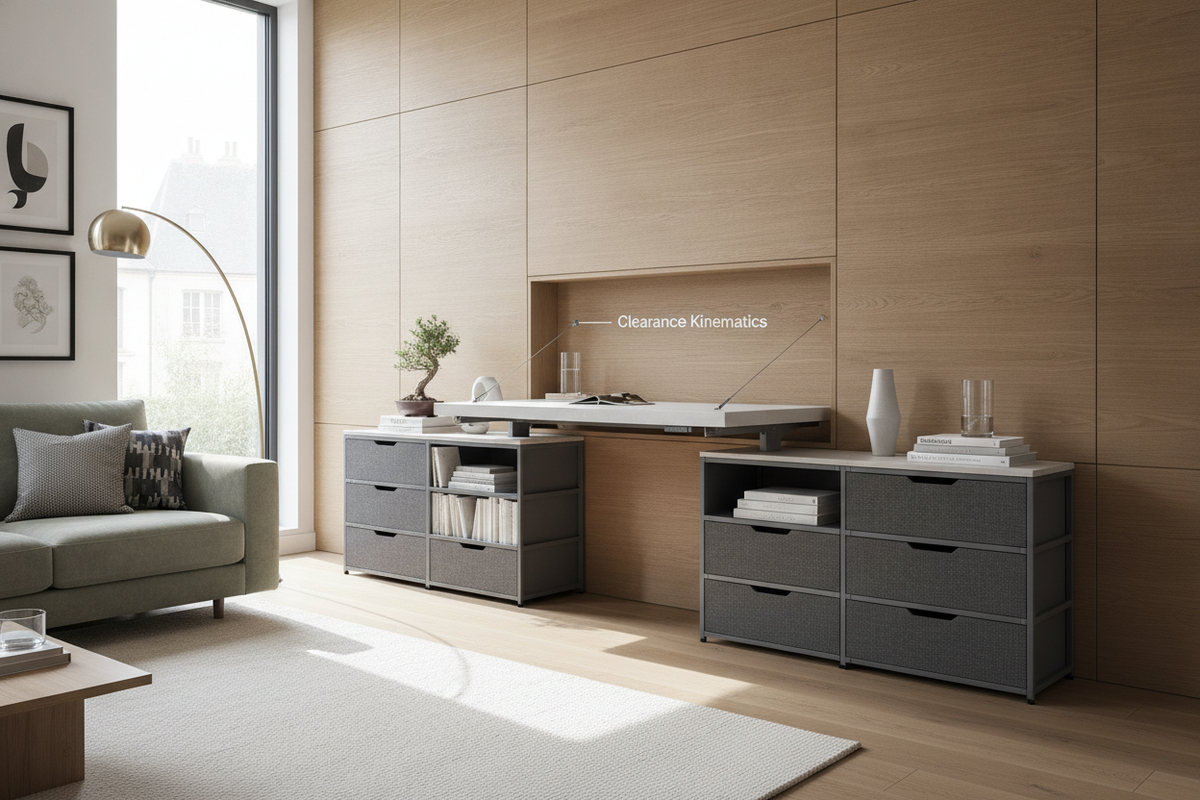
The primary technical consideration when planning an adjustable workstation within cabinetry is clearance kinematics. Because walls, corner trim, and tall bookcases are rarely perfectly plumb, an adjustable worktop needs a continuous perimeter perimeter margin around its sides and rear edge. This intentional gap prevents surface scraping and eliminates potential pinch points.
Integrating a motorized lift system such as a sit stand desk product into a built-in envelope works best when pairing the perimeter margin with a rear shadow reveal. Using dark trim, recessed channels, or matching wall paint inside the clearance gap creates a clean architectural shadow line that disguises the physical separation between stationary millwork and the dynamic top.
Perimeter Cabinetry and Modular Storage Cohesion
One challenge of height-adjustable workstations is managing storage without cluttering the moving work surface. A built-in design resolves this by delegating heavy storage, filing drawers, and peripheral organization to adjacent stationary millwork. Flanking towers provide housing for books, office equipment, and ambient lighting fixtures, while under-desk mobile pedestals can sit beneath the frame without interfering with lower travel limits.
For rooms where architectural millwork is supplemented by accent wall treatments, consulting a built stand guide can provide inspiration for integrating vertical paneling that runs behind the moving desk surface. When additional surface organization is required for desktop electronics or monitor risers, pairing the main lift with a secondary surface like a desk stand product helps maintain an uncluttered, tailored aesthetic.
Material Selection and Architectural Finishes
Achieving visual harmony between the moving desktop and stationary cabinetry requires thoughtful material pairing. While solid hardwoods, engineered veneers, and high-pressure laminates can all be integrated into a built in stand up desk design, matching edge treatments and grain orientation across static and moving surfaces creates a unified appearance.
- Engineered Hardwood and Veneers: Provides a natural grain texture that can be stained to match adjacent architectural trim, baseboards, and built-in crown molding.
- High-Pressure Laminate: Delivers high scratch and moisture resistance, making it suitable for high-traffic home offices requiring easy long-term maintenance.
- Contrasting Feature Materials: Combining painted cabinetry surrounds with a warm timber desktop highlights the workstation as an intentional focal point within the room.
Dynamic Cable Management and Concealed Wiring Strategies
In a standard static desk, cables remain fixed inside wall chases or baseboard raceways. In a dynamic built in sit stand desk, wiring must expand and contract across the full range of motion without tangling or pulling free from wall receptacles.
Architectural installations achieve clean cable pathways by utilizing articulating cable vertebrae or flexible mesh raceways mounted to the underside of the worktop. These dynamic conduits channel display cords, power cables, and network lines directly into a hidden channel within the adjacent stationary cabinetry or through a brush grommet in the lower baseboard. By centralizing power distribution beneath the moving desktop, only a single flexible umbilical cord needs to bridge the moving and stationary zones.
Assembly Sequence and Installation Verification
Executing an integrated sit-stand office installation involves an orderly sequence to verify alignment before securing permanent trim components.
- Alcove and Perimeter Base Leveling: Level the floor zone and anchor flanking storage towers or base cabinets securely to wall studs.
- Frame Assembly and Centering: Position the motorized lifting frame inside the central opening, checking that side clearances remain equal across both sides.
- Desktop Mounting: Secure the worktop to the motor frame, verifying that front edges align flush with the leading profile of adjacent cabinetry.
- Full Travel Cycle Verification: Operate the motorized mechanism through several complete upward and downward cycles to inspect perimeter margins, shadow gaps, and dynamic cable flex.
- Trim and Scribe Finishing: Install perimeter shadow molding, back paneling, and upper bridge shelving, ensuring no stationary trim encroaches upon the travel path of the moving desktop.

Dejar un comentario
Este sitio está protegido por hCaptcha y se aplican la Política de privacidad de hCaptcha y los Términos del servicio.