










Understanding Forward Leaning Mechanics on Wide and Deep Desktops
Spacious workstations offer generous tabletop room for multiple displays, hardware, notebooks, and reference materials. However, broad horizontal spans and deep desk surfaces can unintentionally encourage users to lean forward. When equipment sits beyond a comfortable viewing distance or natural arm extension, the torso naturally hinges forward to read fine text or manipulate peripherals. Over continuous work sessions, this forward displacement pulls the spine out of alignment with the chair backrest, creating muscular tension across the neck, upper back, and shoulders.
The tendency to hunch forward often stems from poor surface zoning rather than a lack of space. Placing a computer monitor too far back on a deep tabletop causes the eyes to strain, prompting the head and shoulders to drift closer to the glass. Similarly, setting writing pads, numeric pads, or input accessories out of natural reach forces repetitive overextension. Maintaining a supported posture while working on expansive surfaces requires deliberate spatial organization that brings daily tools directly into neutral physical corridors.
Ergonomic Reach Zones: Architecting an Expansive Work Surface
Organizing a sprawling desktop effectively involves dividing the surface into three distinct reach zones based on body mechanics:
- Primary Zone (Neutral Reach): The area swept by the forearms with elbows resting comfortably near the sides. This zone houses the central keyboard, mouse, and immediate writing area to ensure daily input tasks require zero forward torso lean.
- Secondary Zone (Arm Reach): The perimeter accessible by extending the arms without bending the waist. This zone is suited for stationary task lighting, active reference documents, secondary input devices, and personal desk accessories.
- Tertiary Zone (Outer Perimeter): The deep rear corners and extreme lateral edges of a wide desktop. These spaces are best reserved for structural decor, ambient lighting, plants, or passive storage bins that are accessed only occasionally.
Maintaining a neutral spine at an expansive workstation depends heavily on an adjustable ergonomic desk chair pairing that prevents slouching toward deep screens. Pairing a supportive seating base with well-defined reach zones ensures that the tabletop supports productivity rather than encouraging poor posture.
The Leaning Desk Alternative: Vertical Storage Meets Compact Footprints
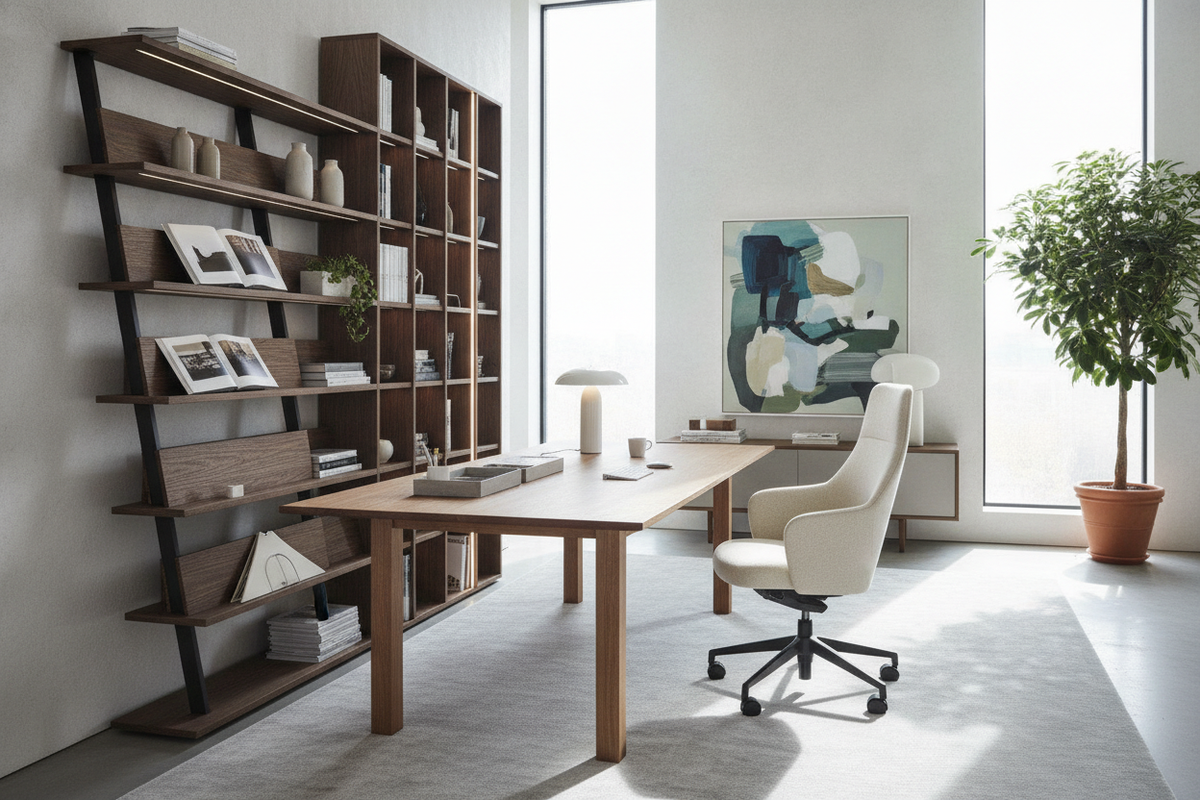
For rooms where deep horizontal desks overwhelm the room layout, an ikea leaning desk style or leaning ladder workstation presents a compelling alternative. Rather than spreading equipment across an expansive horizontal plane, a leaning desk utilizes vertical wall height. These ladder-style frames rest securely against the wall, positioning display shelves, supply bins, and reference materials directly above the central work surface.
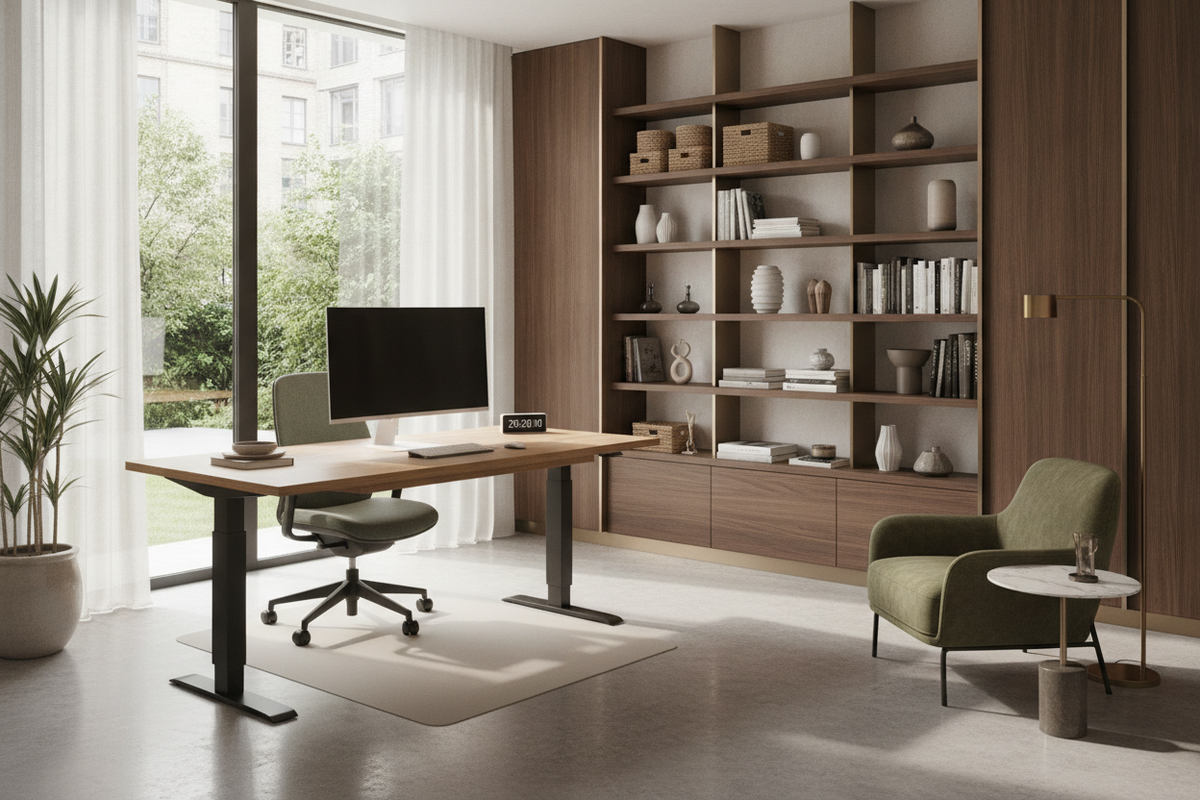
Vertical storage structures keep essential books and files within arm reach without occupying floor clearance. Because the primary work ledge is intentionally compact, users naturally keep their active materials close, reducing the temptation to push displays into deep, hard-to-see perimeters. Home offices requiring extensive reference storage can draw inspiration from a built-in desk and shelves setup to lift clutter off the main tabletop while preserving floor space.
Spatial Planning and Room Integration: Wide Desktops vs. Leaning Modular Stations
Choosing between a broad horizontal desk and an upright leaning workstation requires careful evaluation of room geometry, circulation pathways, and workflow needs:
- Circulation and Walkways: Wide desks require substantial depth and side clearance to prevent room pinch points. Leaning desks preserve open floor area, making them ideal for multi-use guest bedrooms, studio apartments, and narrow home study alcoves.
- Wall Anchoring and Structural Placement: Leaning frames must be positioned against solid wall surfaces with proper anchoring hardware to ensure long-term stability under shelf loads.
- Workflow Demands: Multi-monitor setups, graphic design tablets, and large drafting tasks benefit from wide horizontal spans, whereas laptop-focused tasks and study routines thrive in compact vertical stations.
When evaluating room footprints where a broad top overwhelms the floor plan, comparing slim leaning profiles with compact modular desk options helps maintain open pathways. For multipurpose spaces seeking complete concealment rather than an open ladder frame, exploring a hidden office armoire desk provides an alternative containment strategy.
Workspace Accessories and Storage Coordination to Eliminate Reach Fatigue
Regardless of whether a workstation uses an expansive horizontal top or a vertical leaning frame, selecting the right ergonomic accessories will keep items positioned within neutral reach zones:
- Articulating Monitor Arms: Adjustable mounting arms allow screens to float forward into comfortable focal ranges without sacrificing desk space below.
- Angled Document Holders: Positioning reference paperwork directly between the keyboard and monitor prevents awkward downward neck angles and torso leaning.
- Mobile Under-Desk Pedestals: Adding rolling drawer units beneath wide desks brings filing and stationery close to the seated user, eliminating deep surface clutter.
- Coordinated Wall Shelving: Adding modular floating shelves above standard desks mimics the vertical reach advantages of ladder workstations.
By thoughtfully planning surface depth, reach envelopes, and vertical storage, home office workstations of any scale can maintain visual clarity while supporting upright, comfortable posture throughout the workday.

Dejar un comentario
Este sitio está protegido por hCaptcha y se aplican la Política de privacidad de hCaptcha y los Términos del servicio.