










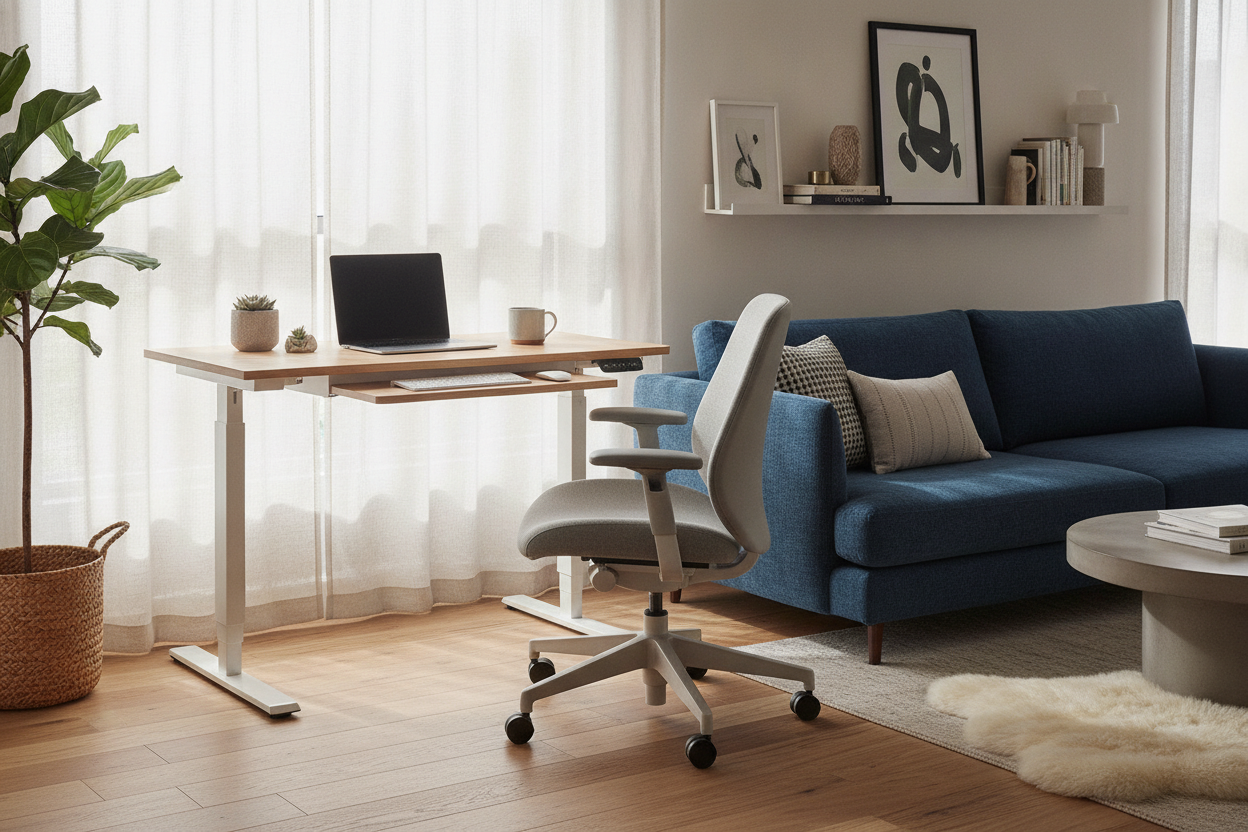
I spent three months staring at a perfectly functional spare bedroom that I absolutely hated. It was dark, smelled like old cardboard, and faced a brick wall. Instead of working in there, I spent my days hunched over a 29-inch high dining table, sitting on a hard oak chair that was definitely not designed for eight-hour shifts. My lower back felt like it was being squeezed by a vice, but I couldn't give up the giant bay window in the kitchen. I needed a way to keep the sun without losing my spine.
The solution wasn't a bigger office or a fancy ergonomic chair that wouldn't fit under the table. It was a sit stand rolling workstation. I needed something that could live in the sunlight during the day and disappear into a corner when I finally closed my laptop. After testing three different models, I finally found a setup that didn't vibrate like a tuning fork every time I typed.
Quick Takeaways
- Look for a heavy-duty steel frame (at least 1.5mm thick) to prevent the dreaded 'monitor shake' at standing height.
- Locking casters are mandatory, especially if you have hardwood floors or a slight incline in your house.
- A built-in power strip mount is the only way to keep a mobile desk from becoming a tripping hazard.
- Dual-monitor setups require a wider base; don't try to balance two 27-inch screens on a single-post pedestal.
Why I Refused to Banish Myself to the Spare Room
There is a specific kind of mental tax you pay when you work in a room that doubles as a storage locker. My spare room had the 'good' desk, but it also had zero natural light. Every time I tried to work in there, I felt like I was being punished. I’d last about twenty minutes before migrating back to the dining room with my laptop, sitting in a chair that was slowly destroying my posture. It’s a common trap: we prioritize the 'office' space over the actual experience of working.
The dining room has the 10:00 AM light that makes even the most boring spreadsheets feel tolerable. But my dining table is exactly 30 inches high, and my elbows were constantly flared out at weird angles. I realized I didn't hate the idea of an office; I just hated the location. I needed my gear to be as mobile as I am. I wanted a setup that could follow the sun from the kitchen to the living room without requiring me to lug a 50-pound monitor across the house.
A mobile setup allows you to reclaim your living space at 5:01 PM. When the workday is over, I roll the whole rig into the hallway. The dining room goes back to being a place for dinner, not a graveyard of sticky notes and charging cables. It’s the ultimate boundary-setter for anyone living in a small apartment or a house where every room wears multiple hats.
Trading the Kitchen Chair for a Sit Stand Rolling Workstation
I started with one of those cheap laptop trays—the kind with the plastic wheels that squeak on every rotation. It lasted four days. It was too light, too flimsy, and it felt like it would tip over if I breathed on it too hard. If you're serious about working from home, you have to move past the 'temporary' furniture mindset. A real sit to stand rolling workstation needs enough surface area for a full-sized keyboard and a mouse pad that isn't the size of a postage stamp.
I debated getting a traditional, heavy writing computer desk for the corner of the living room, but that would have anchored me to one spot forever. Stationary desks are great for stability, but they are the enemies of flexibility. By choosing a mobile model, I got the ergonomic benefits of a standing desk without the footprint of a permanent fixture. I opted for a model with a 32-inch wide top, which is just enough for my 24-inch monitor and my coffee mug.
The transition was immediate. Instead of my shoulders being up by my ears, I could drop the desk to the perfect height for my seated posture. And when my legs got restless, I could crank it up to standing height in about ten seconds. The key difference between this and a kitchen chair is the customization. You aren't adjusting your body to the furniture; the furniture is finally doing the work for you.
The Wobble Factor: Stabilizing a Sit to Stand Rolling Desk
The biggest fear people have with a sit to stand rolling desk is the wobble. If you buy a cheap, single-column desk and raise it to 45 inches, it’s going to shake every time you hit the 'Enter' key. I learned this the hard way with a budget model that made my monitor look like it was in the middle of an earthquake. To avoid this, look for a 'H-frame' or 'U-frame' base. The wider the footprint on the floor, the more stable your screens will be.
If you are working on hardwood, those tiny plastic wheels that come in the box are usually garbage. I replaced mine with 3-inch polyurethane 'rollerblade' style wheels. They glide over the floor without scratching it and, more importantly, they have a much wider locking mechanism. On an area rug, you might actually want the standard hard plastic wheels, as they don't get 'stuck' in the pile as easily. If you're planning on adding a lot of weight, like a heavy desktop tower, you should check out this guide on 3 Things to Check Before Buying a Sit Stand Desk With File Cabinet to make sure your casters can actually handle the load without collapsing.
Stability also comes down to how you distribute the weight. I keep my monitor centered directly over the main support pillar. If you overhang a heavy dual-monitor mount off the back edge of a mobile desk, you're asking for a tipping disaster. I also found that keeping a small power bank or a heavy UPS on the bottom shelf actually lowers the center of gravity, making the whole desk feel much more planted when I'm typing at standing height.
The Ugly Cord Problem (And How I Fixed It)
A rolling desk isn't very 'rolling' if it's tethered to the wall by six different cables. My first attempt at moving the desk resulted in me ripping a lamp off a side table because the monitor cord was tangled in the legs. You have to treat cable management like a high-stakes engineering project. The goal is to have exactly one cord—the main power strip cable—leaving the desk.
I used heavy-duty Velcro strips to mount a 6-outlet power strip directly to the underside of the desk surface. Every single peripheral—the monitor, the laptop charger, the phone dock—plugs into that strip. I then used zip ties and cable 'snakes' to tuck the excess wire against the frame. Now, when I want to move from the kitchen to the patio door, I just unplug one single cord from the wall, coil it over the handle, and roll away. It takes five seconds.
Don't forget to leave 'slack' in the cables for when the desk moves from sitting to standing height. I made the mistake of zip-tying my monitor cable too tight to the frame, and the first time I raised the desk, I almost snapped the HDMI port off my laptop. Leave a loop of extra cable at the pivot points so the desk can grow and shrink without tension. It looks a little messy at first, but once you wrap it in a mesh sleeve, it looks professional.
My Final Verdict on the Sit to Stand Rolling Workstation
Six months into this setup, and I haven't stepped foot in the spare room once. My back pain has vanished, mostly because I actually use the standing feature now that it doesn't involve a 15-minute transition. I chase the sun around the house like a cat. In the morning, I'm by the east window; by 3:00 PM, I've rolled over to the west side to catch the last bit of light. It’s a level of freedom that a stationary desk just can't provide.
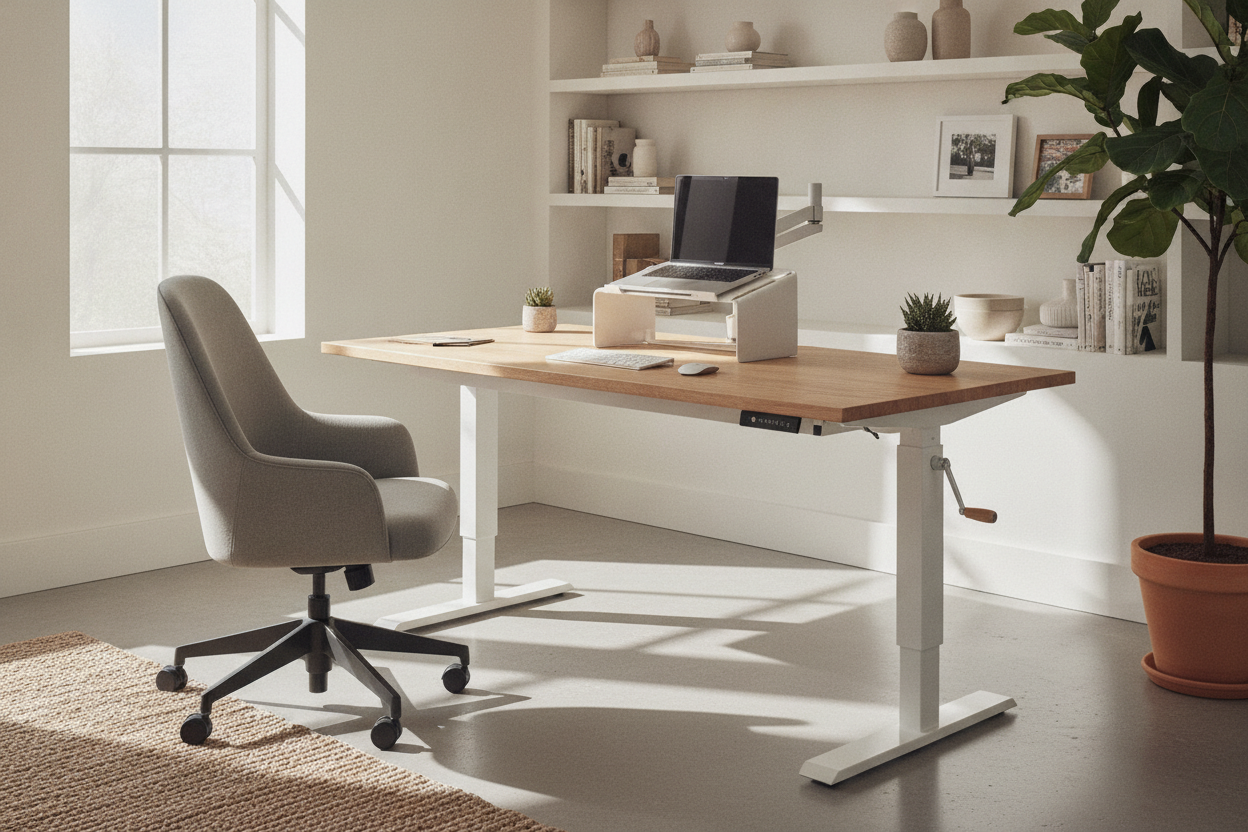
If you’re looking to upgrade, I’d suggest skipping the manual hand-crank models. They’re fine if you’re on a budget, but you’ll find yourself leaving the desk in one position because cranking it 40 times is a chore. An ergonomic home office sit stand up desk with a motor and memory presets is worth every extra penny. Being able to hit 'Button 2' and have the desk rise to the exact height of your elbows while you go grab a glass of water is the kind of luxury that makes remote work actually sustainable.
Is it perfect? No. You have to be mindful of your 'path' through the house so you don't run over a rug corner or a stray shoe. But compared to the misery of a dark office or the physical toll of a kitchen chair, it's the best investment I've made for my home office. Stop punishing yourself in the spare room and just put your desk on wheels.
FAQ
Will the wheels damage my hardwood floors?
Standard hard plastic wheels can scratch wood over time if grit gets trapped under them. I highly recommend swapping them for 'rollerblade' style polyurethane wheels. They are softer, quieter, and much safer for delicate finishes.
How much weight can a rolling standing desk actually hold?
Most mid-range models are rated for 150 to 200 pounds. This is plenty for a laptop, two monitors, and a few accessories. However, always check the 'dynamic' weight capacity (the weight it can move while motorizing) versus the 'static' capacity.
Is it hard to assemble a mobile workstation alone?
It’s doable, but flipping the desk over once the legs are attached is much easier with a second person. Most of these desks use Allen wrenches which are included, but having a real screwdriver set will save your hands a lot of grief.

Dejar un comentario
Este sitio está protegido por hCaptcha y se aplican la Política de privacidad de hCaptcha y los Términos del servicio.