










Introduction
Choosing the right workstation dimensions requires balancing available square footage, physical ergonomics, and daily workflow habits. Home office planners often find themselves evaluating opposite ends of the sizing spectrum: ultra-compact 24-inch desks designed for micro-nooks versus expansive 70-inch and 72-inch workstations built for multi-monitor setups and sprawling projects. Understanding how these distinct profiles influence circulation paths, posture, and storage coordination ensures your workstation supports long hours of productive focus without overwhelming your room.
Navigating Desk Dimensions: 24-Inch Footprints vs. 70-Inch and 72-Inch Spans
The distinction between a 24-inch footprint and a 70-to-72-inch wide span represents two fundamentally different spatial philosophies. While one prioritizes a minimal architectural presence, the other serves as a comprehensive command center.
The 24-Inch Desk Profile: Maximizing Efficiency in Compact Spaces
A 24-inch desk generally refers either to an ultra-narrow width designed for tight alcoves or a shallow 24-inch depth that hugs a perimeter wall. In small apartments, hallway nooks, and multi-purpose guest rooms, these modest surfaces provide dedicated task zones without disrupting daily household movement. For planners working with limited square footage, exploring compact desk footprint options provides helpful perspective on how lean profiles keep rooms visually open while establishing an organized study or laptop station.
The 70-Inch and 72-Inch Workstation: Wide-Span Surface Real Estate
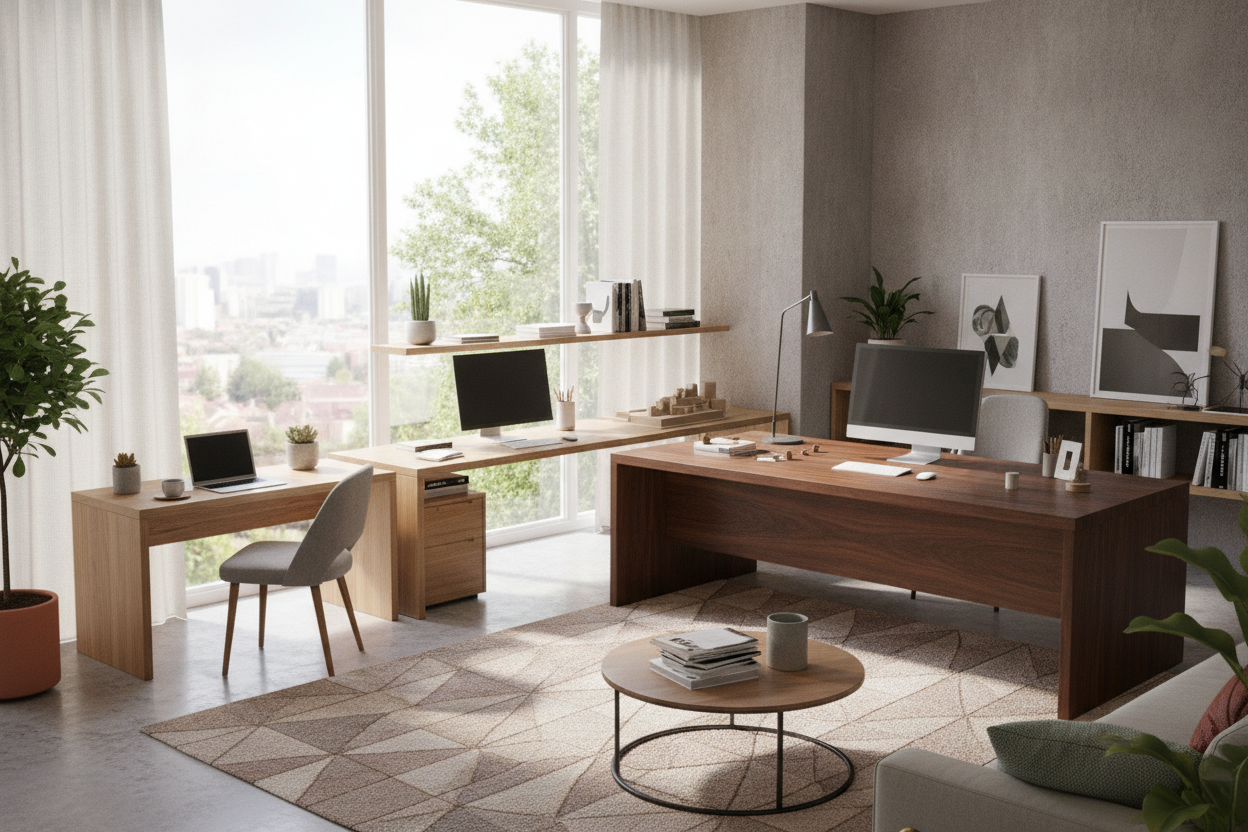
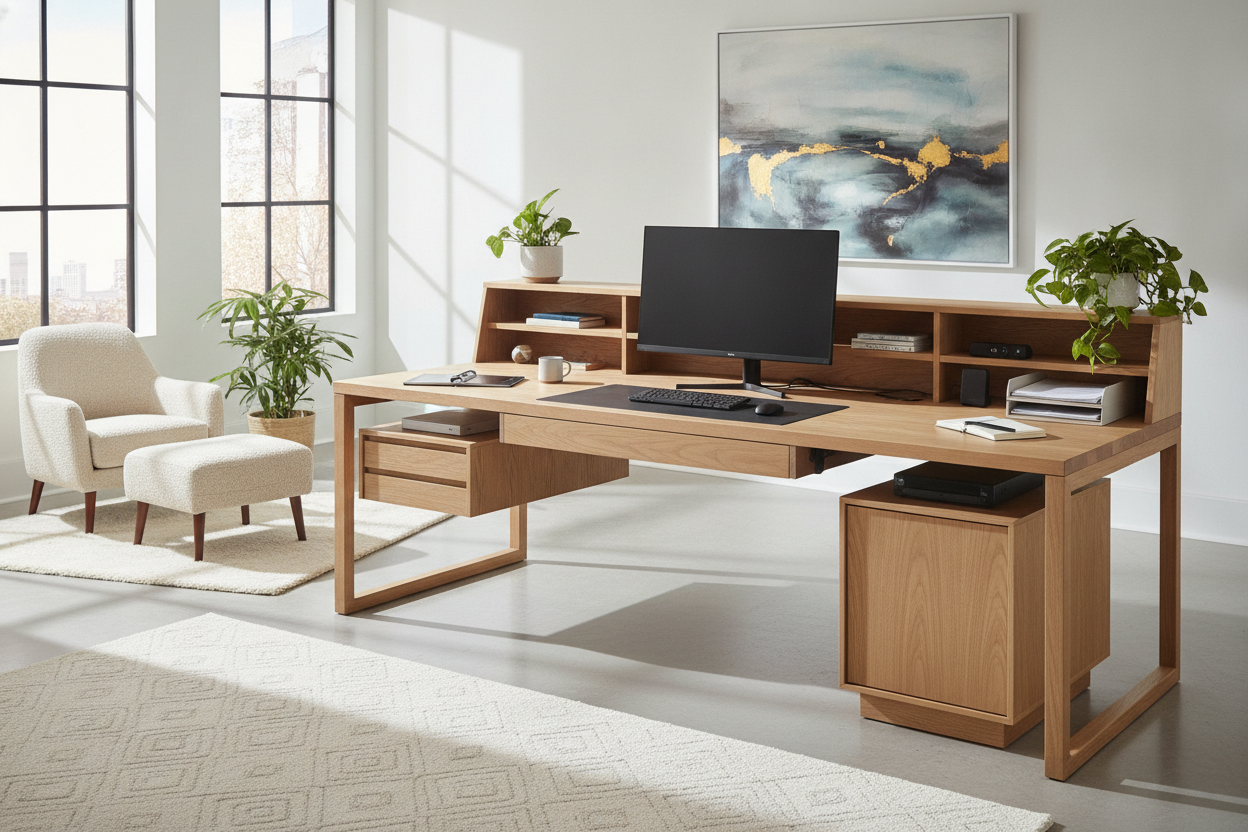
At the larger end of the spectrum, 70-inch and 72-inch surfaces—often referenced in standard 6-foot executive dimensions—cater to heavy digital and tactile workloads. These wide spans easily accommodate side-by-side monitors, studio audio hardware, drafting materials, and desktop peripherals simultaneously. When paired with modular credenzas, such broad formats resemble extra-wide executive workstations with storage cabinets, providing ample horizontal space for uninterrupted multitasking across distinct functional zones.
Ergonomic Surface Zoning Across Desk Sizing Categories
Ergonomics is determined not only by desk height but also by how desktop items are zoned relative to natural reach arcs. Proper surface zoning prevents repetitive neck turning and torso overextension regardless of desk size.
Zoning Compact 24-Inch Surfaces
On a 24-inch desk, surface area must be treated with deliberate economy:
- Primary Reach Zone: Reserve the immediate center for a compact keyboard and mouse, or an open notebook.
- Vertical Mounting: Use desk-clamp monitor arms or wall brackets to elevate screens, freeing up essential surface area beneath the display.
- Peripherals: Place secondary items, such as external drives or pencil holders, on adjacent wall shelving to maintain an unobstructed work plane.
Organizing Multi-Screen Workflows on 70 to 72-Inch Desktops
Expansive 70-inch and 72-inch desk surfaces allow for defined horizontal activity quadrants:
- Central Task Zone: Position primary monitors directly in front of the seated centerline to maintain neutral neck alignment.
- Secondary Digital Zone: Angle auxiliary screens or reference laptops inward along the left or right perimeter within easy peripheral view.
- Analog Workspace: Dedicate an entire side quadrant to analog tasks, such as paperwork, sketching, or staging physical reference binders.
Spatial Clearance and Room Traffic Flow Planning
Proper layout planning considers the entire footprint of the workspace, including seated clearance, walking pathways, and door swings. A desk that appears appropriately sized on paper can easily congest a room if surrounding clearances are neglected.
When stepping up from narrow dimensions toward mid-sized compact desk solutions or broad 6-foot spans, ensure at least three feet of open floor space behind the desk edge. This clearance accommodates the backward roll of an office chair and allows comfortable ingress and egress. In shared living areas or tight corners, an L-shaped desk with integrated storage can often bridge the gap between compact dimensions and wide work surfaces by wrapping functional area neatly along two adjoining walls.
Storage Coordination: Under-Desk Clearance vs. Dedicated Cabinetry
Desk dimensions directly influence how storage should be arranged to protect natural legroom and posture:
- Compact 24-Inch Desks: Adding under-desk drawer pedestals to very narrow or shallow desks severely restricts leg movement and knee clearance. Instead, pair compact desks with overhead wall-mounted cabinets, floating shelves, or tall bookcases.
- Expansive 70-to-72-Inch Desks: Wide desks provide ample horizontal span to incorporate low pedestal drawers or filing units under one or both outer edges while still leaving generous central space for unrestricted leg movement.
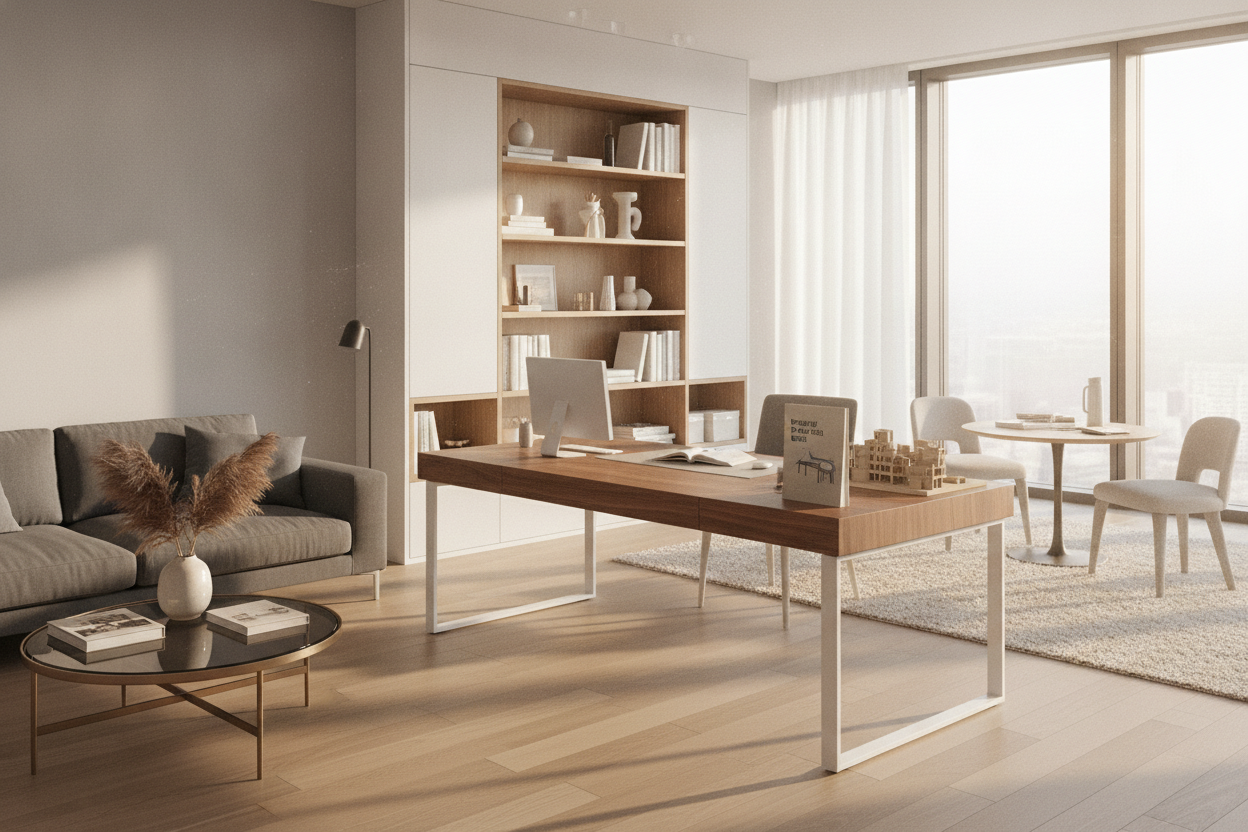
- Integrated Office Suites: Combining wide desktops with matching towers and modular shelving creates unified, custom built-in desk and shelf configurations that maximize vertical wall space while organizing office supplies out of sight.
Structural Support and Frame Considerations for Wide-Span Desks
While compact 24-inch desk surfaces are easy to support with standard four-leg or minimalist cantilever frames, wide 70-inch and 72-inch desktops require thoughtful structural planning:
- Under-Desktop Stiffeners: Desktops spanning six feet benefit from longitudinal steel support beams or heavy-duty subframes to prevent gradual center deflection under the weight of multiple monitors.
- Center Support Legs: For composite wood or modular table tops, adding an adjustable center leg positioned toward the back edge provides essential reinforcement without obstructing knee movement.
- Even Weight Distribution: Position heavier equipment, like desktop computer towers or heavy printer units, over outer legs or structural pedestals rather than resting them in the unsupported center span.
Decision Matrix: Which Desk Dimension Matches Your Space?
Use this practical checklist to determine the ideal workstation format for your environment:
- Choose a 24-Inch Desk Profile If: Your workstation resides in a bedroom corner, hallway, or micro-apartment; your daily workflow relies primarily on a single laptop; and you want to maintain broad, open walking paths.
- Choose a 70-to-72-Inch Desk Span If: You operate a multi-monitor setup alongside desktop peripherals; you require separate digital and physical writing zones; and you have a dedicated room that comfortably accommodates a full six-foot furniture span with generous perimeter clearance.

Dejar un comentario
Este sitio está protegido por hCaptcha y se aplican la Política de privacidad de hCaptcha y los Términos del servicio.