










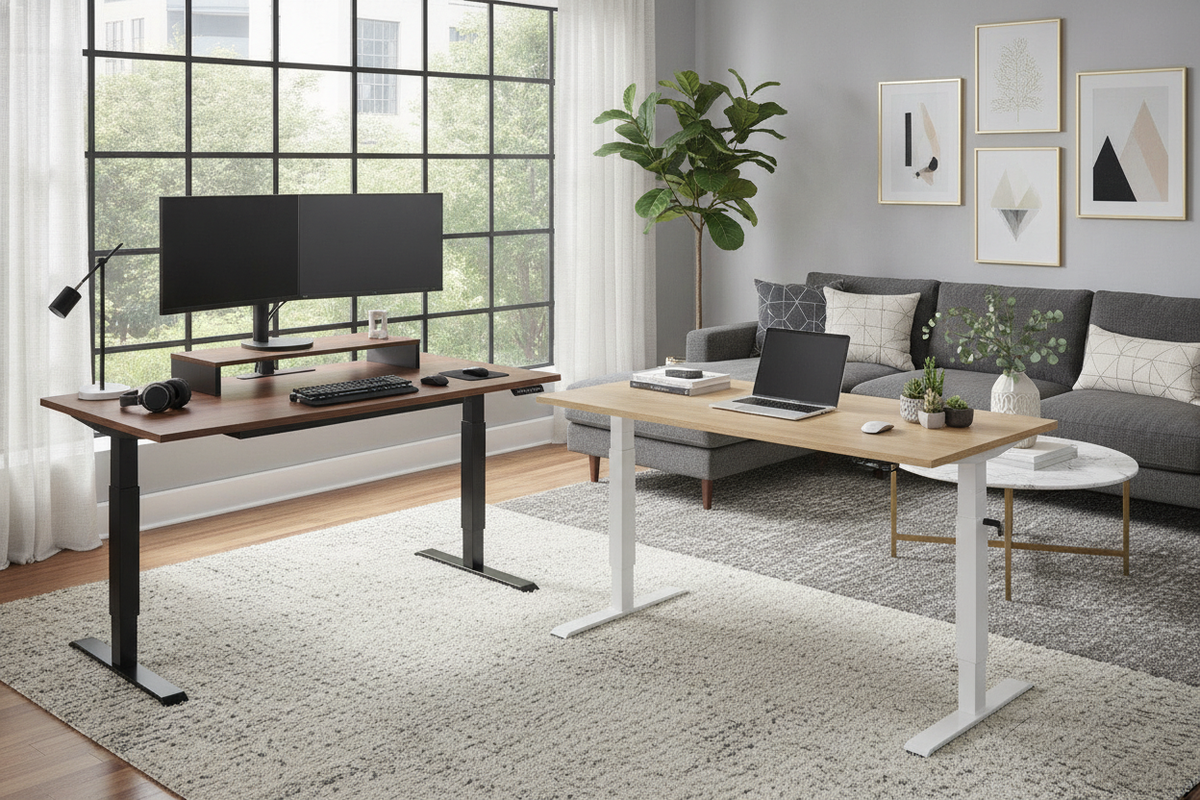
Understanding the Appeal and Anatomy of Warehouse-Style Standing Desks
Warehouse club offerings, such as Costco stand up desks, have popularized height-adjustable workstations for remote professionals and everyday computer users. Finding the right balance between ergonomic adaptability, structural integrity, and interior aesthetics requires understanding how these ready-to-assemble desks are engineered and how they function in a residential floor plan.
Why Height-Adjustable Workstations Resonate in Modern Home Offices
Modern work routines often involve prolonged computer sessions. A sit-stand desk allows users to alternate posture throughout the day without interrupting workflow. Incorporating an active workstation provides flexibility for multiple family members of varying heights, making it a versatile centerpiece in shared office spaces. When configuring an efficient workspace, reviewing an office desk that guide offers useful context on pairing functional surfaces with surrounding room design.
Core Components: Motorized Columns, Control Panels, and Structural Crossbeams
An adjustable desk relies on several coordinated components to ensure steady vertical motion:
- Telescoping Leg Columns: Multi-stage metal columns house the internal gears and lifting mechanisms that raise and lower the worksurface.
- Electric Motor Assembly: Powers the synchronized drive rods to adjust height smoothly across the operational range.
- Under-Desk Crossbeam: Provides lateral rigidity, reducing side-to-side wobble when the desk extends to standing heights.
- Electronic Controller: Houses the interface buttons, display readouts, and programmable height recall settings.
Lifting Mechanisms and Control Systems: What to Look For
The drive architecture dictates how smoothly, quietly, and reliably a standing desk transitions between sitting and standing elevations.
Single-Motor vs. Dual-Motor Elevation Mechanics
Entry-level models often utilize a single motor linked to a central hex rod that drives both leg columns simultaneously. While single-motor designs can provide dependable everyday adjustments for lightweight computer setups, dual-motor configurations feature an independent motor dedicated to each leg. Dual-motor systems generally provide smoother travel and improved balance under uneven desktop loads, which is particularly helpful if you run multi-monitor arrays or heavy task accessories.
For rooms requiring steady electronic performance and customizable height options, exploring an adjustable height standing product can help clarify how programmable controls enhance daily transitions.
Digital Memory Presets and Collision-Detection Features
Programmable keypad presets allow you to store preferred sitting and standing heights, enabling one-touch elevation changes without manual micro-adjusting. Additionally, modern height-adjustable desks often incorporate anti-collision sensors. These safety mechanisms automatically halt or slightly reverse motor movement if the desktop encounters resistance from an under-desk filing cabinet, chair armrest, or windowsill.
Desktop Surface Materials: Glass Tops vs. Wood and Laminate Finishes
Popular warehouse standing desks frequently showcase distinct tabletop materials, each presenting distinct aesthetic and functional attributes.
Tempered Glass Tops: Aesthetic Elegance and Integrated Touch Controls
Many warehouse-club motorized desks feature sleek tempered glass surfaces embedded with touch-sensitive digital controls and dry-erase capabilities. Glass surfaces create a modern, luminous presence that suits contemporary interiors. However, glass tops can be reflective in bright rooms and typically preclude the use of heavy-duty clamp-on monitor arms that exert concentrated point pressure.
Engineered Wood and Laminate: Durability, Clamping, and White Finish Options
Engineered wood tops with durable laminate or melamine veneers provide warmth, texture, and practical utility. A solid core surface accommodates standard edge-clamped monitor mounts, desk lamps, and under-mount cable trays without risk of surface cracking. For spaces styled with clean, neutral palettes, selecting a white finish or wood-grain model like an ergonomic office sit product delivers versatile styling alongside resilient everyday wear resistance.
Storage Synergy and Accessory Compatibility
Height-adjustable desks present unique organizational considerations, as moving surfaces require deliberate cable management and thoughtful storage placement.
Integrated Shallow Drawers vs. Deep File Organization
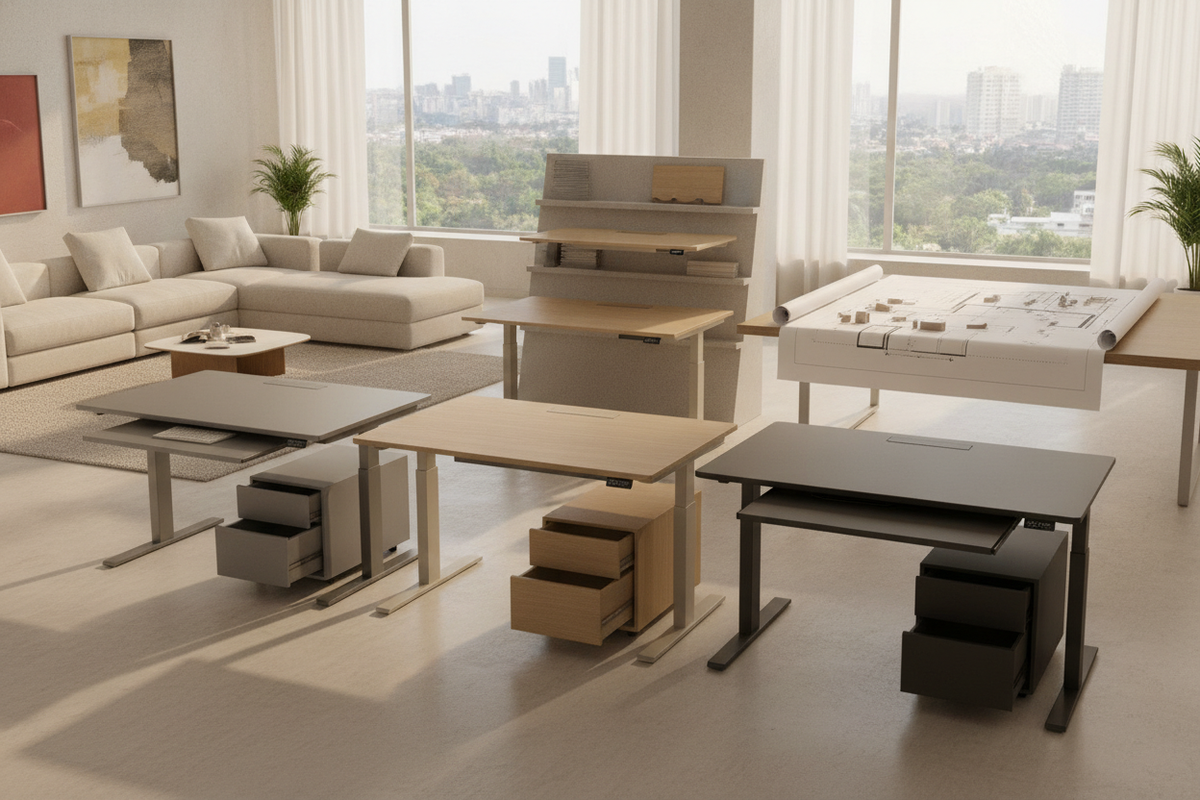
Several popular retail standing desk designs include a built-in, slim pull-out drawer positioned directly beneath the tabletop. These shallow compartments are well-suited for writing utensils, charging cables, and notepads, keeping the primary workspace uncluttered. Because motorized frames must remain unobstructed, deeper filing storage is best handled through independent mobile pedestals or vertical wall shelving. For inspiration on optimizing vertical space, consulting a desk that office guide can assist in styling your perimeter without crowding active adjustment zones.
Monitor Mounts, Cable Routing, and Power Distribution
Ensuring smooth vertical travel requires careful attention to wire management:
- Cable Slack: Power cables connecting the desktop to wall outlets must have sufficient length to reach full standing extension without tension.
- Integrated Hubs: Desks with built-in USB ports and desktop power pass-throughs simplify charging portable devices.
- Under-Desk Cable Trays: Wire baskets keep power strips and power bricks securely suspended beneath the moving tabletop.
Spatial Geometry, Room Layout, and Ergonomic Placement
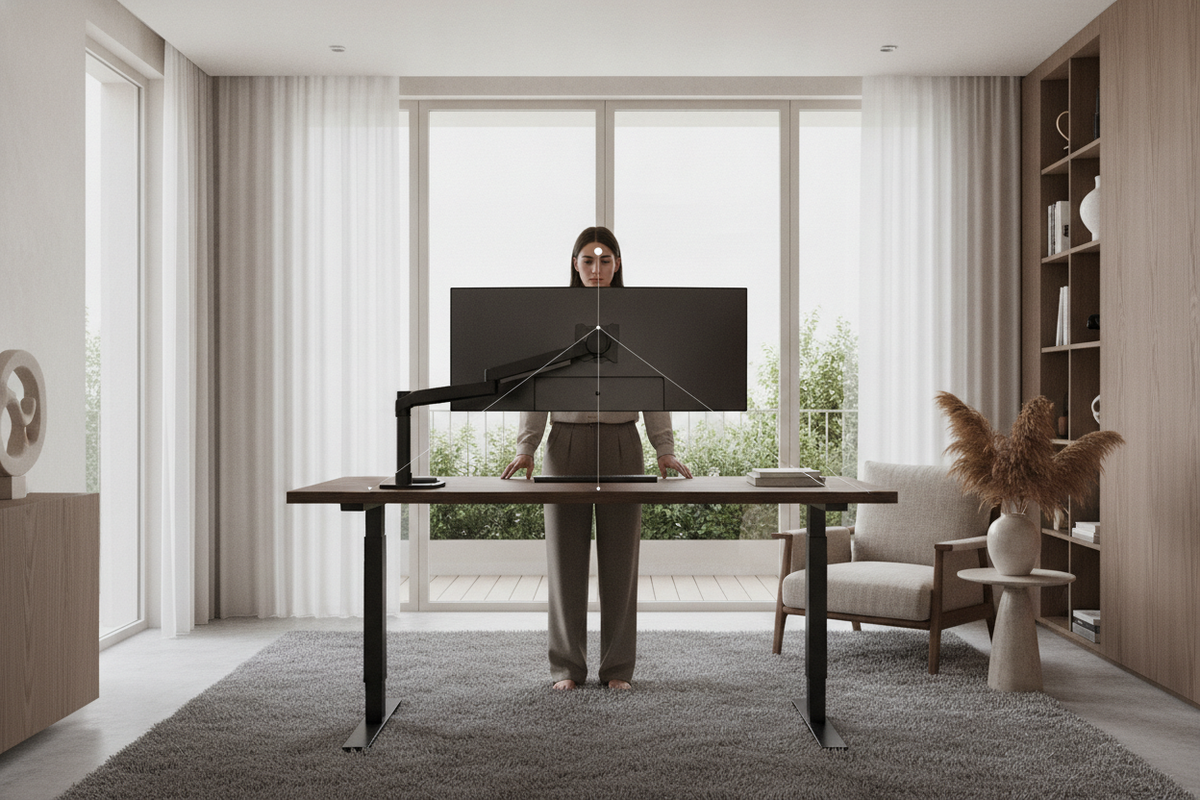
Integrating a motorized workstation requires measuring both horizontal floor area and vertical path clearance.
Footprint Planning: Width, Depth, and Vertical Clearance
Standard sit-stand desks typically measure between 47 and 60 inches in width and 24 to 30 inches in depth. When mapping your layout, account for the full perimeter around the desk to ensure that raising the frame will not interfere with hanging wall art, floating shelves, or low window frames. If your room dimensions require a specific footprint, reviewing an expansive computer desk collection provides comparative insight into different sizing categories.
Positioning Near Outlets, Natural Light, and Traffic Pathways
Place your adjustable desk near a dedicated wall outlet to minimize trailing extension cords. To minimize screen glare while standing, position the desk perpendicular to exterior windows rather than facing directly into or away from strong sunlight. Maintain open clearance along primary room walkways so the desk does not impede movement when elevated.
Essential Buying and Assembly Checklist for Sit-Stand Desks
Before purchasing and assembling a motorized standing desk, keep these practical verification steps in mind:
- Leveling Adjustment: Use the adjustable foot glides beneath the leg bases to eliminate frame rock on uneven floors or carpet.
- Hardware Tightening: Ensure all frame bolts, motor couplings, and tabletop connecting brackets are firmly secured to minimize lateral sway.
- Initial Calibration: Follow the manufacturer's reset sequence on the digital keypad to synchronize the lifting columns before placing heavy hardware on top.
- Weight Balancing: Distribute heavier equipment, such as desktop towers or monitor stands, evenly across the frame rather than concentrating weight on one edge.

Dejar un comentario
Este sitio está protegido por hCaptcha y se aplican la Política de privacidad de hCaptcha y los Términos del servicio.