










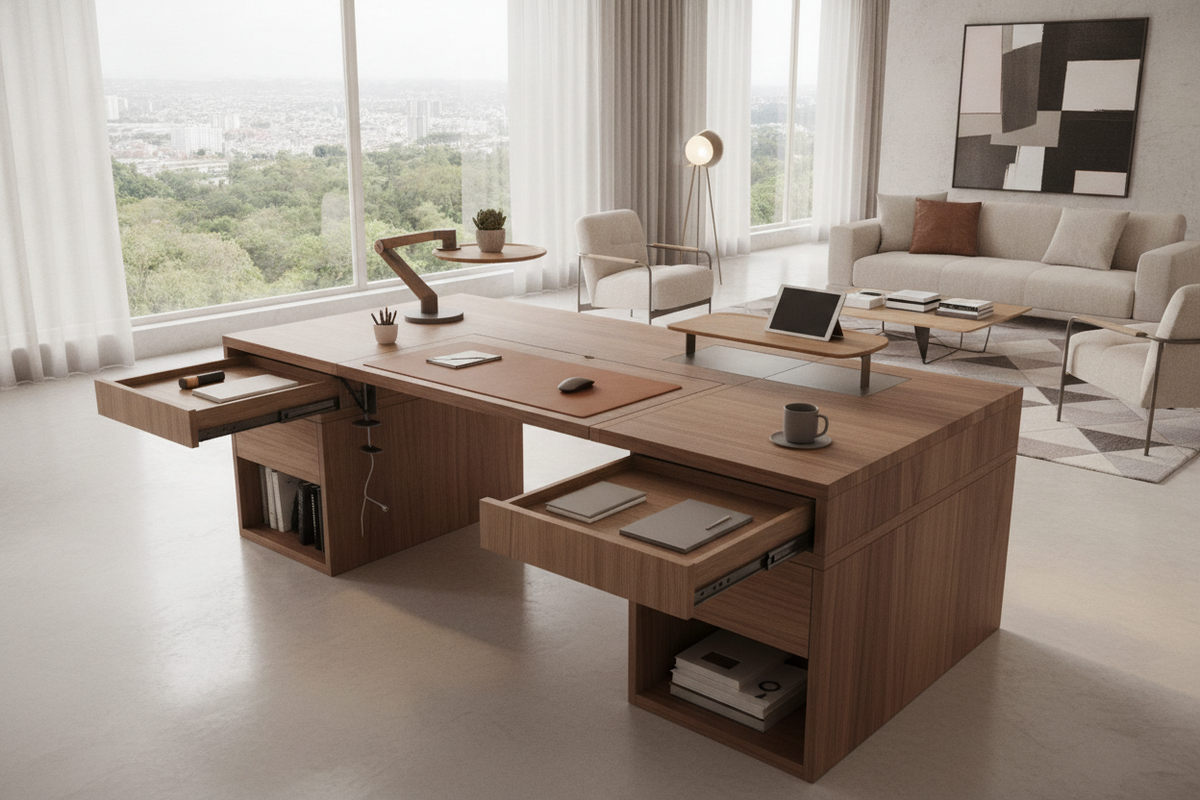
Architectural Overview of Desk Extenders and Workspace Scaling
Modern workstations frequently face spatial congestion as daily computing setups expand to accommodate additional peripherals, secondary displays, drafting materials, and task lighting. Adding desk extenders allows professionals to expand horizontal real estate without tearing down an existing room layout or investing in a full furniture overhaul.
Why Workstations Run Out of Usable Depth and Width
Workstation crowding commonly occurs when primary interaction surfaces are forced to host both input devices and heavy display gear. When computer monitors, keyboard decks, and analog writing materials compete for the same central plane, reach zones become awkward, leading to cluttered surfaces and disorganized workflows. Expanding the primary desk footprint redistributes these tasks into distinct ergonomic zones.
Primary Categories of Surface Extension Hardware
Modular extension systems fall into distinct structural families. Edge-clamping platforms secure directly to the perimeter perimeter frame, folding hinge modules collapse downward when not in use, under-surface trays pull out on sliding rails, and standalone bridge tables align flush alongside main desks. Understanding these categories ensures your chosen hardware aligns with both your desk frame and room traffic patterns.
Mechanical Attachment Typologies for Desk Extensions
Selecting the right attachment mechanism depends on how much weight the extension will support and the underlying build of your core workstation.
Clamp-On Cantilever Extenders vs. Structural Under-Mounts
Cantilevered clamp-on platforms use pressure screws and protective pads to grip the desk edge without drilling. These units excel at holding input hardware, lightweight tablets, or notebook pads. Structural under-mount extensions, by contrast, fasten directly to the underside of the desktop with wood screws or brackets, providing firm anchoring for continuous forearm support or peripheral hubs.
Desk with Folding Extension and Drop-Leaf Brackets
A desk with folding extension incorporates locking drop-leaf hinges that support a shelf when extended and pivot flush against the frame when released. This mechanical style is well-suited for dual-purpose rooms where perimeter walkways must remain clear outside active work hours. For compact footprints, consulting an computer desk office guide helps visualize how folding and concealed designs preserve room flow.
Standalone Office Desk Extension Table Formats
When tasks demand broader load-bearing surfaces, an office desk extension table or secondary bridge unit offers a ground-supported framework. These freestanding or docking tables stand on independent legs, matching the primary desk height to create an expanded L-shaped or linear layout capable of supporting printers, scanners, or reference stacks. Integrating an office table extension in this manner bypasses the structural weight limitations of edge clamps.
Under Desk Extension Trays and Pull-Out Worksurfaces
An under desk extension platform mounted on ball-bearing glides frees up upper surface area by shifting keyboards, drawing pads, and midi controllers beneath the main surface. This tiered configuration keeps the primary plane dedicated to screens and ambient desk organizers.
Spatial Geometry and Desktop Edge Compatibility
Before installing peripheral hardware, assessing desktop edges and sub-frame geometry prevents mounting failures and surface damage.
Beveled, Curved, and Flat Desk Edge Profiles
Clamp-based extenders perform best on flat, squared edges with uniform thickness. Beveled edges, knife-edge profiles, or soft bullnose contours can prevent clamp jaws from securing evenly, which may cause slipping under downward force. Desks featuring deep organic curves or contoured front cutouts require specialized curved brackets or under-mount hardware positioned back from the profile slope.
Under-Desktop Clearance: Crossbars, Risers, and Framework Obstructions
Steel support beams, modesty panels, and standing desk motor housings frequently run along the underside perimeter of modern desks. Always verify that clamping screws or slide tracks have adequate unobstructed depth beneath the tabletop. When perimeter framework leaves insufficient space for standard clamps, standalone height-matching units provide a reliable alternative.
Desk Side Extender Configurations for Corner and L-Shaped Conversions
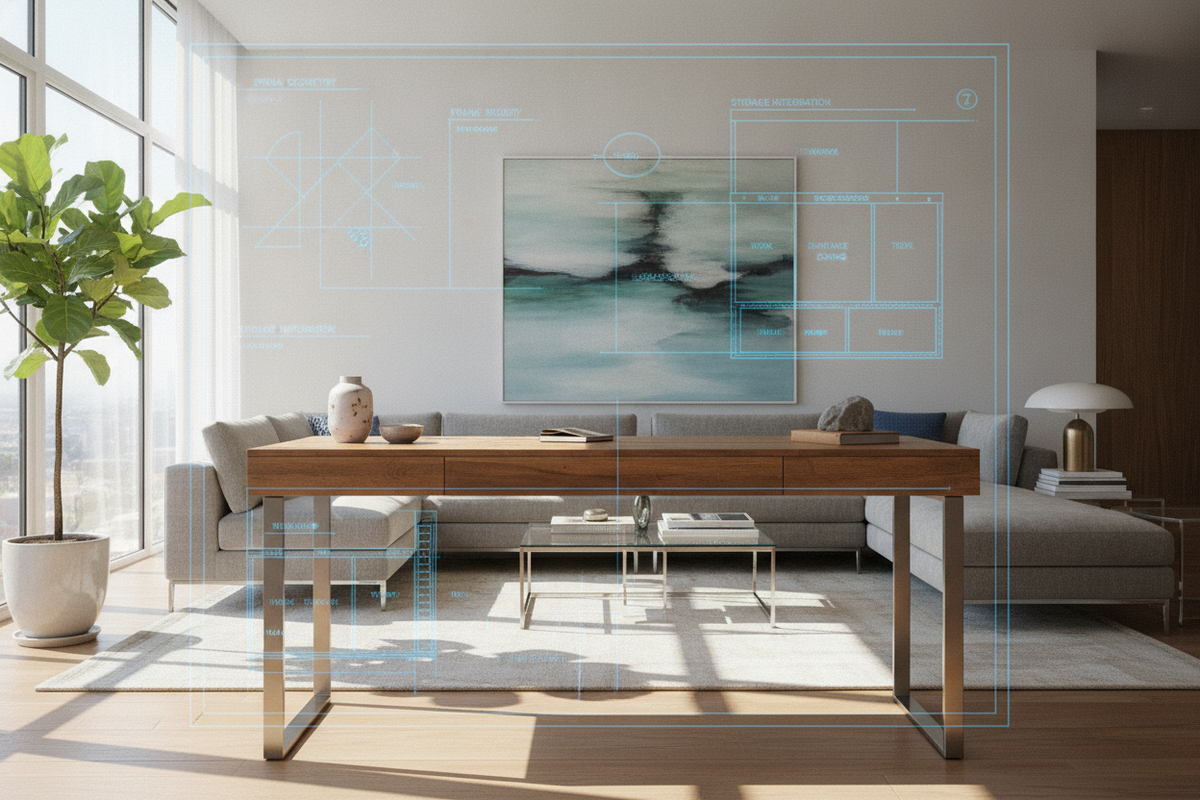
Installing a desk side extender along the short edge of a rectangular workstation allows users to construct a custom corner layout. This setup establishes an intuitive focal pivot between primary screen tasks and secondary administrative work. When planning broader room layouts, studying an office computer desk guide provides practical guidance on aligning extension wings with wall outlets and natural light sources.
Task-Based Surface Zoning with Desk Extensions
Effective workspace expansion focuses on purposeful layout organization rather than simply accumulating open table space.
Computer Table Extender Setup for Multi-Monitor Spans
Using a computer table extender creates a dedicated lateral zone for secondary vertical monitors, laptop docking stations, and audio interfaces. By pushing peripheral hardware onto an extended side wing, the central desk area remains clear for centered displays and natural posture alignment.
Small Desk Extender Solutions for Compact Home Nooks
In narrow alcoves or study niches, a small desk extender attached to either the front or lateral side provides just enough supplementary area for a mouse, graphic stylus pad, or reference tablet. This keeps compact workstations organized without obstructing room doorways or nearby cabinet access.
Aesthetic Harmony: Integrating a White Desk Extension or Neutral Finish
Visual cohesion contributes significantly to an inviting and productive environment. Pairing a white desk extension with bright, minimalist cabinetry maintains clean sightlines and reduces visual clutter. For unified setups, pairing your setup with an expansive white office computer product provides integrated shelving and a cohesive design language.
Storage Pairing, Cable Pathways, and Long-Term Stability
A successful workspace expansion balances added horizontal planes with thoughtful storage and orderly wire routing.
Balancing Extension Cantilevers with Mobile File Cabinets and Pedestals
Placing an under-desk pedestal or mobile filing unit beneath a long cantilevered extension adds practical utility and helps prevent accidental bumping. In heavy-use setups where modular add-ons might feel crowded, transitioning to a dedicated office computer desk product ensures long-term structural integrity while integrating deep filing storage.
Wire Management Across Articulating and Fixed Extension Joints
Every extended surface requires planned cord management. Running flexible cable conduits, adhesive wire clips, or under-shelf raceways along extension hinges prevents cords from pinching during height adjustments or folding motions. Bundling power cables along the support legs of an extension table keeps walkways safe and uncluttered.
Evaluation Framework: Deciding Between an Extender and a Full Desk Replacement
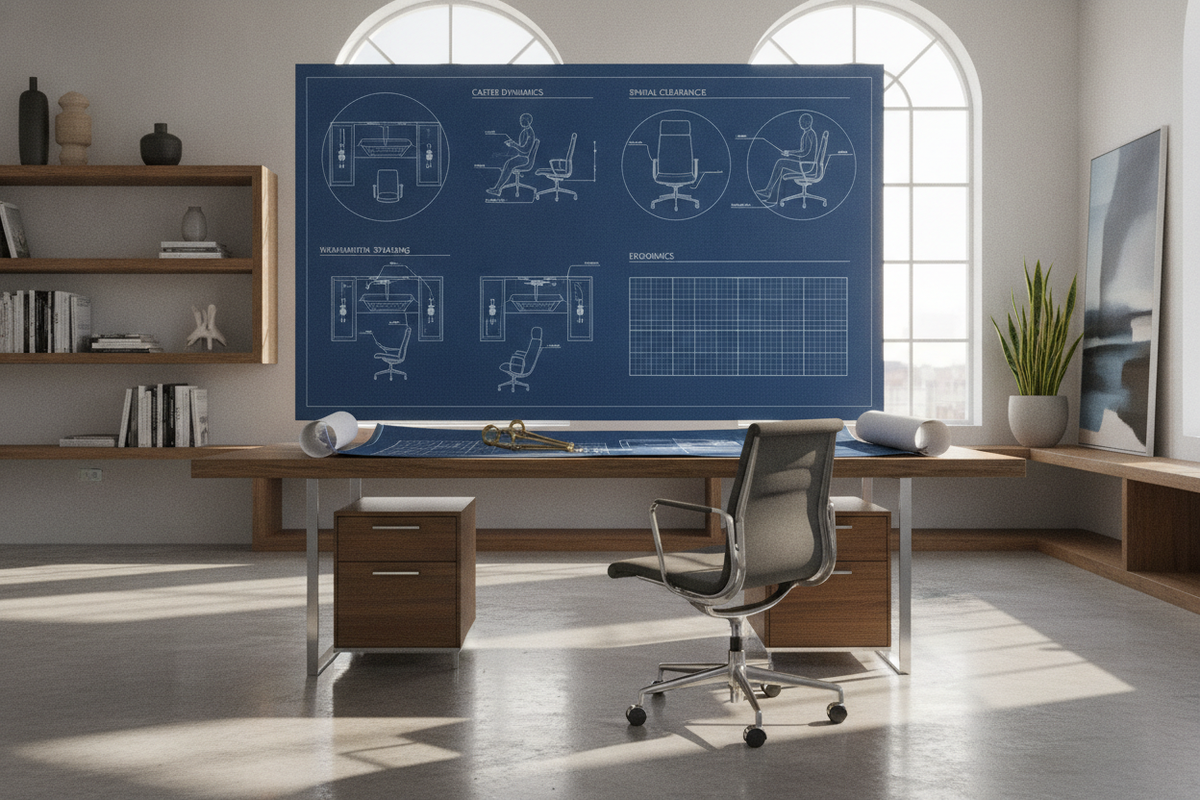
While desk extenders provide cost-effective flexibility, expansive setups with multiple heavy monitors, desktop speakers, and tower computers may eventually exceed the functional capacity of clamp-on surfaces. When attachment points, weight demands, or edge profiles no longer support your gear comfortably, upgrading to a full workstation from a specialized computer desk collection delivers the foundational stability, continuous surface depth, and ergonomic layout needed for sustained daily productivity.

Dejar un comentario
Este sitio está protegido por hCaptcha y se aplican la Política de privacidad de hCaptcha y los Términos del servicio.