










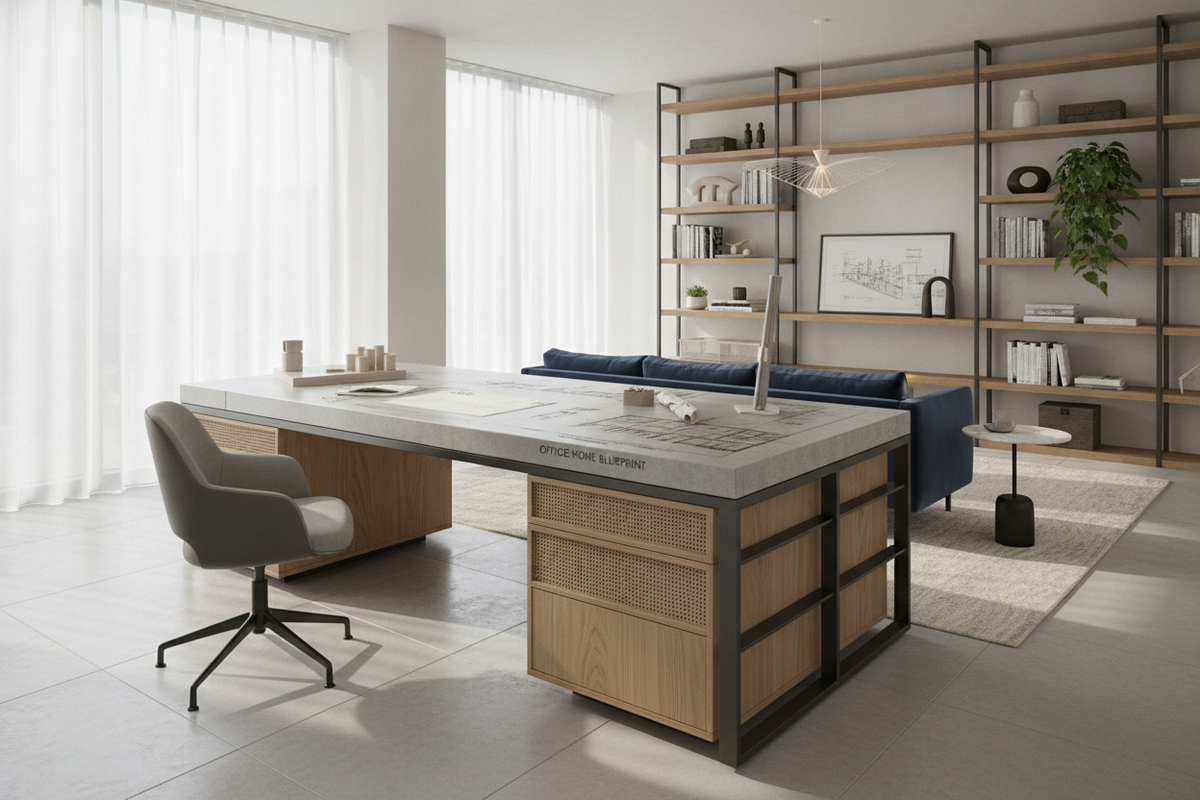
Selecting a functional desk for office home setups requires balancing residential room layouts with daily professional demands. Unlike commercial settings designed around standardized floor plans, residential workstations must adapt to shared zones, dedicated study rooms, or compact alcoves. Approaching workstation selection as a spatial and ergonomic system ensures your work surface supports sustained focus, equipment placement, and cohesive interior design.
Spatial Geometry and Dimensional Footprint Tiers for Home Offices
Home workspaces generally fall into three structural categories: compact alcove setups, linear wall layouts, and multi-surface corner configurations. Evaluating the available floor area and natural traffic corridors helps prevent overcrowding while keeping essential tools accessible.
- Compact Footprints: Suited for dual-purpose rooms, guest bedrooms, and quiet corners where floor area is limited.
- Intermediate Linear Desks: Positioned along a single wall in dedicated rooms, offering broad lateral span for dual-screen setups or document review.
- Corner and L-Shaped Layouts: Ideal for maximizing perimeter space, a corner workstation with integrated storage creates two distinct work surfaces within a single footprint, separating computer tasks from physical writing or reference materials.
When placing an office table desk for home use, preserve comfortable clearance behind the seating area to allow seamless movement of task chairs without marking baseboards or adjoining furniture.
Desktop Surface Proportions and Daily Task Workflows
Surface depth and width determine how effectively your desk supports daily tasks without feeling cluttered. The ideal proportion depends primarily on hardware requirements and workflow style:
- Digital-Focused Workstations: Setups centered around laptop docks or single monitors require moderate desktop depth to maintain comfortable viewing distances and leave room for a keyboard and palm rest.
- Multi-Monitor and Peripheral Arrays: Multi-display setups benefit from extended lateral width and deeper tops, ensuring heavy monitor stands or mounting arms do not intrude into active keyboard and notebook zones.
- Hybrid Physical-Digital Layouts: Professionals who handle physical paper, books, or drafting tools alongside digital tasks require broad surface spans to keep analog materials organized next to electronic devices.
Integrated Pedestals vs. Perimeter Storage Systems
Managing equipment, reference files, and daily supplies is essential for maintaining a clean surface. Deciding between built-in desk cabinetry and freestanding perimeter storage influences both available legroom and overall organization.
An integrated multi-door office storage desk unit consolidates utility by providing dedicated pedestals beneath the main top, keeping files, office supplies, and charging accessories within immediate reach. This configuration minimizes the need for supplemental furniture in compact rooms.
For rooms where open leg clearance is preferred, pairing a minimalist writing table with freestanding credenzas or above-desk vertical organization strategies preserves lower spatial volume while elevating storage onto surrounding walls.
Material Performance, Frame Rigidity, and Finish Selection
A reliable workstation depends on high-quality structural materials to ensure rigidity and surface longevity. Daily typing, hardware weight, and frequent contact demand resilient construction elements:
- Engineered Wood Substrates: Dense composite boards provide uniform structural stability, resisting warping from indoor temperature shifts.
- Protective Laminates and Edge Banding: High-quality laminate finishes offer resistance against daily scuffs, pen marks, and surface moisture from drinkware, while durable edge banding shields corners from impact.
- Reinforced Metal Framing: Powder-coated steel understructures, crossbeams, and heavy-duty leg assemblies reduce lateral wobble during active keyboard use.
For expansive spaces where substantial surface area and commanding presence are required, an executive-style multi-zone work counter offers a durable, multi-tier layout that accommodates complex workstation gear while organizing workflow across distinct counter tiers.
Concealed Workstations and Multi-Use Living Space Integration
When an at home office table must reside in a living room, bedroom, or shared family zone, visual cohesion becomes a primary consideration. Open desk clutter can disrupt the restful atmosphere of a living area after hours.
To maintain balance, select finishes and hardware that align with existing residential cabinetry, sideboards, or media consoles. In tighter shared rooms, utilizing closet and armoire workspace concealment methods allows equipment, task lighting, and supplies to be completely closed off at the end of the working day, preserving the room's primary domestic purpose.
Assembly Mechanics, Cable Routing, and Floor Protection Protocols
Proper installation and routine workstation maintenance ensure long-term stability and hardware safety. Follow systematic setup practices when assembling home office furniture:
- Leveling Adjustments: Utilize adjustable foot glides on desk legs or pedestal bases to compensate for uneven flooring, preventing chassis rocking and misalignment of cabinet doors.
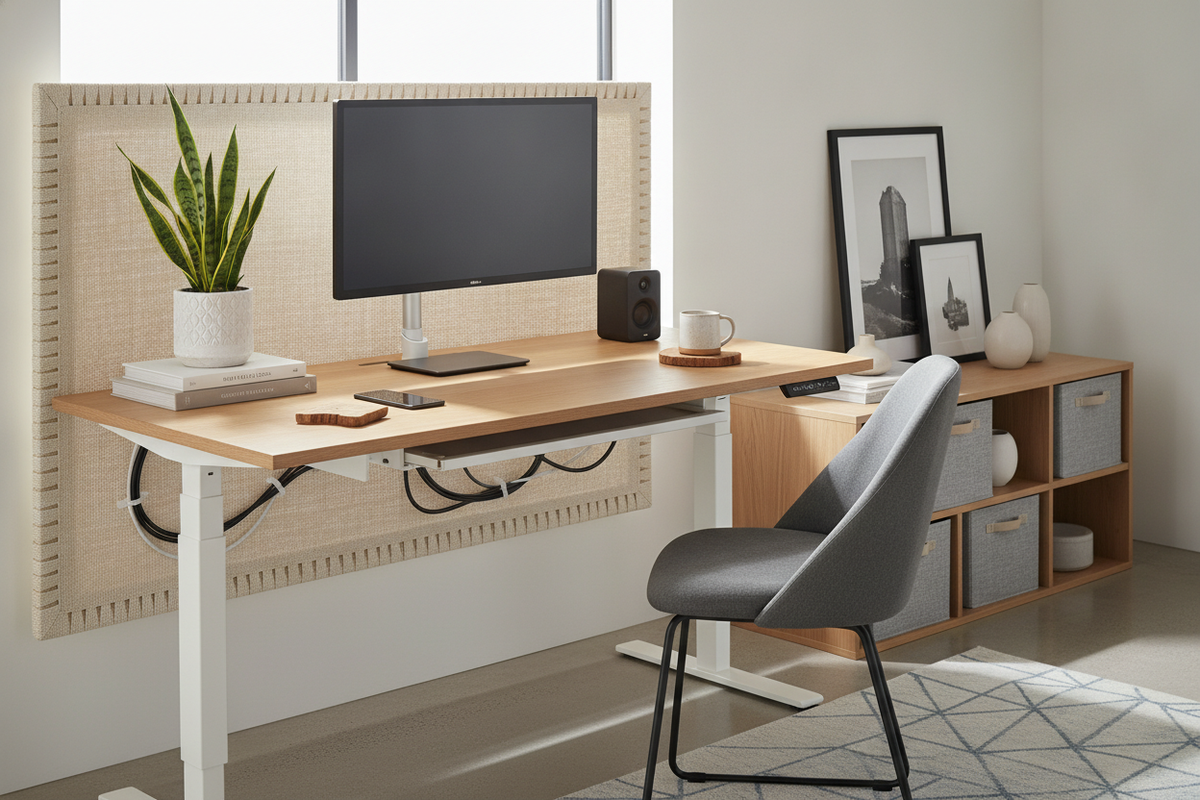
- Cable Pathways: Route power cables, display cords, and peripheral wiring through desktop grommets or under-desk cable management trays to eliminate hanging wires and avoid accidental disconnections.
- Surface Distribution: Distribute heavier equipment evenly across structural support points rather than concentrating hardware in unsupported center spans.
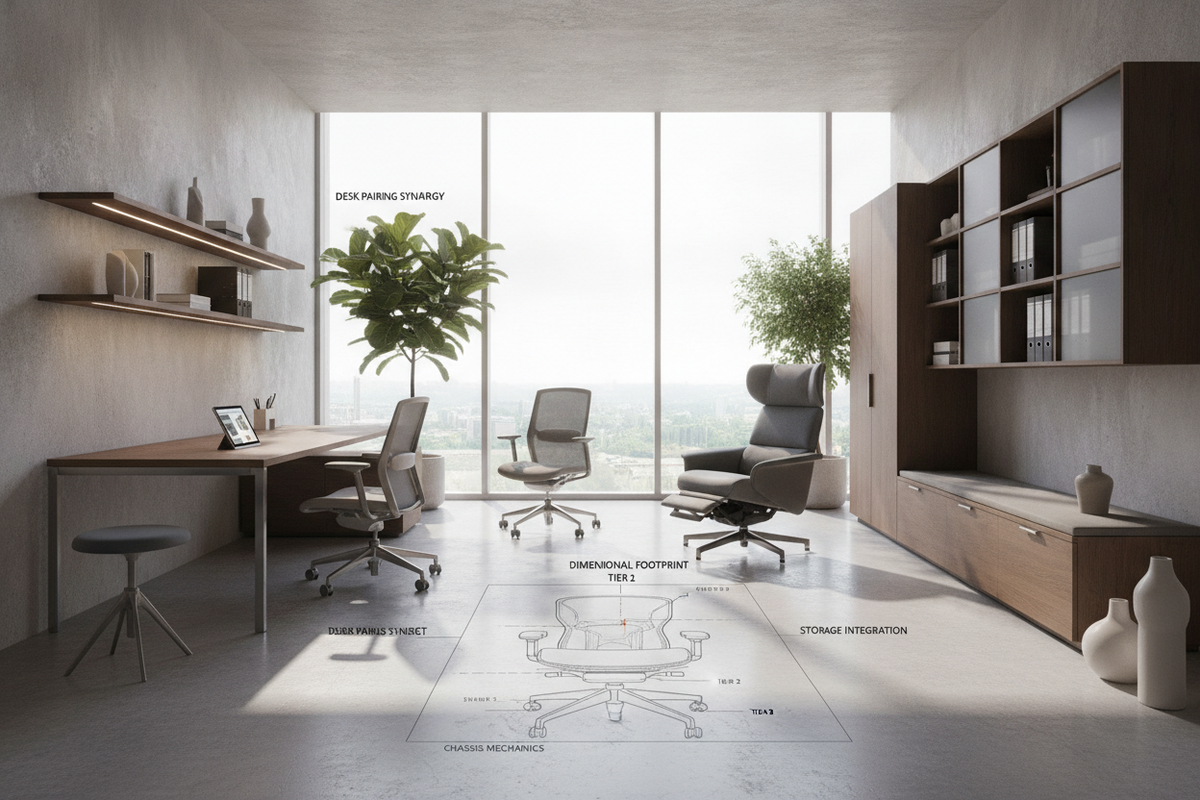
- Floor Protection: Install soft felt glides or protective chair mats beneath caster wheels to safeguard hard surface flooring and prevent wear on low-pile carpets.

Dejar un comentario
Este sitio está protegido por hCaptcha y se aplican la Política de privacidad de hCaptcha y los Términos del servicio.