










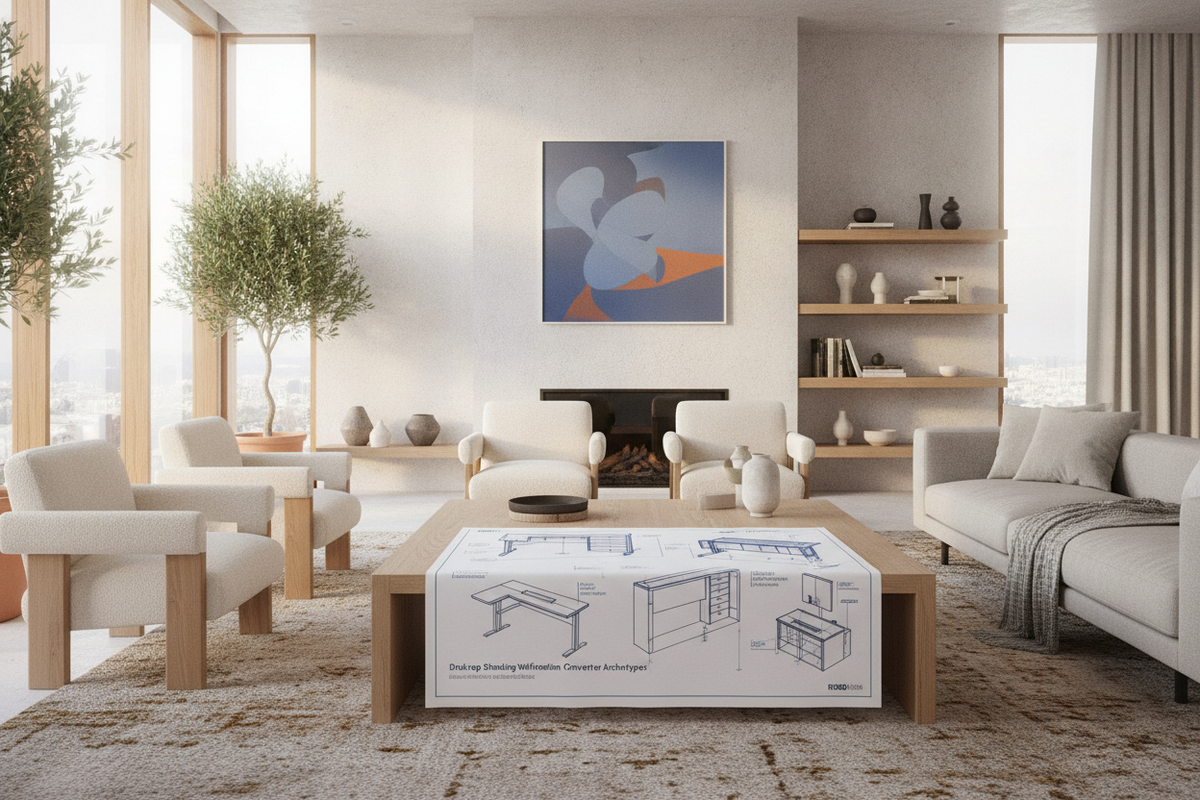
The Role of the Desktop Standing Workstation in Modern Workspaces
Adapting an existing home office or commercial workspace for postural movement often presents a structural challenge. Rather than replacing a beloved credenza, solid wood executive desk, or built-in perimeter workstation, many professionals turn to a desktop standing workstation. This category of furniture bridges the gap between fixed-height surfaces and dynamic working postures, allowing users to alternate between seated and upright positions throughout the workday.
Integrating a desk top sit stand desk riser requires a deliberate spatial plan. Because these units rest directly upon a primary tabletop, they introduce new kinetic forces, vertical envelopes, and surface weight distributions. Selecting the correct workstation involves understanding mechanical lift archetypes, matching equipment platforms to underlying desk dimensions, and curating surrounding modular storage to keep daily work essentials within intuitive reach.
Structural Archetypes: Desktop Converters vs. Dedicated Height-Adjustable Frames
When evaluating elevation options for a workstation, planners generally choose between top-mounted converters and full motorized desks. Each design offers distinct mechanical behaviors, structural profiles, and visual impacts within an interior scheme.
- Scissor-Lift Converters: Utilizing intersecting cross-members powered by pneumatic gas springs, scissor-lift platforms rise straight up or along a slight forward arc. They offer stable elevation for dual monitors and keyboards while resting securely on existing worktops. For tips on integrating these units seamlessly into interior decor, explore our guide on styling standing desk converters.
- Cantilever and Post-Mount Risers: These configurations use a central column anchored to a weighted base or clamped to the back edge of a desk. While they offer a minimal visual footprint, they require a rigid underlying desk surface to prevent dynamic wobble during typing.
- Dedicated Motorized Desks: Rather than sitting on top of an existing desk, a standalone ergonomic sit-stand desk replaces the furniture piece entirely. This provides an unobstructed primary surface, higher overall equipment capacity, and seamless motorized transitions via programmable memory controllers.
Base Surface Footprints and Dimensional Categories
A desktop converter must rest on a primary surface capable of accommodating its full operational footprint. Placing an oversized riser on a shallow desk can lead to front-edge overhang, balance instability, and cramped typing positions.
Compact Single-Tier Surfaces
Designed primarily for laptop setups or single lightweight displays, compact platforms fit narrow console desks and small home study nooks. These units prioritize a modest tabletop footprint, allowing room on either side for secondary task lighting or a notepad.
Wide Dual-Tier Configurations
Dual-tier risers incorporate an elevated monitor deck alongside a dropped keyboard and mouse tray. This tiered geometry maintains comfortable neutral sightlines while keeping wrists at an appropriate working angle. These units require deeper base desks to ensure the lower keyboard platform does not protrude excessively into the user walkway when fully lowered.
Dynamic Clearance Zones, Kinetic Envelopes, and Cable Flow
A desktop standing workstation is inherently kinetic. Unlike static furniture, it operates within an active three-dimensional zone that shifts as the platform rises and descends.
Vertical and Overhead Clearances
Before installing a desktop riser, measure the full vertical sweep from the desktop to any overhead obstructions. Wall-mounted shelving, overhead storage hutches, picture frames, and low task lighting can obstruct monitor displays at peak elevation. Ensure that overhead clearance permits full extension without crowding hardware against upper cabinetry.
Kinetic Arc vs. Vertical Lift
Certain riser mechanisms travel on an outward arc toward the user as they ascend, whereas others lift purely on a vertical axis. Arc-style platforms shift the center of gravity forward, requiring adequate floor clearance behind the operator. Vertical-lift models maintain a consistent footprint over the base desk, making them ideal for tighter modular cubicles or narrow rooms.
Cable Slack Management
Dynamic movement demands organized cable flow. Power cords, display cables, and peripheral connections must have sufficient slack at maximum height without bunching or pinching when lowered. For a complete aesthetic strategy, see our advice on designing a cohesive standing desk setup, which covers concealing cord channels and maintaining streamlined profiles.
Material Composition, Surface Durability, and Weight Distribution
The structural integrity of a sit-stand converter relies on heavy-gauge steel or aluminum mechanisms paired with durable desktop materials. Engineered wood, high-pressure laminate, and powder-coated metal are popular choices due to their resistance to daily wear, scratches, and cleaning solutions.
When organizing desktop items, balance the payload evenly across the platform. Placing heavy ultrawide monitors off-center can induce uneven mechanical wear on lift cylinders and create subtle platform tilt. Users planning expansive multi-screen or audio-visual setups may prefer a continuous, heavy-duty foundation such as a spacious standing desk platform, which provides unified structural support across the entire tabletop plane.
Surrounding Storage and Ergonomic Zone Coordination
One challenge when adding a desktop riser to a fixed-height desk is managing desktop accessories. When the riser ascends, items left on the primary desk remain stationary, creating two distinct utility zones.
- Primary Dynamic Zone (On-Riser): Reserve the moving platform exclusively for active interactive tools: monitor, keyboard, mouse, and immediate input peripherals.
- Secondary Static Zone (Base Desk): Use the remaining surface of the base desk for desk pads, desktop audio speakers, reference books, and task lamps with adjustable goosenecks.
- Under-Desk and Companion Storage: Pair the workstation with mobile lateral file cabinets, under-desk rolling pedestals, or nearby credenzas. This keeps office files, extra hardware, and personal items organized without cluttering the moving work surface.
Decision Framework: Selecting the Right Desktop Elevation Solution
To choose the ideal configuration for your office, apply this step-by-step layout framework:
- Evaluate Base Surface Depth: Confirm your current desk depth provides adequate support for the riser base and keyboard tier without tipping forward.
- Audit Equipment Mass and Dimensions: Tally the combined footprint of your monitors, laptop, keyboard, and dock to match platform width categories.
- Check Vertical Obstacles: Verify that overhead cabinets, shelving, and wall art clear your monitors at full standing height.
- Plan Cable Pathways: Ensure all power and video runs include flexible routing clips with expansion slack.
- Coordinate Auxiliary Storage: Incorporate mobile storage pedestals or adjacent shelving to maintain an organized, clutter-free workspace across both seated and standing modes.

Dejar un comentario
Este sitio está protegido por hCaptcha y se aplican la Política de privacidad de hCaptcha y los Términos del servicio.