










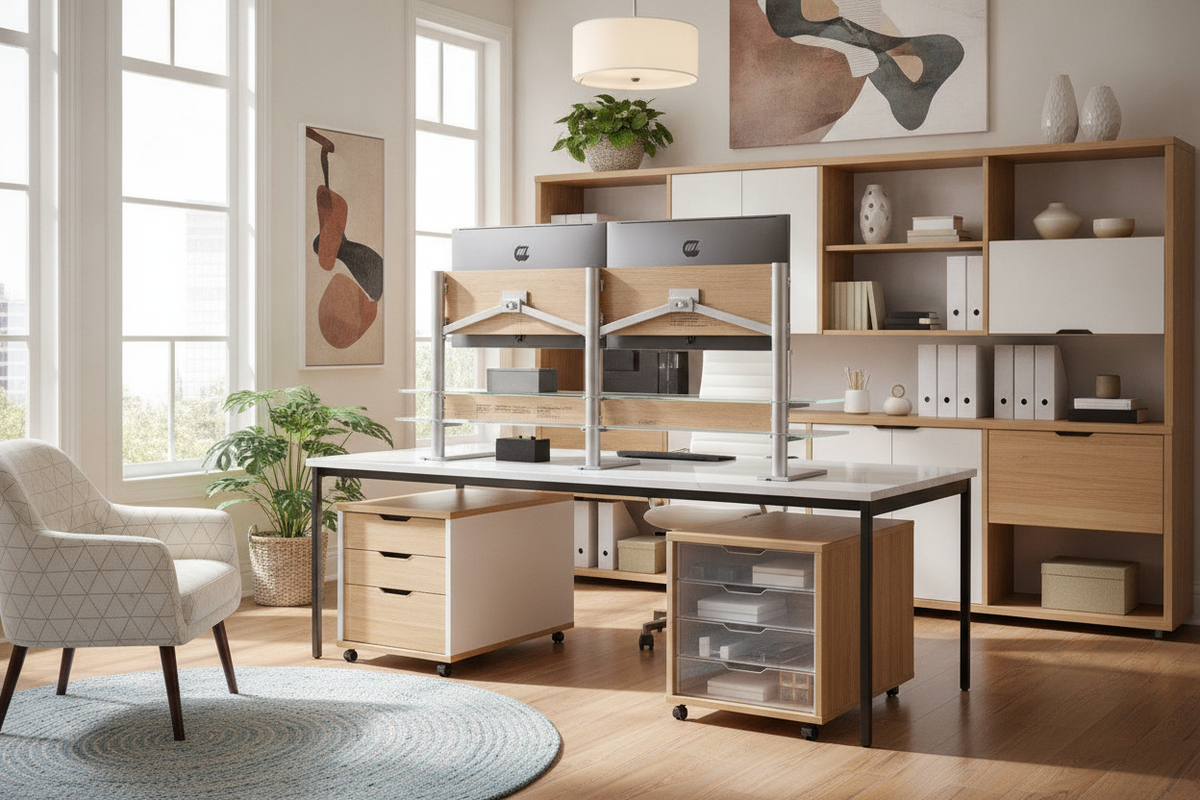
Workstation design increasingly relies on vertical architecture to balance screen positioning and usable surface area. In contemporary home offices, ergo computer monitor stands serve as foundational structural elements rather than mere decorative accents. By lifting visual displays to a comfortable eye level while simultaneously liberating the footprint beneath them, an intentional monitor riser creates an organized, multi-tiered desk surface that supports focus and productivity throughout long work sessions.
Understanding Ergo Computer Monitor Stands: Spatial Mechanics and Sightline Alignment
The primary role of an ergo monitor stand is establishing a harmonious visual plane. Placing a screen directly upon a flat desktop frequently forces a downward head tilt, which can introduce physical fatigue and visual strain over time. Introducing a raised elevation platform aligns the upper third of the screen with natural forward sightlines, encouraging upright posture and neutral head positioning.
Beyond physical comfort, elevating your display fundamentally alters desktop spatial mechanics. A flat desk often suffers from visual congestion when hardware, notepads, and input devices share a single horizontal plane. An elevation shelf bifurcates the workstation into dedicated activity zones: an upper display level devoted strictly to visual focus, and a lower base level dedicated to active tactile tasks. Before selecting an elevation structure, reviewing display dimensions through a comprehensive computer monitor guide helps establish proper scale and proportions.
Structural Archetypes: Fixed Risers, Articulated Rigs, and Integrated Shelf Bridges
Choosing a monitor stand ergonomic platform requires evaluating how different structural archetypes interact with your daily workflow. Several primary designs define modern office setups:
- Single-Tier Desktop Risers: Clean, minimalist platforms crafted from solid wood, engineered board, or bent metal that provide a single elevated plane with open storage underneath.
- Multi-Compartment Desktop Organizers: Tiered risers equipped with integrated shallow drawers, side slots, and pen grooves for compact workstations needing dense organization.
- Full-Width Desk Bridges: Extended architectural shelf units that span across the rear boundary of the desk, accommodating dual screens alongside auxiliary desktop speakers and task lighting.
- Clamp-Mounted Floating Shelves: Edge-secured platforms that cantilever above the desktop surface, preserving the entire perimeter of the primary desktop.
For workspaces requiring built-in utility, exploring an integrated computer monitor stand product reveals how dedicated upper tiers harmonize with integrated power hubs and tailored storage compartments to streamline cable clutter.
Dimensional Planning and Desktop Clearance Envelopes
A well-proportioned monitor platform must harmonize with both the display base and the primary desk surface. If a riser is too deep, it crowds the primary keyboard zone; if it is too narrow, display pedestals may overhang the edges, compromising stability.
When planning your desktop clearance envelope, consider three critical spatial measurements:
- Platform Depth: Ensure the top shelf accommodates the full footprint of your monitor base with additional margin to prevent accidental shifting.
- Under-Shelf Clearance Height: Verify that the space beneath the riser easily accommodates your mechanical keyboard, mouse, or closed laptop when pushed back at the end of the day.
- Span Width: Select a width that maintains balanced proportions relative to the total desk width, leaving open space on the sides for desktop lamps or vertical file holders.
Matching the depth of your riser to a streamlined surface from a dedicated computer collection prevents visual crowding across shallow worktops while ensuring sufficient writing and typing real estate.
Material Synergy, Structural Stability, and Aesthetic Cohesion
An effective monitor riser must provide unwavering structural stability while seamlessly echoing the finishes of surrounding cabinetry and furniture. Sagging or wobbling disrupts visual harmony and distracts from daily work.
High-density engineered wood boards, laminated surfaces, and powder-coated steel underpinnings provide strong resistance against warping under the constant downward pressure of heavy screens. Matte finishes reduce unwanted ambient light reflection, while warm woodgrain surfaces introduce natural texture into technical setups. When desktop real estate is exceptionally constrained, alternative strategies in a stand monitor guide illustrate how decoupled support structures free up primary work zones entirely.
Pairing Monitor Stands with Dynamic Desks and Surrounding Storage Systems
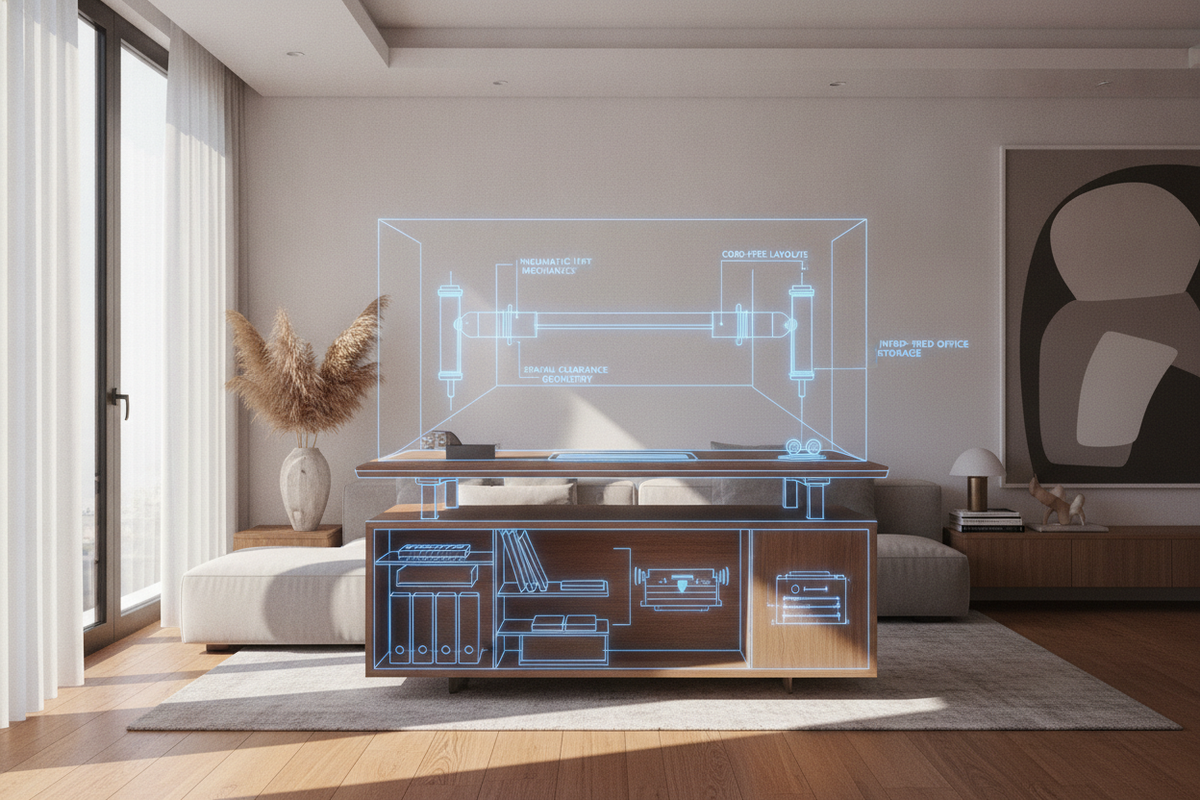
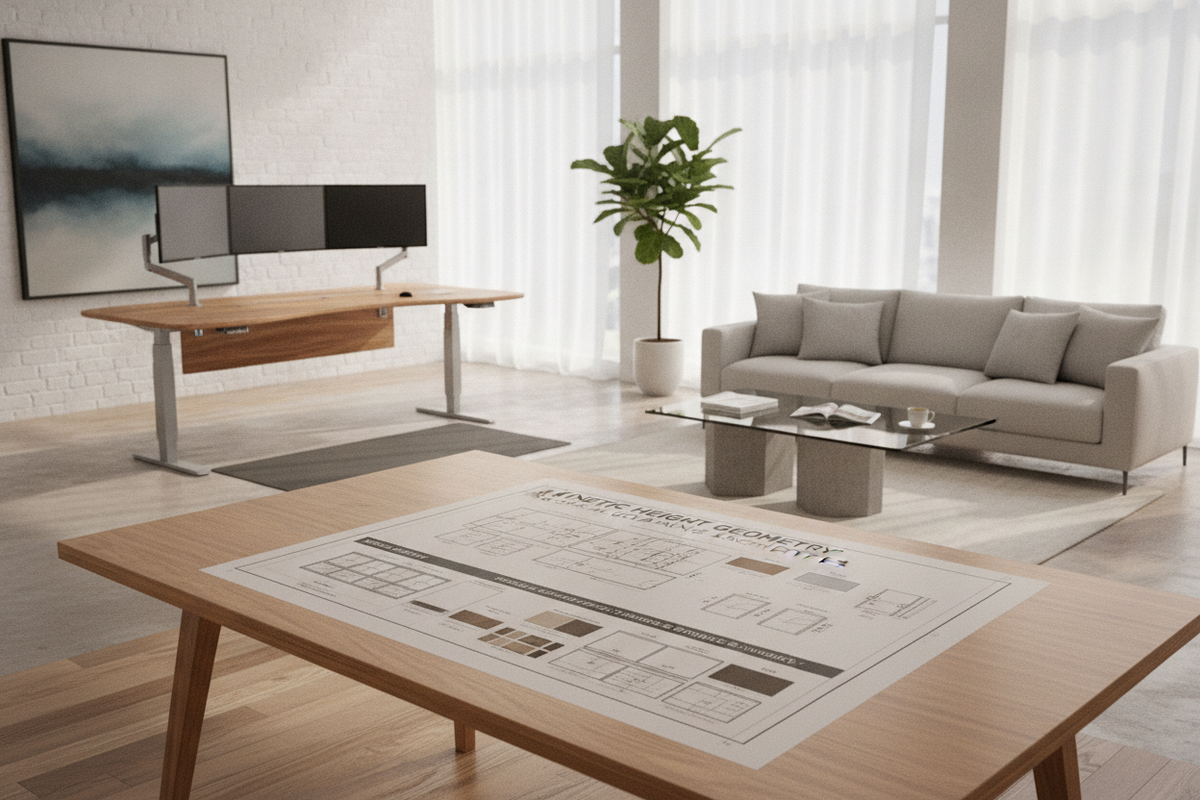
Integrating an ergo monitor stand into a comprehensive home office layout requires consideration of movement and surrounding furniture. On height-adjustable sit-stand desks, the riser moves dynamically with the entire surface, meaning all items stored on and under the shelf must remain stable during height transitions.
When positioning raised display platforms on kinetic work surfaces, choosing a motorized ergonomic stand product ensures smooth height transitions without destabilizing accessories or shifting cable connections. Complementing the primary workstation with matching mobile lateral files, credenzas, and closed wall cabinets ensures that secondary equipment stays off the main work surface, maintaining a calm, minimalist environment tailored for deep productivity.

Dejar un comentario
Este sitio está protegido por hCaptcha y se aplican la Política de privacidad de hCaptcha y los Términos del servicio.