










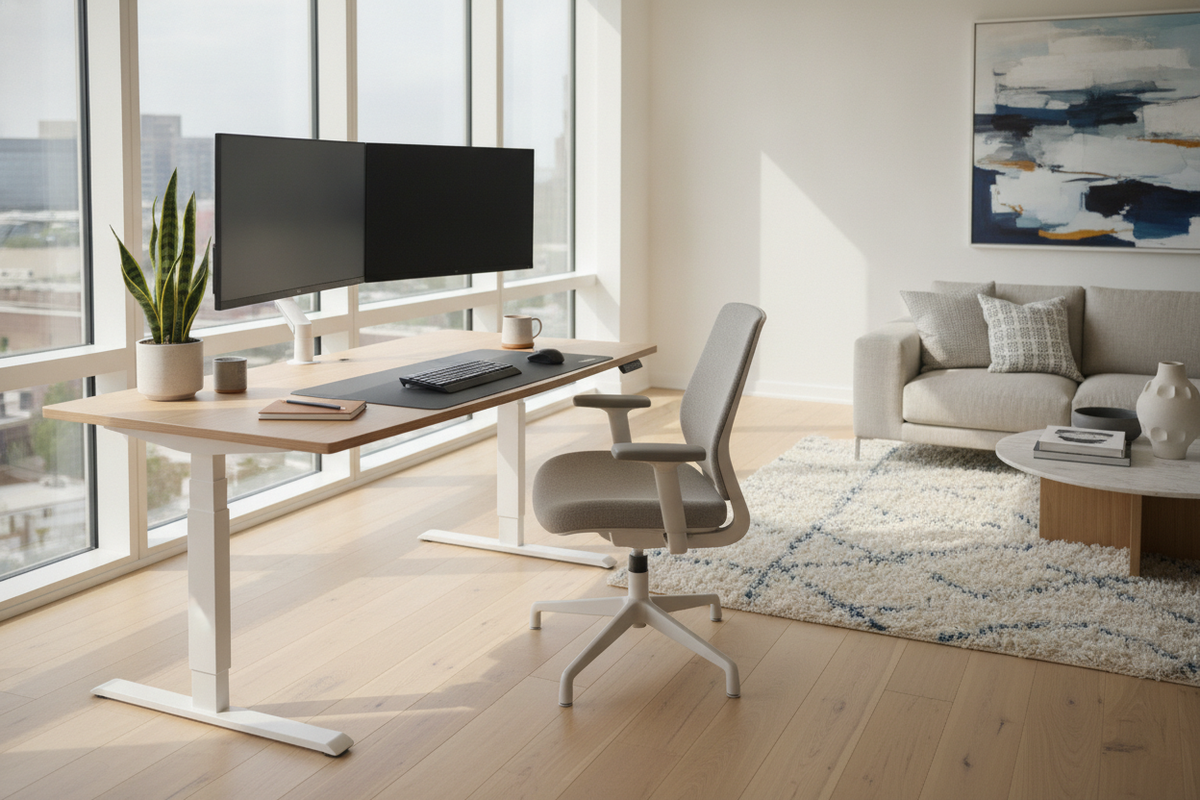
Understanding the Height-Adjustable Workstation Architecture
Modern workspaces thrive on adaptable infrastructure. Height-adjustable surfaces, frequently recognized through systems like the Humanscale standing desk and related sit-to-stand designs, represent a deliberate shift away from static office furniture. By integrating dynamic elevation adjustments into everyday workstations, professionals can alter their working posture throughout long shifts without interrupting ongoing tasks.
The foundational concept behind height-adjustable furniture centers on active postural variety. Rather than remaining seated or standing continuously, users benefit from structured transitions that accommodate keyboard input, collaborative discussions, reading, and focused screen tasks. Designing an effective sit-to-stand workspace requires balancing mechanical engineering with user-centered room layouts and supporting storage elements.
Mechanism Comparison: Counterbalance Tension vs. Motorized Drive Systems
When selecting a sit-to-stand setup, understanding the operating mechanism is crucial for daily satisfaction. Workstation platforms generally utilize either mechanical counterbalance systems or motorized lift frames.
Mechanical counterbalance desks, common in specialized ergonomic product lines, rely on internal springs or gas struts calibrated precisely to the weight of your desktop equipment. Once balanced, these surfaces move nearly instantaneously with light physical guidance, eliminating motor hum and reliance on power cords for the lifting mechanism. However, whenever you add heavy peripherals or swap monitor mounts, you must manually rebalance the internal tension to maintain smooth movement.
Conversely, electric motorized platforms use push-button controls and synchronized drive columns to manage variable surface loads effortlessly. For users who prefer push-button operation over manual counterbalance tuning, considering an electric height adjustable standing product provides an alternative workflow solution capable of handling shifting desktop configurations without requiring physical counterbalance adjustments.
Workstation Ergonomics and Posture Calibration Cadence
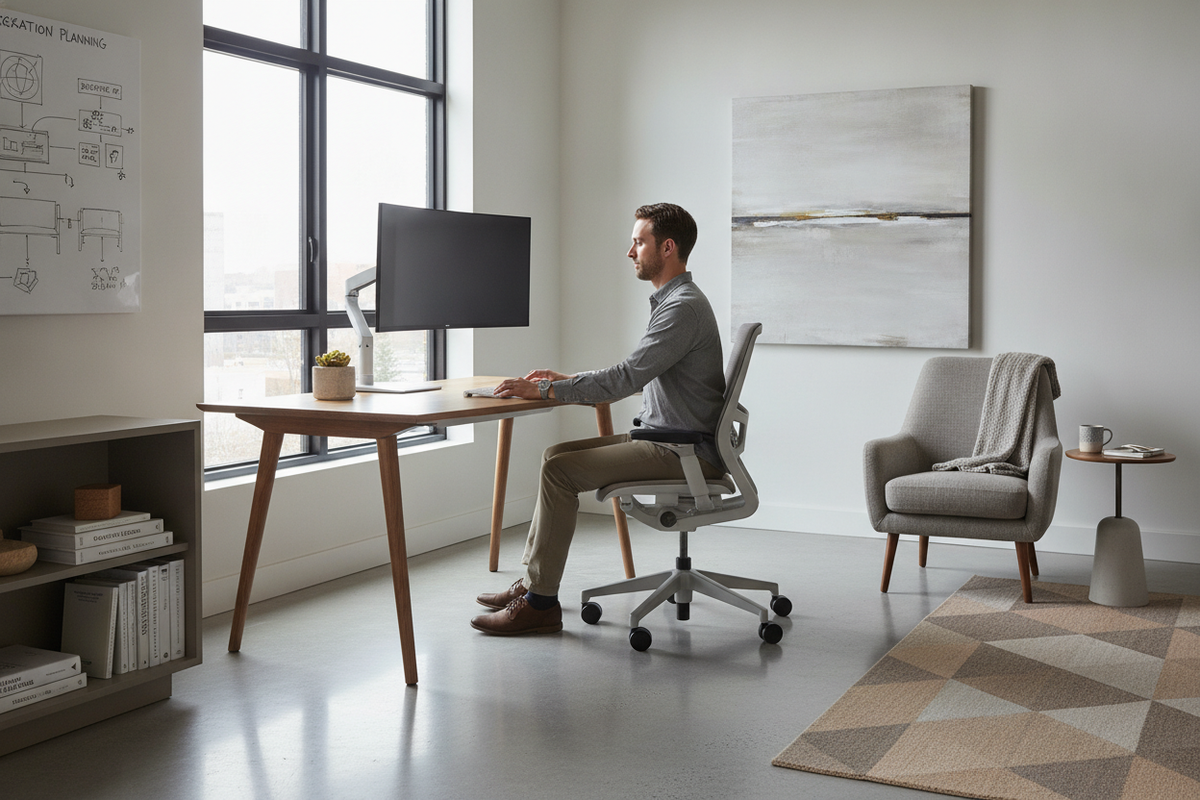
Achieving proper ergonomics involves more than simply raising the desk surface. Proper alignment requires harmonizing your body mechanics with input peripherals and visual displays at both sitting and standing heights.
- Resting Elbow Elevation: Position the desktop so your forearms rest parallel to the floor, allowing elbows to form an open, comfortable angle without causing your shoulders to hunch.
- Neutral Wrist Alignment: Position keyboards and mice at a plane where wrists remain straight rather than angled sharply upward or downward during active typing.
- Display Sightlines: Set monitor arms so the top third of the viewing screen aligns near eye level, encouraging a balanced head posture that avoids excessive downward neck tilt.
- Transition Rhythm: Alternate between seated and standing modes in consistent intervals rather than remaining in a single static posture for extended hours.
Spatial Clearance and Room Layout Blueprint
A height-adjustable desk requires careful spatial planning because its vertical travel impacts adjacent architectural elements. Wall decor, window sills, shelving, and wall outlets must all be mapped before finalizing desk placement.
Maintain sufficient clearance between the back edge of the desktop and adjacent walls to prevent monitor arms from scraping drywall during height changes. Underneath the desk, keep the primary footwell entirely free of bulky storage bins or CPU towers that could collide with crossbars or pinch cables during downward travel. For practical ideas on integrating adjustable workstations into balanced residential interiors, our dedicated standing desk guide offers room layout frameworks that preserve clear pathways and aesthetic cohesion.
Pairing Height-Adjustable Desks with Modular Storage Architecture
Because sit-to-stand surfaces travel up and down, they cannot rely on traditional built-in under-desk drawer pedestals that attach permanently to the floor. Maintaining an organized workspace requires pairing the desk with complementary modular storage units positioned adjacent to the movement zone.
Low credenzas, freestanding sideboards, and mobile lateral file cabinets serve as ideal companions. Positioning secondary file units just outside the descent path allows quick access to essential supplies while protecting equipment. Similarly, pairing your desk with vertical shelving from an adjustable collection lets you tailor perimeter storage heights to your room layout, keeping active desk surfaces uncluttered.
Cable Management, Surface Load Balancing, and Maintenance Routine
Organized cable routing is essential for any dynamic desk. As the surface travels through its vertical range, attached cords must flex without snagging, pulling loose, or catching on nearby furniture edges.
- Articulated Cable Spines: Encase display, peripheral, and power lines inside flexible cable tracks or mesh sleeves designed to expand and contract smoothly.
- Surface Power Distribution: Mount surge-protected power strips directly to the underside of the desktop so individual monitor and laptop cables travel with the surface.
- Even Weight Distribution: Distribute heavier gear, such as multi-monitor stands, evenly along the primary support rail to prevent uneven strain on mechanical joints.
- Surface Care: Wipe laminate and solid veneer finishes with mild, non-abrasive cleaners to maintain protective surface coatings.
Selecting the Right Sit-to-Stand Workstation for Your Daily Workflow
Choosing an ideal height-adjustable workstation comes down to your personal work style, available room footprint, and hardware requirements. If your daily tasks involve frequent shifts between reading and quick collaborative discussions, an easily adjustable counterbalance platform or a responsive motorized system will support that fluid movement.
Take time to assess your overall environment, ensure adequate vertical and perimeter clearances, and integrate dedicated secondary storage. By building a thoughtful setup around your daily habits, your workstation will deliver enduring comfort, functional organization, and a balanced workspace environment.


Dejar un comentario
Este sitio está protegido por hCaptcha y se aplican la Política de privacidad de hCaptcha y los Términos del servicio.