










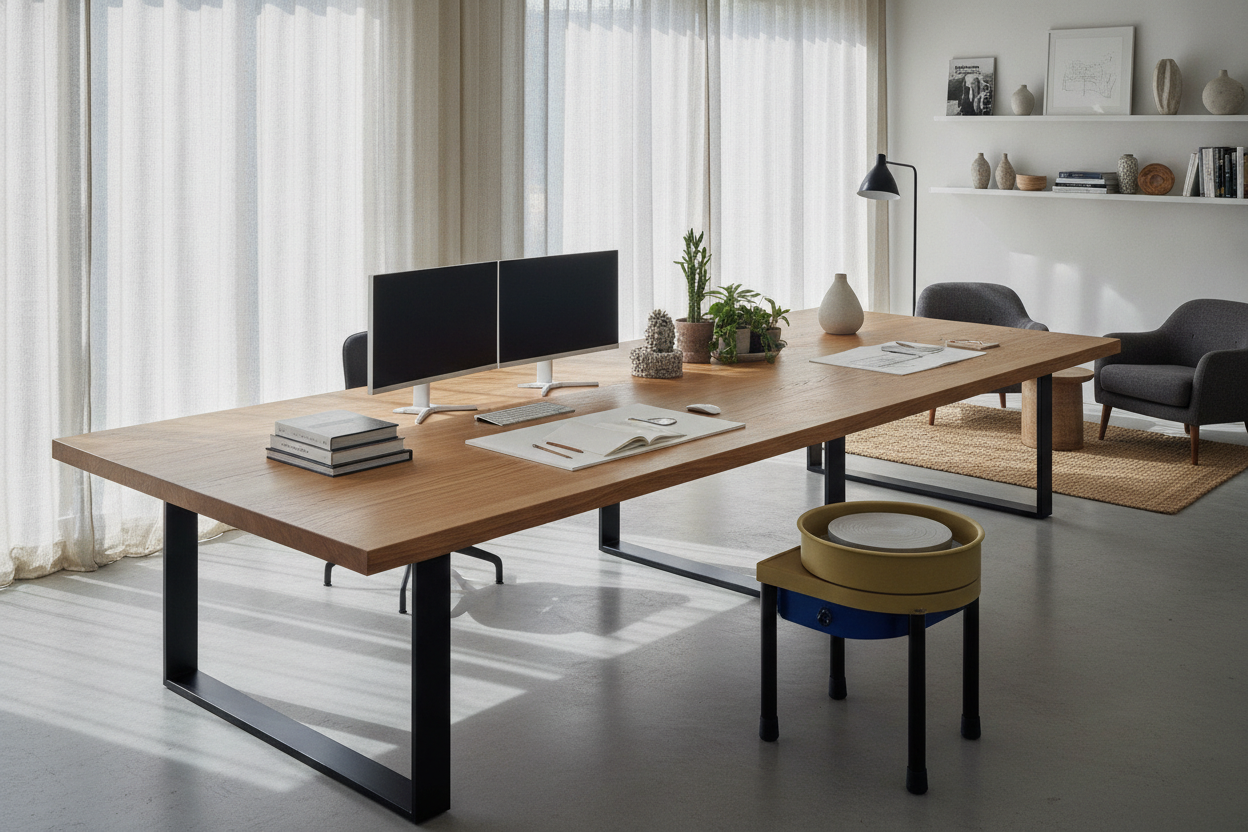
I spent three years staring at a 48-inch laminate slab that the manufacturer had the audacity to call a 'pro workstation.' Every time I tried to open a notebook next to my keyboard, I ended up knocking my coffee into the surge protector. I realized that most desks are built for a version of 'work' that doesn't exist anymore—one where you only have a laptop and zero physical belongings.
Last month, I dragged that cramped piece of junk to the curb and replaced it with a 72-inch solid wood dining table. No drawers, no built-in USB ports that break in three months, and no 'cable management' holes that are always in the wrong spot. It was the best decision I've made for my sanity since I started working from home.
- Depth is more important than width for reducing eye strain.
- Standard office furniture is often too shallow for modern 27-inch monitors.
- A 'desk table' offers more legroom and aesthetic flexibility.
- Cable management requires effort but pays off in a cleaner home look.
The Problem With Purpose-Built Office Furniture
Most office furniture is designed by people who hate comfort. They give you a 24-inch depth, which means your monitor is basically touching your nose. Then they add these 'clever' built-in cubbies or little shelves that just end up being graveyards for old receipts and dead pens. They dictate exactly how you should sit and where your legs should go.
I get the appeal of a traditional writing computer desk if you're a minimalist who only needs a place to pay bills once a month. But for power users? It's a trap. These desks are often made of flimsy 1/2-inch particle board that bows the moment you add a dual-monitor mount. If you want to shift six inches to the left to get a better view out the window, you hit a drawer unit. It's claustrophobic and rigid.
What Exactly Are 'Desk Tables' Anyway?
A desk table is exactly what it sounds like: a big, flat, glorious surface. Think of a Parsons table or a minimalist dining table. It doesn't have a keyboard tray—which are usually ergonomic nightmares that sit too low—and it doesn't have a modesty panel. It's just four legs and a heavy-duty top.
By choosing to buy desk table setups instead of office-specific pieces, you're buying versatility. If you move to a smaller place, your workspace becomes your dining room. If you decide to stop working from home, you have a solid craft table. It’s furniture that doesn't scream 'corporate cubicle' when you're trying to relax in your own living room.
3 Reasons a Desk and Table Hybrid Dominates
The first reason is simple: depth. A dining-style desk and table setup is usually 30 to 36 inches deep. That extra foot of space means you can actually push your screen back and have room for a keyboard, a tablet, and a plate of toast without feeling like a hoarder. My 1.5-inch thick acacia top doesn't even flinch under the weight of my gear.
Second is the legroom. Without a drawer unit hanging down or a crossbar exactly where your shins want to be, you can cross your legs, stretch out, or even fit a walking treadmill underneath. It’s total freedom for your lower half, which is vital when you're stuck in a chair for eight hours.
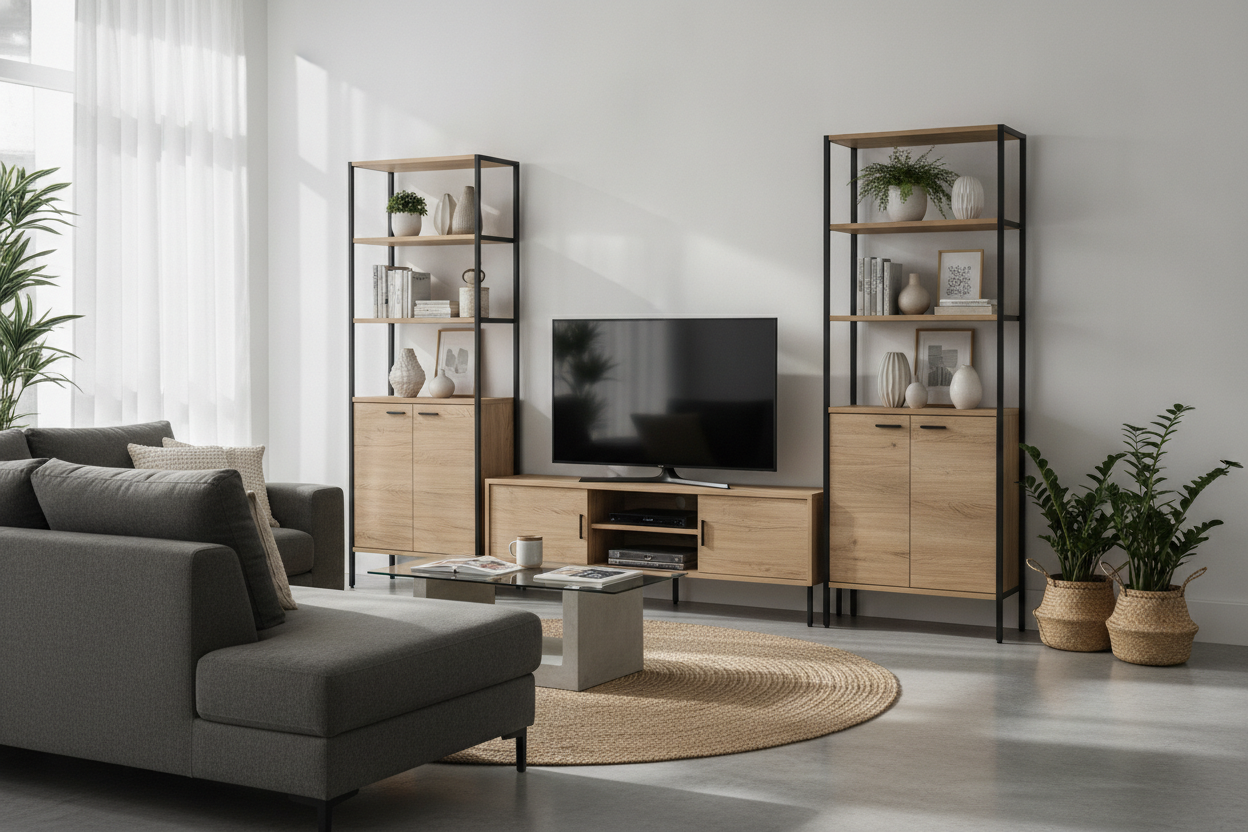
Third is the aesthetic. Most office desks look like they were pulled from a 1990s tax office. A massive table looks like a design choice. If you're struggling with storage, you could look into a table bookshelf combo to get that vertical storage back without sacrificing the open, airy feel of the table itself.
The Ugly Truth: Cable Management on an Open Table
I’m not going to lie to you: an open table is a nightmare for wires. There is nowhere to hide your sins. If you just plug everything in and let it dangle, your beautiful minimalist workspace will look like a literal bird's nest within a week. I learned this the hard way when my cat decided a dangling DisplayPort cable was his new favorite toy.
You have to be aggressive. I bought a metal J-channel tray that screws into the underside of the table to hold my power strip. I used Velcro ties—never plastic zip ties, because you'll inevitably need to move something—to run the cables down the back of one leg. It takes an hour of work, but it’s the only way to make desk tables look intentional rather than messy.
Check These 3 Things Before You Buy Desk Table Setups
Before you run out and buy the first 80-inch oak slab you see, check the height. Most dining tables sit at 29 or 30 inches. If you’re on the shorter side, your shoulders will be up at your ears while typing. You might need a higher chair or a footrest to make the ergonomics work for your body type.
Next, check the 'apron'—that's the wooden frame that runs under the tabletop. If the apron is too deep, it will hit the top of your thighs every time you sit down. I once bought a gorgeous vintage farmhouse table that was unusable because the apron left only 22 inches of clearance. I felt like I was being pinned into my seat.
Finally, if you already have a piece you love but it's just not quite right for work, don't panic. You can buy the best desk stand to convert a standard table into a height-adjustable workspace. It saves you the cost of a new table and keeps your room looking cohesive while giving you the health benefits of a sit-stand setup.
Can I use a dining table as a desk?
Yes, and you probably should. Just measure the height first. Most are 29-30 inches tall, which is standard for desks, but make sure your chair can go high enough so your elbows are at a 90-degree angle to the surface.
Is a 24-inch deep desk enough?
For a laptop, it's fine. For a desktop monitor and a keyboard, it's usually too shallow. You'll feel cramped and your eyes will fatigue faster because the screen is too close to your face.
How do I stop a large table from wobbling?
Look for tables with 'H-stretchers' or center bracing. If you're using a heavy solid wood top, make sure the legs are thick enough to handle the lateral force when you're typing vigorously. Cheap, spindly legs are the enemy of stability.

Dejar un comentario
Este sitio está protegido por hCaptcha y se aplican la Política de privacidad de hCaptcha y los Términos del servicio.