










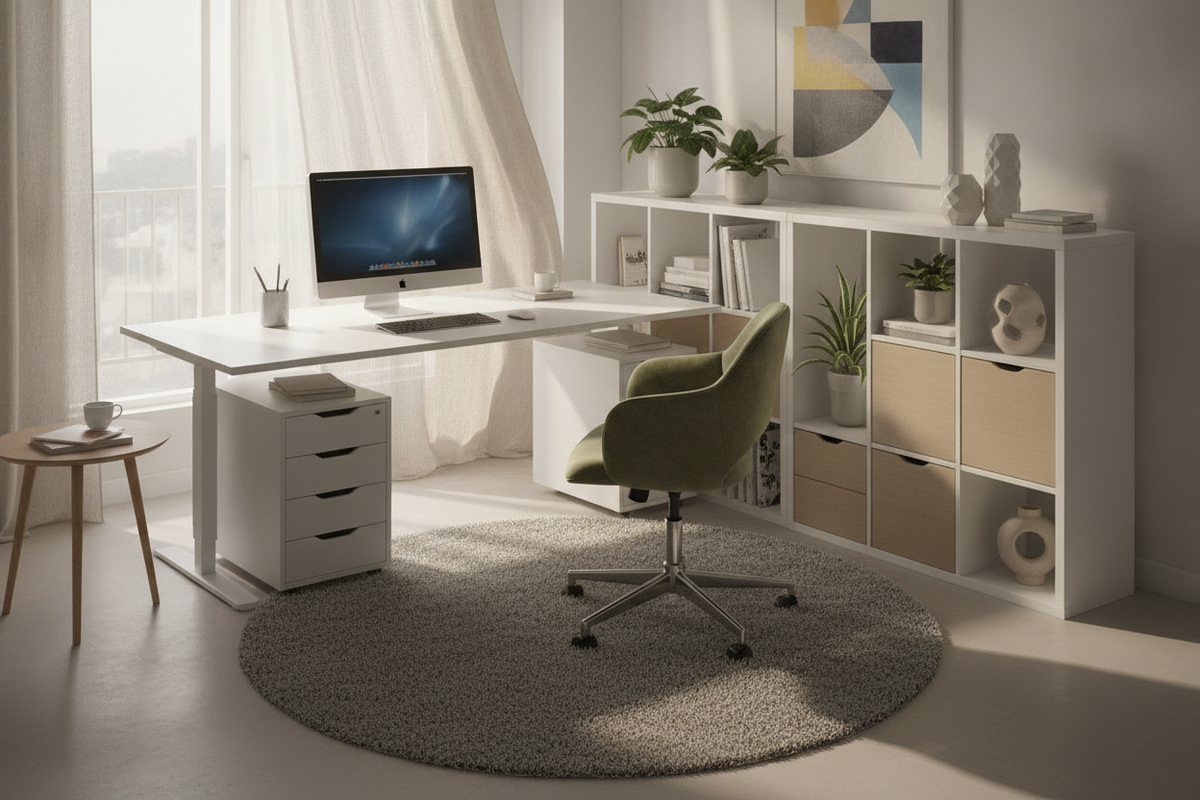
Understanding the IKEA Table as Desk Concept: Repurposed Tables vs. Modular Desk Systems
Transforming an ikea table as desk setup has become one of the most versatile strategies for crafting an expansive, tailored workstation. Traditional office desks frequently feature fixed proportions, pre-determined drawer orientations, and restricted knee wells that may not accommodate creative work or multi-screen equipment. In contrast, repurposing a dining table or assembling a modular desk system ikea configuration gives you full control over surface dimensions, base styling, and room flow.
A primary advantage of using a dining surface or mix-and-match components is the generous working area. Dining tables are built to seat multiple individuals, offering deeper and wider surface planes than compact student desks. Meanwhile, an ikea modular desk framework allows you to combine separate tops with interchangeable post legs, trestles, or storage pedestals. By evaluating whether your workflow benefits more from an open, shared communal table or a dedicated modular workstation, you can establish an adaptable foundation for both focused computer tasks and expansive analog projects.
Dimensional Sizing and Ergonomic Clearances for Table Desks
When selecting a table surface for long-term desk use, dimensional proportions directly impact your everyday comfort. Standard dining surfaces are often slightly taller and deeper than dedicated computer desks. While extra surface depth provides ample room for large displays and external keyboards, it also requires careful seat and armrest height calibration to maintain neutral wrist postures.
Consider these core dimensional relationships when planning your workspace:
- Surface Depth and Monitor Viewing: Deeper table planes allow displays to sit farther back, creating comfortable viewing angles while leaving open foreground space for paperwork, tablets, or sketchpads.
- Seating Height and Knee Wells: Because repurposed tables may feature deeper perimeter aprons, verify that your office chair armrests and thighs clear the lower edge of the tabletop comfortably.
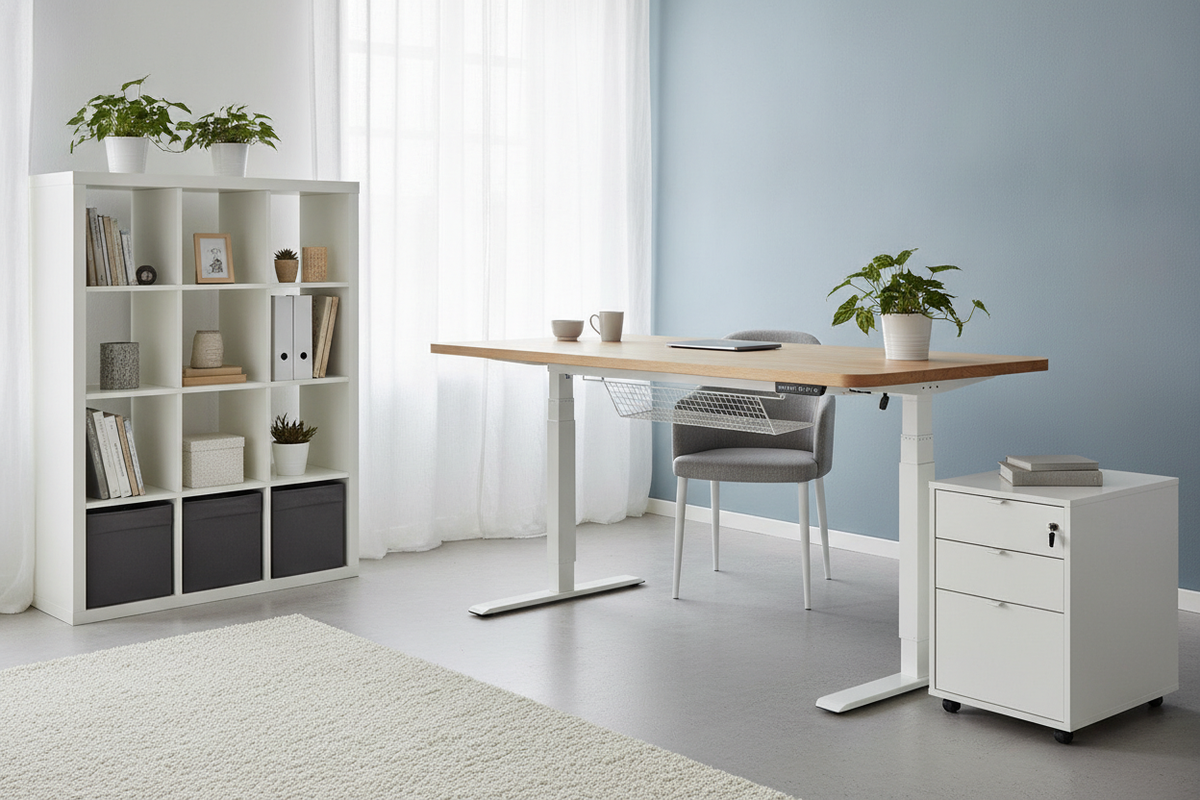
- Dynamic Workstation Needs: If your workflow requires alternating between seated tasks and standing positions throughout the day, pairing standard static surfaces with a dedicated adjustable height standing desk system can offer an ergonomic balance.
Material Selection and Structural Span Reinforcement
Tabletops vary significantly in core construction, and understanding these material differences prevents sagging and hardware instability over time. Lightweight surfaces with honeycomb paper cores are easy to maneuver, but dense engineered wood cores, veneered panels, and solid butcher block slabs offer greater resistance to deflection over longer spans.
When utilizing heavy display mounts or multi-monitor clamping systems, solid or high-density engineered tops distribute concentrated downward pressure much more evenly. If you choose an expansive tabletop that spans a long distance between corner legs, integrating an under-table stiffener bar or adding a discreet center support leg prevents central bowing under the weight of computer hardware, desktop printers, or stacked reference books.
Modular Base Architectures: Legs, Trestles, and Drawer Units
The versatility of modular desk systems ikea configurations stems from the ability to pair any compatible top with different base supports. Your choice of base determines not only the visual aesthetic of the room, but also the physical stability and storage capability of the workstation.
Standard Post Legs vs. Adjustable Screw Mounts
Individual cylindrical or square post legs provide a minimalist appearance and maximize open floor space under the desk. Adjustable screw-mount legs are particularly helpful for older homes with uneven floorboards, allowing you to level the working surface without wedging shims beneath the feet.
A-Frame and Trestle Supports
Trestle bases offer architectural presence and broadened floor contact, which helps reduce lateral wobble. Some trestle designs also incorporate lower shelving rungs, providing a convenient staging area for external hard drives, power units, or reference materials off the floor.
Drawer Pedestal Combinations
A hybrid configuration featuring a drawer unit on one side and post legs on the other creates an asymmetrical desk that balances enclosed storage with open legroom. This layout is especially practical for maintaining quick access to cables, stationary, and documents without adding detached furniture pieces to the room.
Room Layouts and Workstation Zoning Strategies
A broad table desk offers flexibility in room positioning, allowing you to move beyond basic wall-facing arrangements. Depending on window orientation, room traffic paths, and collaborative requirements, several zoning layouts can be employed:
- Perimeter Wall Alignment: Placing an expansive table along a primary wall maximizes central floor space and makes cable concealment along baseboards straightforward. For a seamless look that integrates vertical shelving, you can draw inspiration from a built-in desk and shelves layout.
- Central Floating Work Island: Positioning a large table in the center of an office creates a shared hub for collaborative projects, meetings, or craft activities, allowing two or more individuals to work from opposite sides.
- Compact multi-use rooms: When floor space must transition between living and working functions, an open table desk can be complemented by a concealed armoire computer desk to keep secondary hardware and peripheral storage out of sight.
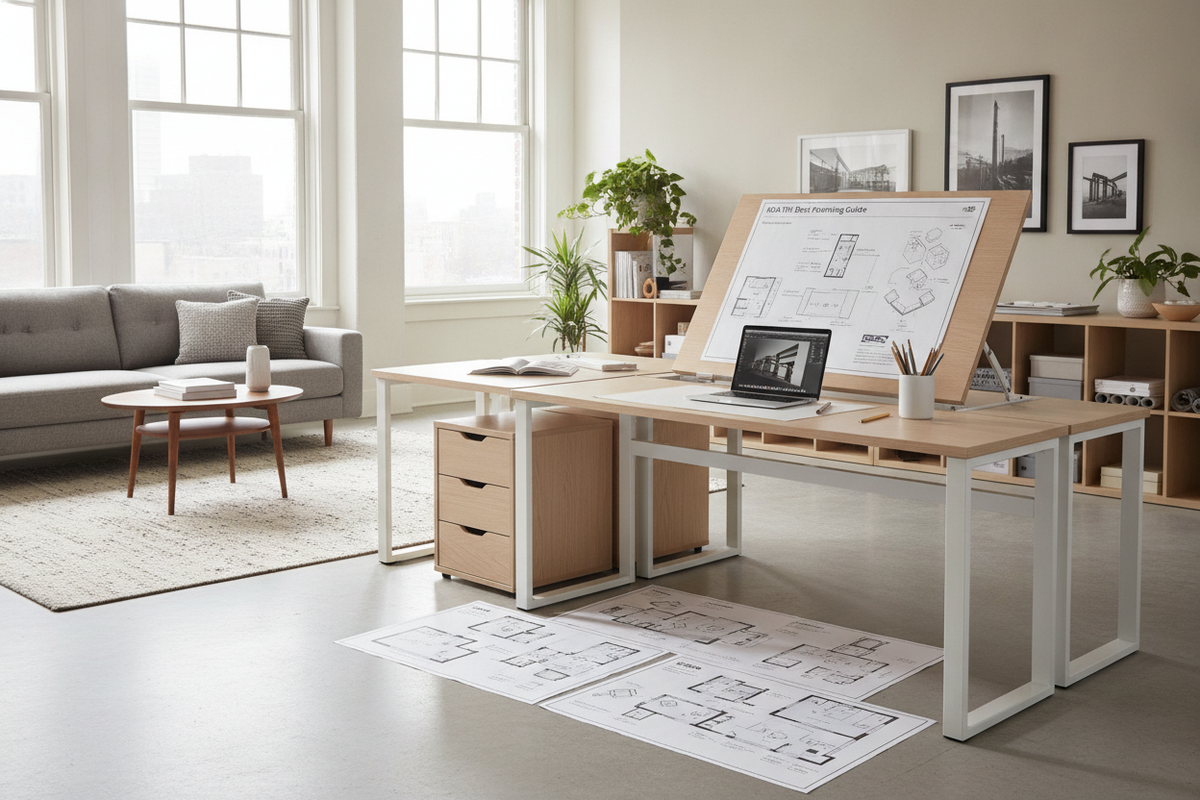
- Modular L-Shaped Configurations: Combining two rectangular modular tabletops with a shared corner support leg yields an expansive dual-zone desk, separating primary computer equipment from drafting or assembly areas.
Storage Architecture and Cable Organization Integration
Because repurposed dining and utility tables rarely come equipped with integrated wire channels, planning your wire routing strategy early is essential for a tidy aesthetic. Under-desk wire raceways, clip-on cable trays, and adhesive routing channels keep power bricks and monitor cables suspended out of sight and off the floor.
To prevent tabletop clutter, pair your open table desk with perimeter storage. Integrating external modular storage solutions or dedicated modular storage cabinets along nearby walls keeps paper archives, office equipment, and personal supplies neatly organized while preserving the spacious, uninterrupted look of your primary tabletop.
Decision Blueprint: Step-by-Step Table Workstation Configuration
To successfully configure your desk, follow a structured planning process before final placement:
- Evaluate Workload Requirements: Determine the number of displays, desktop peripherals, and analog materials you use daily to decide between a compact modular top or an expansive dining-style surface.
- Choose the Structural Base: Select post legs for airy legroom, trestles for added lateral stability, or drawer pedestals for integrated organization.
- Plan Mid-Span Reinforcement: For extra-wide tabletops carrying heavy gear, incorporate a center leg or under-mount support channel.
- Organize Supporting Storage and Power: Arrange power strips beneath the surface and position adjacent storage units to maintain an uncluttered, productive workstation.

Dejar un comentario
Este sitio está protegido por hCaptcha y se aplican la Política de privacidad de hCaptcha y los Términos del servicio.