










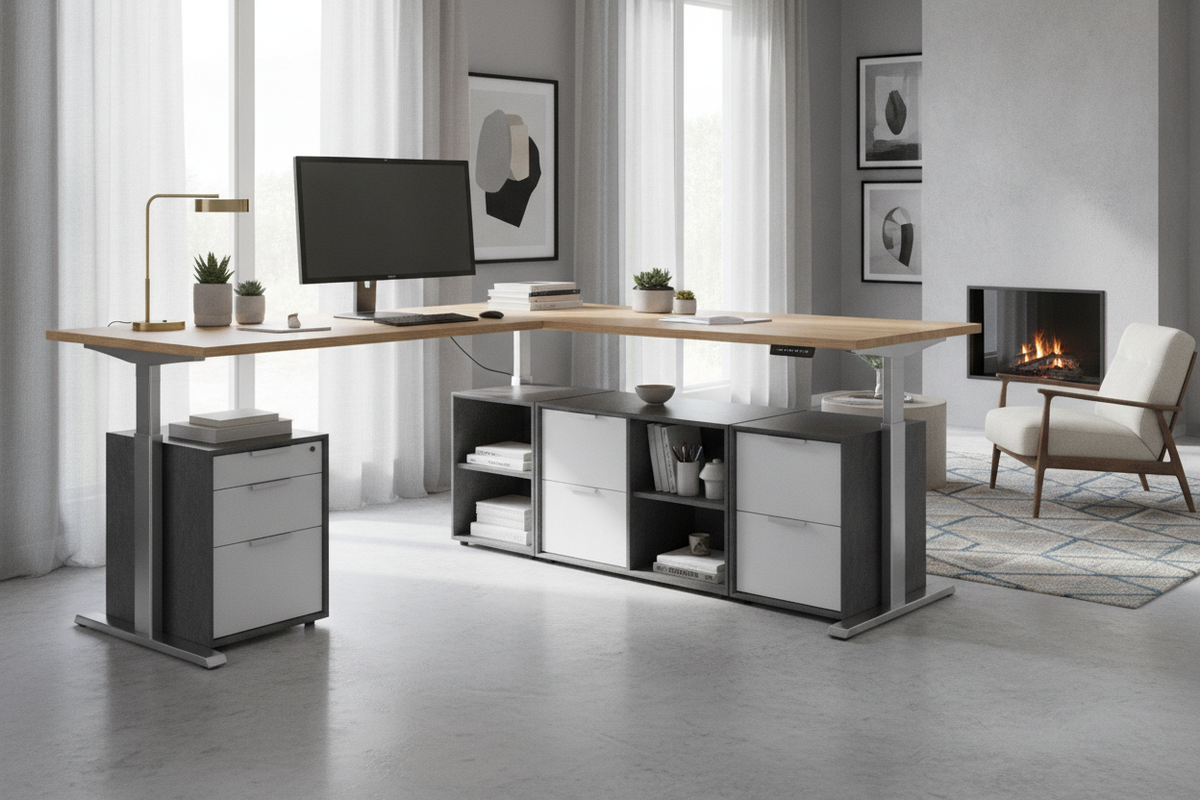
Designing an expansive home office or commercial workstation requires balancing generous desktop real estate with ergonomic movement. L-shaped electric height adjustable standing desks have emerged as a premier architectural choice for power users who manage multiple monitors, dedicated writing areas, and secondary hardware setups. Unlike traditional linear desks, an angled workstation wraps around the user, reducing reach distances while maximizing corner footprints.
Successfully integrating a motorized corner desk involves understanding structural multi-column synchronization, zoning distinct work surfaces, routing dynamic cabling, and coordinating non-colliding storage. Evaluating these spatial and mechanical elements ensures a seamless transition between seated and standing workflows.
Lifting Mechanics and Frame Architecture for Corner Standing Desks
The mechanical core of an L-shaped sit-stand desk differs fundamentally from standard dual-leg designs. Because the tabletop geometry forms an asymmetrical corner or return wing, the frame must distribute lifting power across three synchronized motorized columns rather than two. A centralized control box manages motor timing to ensure all legs raise and lower at identical speeds, preventing structural racking or surface tilting.
When comparing configurations, planners often evaluate standard linear frames alongside corner systems. For smaller secondary rooms, a compact adjustable height standing product can satisfy single-display needs. However, when multiple heavy displays, audio interfaces, and peripherals are distributed across a wide return surface, a three-leg corner frame provides balanced ground contact points and higher structural stability during dynamic transitions.
Frame stability in corner desks also relies on substantial under-desk crossbeams and extended footplates. These structural members counteract the torsional forces exerted when pressing down on the extended return edge, minimizing monitor wobble when typing in a standing posture.
Spatial Footprints, Clearance Buffers, and Room Placement
Proper placement of an L-shaped motorized desk requires accounting for both static floor space and dynamic vertical travel envelopes. Workspace designers typically choose between two primary layouts:
- Corner Placement: Aligning both wings against adjacent perpendicular walls maximizes open floor area in the center of the room. This layout requires a small perimeter gap along baseboards to ensure the rising desktop does not scrape against wall textures, window sills, or electrical faceplates.
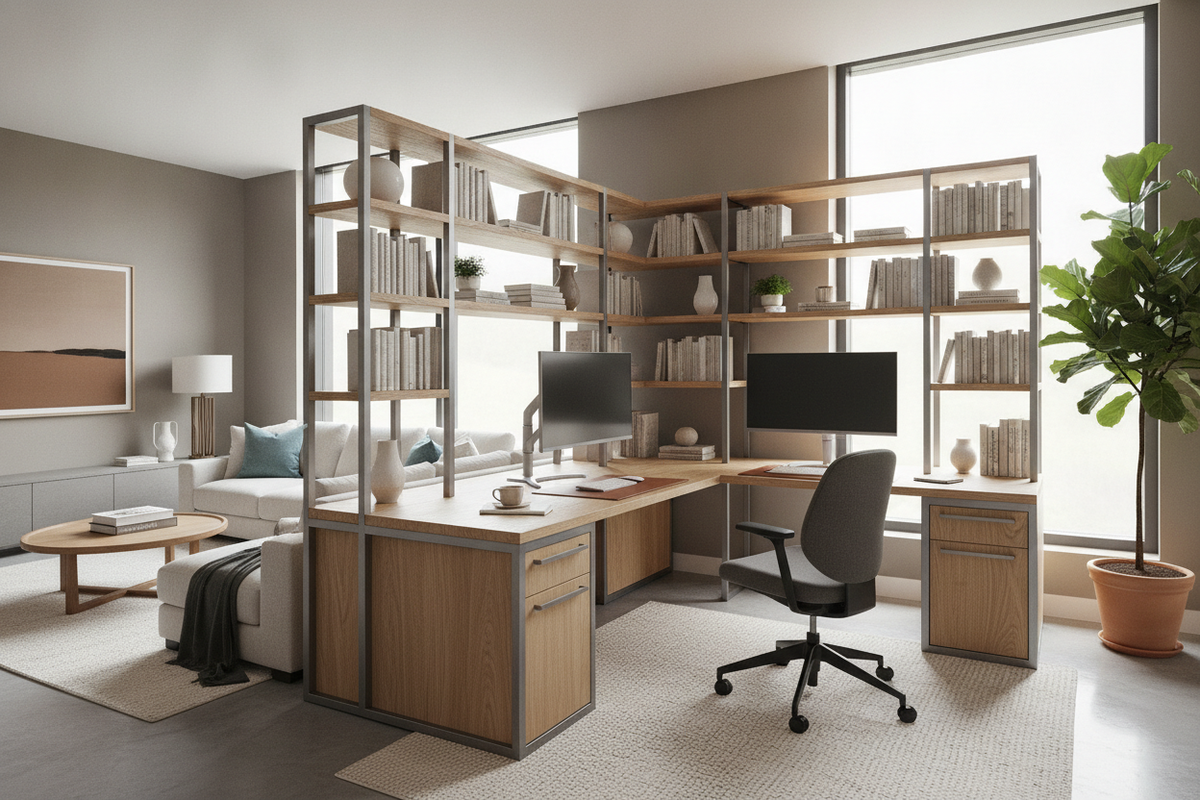
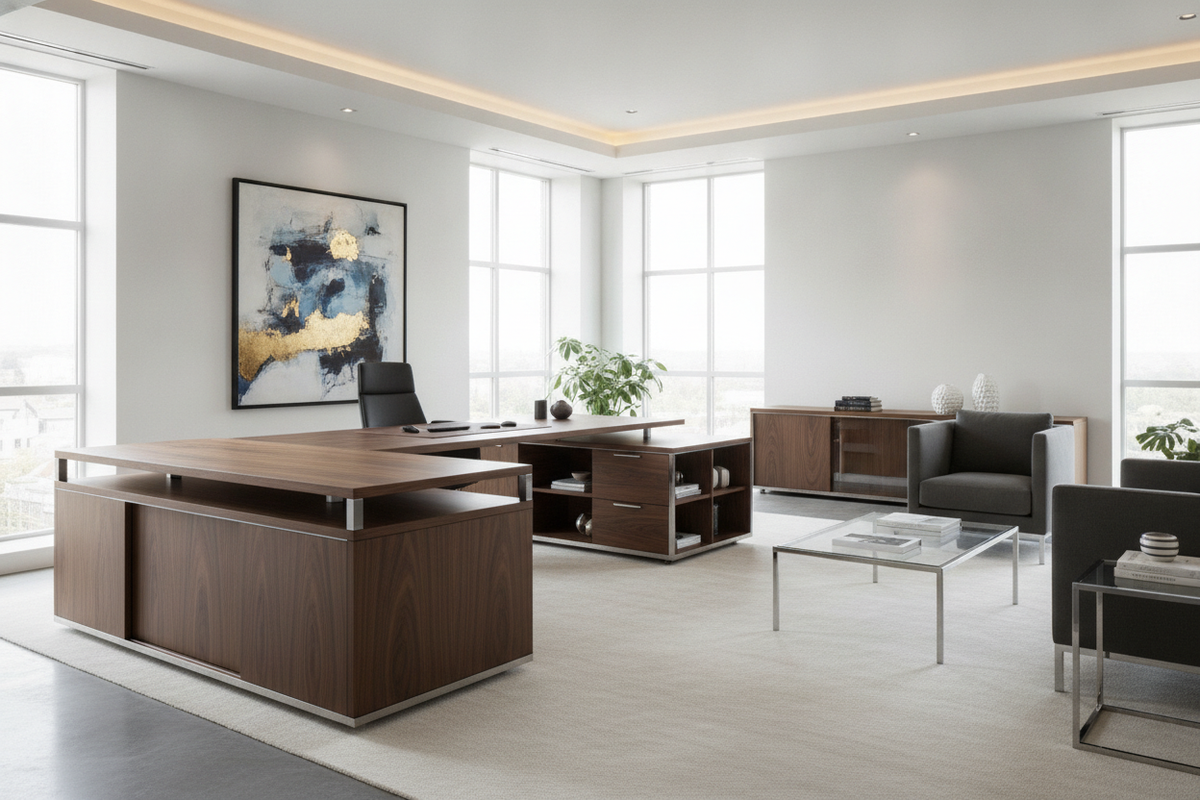
- Peninsula Placement: Positioning the primary desk surface against a wall while allowing the return wing to extend outward creates a natural room divider. This layout creates an executive presence and open sightlines across the office.
When positioning return wings into room circulation paths, consulting an adjustable guide helps prevent common layout errors where auxiliary tables obstruct high-traffic walkways. Maintaining sufficient clearance around the desk boundary guarantees unhindered chair mobility and easy perimeter access.
Surface Dimension Categories and Dual-Zone Workflows
An L-shaped workspace naturally supports dual-zone productivity by separating distinct tasks across primary and secondary desktop spans:
- Primary Compute Zone: The deeper main desk section accommodates monitor arms, mechanical keyboards, desk mats, and primary input peripherals directly in front of the user's focal line.
- Secondary Task Wing: The adjacent return section functions as an auxiliary surface for analog drafting, document review, tablets, secondary laptops, or desktop printing hardware.
For individuals who require sweeping horizontal work areas without an angled return, an extended straight surface such as a height adjustable standing product provides an alternative single-axis platform. Nonetheless, for corner-oriented multi-tasking, an L-shaped orientation reduces neck rotation by bringing tools into a natural 90-degree reach arc.
Dynamic Cable Management and Vertical Movement Safety
Managing power and data cords across an L-shaped motorized frame requires careful planning due to the expanded surface area and vertical travel range. Unlike static furniture, wires connected to motorized desks must flex continuously without pinching or catching on frame components.
Effective cable architecture utilizes wide under-desk cable management trays mounted beneath both the main deck and the return. Power distribution units mounted directly to the underside of the desk allow all monitors, computers, and chargers to travel upward together. From there, a flexible vertical cable spine or articulated vertebrae track routes the single main power feed down to the floor outlet. Ensuring adequate cable slack at the highest standing setting prevents plugs from detaching during upward movement.
Integrating Freestanding and Mobile Storage with Motorized Desks
Because the entire underside of an L-shaped standing desk moves through vertical space, fixed under-desk storage must be approached with caution. Placing static tall filing cabinets beneath a lowering desk creates a severe collision risk that can damage furniture frames or motor assemblies.
The most flexible organization strategy pairs motorized desks with low-profile mobile pedestals that easily roll beneath the desktop at seated height, or freestanding perimeter cabinets. Incorporating an adjustable collection along adjacent walls keeps reference materials, binders, and office essentials within reach without interfering with motorized lifting columns.
For broader home office design, exploring a standing guide highlights how modular, non-permanent storage cabinets provide adaptable room layouts that evolve alongside changing desk configurations.
Assembly Planning, Leveling, and Material Care
Assembling an L-shaped electric standing desk involves joining multi-piece tabletops and aligning motorized frame components. Proper structural assembly ensures quiet motor performance and long-term durability:
- Surface Seam Alignment: Multi-segment tops rely on wooden dowels and steel joining plates beneath the seam. Fastening these plates on a completely flat surface prior to tightening frame brackets ensures a level transition between desktop wings.
- Base Leveling: Floor unevenness can cause frame binding or motor strain. Adjusting the threaded leveling glides beneath each of the three footplates ensures equal load distribution and steady floor contact.
- Material Maintenance: Laminate and solid wood desktop surfaces should be cleaned with non-abrasive microfiber cloths and mild wood-safe cleaners. Avoiding excessive moisture near seams and electrical switch housings preserves surface integrity.
By coordinating multi-motor mechanics, dynamic cable routing, and collision-free storage layouts, l-shaped electric height adjustable standing desks create ergonomic, high-performance office environments tailored for modern multi-tasking demands.

Dejar un comentario
Este sitio está protegido por hCaptcha y se aplican la Política de privacidad de hCaptcha y los Términos del servicio.