










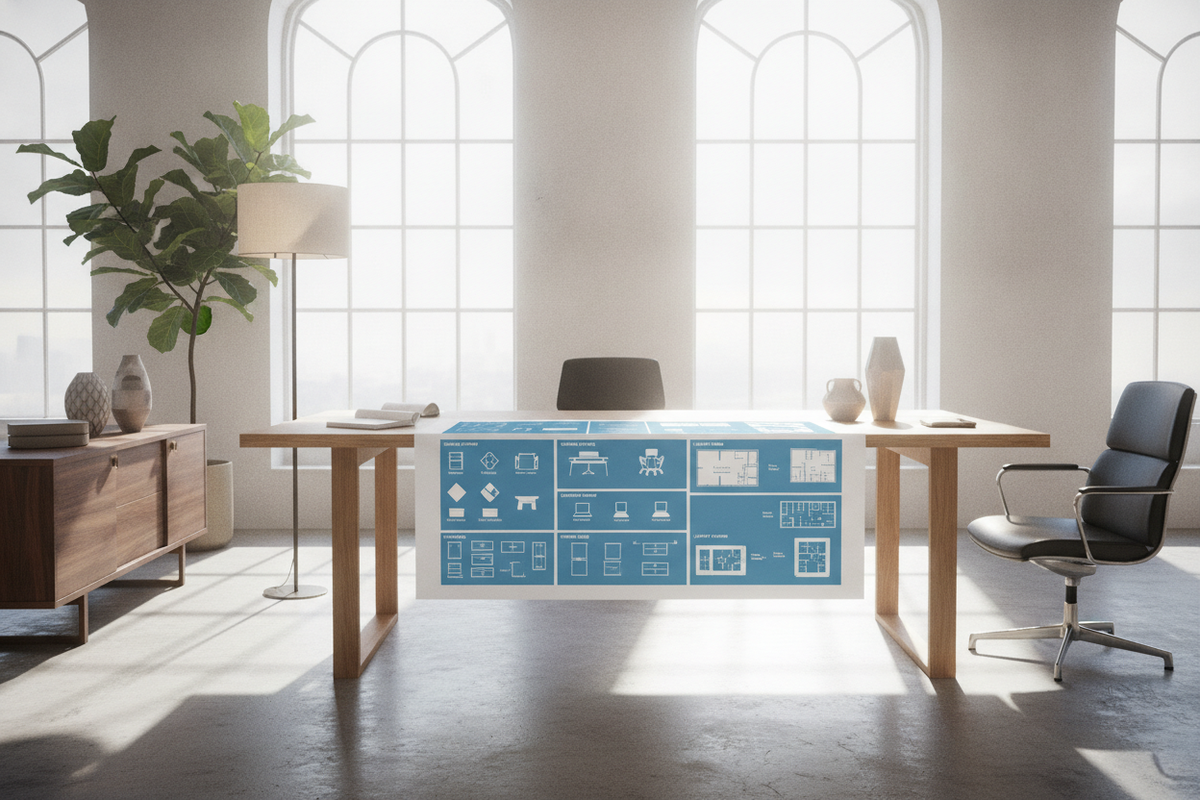
Understanding Office Desktop Furniture: Core Archetypes and Structural Foundations
Modern work environments depend on thoughtful coordination between digital hardware, administrative paperwork, and room architecture. Selecting appropriate office desktop furniture helps establish an organized foundation for daily work routines, posture, and spatial flow. When organizing a workspace, understanding core structural archetypes makes it easier to select furniture that accommodates daily tasks without creating unnecessary clutter.
Standard writing tables emphasize a streamlined profile and open leg clearance, which suits portable laptop use and straightforward paperwork. In contrast, comprehensive equipment workstations and executive desks incorporate reinforced substructures, integrated cable routing channels, and built-in storage compartments designed to support multi-device hardware setups. For broader inspiration on coordinating finishes, spatial proportions, and room styling, reviewing an office desktop guide provides helpful visual and functional context.
Selecting an Office Equipment Desk: Surface Depth and Hardware Load Distribution
When selecting a dedicated office equipment desk, surface depth is a fundamental consideration. Contemporary office work often involves widescreen displays, desktop towers, docking hubs, and auxiliary accessories such as document scanners or desktop printers. A desk surface with limited depth places displays relatively close to the seating position, which can limit room for keyboard trays, writing space, or task lighting.
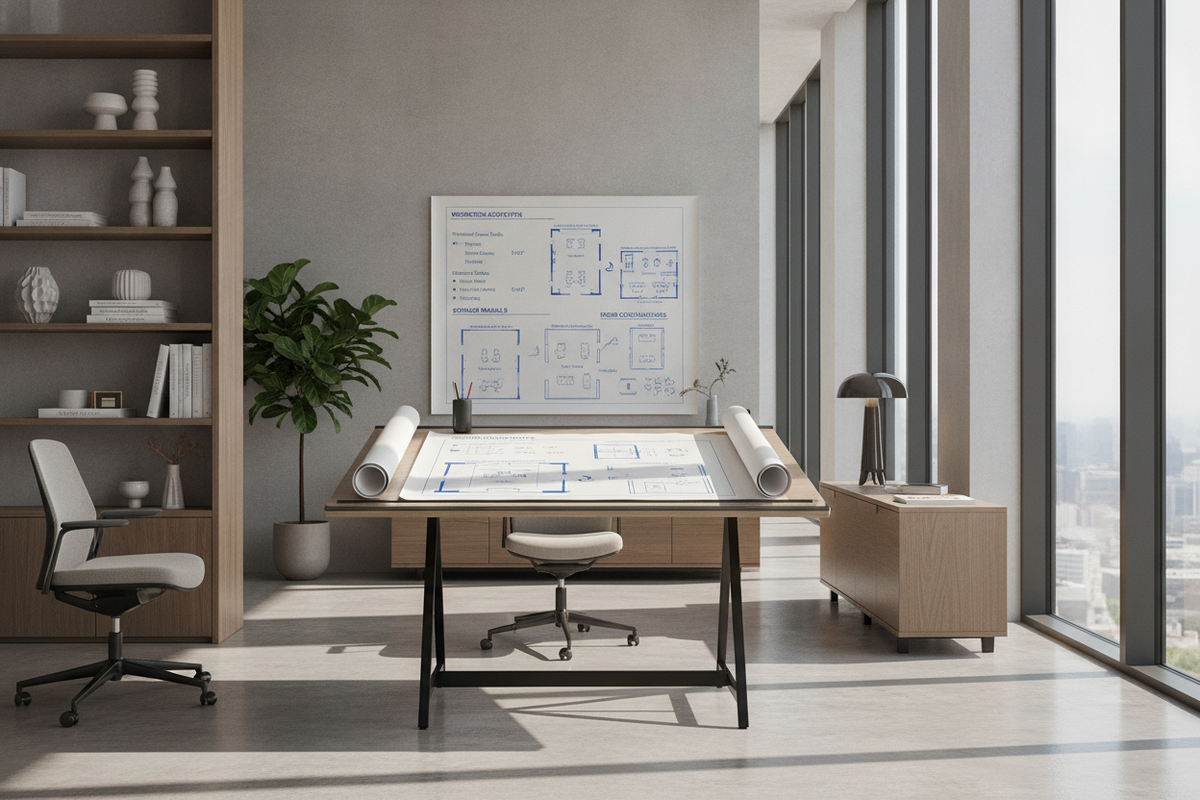
Hardware load distribution is another important structural aspect. Concentrating heavy equipment, such as printing stations or multi-monitor arm mounts, on an unsupported surface can cause gradual sagging over time. Workstations built with wide modesty panels, central bracing, or solid pedestal cabinets offer dependable stability for substantial hardware arrangements. For workspaces that need both hardware capacity and centralized filing, incorporating a well-structured office desk product helps combine working surface area and organized storage into a single unified footprint.
Dimensional Sizing Tiers and Desktop Reach Zones
Effective desk organization relies on understanding how everyday physical movement interacts with surface zones. Categorizing the work surface into distinct functional tiers helps support smooth movement and keeps items organized throughout the day:
- Primary Reach Zone: The immediate area directly in front of the seated user, reached easily by pivoting the forearms. This zone works best for the primary keyboard, mouse, and active writing materials.
- Secondary Reach Zone: Accessible by extending the arms without leaning forward at the waist. This zone is suited for frequently used items such as desk organizers, reference notebooks, and task lighting.
- Tertiary Reach Zone: The outer edges and corners of the desktop, reachable by leaning or rotating the torso. This area accommodates monitor stands, secondary screens, storage trays, and peripheral accessories.
Mapping equipment to these functional zones allows office desktop furniture to support comfortable daily tasks while keeping primary work areas clear of unnecessary items.
Integrating Above-Desk and Perimeter Storage Solutions
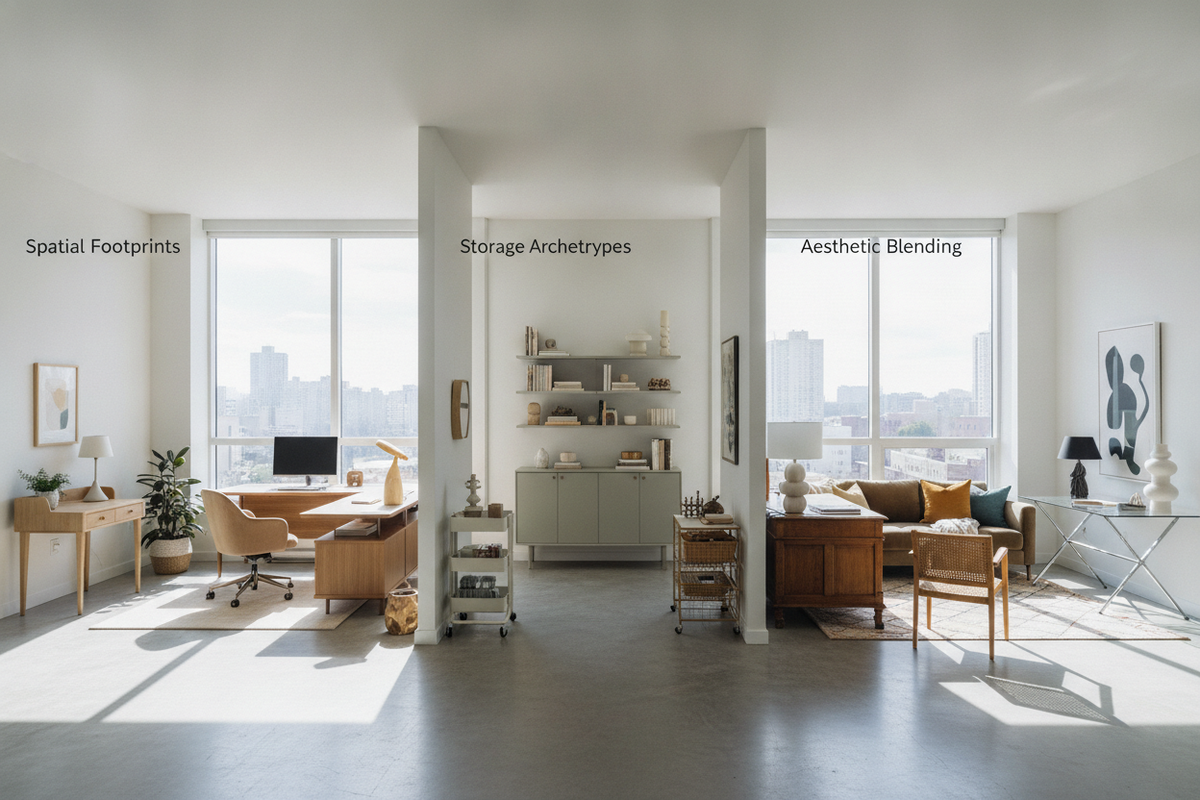
Working surfaces can quickly become crowded when documents, cables, and administrative items accumulate in central activity zones. Adding perimeter storage elements—such as lateral credenzas, mobile pedestals, and vertical shelving—helps move secondary items off the main desk plane while keeping important files close at hand.
Vertical organization offers a practical way to manage storage by utilizing wall space or upper furniture modules. Incorporating shelving, upper organizers, or riser units allows planners to accommodate supplies without expanding the furniture footprint across the floor. Consulting a dedicated desk office guide can assist in identifying balanced vertical storage ideas that maintain a clean profile without overcrowding the room's visual lines.
Corner, Executive, and Dedicated Workstation Configurations
The layout and geometry of a room generally influence which furniture design will deliver the greatest practical value. Different office workstation formats support distinct functional workflows:
- Linear Single-Plane Desks: Suitable for compact offices or continuous wall arrangements, offering straightforward installation and clear walkways around the perimeter.
- L-Shaped Corner Workstations: Helpful for separating tasks, enabling users to dedicate one side to computer hardware and peripherals while keeping the adjacent surface free for writing or reviewing paperwork. An adaptable corner layout like an L-shaped office desk product utilizes corner floor area while providing integrated cabinet storage.
- Executive and Reception Platforms: Expansive configurations designed for administrative tasks, client meetings, and high-volume paperwork management. Selecting an expansive option such as an executive desk office product provides substantial surface depth alongside transaction ledgers or integrated accent lighting.
Evaluating natural room walkways, outlet positions, and window locations ensures that an L-shaped or executive office equipment desk integrates naturally into the room without obstructing movement.
Material Integrity, Cable Management, and Assembly Planning
The overall longevity of office desktop furniture relies on solid core materials and wear-resistant surface finishes. Engineered wood panels paired with smooth laminate surfaces provide resistance against minor scuffs and daily handling, while metal support framing delivers stability under steady equipment loads.
Thoughtful cable management is another key aspect of an orderly workstation. Desktop grommet openings, under-desk wire trays, and enclosed back panels help route power lines and display cables away from footwells. Mapping wire paths prior to final furniture placement makes future device changes simpler, reduces dust collection, and keeps the complete workspace looking neat and organized.

Dejar un comentario
Este sitio está protegido por hCaptcha y se aplican la Política de privacidad de hCaptcha y los Términos del servicio.