










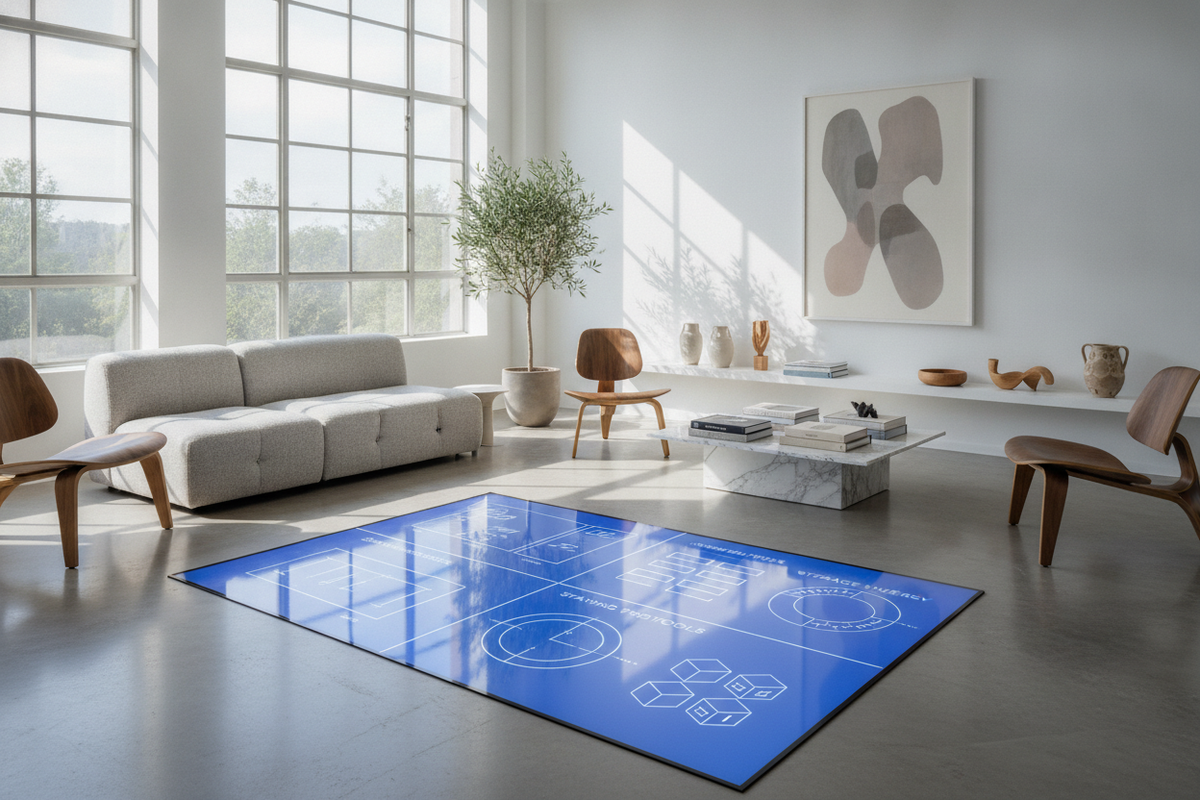
1. Architectural Foundations of the Self-Assembly Desk
Modern flat-pack furniture has evolved into a sophisticated discipline of modular engineering. A contemporary self-assembly desk balances structural rigidity with compact transport packaging, allowing home offices, bedrooms, and commercial spaces to incorporate tailored workstations without cumbersome freight handling. By using precision-drilled connection points, standardized hardware, and reinforced structural panels, flat-pack workstations deliver dependable daily utility when put together correctly.
Understanding the balance between load distribution and joint tension is essential when choosing a workstation from a dedicated computer desk collection. A well-designed flat-pack desk transfers downward monitor and hardware weight evenly through vertical leg assemblies and structural modesty panels, preventing lateral wobble and long-term joint fatigue.
2. Pre-Assembly Staging and Workspace Preparation
A successful assembly project begins before opening the hardware packets. Preparing a clear staging area prevents damaged finishes and lost fasteners:
- Floor Protection: Clear a floor surface larger than the finished desk dimensions. Lay down a clean blanket, drop cloth, or the flattened shipping box to protect painted panels and floorboards from scratches during rotation.
- Panel Organization: Group numbered boards by sub-assembly (legs, modesty panels, desktop surfaces, and drawer boxes) with finished edges facing upward.
- Hardware Sorting: Separate screws, pins, dowels, and shelf pins into shallow trays or bowls to avoid mixing fastener lengths.
- Tool Selection: Use manual screwdrivers with comfortable grips to maintain feel over thread engagement, keeping low-torque clutch drivers reserved strictly for running long screws into pre-threaded metal inserts.
3. Hardware Classification and Joinery Mechanics
Flat-pack desks rely on a concise family of joinery mechanisms. Understanding how each component works ensures durable structural integrity:
- Cam Locks and Connecting Bolts: The structural backbone of modular furniture. Screw the metal connecting pin straight into the designated pre-drilled pilot hole until the shoulder sits flush. Insert the round cam lock housing into the intersecting panel with its arrow pointing directly toward the incoming pin. Rotating the cam clockwise draws the panels together into a firm mechanical lock.
- Wooden Dowels: Provide shear strength and panel alignment. Dowels prevent horizontal shifting between joined panels, protecting cam pins from lateral stress. Ensure dowels sit squarely in their pilot holes without forcing them off-axis.
- Machine Screws and Threaded Inserts: Common on steel-framed or hybrid desks, these provide strong metal-to-metal bonding that resists stripping and allows for future disassembly if relocating.
- Euro-Style Drawer Slides: Roller runners and ball-bearing slides require precise vertical and horizontal alignment along cabinet side panels before assembling the surrounding frame.
4. Dimensional Sizing Tiers and Room Flow Planning
Selecting the proper proportions ensures that a workstation integrates cleanly into your room layout without obstructing primary walkways or natural lighting.
For rooms calling for natural timber construction and streamlined profiles, a solid wood writing and computer desk provides an elegant balance between generous surface area and a light visual profile.
Compact Workstation Footprints
Compact desks are tailored for secondary nooks, student study areas, and multi-use guest bedrooms. These designs emphasize vertical efficiency and shallow desktop depth, providing sufficient space for a laptop and notebook while preserving room circulation corridors.
Intermediate and Corner Configurations
For primary remote workspaces requiring dual monitors, desktop peripherals, and dedicated task storage, larger rectangular and L-shaped layouts optimize corner geometry. Selecting a dedicated corner computer desk with storage makes practical use of underutilized room corners by creating distinct zones for computing, document review, and peripheral housing.
5. Step-by-Step Blueprint: How to Assemble a Computer Desk
Following a logical sequence prevents having to dismantle partially joined assemblies. For broader workspace considerations, consulting a home office desk planning guide before building helps avoid common placement errors.
- Build the Structural Chassis: Begin by connecting vertical support legs, pedestals, and the central modesty panel. Leave the cam locks slightly loose until the main perimeter frame is aligned.
- Install Cross-Bracing and Corner Gussets: Secure metal diagonal tension rods or lower stability stretchers. These components counteract horizontal racking forces.
- Mount the Desktop Surface: Place the primary desktop panel face-down on your protective blanket. Invert the assembled base chassis onto the underside of the desktop, aligning all pilot holes and connecting pins before fastening securely.
- Construct and Align Drawers: Assemble drawer boxes squarely, ensuring drawer bottoms sit fully inside their routed grooves before securing the back panel. Attach runner hardware with matching offsets on both sides.
- Rotate and Level the Unit: With assistance, lift the desk upright without pivoting weight onto two legs alone. Adjust the leveling feet until the surface sits true along both axes.
6. Integrated Storage Synergy and Cable Architecture
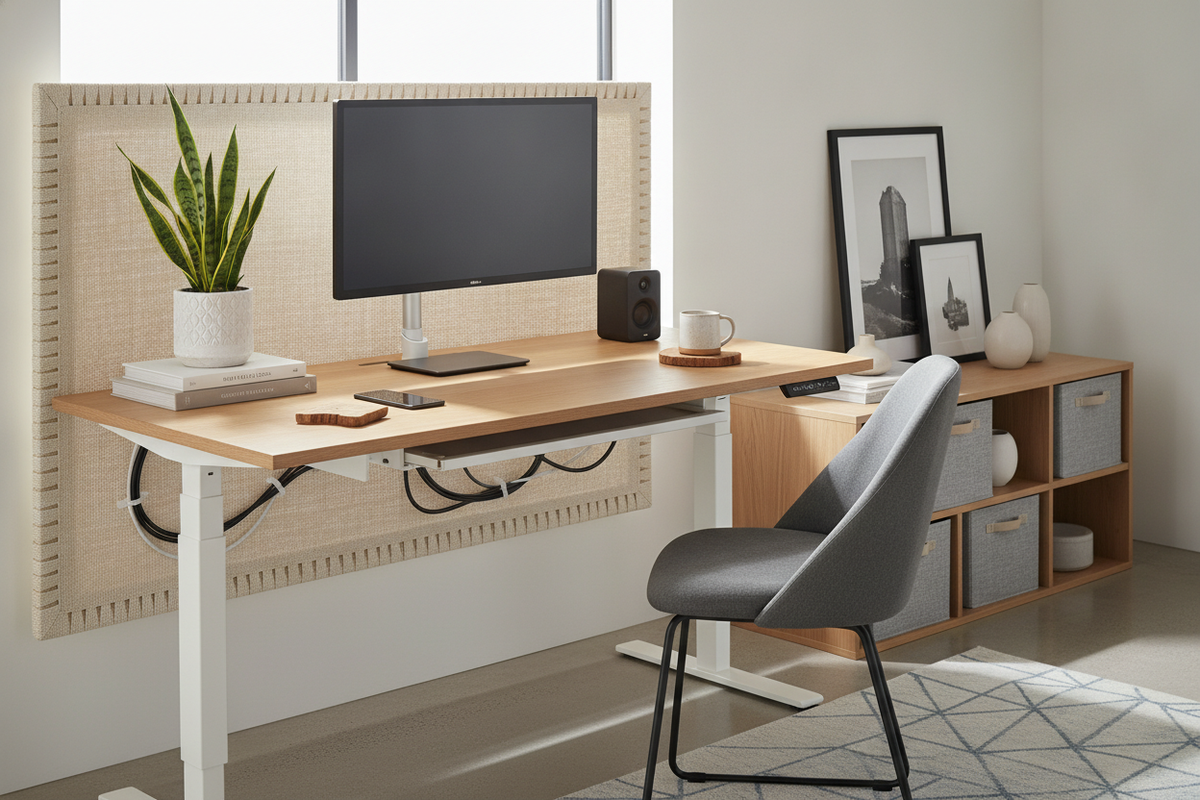
A tidy workstation requires deliberate cable routing and dedicated storage accessories. Incorporating under-desk cable baskets, magnetic wire channels, and modesty panel passthroughs prevents cord clutter from pulling on power supplies and computer ports.
Pairing your workstation with matching lateral filing cabinets, rolling pedestals, or tall modular bookcases expands organization beyond the desktop surface. If your home layout demands keeping office gear out of view outside working hours, reviewing a concealed computer desk guide can inspire dual-purpose room arrangements.
7. Post-Assembly Quality Check and Long-Term Joint Maintenance
After completing assembly, perform a brief structural check:
- Diagonal Square Verification: Measure diagonally corner-to-corner across the desk chassis. Equal measurements confirm that your desk frame is square and true.
- Slide and Hinge Tuning: Test drawer glides and cabinet doors. Adjust mounting screws slightly if front gaps appear uneven or if slides catch during movement.
- Scheduled Hardware Re-Tightening: Flat-pack joinery naturally settles after initial loading. Check cam locks and structural frame bolts after several weeks of daily use, gently snugging any fasteners that have loosened.

Dejar un comentario
Este sitio está protegido por hCaptcha y se aplican la Política de privacidad de hCaptcha y los Términos del servicio.