










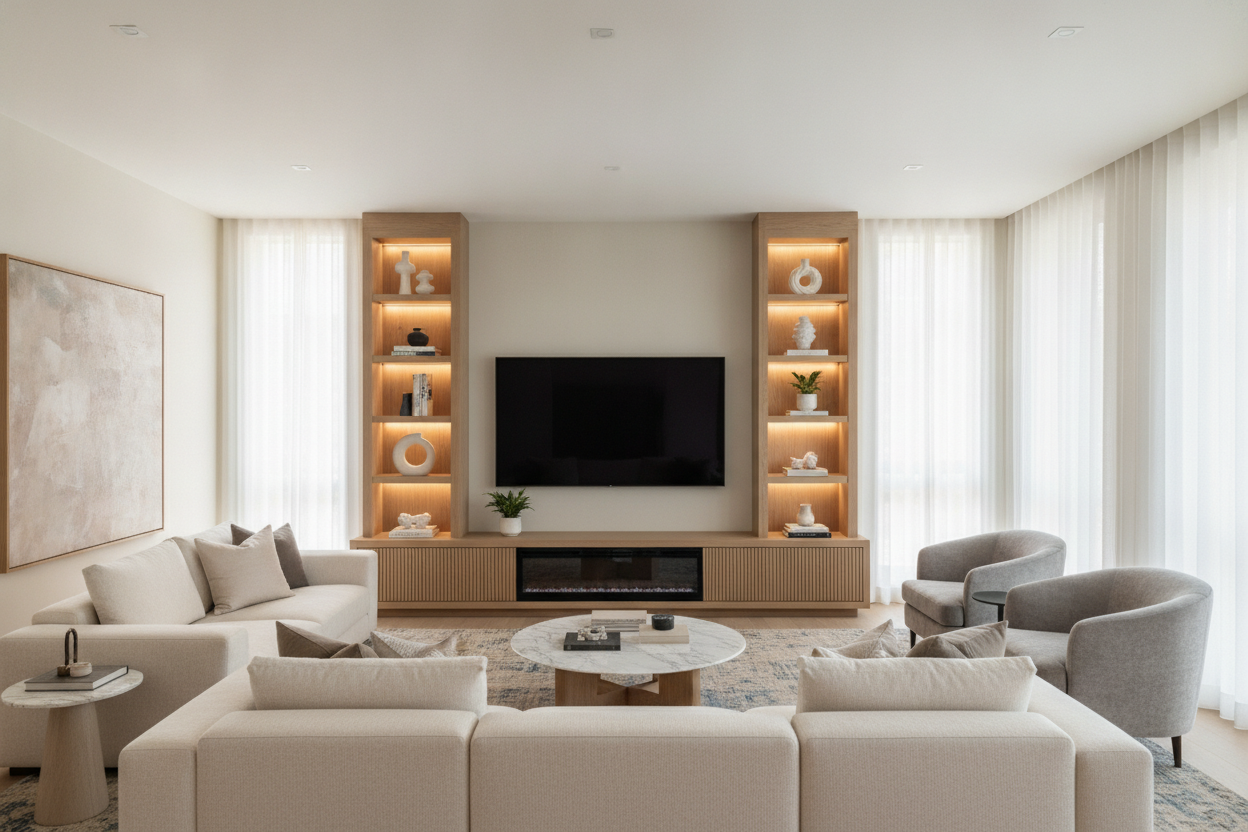
I remember standing in my living room with a roll of blue painter's tape, trying to visualize a 70 inch tv console. It looked reasonable on the website, but once I taped out nearly six feet of floor space, I realized I was essentially inviting a small limousine to live against my wall. If you aren't careful, a 70 tv console becomes the only thing anyone sees, turning a cozy room into a waiting area.
We have all been there—you upgrade to a massive screen and suddenly your old media stand looks like a postage stamp. But jumping straight to a massive 70 inch long tv stand without a plan is how you end up with a room that feels lopsided and cramped. You need to balance that horizontal weight before it swallows your rug.
Quick Takeaways
- Always aim for a console at least 6-10 inches wider than your TV screen.
- Closed storage is mandatory to hide the visual noise of wires and consoles.
- If your ceilings are low, stick to a low profile 70 inch tv stand to keep the room airy.
- Asymmetrical styling (a lamp on one side, nothing on the other) breaks up the 'heavy' look.
The 'Bowling Alley' Effect (And Why Your Wall Looks Weird)
The biggest mistake people make when shopping for massive TV stands is forgetting about visual momentum. When you place a tv console 70 inches wide against a flat wall, it creates an aggressive horizontal line. If there is nothing to break that line up, your eyes just slide right across the room like a bowling ball down a lane.
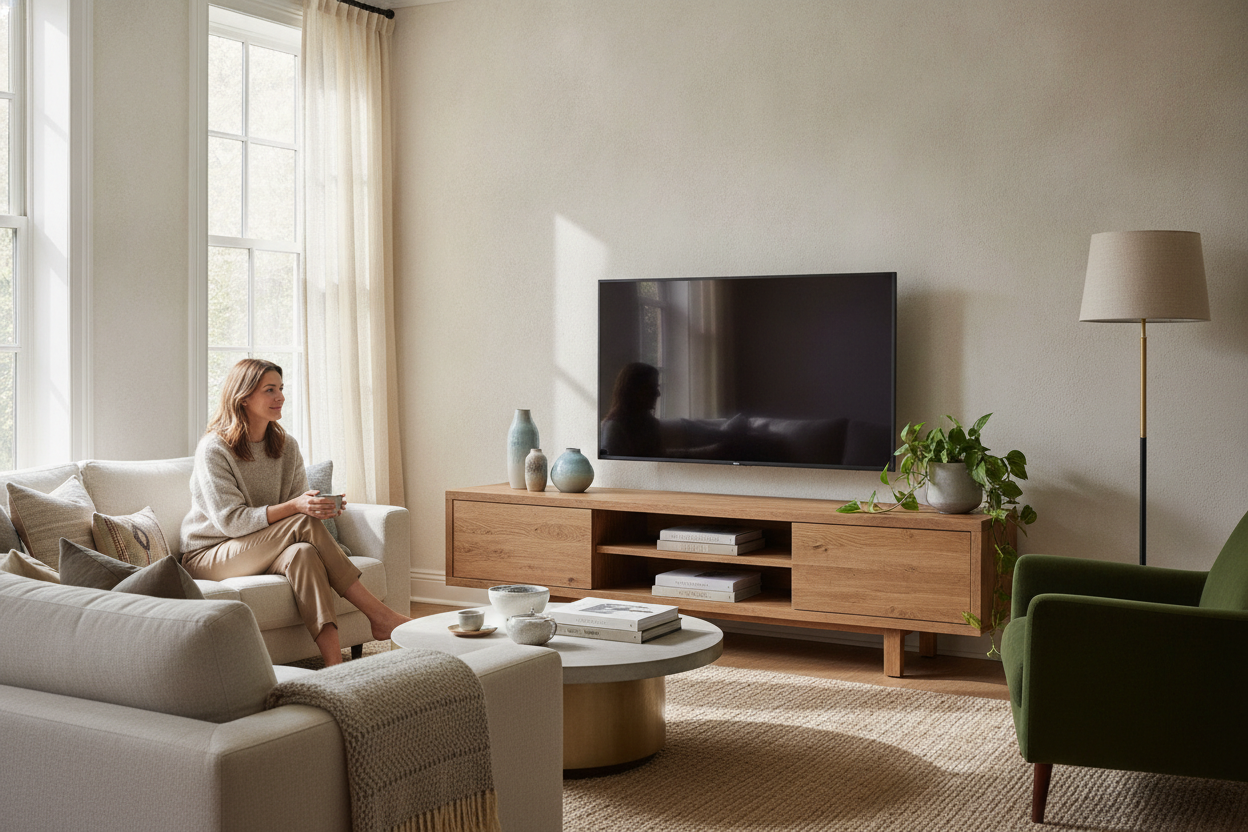
A 70 inch media console has a lot of 'visual gravity.' It pulls everything down. To fix this, you have to introduce vertical elements. I usually tell people to lean a tall piece of art or place a floor lamp near one end. This stops the eye from just seeing a six-foot-long block of wood and forces it to look up and around the room.
You Actually Need Drawers (Trust Me on This)
I have tested plenty of minimalist, open-shelf designs. They look great in a studio photoshoot with exactly one ceramic vase. In real life? A modern 70 inch tv stand with open shelves becomes a graveyard for dusty PlayStation controllers, tangled HDMI cables, and that one remote you haven't used since 2019.
You want a 70 inch tv stand with drawers or solid doors. It grounds the piece. When you have a massive 70 inch tv cabinet, the 'heaviness' of the solid front actually makes the room feel more organized. I am a huge advocate for a media console with drop-down doors because they hide the tech clutter while still giving you easy access when you need to reset the router.
Floating vs. Grounded: Pick Your Struggle
If you are working with a tight floor plan, a dark wood tv stand 70 inch unit can feel like a black hole. It sucks up all the light and floor space. This is where you decide between a low profile 70 inch tv stand and something with legs. A unit that sits directly on the floor feels permanent and architectural, which is great for high-ceiling industrial lofts.
However, if you want to keep things feeling light, consider a wall-mounted or 'floating' option. I spent weeks debating the structural integrity of my wall before trusting a floating TV stand, and the difference in floor visibility made my 12x14 living room feel twice as big. If you can't mount it, look for a 70 inch tv stand wood design with tapered legs to let light pass underneath.
How to Style the Leftover Space Without Making It Cheesy
Most people put a 55-inch or 65-inch TV on a 70 long tv stand. This leaves you with about 5 to 10 inches of 'dead zone' on either side of the screen. Whatever you do, don't just put two identical tiny plants on either side like a pair of sentries. It looks cheap and forced.
Go asymmetrical. On one side, maybe a stack of coffee table books and a small tray. On the other, something with height like a structural branch in a heavy vase. This is why the Beatrix is my favorite—it has a clean top surface that acts as a blank canvas for this kind of layering. It makes the tv table 70 inches wide look like a curated piece of furniture rather than just a place to park the screen.
My Honest Lesson Learned
I once bought a 70 inch tv stand tall enough to reach my hip because I thought I wanted the extra storage. Big mistake. Because the unit was so high and so long, it made my 65-inch TV sit way above eye level. I spent six months getting a neck ache before I finally sold it on Marketplace and went back to a lower profile. Always check your 'eye-level' height before you commit to a 70-inch tv stand pickup today.
FAQ
How wide should a stand be for a 70 inch TV?
A 70-inch TV is actually about 61 inches wide. You want a console that is at least 70 inches long to ensure the TV doesn't overhang the edges, which is a major safety hazard and looks terrible.
Is a 70 inch console too big for a small room?
Not necessarily. If you use a low-profile design or a floating unit, it can actually make a wall look wider and the room feel more expansive. Just avoid dark, bulky 'block' styles in tiny spaces.
What is the best height for a 70 inch media unit?
For most sofas, you want the center of the TV to be at eye level. This usually means your console should be between 18 and 24 inches tall. If you go higher, you'll be tilting your head back like you're in the front row of a movie theater.

Dejar un comentario
Este sitio está protegido por hCaptcha y se aplican la Política de privacidad de hCaptcha y los Términos del servicio.