










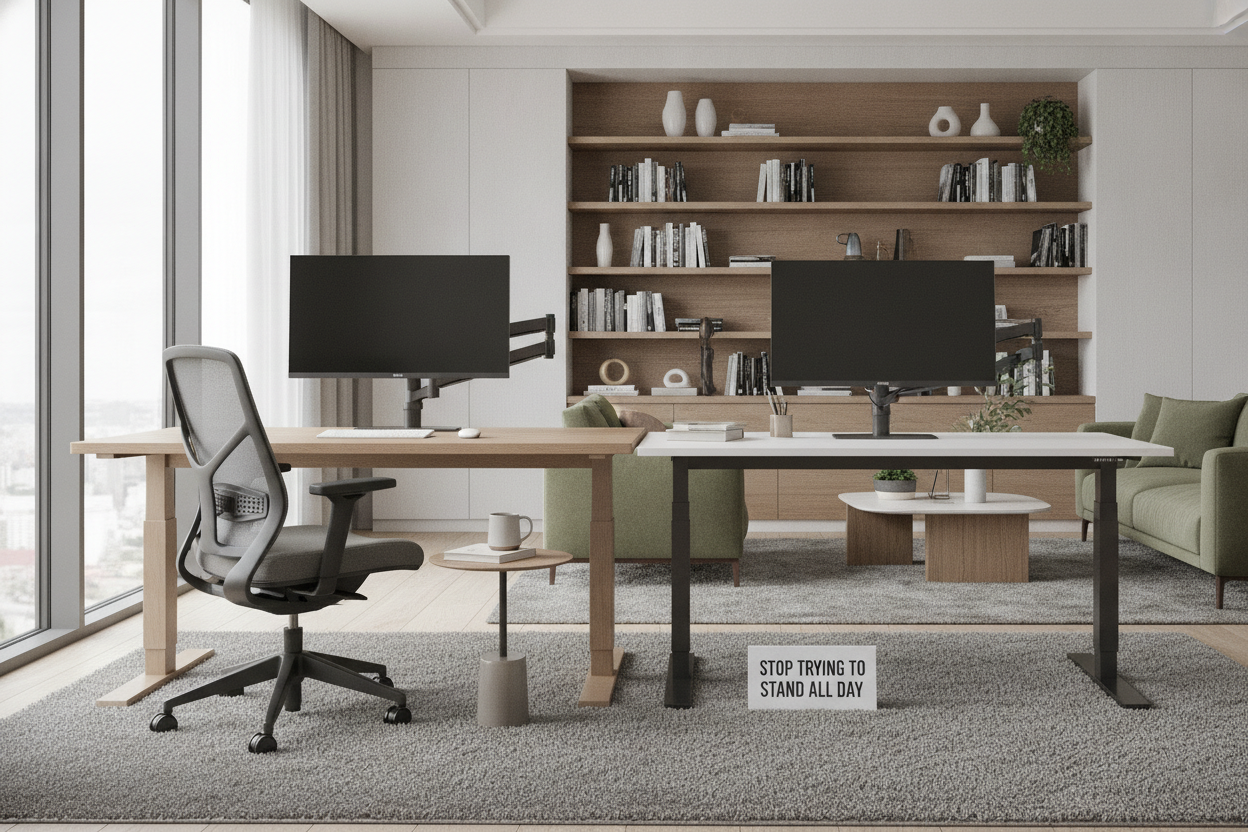
I remember the first week I got my motorized frame. I was so convinced that sitting was the enemy that I spent six hours straight on my feet, feeling like a productivity god. By Friday, my ankles were swollen, my lower back felt like it had been through a trash compactor, and I was back to slouching in my chair for three days straight.
The hard truth is that to stand at computer desk setups for eight hours is just as bad as sitting for eight. Your body wasn't built for static positions, period. It was built for movement. If you're treating your new standing desk like a podium rather than a tool, you're doing it wrong.
Quick Takeaways
- Standing all day is just as sedentary as sitting; the key is frequent movement.
- Aim for a 60/40 or 70/30 split between sitting and standing.
- Anti-fatigue mats are more important than the desk motor itself.
- If you feel lower back tension, your body is telling you to sit down—listen to it.
The 'Stand All Day' Trap (And Why Your Knees Hate It)
Going from zero to sixty is the most common mistake I see. You wouldn't run a marathon without training, yet people buy a standing desk computer desk and expect their joints to handle a full shift immediately. It doesn't work that way. The initial fatigue is real, and it usually hits your knees and lower back first.
Moderation is the actual secret to making this habit stick. I highly recommend getting an ergonomic home office sit stand up desk with memory presets. Why? Because if you have to manually crank a handle or hold a button for 30 seconds every time you want to move, you simply won't do it. You'll get stuck in one position all afternoon, which is exactly what we're trying to avoid.
My 60/40 Rule for a Standing Workstation Desk
I’ve settled into a rhythm that actually works: I sit for 40 minutes and stand for 20. I use a simple Pomodoro timer to remind me to hit the 'up' or 'down' button. When I'm in a standing workstation desk mode, I'm usually doing lighter tasks—answering emails, checking Slack, or hopping on quick calls. It keeps the energy up without draining my physical battery before lunch.
Interestingly, a standard writing computer desk is perfectly fine for the 'sitting' portion of your day. You don't need to overcomplicate your life with two separate stations. The goal is to create a flow where transitioning is frictionless. If your desk is cluttered with cables that pull tight when the surface rises, you'll never move it. Cable management isn't just for aesthetics; it's for ergonomic freedom.
Is Your Stand Up Table for Computer Work Actually the Right Height?
If you find yourself doing the 'flamingo lean'—shifting all your weight to one hip—your desk is probably at the wrong height. When you table stand up, your elbows should be at a crisp 90-degree angle. Your wrists shouldn't be cocked upward to reach the keys, and you definitely shouldn't be hunching over to see your monitor. Eye level should hit the top third of your screen.
I’ve found that many people don't actually need to replace their favorite heavy oak furniture. You can simply buy the best desk stand or converter to place on top of your existing surface. This allows you to dial in that perfect ergonomic height for your stand up table for computer work without the commitment of a full motorized rig. Just make sure the base is heavy enough that it doesn't wobble when you're typing at full speed.
The One Accessory That Makes Standing Tolerable
Standing on hardwood or thin carpet for four hours is a death sentence for your arches. I learned this the hard way after a month of barefoot working left me with plantar fasciitis. Now, I never stand without an anti-fatigue mat or a pair of supportive house shoes. The difference in leg fatigue at 5 PM is night and day.
If you like to move around while you work, something like a rolling counter table stand up desk can be a lifesaver. It allows you to shift your weight and even move your entire setup to a different room when the afternoon sun starts hitting your monitor. Mobility prevents that 'locked-in' feeling that leads to joint stiffness.
When to Just Give Up and Sit Back Down
There is no trophy for standing until your legs shake. I’ve noticed that when I'm doing deep focus work—like heavy editing or complex spreadsheets—standing actually distracts me. My brain is subconsciously focusing on balance and leg fatigue rather than the task at hand. When that happens, I hit the down button immediately. Giving yourself permission to sit is the healthiest choice you can make for your long-term productivity.
FAQ
How long should I stand at my computer desk?
Start with 15-minute intervals every hour. Work your way up to a 50/50 split, but never feel obligated to stand for more than 30-45 minutes at a single time.
Do I need special shoes for a standing desk?
You don't need 'special' shoes, but you do need support. Avoid flat flip-flops or bare feet. A pair of supportive sneakers or dedicated house shoes with an arch will save your back.
Will a standing desk help with back pain?
It can, but only if you use it correctly. If you hunch over while standing, you're just trading one type of back pain for another. Keep your chest open and your monitor high.


Dejar un comentario
Este sitio está protegido por hCaptcha y se aplican la Política de privacidad de hCaptcha y los Términos del servicio.