










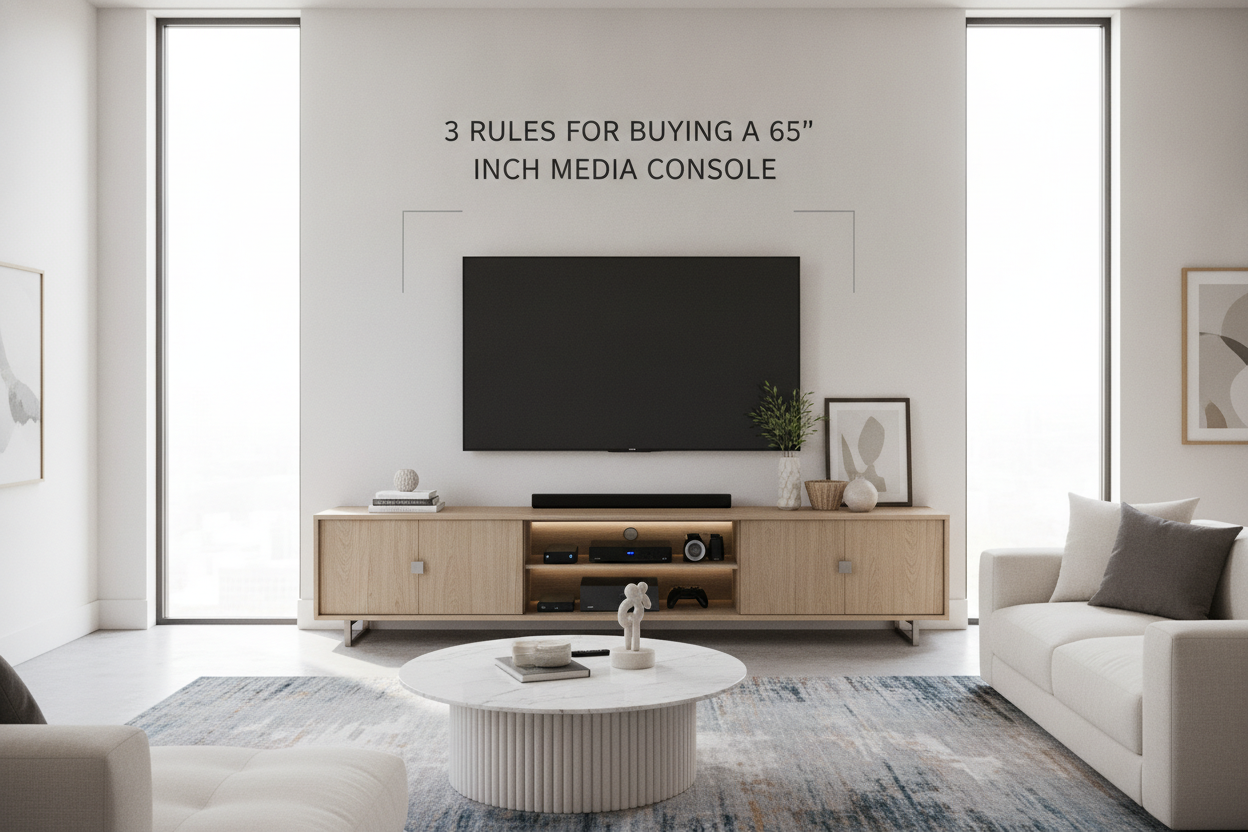
I remember the day I hauled home my first 65-inch OLED. I spent two hours obsessing over pixel density and refresh rates, but exactly zero minutes thinking about where it would sit. I hoisted that massive glass slab onto my existing 50-inch credenza and the result was tragic. My living room didn't look like a theater; it looked like a giant black mushroom was growing out of a tiny wooden pot. The TV actually hung over the sides of the furniture by several inches, which is the interior design equivalent of wearing a size small t-shirt when you're a double-XL. It’s a visual disaster that makes your expensive tech look like an afterthought.
Finding the right 65 inch media console isn't just about finding a flat surface that won't collapse. It’s about scale. If your furniture is too small, your expensive TV makes the whole room feel cramped and cheap. I’ve assembled enough flat-pack furniture to know that most people underestimate the footprint a large screen actually needs to look 'right.' You need something that anchors the wall, otherwise, that big screen just floats there like a dark cloud in the middle of your living room. My goal is to save you from the 'overhang' nightmare I lived through.
- A 65-inch TV is roughly 57 inches wide; your stand should be at least 65-70 inches to look balanced.
- Visual weight is as important as actual weight capacity—avoid toothpick legs.
- Center the screen at eye level—don't sacrifice your neck for a trendy low-profile look.
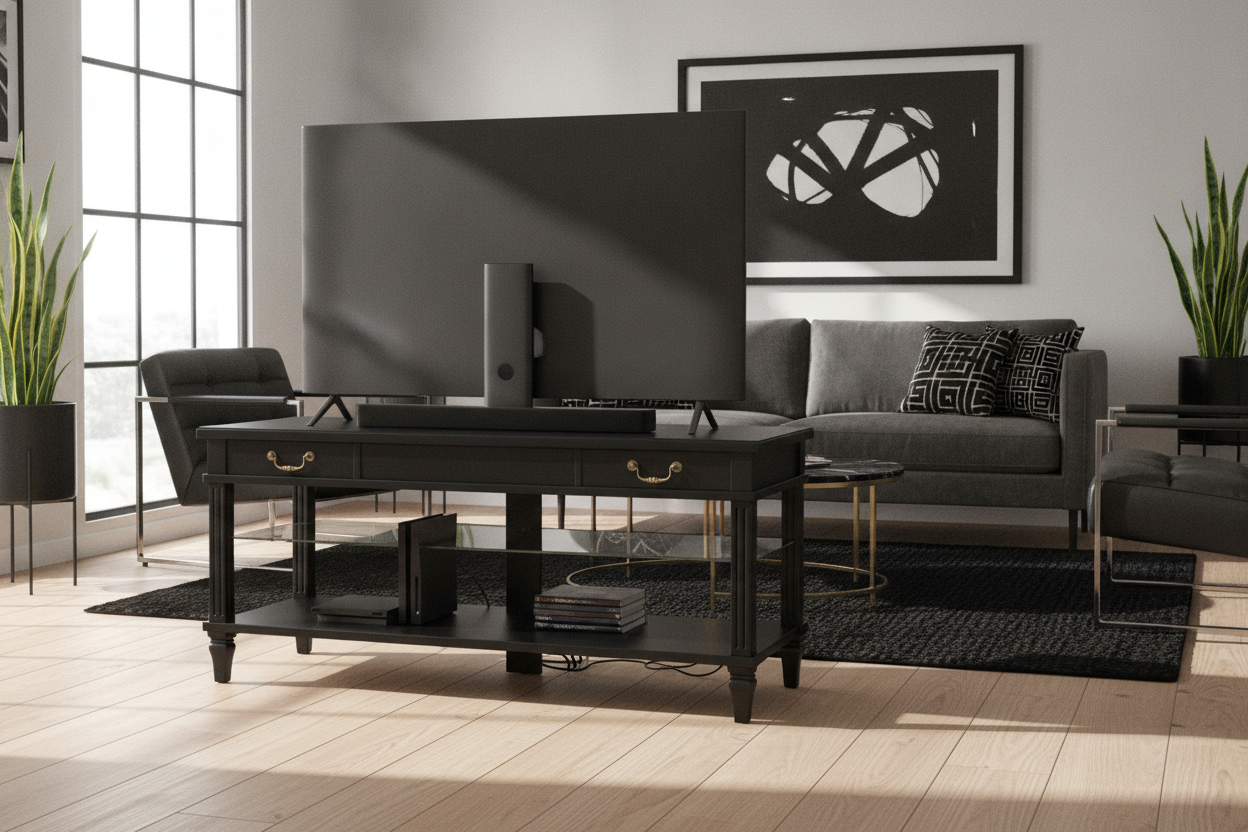
- Cable management is the difference between a high-end setup and a tangled disaster.
I Put a Massive TV on a Tiny Stand (And Instantly Regretted It)
The visual shock of a mismatched setup is real. When I first upgraded, I thought my old mid-century sideboard would handle it. It didn't. The screen overhung the edges, creating a top-heavy mess that felt like it would tip if someone sneezed. It’s a common trap we all fall into. We spend thousands on the tech but try to save a few hundred by keeping the old furniture that was meant for a 42-inch plasma from 2010. It just doesn't work.
The Golden Rule for Buying a TV Console 65 Inch TV Owners Ignore is simple: the stand must be wider than the TV. Period. If the edges of your screen align perfectly with the edges of your console, it looks like a mistake. You need breathing room on the sides to anchor the piece to the floor and provide a visual buffer. Without that buffer, the TV dominates the room in a way that feels aggressive rather than immersive.
Rule 1: The 'Plus Eight' Proportion Formula
A media console for 65 inch tv setups should ideally follow what I call the 'Plus Eight' rule. Since a 65-inch screen is usually about 57 to 58 inches wide, you want a console that is at least 65 inches wide, but 72 to 80 inches is the sweet spot. This leaves about 4 to 8 inches of surface area on either side of the screen. This isn't just for aesthetics; it's about the psychological comfort of the room. When the TV is 'contained' by the furniture beneath it, the room feels settled.
This extra space does more than just look good. It provides a spot for a small lamp, a soundbar, or a plant, which helps integrate the 'big black box' into your decor. For example, the 78 7 W 4 Drawer Tv Stand Media Console provides that extra-wide footprint that makes a 65-inch screen look intentional. It grounds the wall and stops the TV from looking like it’s floating in a void. I've seen people try to squeeze these TVs onto 60-inch stands, and it always looks like the furniture is gasping for air. Give your tech some room to breathe.
Rule 2: Visual Weight Matters More Than You Think
I once bought a 65 in tv console with beautiful, thin tapered legs. Within a week, I was terrified. Even if the weight limit says it can hold 100 pounds, a massive screen on spindly legs looks precarious. It creates visual anxiety. You want a base that looks like it can actually support the 'gravity' of a large screen. Solid wood, thick metal frames, or a plinth base are your best friends here. If the legs look like toothpicks, the whole room will feel unstable.
Look for consoles with a solid plinth base or thicker, chunky legs. When browsing Tv Stands, pay attention to the thickness of the top panel. A 1-inch thick top made of solid wood or high-density MDF feels much more substantial than a thin 0.5-inch board. You want something that says 'I've got this' to the room. I personally prefer units that go all the way to the floor or have very short, stout legs. It hides the inevitable dust bunnies and makes the TV feel like a permanent part of the architecture.
Rule 3: Don't Forget About the Neck Strain Factor
We've all seen the 'TV too high' memes, but the opposite can be true too. If you buy an ultra-low-profile tv console 65 inch unit because it looks 'Scandi-cool,' you might find yourself looking down at the screen. That is a fast track to a sore neck and a visit to the chiropractor. The center of the screen should be at eye level when you're seated on your sofa. For most of us, that means the top of the console should be between 22 and 28 inches high.
I learned this the hard way with a floor-hugging unit that looked great in a magazine but was miserable for a three-hour movie marathon. Eventually, I Swapped My Floor-Hugging Console for a Tall TV Stand for 65 Inch TV and my posture thanked me. It changed the entire experience. You also have to account for your soundbar—if the console is too low, the soundbar might sit below your ear level, muffling the dialogue. Measure your sofa's seat height before you commit to a console height.
Should You Float It or Keep It on the Floor?
If you're tight on floor space, a media center for 65 inch tv doesn't necessarily have to sit on the ground. A floating unit can make a small room feel much airier because you can see the floor underneath it. It tricks the eye into thinking there is more square footage than there actually is. However, the installation is a commitment—you need to hit studs and you absolutely have to hide those cords inside the wall or with a high-quality cover.
A Floating Tv Stand Wall Mounted Media Console Entertainment Center is a fantastic way to get that clean, minimalist look while still providing a shelf for your devices. If you go the floor route, make sure the back panel has generous cutouts. There is nothing worse than finishing a three-hour assembly only to realize your HDMI cables won't fit through the tiny pre-drilled holes. I always look for units with 'open' backs or cord management channels that are at least two inches wide.
How wide should a console be for a 65-inch TV?
Aim for at least 65 inches wide, but 70-80 inches is the sweet spot. A 65 inch console needs to be wider than the TV itself (which is about 57 inches wide) to avoid looking top-heavy and to provide visual balance.
Can I use a 60-inch stand for a 65-inch TV?
Technically yes, but it won't look great. The TV will nearly cover the entire surface, leaving no room for decor and making the setup look cramped. If you're stuck with a 60-inch stand, I highly recommend wall-mounting the TV about 6 inches above it to create some 'white space.'
What is the best height for a TV stand?
For most standard sofas, you want a stand height between 22 and 28 inches. This keeps the center of the 65-inch screen at eye level for a seated adult. If you have a very low 'pit' sofa, you might want to go slightly lower.

Dejar un comentario
Este sitio está protegido por hCaptcha y se aplican la Política de privacidad de hCaptcha y los Términos del servicio.