










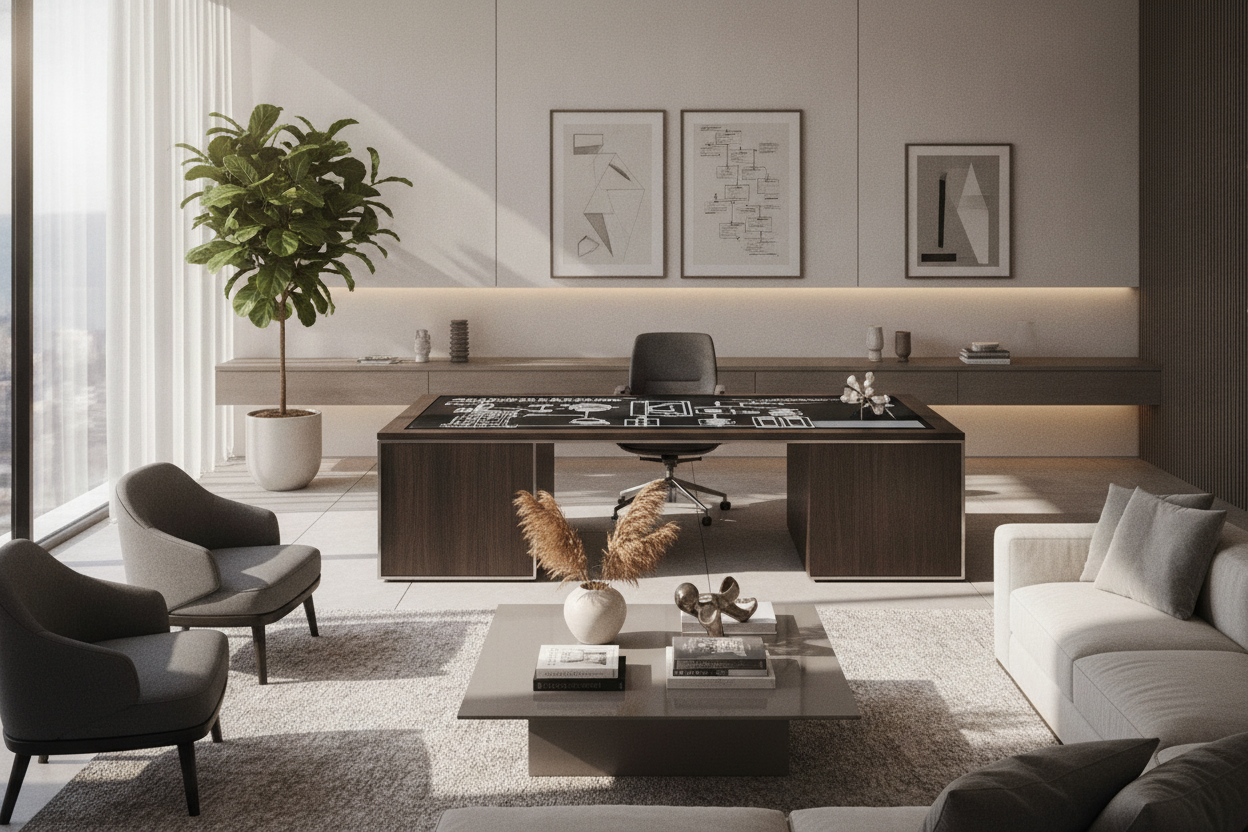
Designing a dedicated home workstation requires balancing mechanical flexibility, structural rigidity, and aesthetic harmony. The a169-1 smart desk platform represents a modern approach to height-adjustable workspace frames, engineered to serve as a customizable foundation beneath a wide variety of tabletop surfaces. By decoupling the mechanical base from the desktop itself, this style of platform gives homeowners and professionals the freedom to tailor work surfaces to specific architectural constraints, monitor configurations, and organizational routines.
Successfully integrating a motorized platform into your interior requires careful spatial planning. From verifying vertical clearance paths along wall trims to coordinating under-desk mobile storage and cable management, a methodical approach ensures that your dynamic desk functions smoothly and complements the surrounding room layout.
Understanding the Smart Desk Platform: Structural Anatomy and Core Capabilities
At its foundation, a smart desk base is an adjustable structural chassis designed to lift, lower, and stabilize a work surface throughout daily posture changes. Rather than operating as a fixed table, the platform relies on modular framework components that accommodate various desktop widths and depths.
Telescoping Crossbeams and Column Leg Architecture
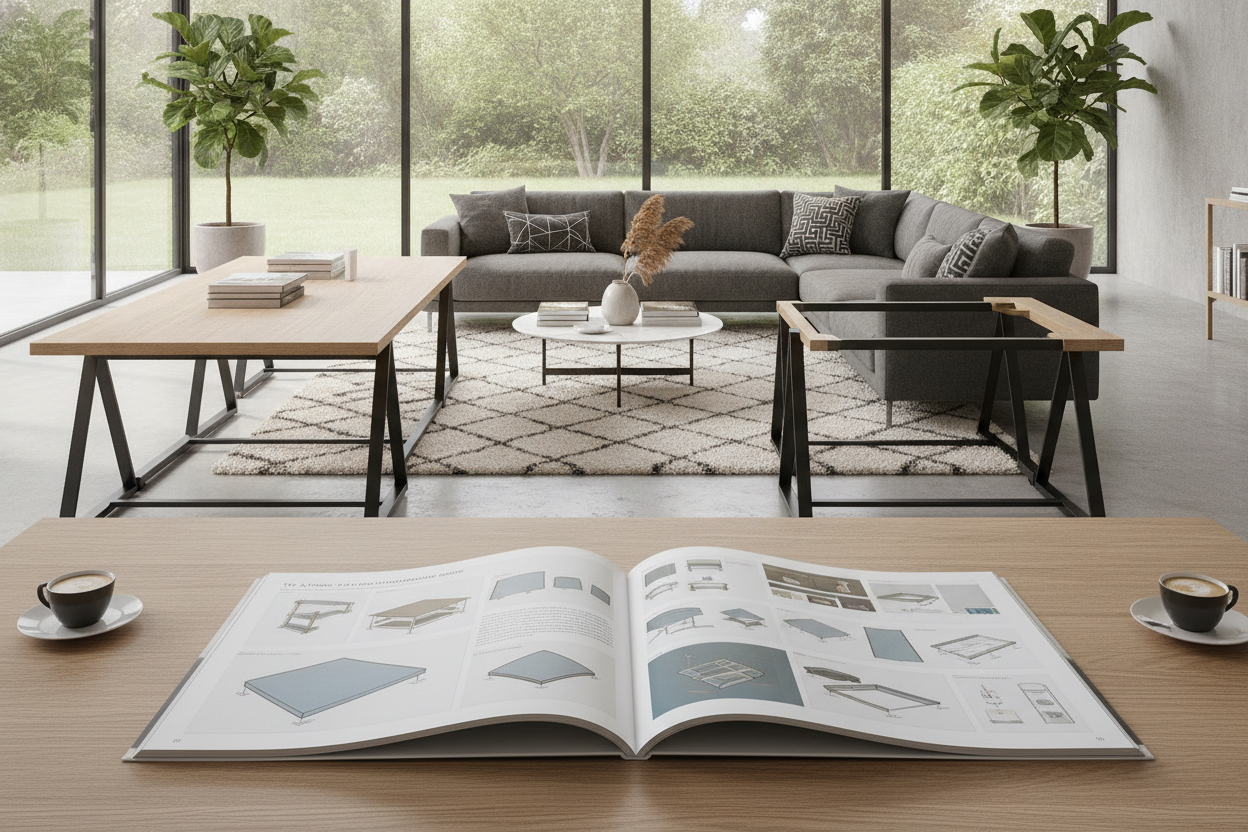
The core structural backbone of the frame consists of central telescoping crossbeams connected to multi-stage lifting columns. Telescoping rails allow the platform's width to expand or contract during assembly, enabling the user to mount either a compact writing board or an expansive executive desktop to the identical frame. Inside each column, precision lifting mechanisms drive smooth vertical adjustments, while broad steel feet distribute the overall load evenly across floor surfaces to minimize lateral wobble during height transitions.
Smart Control Modules and Dynamic Movement Considerations
Modern desk platforms rely on integrated electronic control boxes paired with digital handsets. These interfaces typically feature programmable preset buttons, allowing users to save preferred seated and standing positions for one-touch transitions. Smooth start-and-stop software curves reduce sudden mechanical jolts, helping delicate items such as task lamps, desktop speakers, and open beverage containers stay stable while the platform is in motion.
Dimensional Sizing Categories and Tabletop Pairing
Choosing the correct tabletop dimensions for an adjustable frame is essential for maintaining both structural balance and daily task ergonomics. Because telescoping support brackets sit inward from the edge of the desk, selecting the proper top ensures sufficient overhang without compromising stability.
Compact Spans for Nooks and Dedicated Study Corners
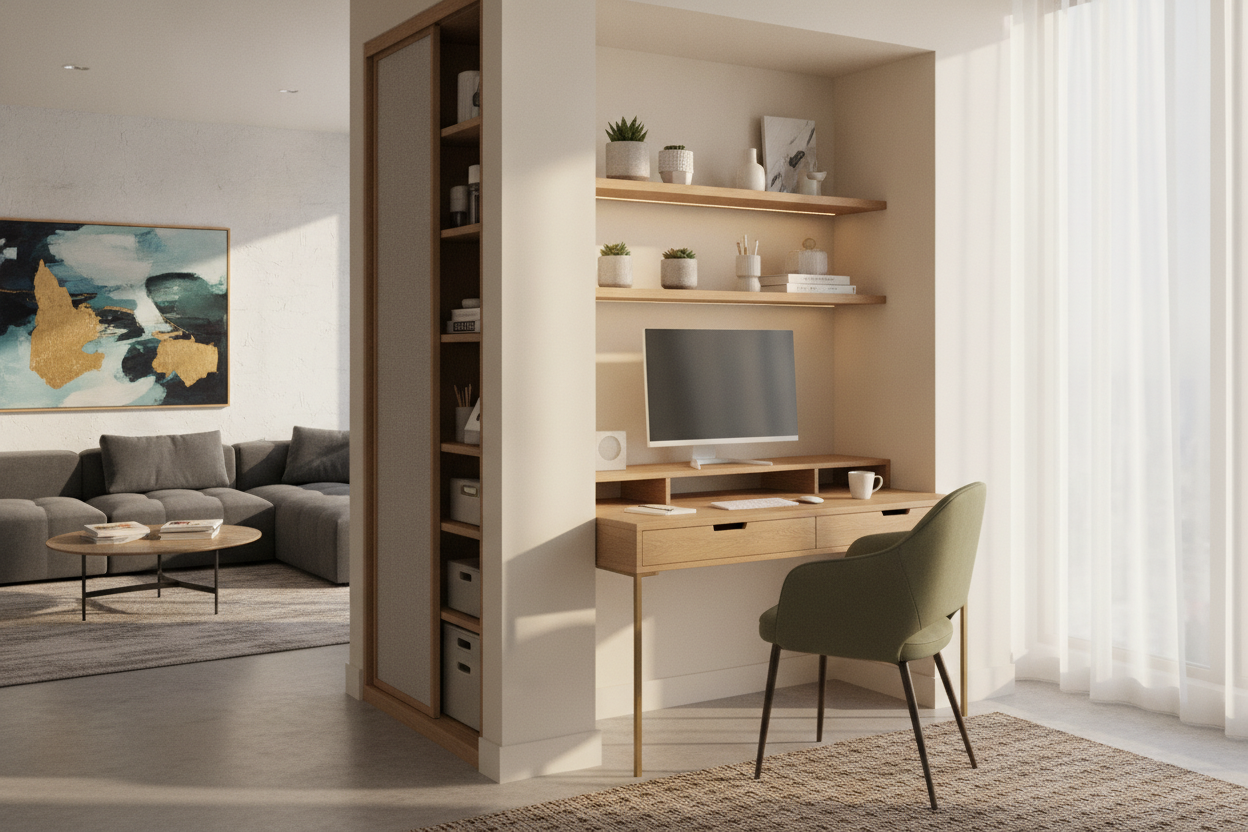
In smaller apartments, multi-use guest bedrooms, or recessed alcoves, pairing the platform with a compact top provides a dedicated workspace without crowding pathways. When selecting a smaller surface, ensure the frame's telescoping beam can compress sufficiently so that side mounting plates do not protrude past the desktop edges. A narrower work surface remains well-suited for single-laptop workflows, compact task lighting, and slim document holders.
Mid-Range Configurations for Dual-Monitor Productivity
Mid-sized desktop surfaces represent the most versatile pairing for standard home offices. This tier easily accommodates dual-monitor arms, desktop audio monitors, full-sized keyboards, and peripheral docks. When setting up multi-screen arrays, applying sound ergonomic platform elevation principles helps keep displays aligned with natural eye level, preventing neck craning regardless of whether the desk is positioned for sitting or standing.
Expansive Executive Layouts and Wide Work Surfaces
For creative professionals, architects, or managers managing multiple physical folders alongside widescreen displays, extending the crossbeam to support a wide executive tabletop creates a comprehensive workstation. In broad configurations, verify that the desktop substrate possesses sufficient core density to prevent center sagging, especially when supporting heavy computer towers and mounted articulating arms.
Room Fit, Spatial Clearances, and Ergonomic Placement
Because a smart desk platform moves vertically, spatial planning involves both horizontal floor footprint and vertical clearance zones along adjacent walls.
Vertical Travel Paths and Perimeter Wall Clearances
When positioning your motorized desk, leave a small perimeter gap between the desktop edge and the wall. As the desk rises and lowers, slight movements can cause edges to rub against drywall, window sills, low-hanging art frames, or wall-mounted shelving. Establishing a dedicated clearance zone ensures cables and perimeter accessories move freely without pinching against architectural trims or nearby furniture.
Floor Surface Compatibility and Footprint Leveling
A stable foundation is critical for height-adjustable furniture. Uneven flooring can amplify minor vibrations when the desk reaches standing heights. Most platform frames include adjustable leveling glides under each foot pad to compensate for subtle floor variances across hardwood, tile, or carpet. When planning multi-functional platform surfaces across shared office and media rooms, maintaining level structural balance preserves seamless sightlines and reliable daily operation.
Storage Coordination and Cable Management Strategies
Unlike stationary desks with built-in side drawers, height-adjustable frames require deliberate planning to keep cords tidy and office essentials accessible at any height.
Dynamic Cable Routing and Power Distribution Channels
Because the distance between the tabletop and wall outlets changes continuously during operation, static cable routing is ineffective. Consider mounting an under-desk power strip and horizontal wire basket directly beneath the tabletop. This setup ensures that monitor plugs, computer power cables, and desk accessories travel together. A single flexible, segmented cable spine can then drop down to the wall outlet with sufficient slack to accommodate full vertical travel without tension.
Pairing Under-Desk Clearances with Mobile Pedestals and Side Credenzas
To preserve clean lines beneath the platform, incorporate low-profile mobile file cabinets or matching lateral credenzas alongside the desk frame. Before positioning a rolling pedestal beneath the desk, measure your lowest seated height setting to confirm that the bottom edge of the desktop or crossbeam will not collide with the storage cabinet when lowering the workstation.
Material Composition, Assembly Best Practices, and Maintenance
Long-term reliability depends heavily on proper assembly technique and periodic hardware inspections.
Steel Gauge Frames and Tabletop Surface Pairings
High-grade steel frames finished with resilient powder coating offer resistance against daily scuffs and oxidation. When mounting your chosen surface—whether engineered wood, high-pressure laminate, or solid hardwood—use threaded wood inserts or manufacturer-recommended mounting screws to secure the top firmly to the frame's side brackets and crossbeams.
Step-by-Step Alignment Tips and Hardware Care
During initial assembly, hand-tighten all frame bolts loosely until the crossbeams, lifting columns, and top brackets are aligned with the surface. Once square, tighten all hardware systematically in a diagonal pattern to eliminate frame tension. Every few months, conduct a quick inspection of mounting bolts and cable clips to ensure ongoing stability and quiet operation.

Dejar un comentario
Este sitio está protegido por hCaptcha y se aplican la Política de privacidad de hCaptcha y los Términos del servicio.