










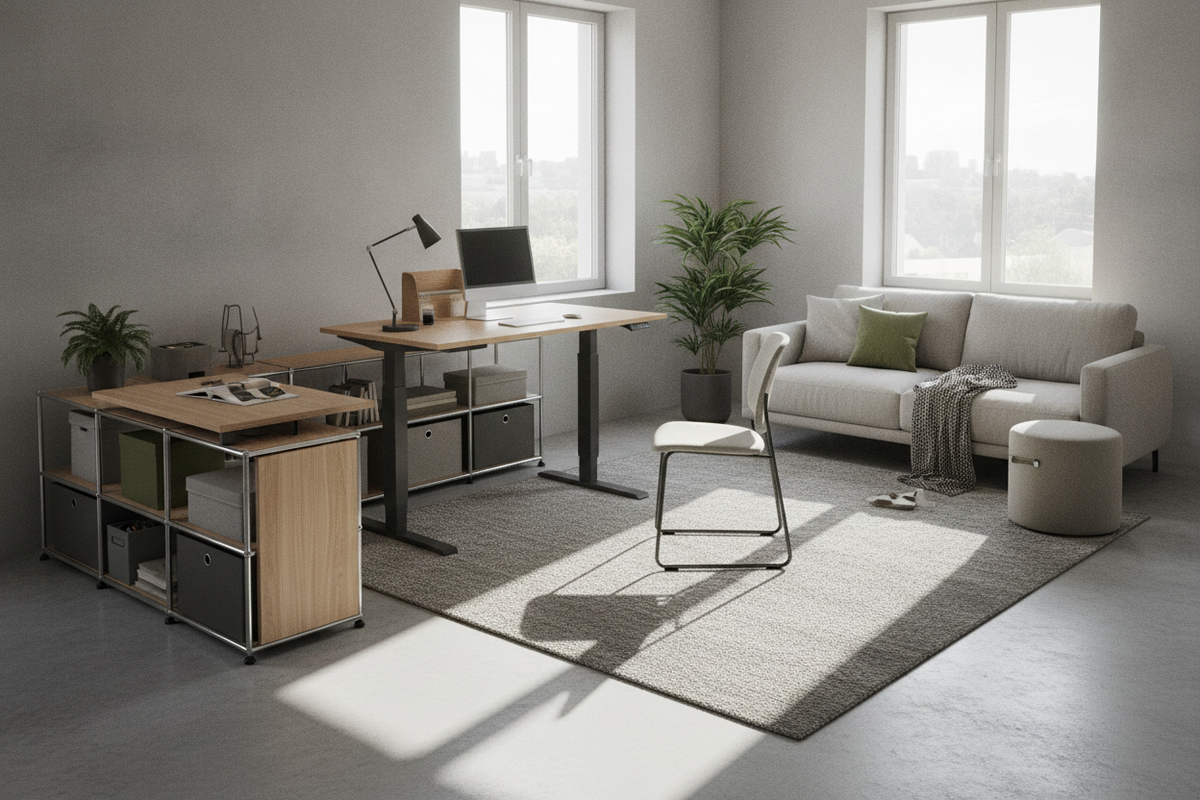
Spatial Assessment and Footprint Tiers for Compact Workspaces
Integrating a sit-to-stand workstation into a compact floor plan requires balancing operational mobility with room flow. Finding the right adjustable desk small space solution begins with a rigorous evaluation of architectural boundaries and functional circulation paths.
Identifying Micro-Zones: Alcoves, Bedroom Corners, and Multi-Use Nooks
Urban apartments and multi-purpose rooms often contain underutilized pockets such as recessed structural alcoves, transitional hallway nooks, or dormant bedroom corners. Positioning a standing desk for apartment layouts within an alcove provides a built-in architectural frame that isolates digital work from living areas. When identifying these zones, assess baseboard projections, electrical outlet placement, and natural lighting angles to avoid glare and cord clutter. For general layout frameworks across tight spaces, reviewing a space narrow small guide can help determine whether a dedicated nook maintains natural walking paths.
Narrow-Depth vs. Standard-Depth Surface Profiles
Workstation depth determines how far a desk protrudes into dynamic living areas. While expansive office tables favor deeper work surfaces, a compact height adjustable desk with a shallow profile keeps primary floor paths clear. Selecting the best narrow standing desk profile ensures comfortable forearm resting space and monitor positioning without monopolizing square footage. When evaluating shallow surface depths, prioritize compact monitor arms or laptop risers to preserve valuable foreground surface area for writing or physical documents.
Walkway Clearances and Chair Rollback Radii in Small Rooms
A functional workstation requires adequate clearance behind the primary work zone. When seated, an office chair requires a dynamic rollback zone to permit easy ingress and egress. In tight spaces, a rigid chair base placed too close to a bed frame, wardrobe door, or main interior door can create spatial friction. When operating a stand up desk small space configuration, verify that raising the desk does not trap the chair against adjacent furnishings or block access to storage drawers.
Frame Architecture and Lifting Mechanisms for Small Spaces
Mechanical frameworks differ significantly in their structural footprint and spatial efficiency. Selecting the best small adjustable desk involves weighing frame geometry, lifting columns, and motor integration against the dimensions of your room.
Single-Column Pedestals vs. Compact Dual-Leg Motorized Frames
Single-column pedestal frames minimize floor contact by consolidating the lifting column into a centralized base. This approach works well in tight corner nooks where dual-leg designs might interfere with floor registers or low-profile heating vents. Conversely, dual-leg motorized frames offer balanced side-to-side stability across slightly wider desktop formats. When assessing the best standing desks for small spaces, dual-leg options with synchronized lifting provide balanced support for multi-device setups while maintaining a clean silhouette.
Electric Sit-Stand Mechanisms vs. Compact Desktop Risers
Apartment dwellers often choose between a dedicated motorized table and a small desktop standing desk converter placed on an existing table. A small sit stand desk electric model offers smooth transitions at the touch of a button and preserves an uncluttered aesthetic. Dedicated units like the adjustable height standing product integrate motorized legs and preset controllers directly into the furniture structure. In contrast, tabletop converters provide an adaptable solution if you cannot replace an existing built-in counter, though they add significant visual weight and surface bulk to compact rooms.
Motor Housing Profile, C-Frame Leg Placement, and Knee Clearance
The structural geometry of lifting legs directly influences under-desk comfort. A C-frame leg configuration offsets the vertical columns toward the back edge of the tabletop, maximizing knee clearance and providing open space for lower-limb movement. An inverted T-frame positions the lifting columns dead center, which balances weight evenly but slightly reduces forward leg reach. Choosing an offset leg structure in a small sit and stand desk setup ensures that under-desk foot space remains open and comfortable during seated hours.
Vertical Travel Clearances and Perimeter Dynamics in Tight Quarters
Height-adjustable furniture introduces vertical dynamics that stationary desks avoid. Evaluating overhead boundaries prevents mechanical collisions and maintains room symmetry throughout the desk's operational range.
Accounting for Wall Fixtures, Windowsills, and Floating Shelves
When an adjustable desk ascends, the desktop and mounted equipment travel upward along the adjacent wall. Floating display shelves, picture frames, wall sconces, and projecting windowsills can become physical obstacles. Before finalizing desk placement, map the travel path from minimum seated height to maximum standing height. Ensuring a clearance gap along adjacent walls prevents equipment from striking fixed millwork or wall-mounted decor. For coordinated planning ideas across limited room perimeters, browsing a dedicated small space collection provides helpful dimensional perspective.
Dynamic Cable Routing and Slack Management Along Tight Baseboards
Height-adjustable desks require dynamic cable management. Unlike static setups where cords remain fixed, sit-stand cables must expand during elevation and retract smoothly during descent without snagging on perimeter baseboards. Using flexible vertical cable spines, under-desk wire trays, and adhesive routing clips keeps power strips and device cords neatly grouped. Proper slack prevents peripheral cords from pulling out of wall outlets when the desk reaches full standing height.
Pinch-Point Prevention and Anti-Collision Positioning
In compact rooms, desks are frequently placed close to bookcases, filing cabinets, or structural window frames. Maintaining a modest perimeter air gap around the desktop edges eliminates potential pinch points. Modern electric frames often include sensitive anti-collision sensors that detect physical resistance during transit, but keeping adjacent furniture slightly detached from the travel perimeter remains a best practice for smooth day-to-day operation.
Workstation Surface Zoning and Modular Storage Integration
A compact desktop demands thoughtful organizational zoning so that essential tools remain accessible without creating visual clutter.
Layering Primary, Secondary, and Reference Work Zones on Small Tops
Organizing a best standing desk small space layout requires dividing the surface into functional operational zones:
- Primary Zone: The central foreground area dedicated to keyboard input, mouse navigation, or active handwriting.
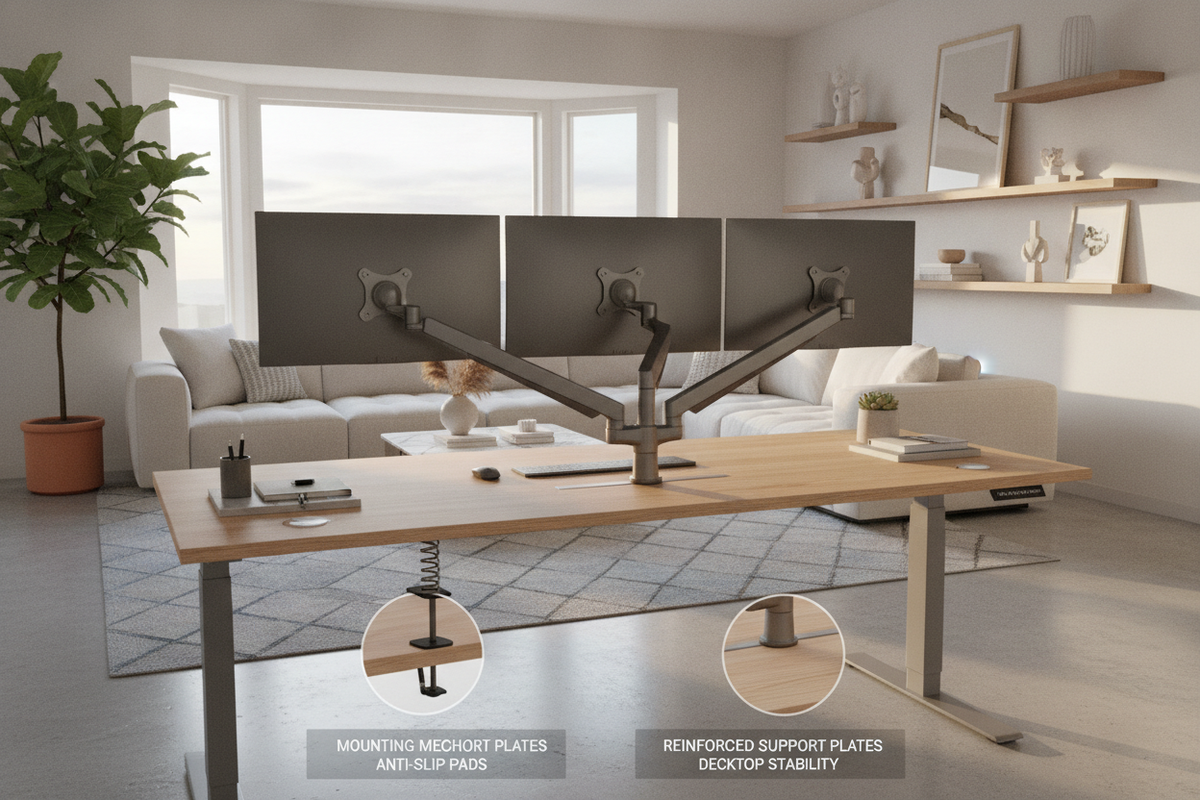
- Secondary Zone: The immediate surrounding arc housing essential reference items, task lighting, and primary displays mounted on ergonomic arms.
- Tertiary Zone: The outer periphery reserved for ambient lighting, stationary holders, and mobile device charging stands.
Layering equipment with raised monitor stands or clamp-on mounts frees valuable desk space beneath screens, keeping compact surfaces functional.
Under-Desk Pedestal Storage vs. Vertical Wall Organization
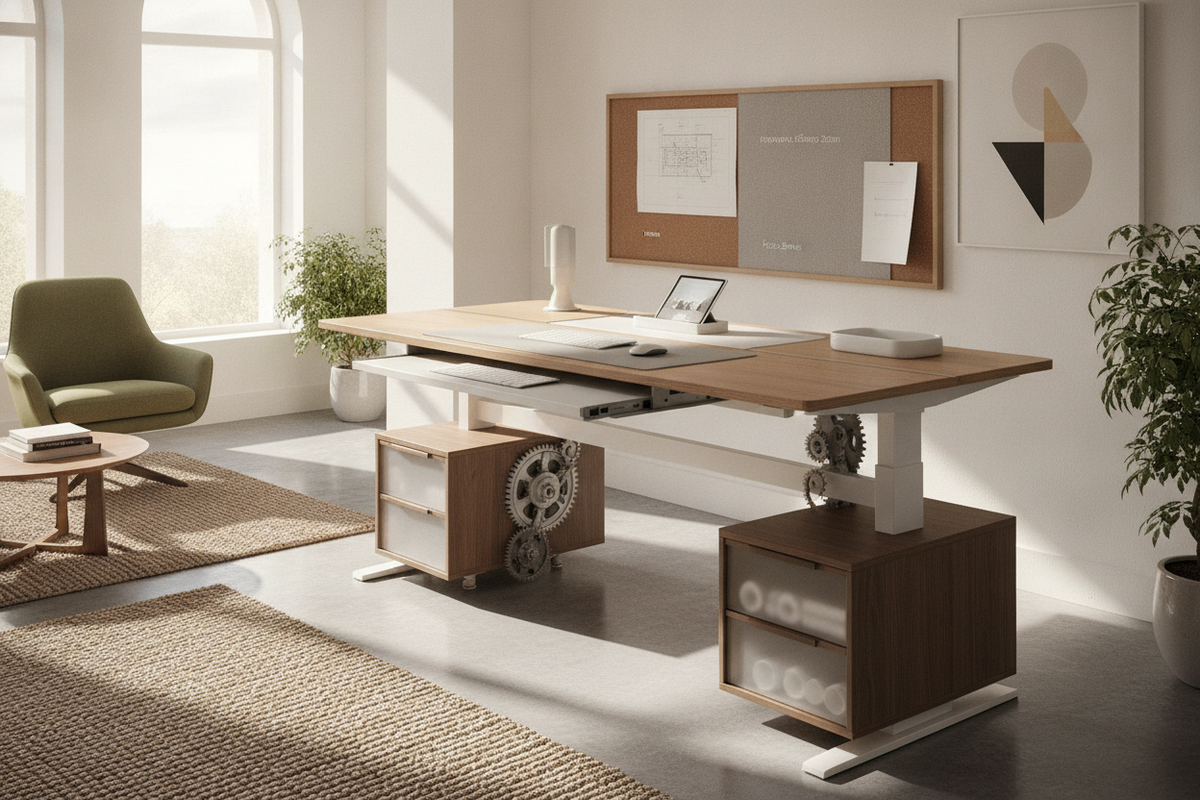
Because small-space standing desks lack integrated traditional drawers, pairing them with external storage is essential. Slim rolling pedestals can tuck beneath the desktop during seated mode, though their height must clear the desk's lowest travel setting. Alternatively, vertical wall organization—such as modular pegboards, floating wall cabinets, and vertical file holders—keeps heavy storage off the floor while allowing the sit-stand surface to operate freely. To refine aesthetic touches alongside practical storage, consulting a small space desk guide helps balance clean lines with utility.
Scaling Workspace Footprints: Compact Units vs. Full-Scale Desks
While compact frames suit dedicated nooks, larger rooms or multi-monitor workflows may justify a broader surface footprint. Evaluating options like a height adjustable standing product provides a helpful benchmark for comparing expansive dual-motor executive surfaces against compact single-user profiles. Selecting the best small standing desks involves finding the right equilibrium between surface area requirements and available room volume.
Mobility, Base Leveling, and Material Durability
The base foundation and material composition of an adjustable desk determine its daily adaptability, especially when placed in multi-use living environments.
Low-Profile Glides vs. Lockable Casters in Multi-Functional Rooms
Deciding between stationary leveling glides and rolling casters depends on room flexibility. Heavy-duty lockable casters allow a standing desk for small apartment setups to glide effortlessly from a nighttime bedroom nook to a daytime living room window. When opting for casters, account for the slight height increase they add to the lowest frame setting. For static layouts, low-profile leveling glides provide firm contact with uneven floorboards and ensure total stability during height transitions.
Durable Tabletop Surfaces: Laminate, Melamine, and Engineered Wood
Desktop surfaces in compact rooms frequently handle double duty, serving as work areas, craft surfaces, or casual dining spots. High-pressure laminates, melamine coatings, and engineered wood cores offer reliable resistance to daily surface wear, minor spills, and equipment friction. Powder-coated steel frames provide rigid stability across height adjustments while maintaining a streamlined footprint that visually expands small rooms.
Long-Term Maintenance and Structural Balance Checks
Keeping an adjustable workstation in peak condition involves periodic maintenance. In my view, performing seasonal fastener checks along the leg brackets and desktop mounting plates is the easiest way to prevent minor frame wobbles over time. Routinely verifying that floor levelers sit flush against hard floors or carpet ensures quiet motor performance and stable height adjustments for years of dependable use.

Dejar un comentario
Este sitio está protegido por hCaptcha y se aplican la Política de privacidad de hCaptcha y los Términos del servicio.