










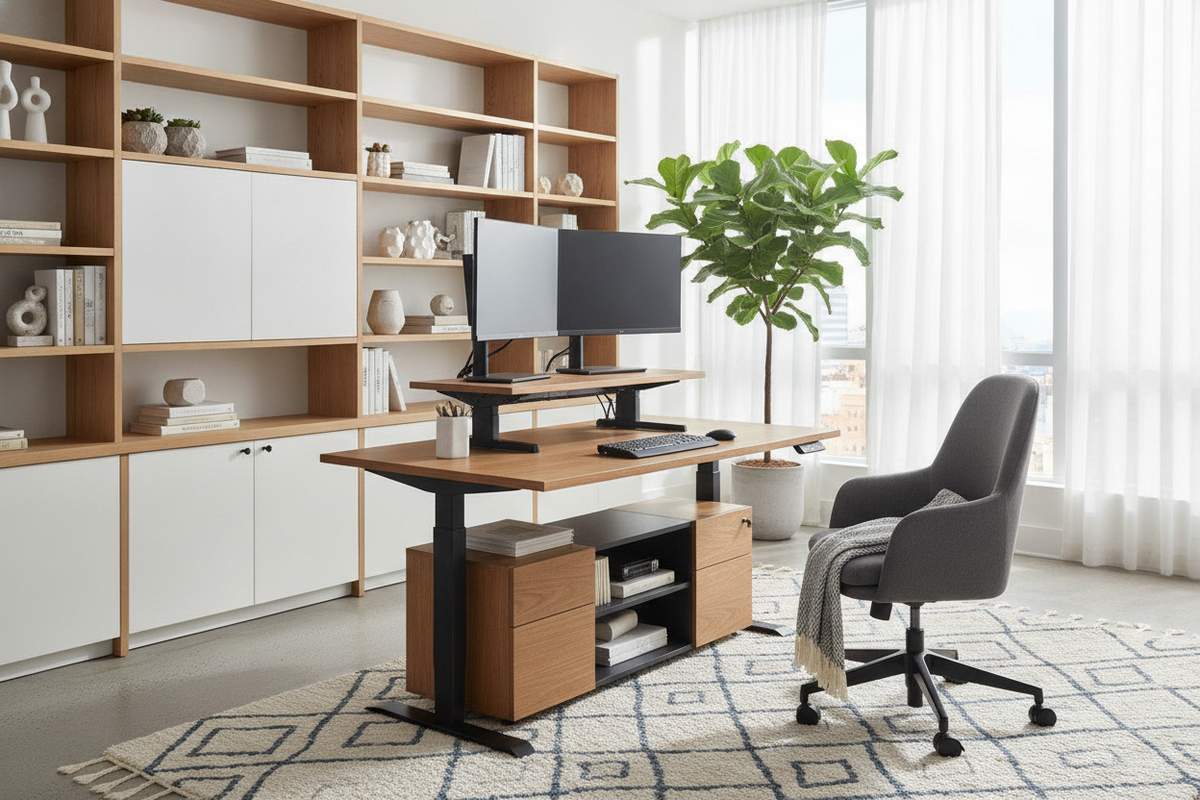
Upgrading a personal workstation to alternate between sitting and standing does not always require purchasing a completely new motorized desk frame. For many remote workers and design enthusiasts, finding the best desk top standing desk converter offers a practical way to add dynamic vertical movement to a beloved tabletop or established office layout. By mounting an adjustable riser onto your current surface, you can introduce sit-stand functionality while preserving the architectural character and storage configurations of your room.
Understanding Desktop Standing Desk Converters: Architecture and Use Cases
Desktop converters are self-contained mechanical or pneumatic risers engineered to rest securely on top of an existing work surface. When exploring best desktop standing desks, understanding their core architectural role helps clarify whether a converter or a full replacement desk best matches your daily routine.
Converters vs. Full Lifting Desks: Footprint and Flexibility
Unlike dedicated height-adjustable tables, desktop risers allow you to keep substantial furniture pieces, such as built-in credenzas or desks from a broad computer desk collection. A full lifting desk replaces the entire frame and legs, whereas a converter operates as a modular add-on. This modular approach is especially convenient in rented spaces, shared office zones, or rooms where built-in cabinetry makes structural desk replacement impractical.
Base Workstation Compatibility and Weight Thresholds
Before installing a converter, examine the structural stability of your foundation desk. Because desktop risers concentrate the combined mass of monitors, steel linkages, and peripheral hardware into a relatively compact footprint, the underlying tabletop must offer solid construction and balanced leg bracing. Spacious platforms like an office computer desk product provide the depth and rigid foundation needed to prevent wobbling when the converter is elevated to its highest setting.
Lifting Mechanism Types and Movement Geometries
The mechanical geometry of a riser dictates how it moves through space, impacting how much clearance you need in front of and behind your workstation.
Scissor Lifts and Straight-Up Vertical Geometry
Risers generally employ one of two movement paths: an outward arc or a straight-up vertical lift. Traditional scissor linkages often swing forward into the room as they rise, which can pull you away from the base desk and require extra floor clearance. Conversely, modern vertical column lifters and compact scissor designs rise straight up within their own footprint, making them ideal for tighter layouts or enclosed study alcoves.
Gas Spring vs. Manual Notched Adjustments
Assisted lifting mechanisms typically utilize counterbalance pneumatic gas struts to offset the weight of your computer setup. When evaluating best lifting desks and tabletop risers, pneumatic assist enables smooth, step-free height adjustments with minimal manual effort. Notched mechanical pin systems provide rigid fixed heights but require careful manual guidance during each transition.
Ergonomic Tier Sizing and Monitor Clearances
Ergonomic alignment relies heavily on the separation between your display surface and your input tools. A well-proportioned riser helps maintain neutral wrist and neck postures throughout the workday.
Dual-Tier Sizing Categories: Compact to Multi-Screen Layouts
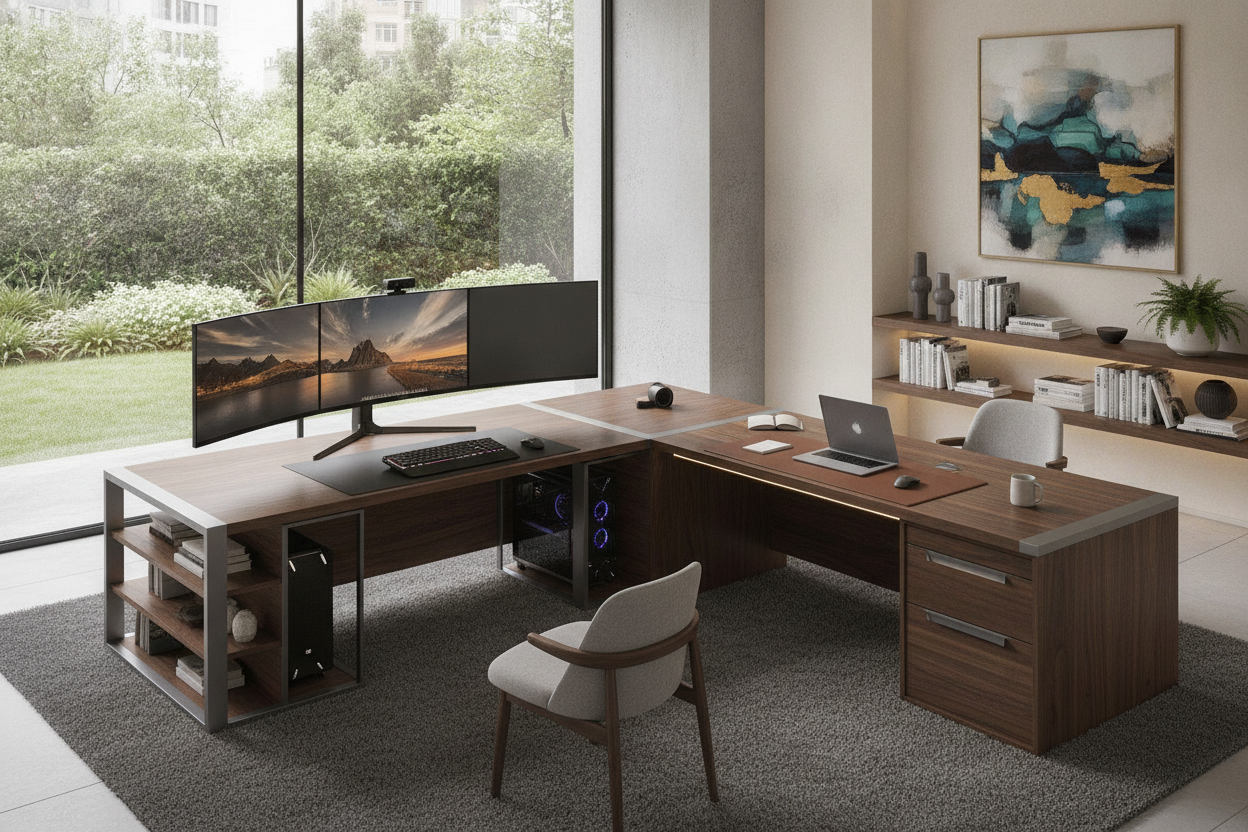
Desktop converters typically feature a split-level design: a broad upper deck for displays and a lower tier for keyboards and mice. Compact single-tier risers suit lightweight laptop setups, whereas wide dual-tier platforms accommodate side-by-side screens. For workstations with built-in elevated shelving, such as a specialized computer desk stand product, evaluate whether adding a dynamic converter or utilizing the existing fixed riser tier best suits your workflow.
Keyboard Tray Drop Depth and Wrist Posture Neutrality
When seated, an elevated keyboard can force shoulders into an unnatural shrug. Quality dual-tier converters incorporate a dropped keyboard platform that rests flush or near-flush with the original desktop when fully lowered. This drop preserves comfortable elbow angles in seated mode while elevating peripherals naturally when transitioning into a stand up desk home office posture.
Dynamic Cable Management and Surface Organization
Because the top platform travels vertically across several height settings, cable routing requires extra forethought compared to stationary desks.
Travel Slack and Articulated Cord Spine Routing
Every cable running from monitors, webcams, and keyboards down to power outlets or computer towers must have enough slack to travel the full vertical stroke of the riser. Utilizing flexible spiral wraps, adhesive conduit clips, or articulated cable tracks prevents wires from pinching in scissor hinges or pulling loose from ports when raising the desk.
Peripheral Storage and Accessory Placement
Because the riser surface moves, keep dynamic surfaces dedicated to essential tools: monitors, keyboard, mouse, and task lighting. Planning your setup using layout tips from an office computer desk guide helps establish clear functional zones, keeping heavy decorative accents or stationary trays on the stationary base desk rather than the moving platform.
Integrating Converters with Home Office Storage Systems
Maintaining a cohesive, clutter-free room architecture requires balancing the visual mass of a tabletop converter with surrounding cabinetry and organizers.
Preserving Under-Desk Clearance and Drawer Access
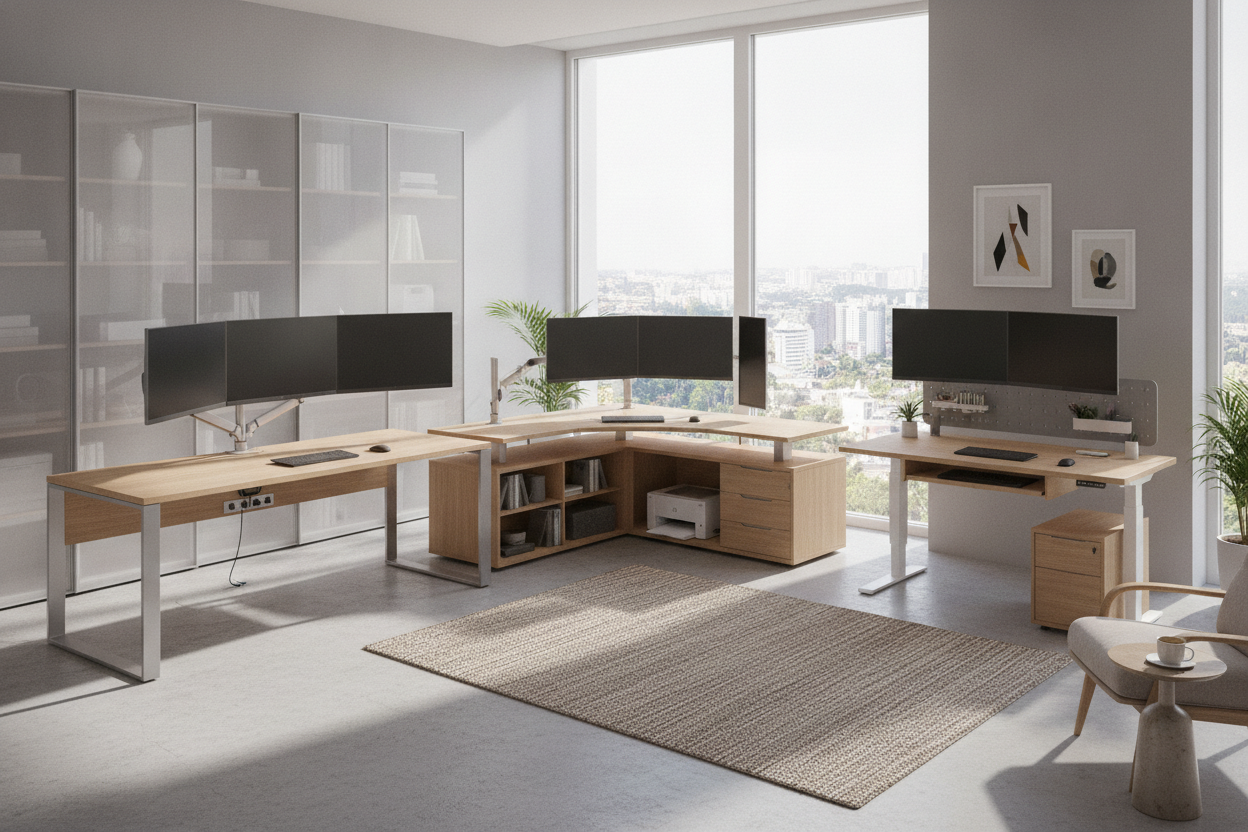
A desktop converter sits above the desk frame, meaning it does not encroach on under-desk knee space or block top drawers beneath the worksurface. However, verify that the converter's base plate does not hang over the front edge or obstruct cable access ports. In space-restricted or hideaway designs, such as setups discussed in a computer desk office guide, ensure that cabinet doors or fold-down leaves can fully close without catching on the converter framework.
Pairing Converters with Adjacent File Storage and Credenzas
To prevent the moving surface from feeling crowded, offload secondary storage to adjacent mobile pedestals, low lateral file cabinets, or credenzas. Grouping non-essential supplies in nearby storage elements keeps the lifting platform light, balanced, and responsive to daily adjustments.
Selection Framework: Choosing the Right Converter for Your Workspace
When selecting the best desktop converter for your home office, consider this planning checklist:
- Base Desk Dimensions: Measure the width and depth of your primary desk surface to confirm the converter base plate rests entirely within the perimeter.
- Display Configuration: Ensure the top tier provides sufficient surface area for your single screen, dual monitors, or laptop pairing.
- Movement Direction: Choose a straight vertical lift for compact rooms or an arced scissor lift where forward clearance is ample.
- Storage Balance: Utilize under-desk cabinets and side credenzas to keep non-essential items off the moving platform.
By evaluating movement geometry, base stability, and surrounding storage architecture, you can select the best standing computer desks converter to create an ergonomic, visually balanced workspace.

Dejar un comentario
Este sitio está protegido por hCaptcha y se aplican la Política de privacidad de hCaptcha y los Términos del servicio.