










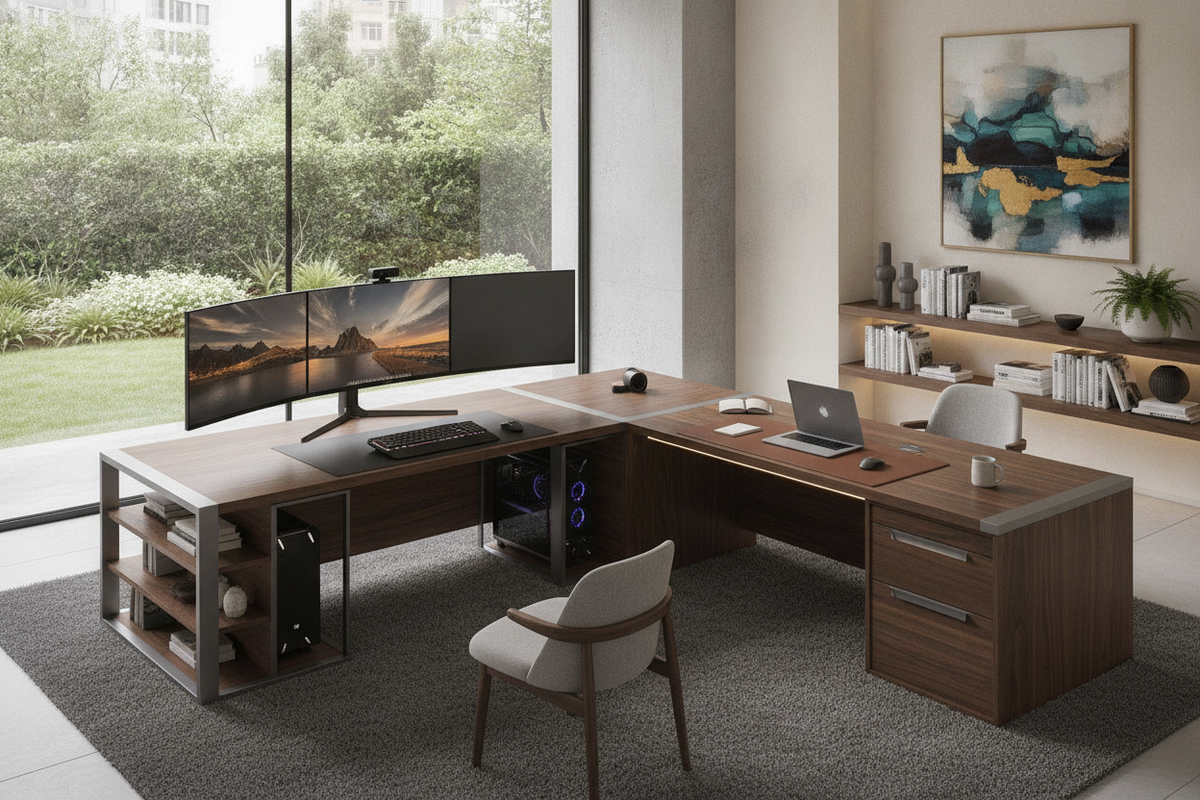
Anatomy of the Best L Shape Computer Desk: Wing Geometry and Functional Zones
Selecting the best L shape computer desk begins with understanding its geometric composition. Unlike standard rectangular workstations, an L-shaped configuration splits usable surface area across two intersecting planes: the primary desktop and the secondary return wing. This architectural arrangement establishes distinct task zones while maintaining natural reach ergonomics across both surfaces.
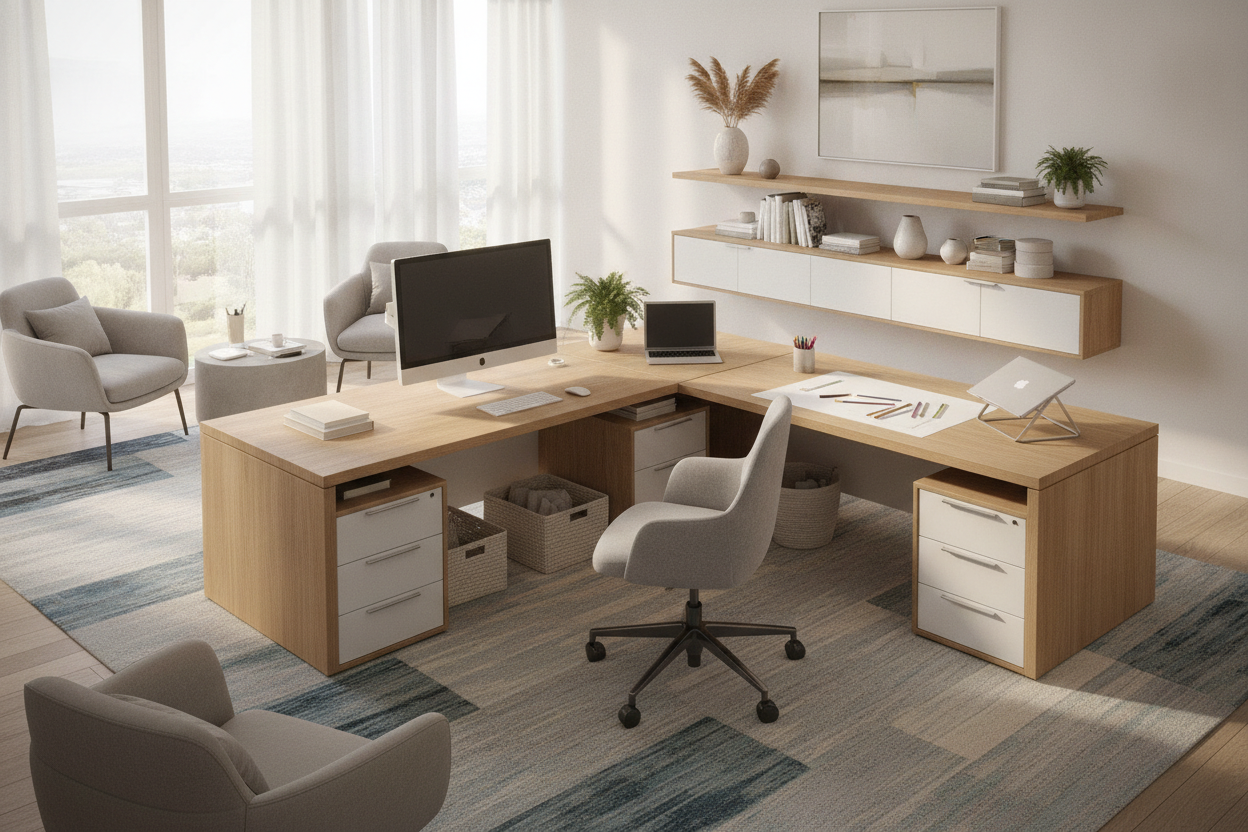
In standard configurations, the primary desktop accommodates core hardware such as primary screens, input devices, and task lighting. The return wing functions as secondary real estate, suited for supplementary laptops, paperwork, reference books, or secondary monitors. Depending on your room layout and workflow, you can choose between symmetrical and asymmetrical designs. Symmetrical desks provide identical depth and length along both arms, creating a balanced footprint for dual-purpose setups. Asymmetrical models feature a longer main surface paired with a shallower return, optimizing space efficiency in narrower rooms.
Another key distinction involves reversible wing designs versus fixed orientations. A reversible model allows you to mount the return wing on either the left or right side during assembly, offering layout flexibility if you reorganize or move your home office in the future.
Spatial Sizing Frameworks: From Compact Corners to Expansive Workstations
Matching desk dimensions to room proportions prevents spatial crowding while ensuring comfortable legroom and chair mobility. Corner desks generally fit into three primary size tiers, each addressing distinct spatial and workflow needs.
- Compact Corner Desks: Engineered for tight alcoves, small bedrooms, or studio apartments, compact models focus on maximizing underutilized corner angles without protruding far into walkway zones. Pairing a dedicated office computer desk product with vertical organization helps maintain an uncluttered surface in smaller rooms, as discussed in our setup small office guide.
- Mid-Size Workstations: Designed for standard home offices, mid-size desks comfortably accommodate multi-monitor displays, docking stations, and task lighting while preserving ample elbow room.
- Expansive Executive Configurations: Large setups provide broad surface area on both wings, allowing users to separate dedicated digital tasks from analog paperwork or creative drafting.
Storage Architectures: Under-Desk Returns, Drawers, and Vertical Hutches
Workspace efficiency relies heavily on integrated storage solutions that keep cables, documents, and computer peripherals organized. L-shaped desks leverage their broader perimeter to offer varied storage configurations below and above the main worktop.
Lower storage architectures typically feature open shelving, built-in drawer pedestals, or dedicated computer tower bays. Open shelving enhances airflow around desktop towers and offers quick access to notebooks, while closed drawer units conceal office supplies and confidential documents. For elevated capacity, an office computer desk product featuring built-in side shelving balances accessible surface area with streamlined organization. Workspaces requiring broader organization can integrate matching credenzas or filing units from a coordinated office storage collection.
Vertical hutches and upper tier shelving take advantage of overhead wall space without expanding the desk's physical floor footprint. When selecting upper storage, ensure the clearance between the main worktop and the lowest shelf easily accommodates monitor risers and display heights.
Room Placement and Layout Strategies: Perimeter Corners vs. Floating Dividers
The positioning of an L-shaped desk dramatically influences room flow, illumination, and focus. While corner placement remains the most common strategy, floating arrangements offer distinct spatial advantages in larger or open-plan areas.
Perimeter Corner Positioning
Placing both wings flush against adjoining walls maximizes open floor area in the center of the room. This layout simplifies cable management by running cords directly along baseboards toward wall outlets. It also provides structural backing for desktop accessories and monitor arms. However, positioning a desk directly into a corner requires thoughtful task lighting to prevent shadows cast by overhead ceiling fixtures.
Floating Room-Divider Orientation
In multi-purpose living areas or expansive home offices, floating one wing outward into the room establishes a natural visual boundary between working and living zones. In this layout, one desk wing rests against a wall while the other projects into the space, creating an executive feel with an open sightline toward the room entrance.
Materials, Structural Stability, and Assembly Logistics
Structural stability is critical for corner workstations supporting multiple displays, hardware accessories, and storage loads. Evaluating framing materials, desktop surfaces, and connection hardware ensures dependable daily use.
- Frame Construction: Desks constructed with reinforced steel leg frames provide rigid support and high resistance to lateral sway. Solid engineered wood panel construction offers a cohesive, built-in appearance with enclosed under-desk paneling.
- Surface Durability: Scratch-resistant laminate finishes and sealed edges protect the desktop against spills, pen marks, and daily wear from mouse movement.
- Assembly and Leveling: Because L-shaped desks join two distinct surface sections, accurate alignment during assembly is essential for a seamless joint seam. Adjustable leveling feet help balance the desk on uneven flooring, preventing wobble and surface misalignment.
Selection Blueprint: Matching L-Shaped Desks to Workstyles and Budget Priorities
Choosing the ideal L-shaped desk comes down to aligning structural dimensions, storage capacity, and design with your individual workflow. Consider whether your daily tasks prioritize multi-screen digital workflows, mixed paperwork routines, or streamlined minimalist aesthetics.
Review practical styling options and spatial setups in our office computer desk guide to find a balance between ergonomic comfort, durable materials, and smart storage architecture for your home office.

Dejar un comentario
Este sitio está protegido por hCaptcha y se aplican la Política de privacidad de hCaptcha y los Términos del servicio.