










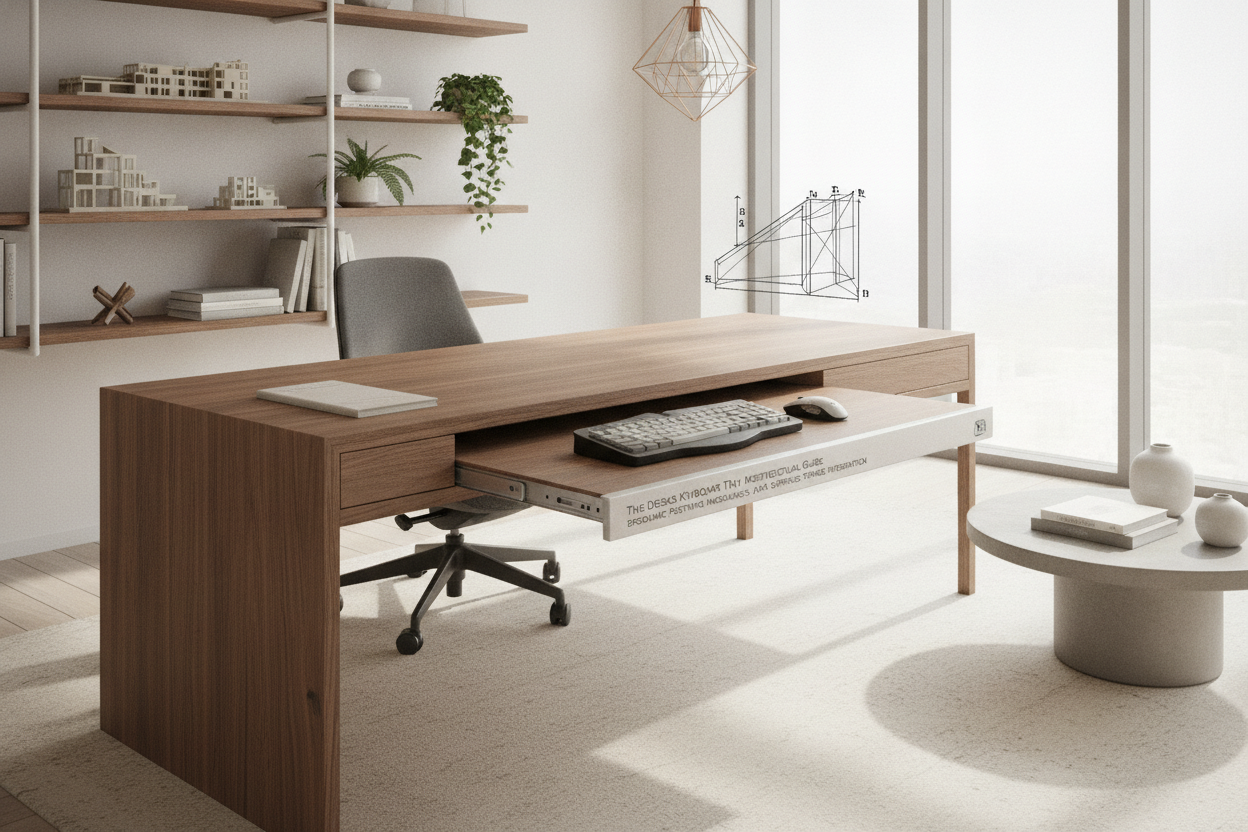
Understanding Desk Keyboard Tray Mechanics: Built-in vs. Add-On Solutions
Selecting an effective typing platform requires balancing desktop real estate, seated posture, and physical stability. Whether outfitting a study or configuring an executive workspace, examining how keyboard platforms interface with standard furniture helps create a streamlined workstation. Exploring our broader computer desk collection reveals how factory engineering accommodates modern computing peripherals without sacrificing clean design lines.
Integrated Built-in Computer Desk Pull-Out Trays
Factory-built computer desk pull-out tray designs offer structural cohesion and visual continuity. Because these trays are built alongside the primary frame, their runner tracks align flush with the support uprights and side panels. This approach minimizes platform wobble during rapid typing and preserves clean exterior sightlines. Dedicated furniture models, such as an integrated desk keyboard tray product, arrive with pre-aligned gliding hardware designed to blend directly with matching drawers and cabinetry.
Aftermarket Keyboard Shelf Attachment and Clamp Systems
For existing flat tables lacking dedicated sliding compartments, an aftermarket keyboard shelf attachment offers versatile retrofitting. These mechanisms generally rely on heavy-duty C-clamps or screw-in mounting plates secured to the underside of the desktop. While clamp-on systems preserve the tabletop surface without drilling, they introduce hardware profiles along the top edge that may interrupt writing space or monitor mount placement. In contrast, under-mount screw systems remain hidden beneath the surface, requiring careful checks of tabletop thickness and structural density before installation.
Ergonomic Alignment and Spatial Clearance Frameworks
Positioning input peripherals at the correct working elevation is fundamental to long-term physical comfort during extended administrative tasks. A well-planned keyboard platform bridges the gap between seated eye level, monitor positioning, and forearm angle.
Knee Clearance and Vertical Legroom Geometry
A lower shelf naturally reduces vertical clearance beneath the central work surface. Dropping a platform beneath the desktop brings peripherals closer to your lap, but it can restrict thigh movement or interfere with chair armrests. As explored in our pull out desk guide, balancing seated clearance with platform depth ensures comfortable movement. Verifying your chair's height adjustments against the lowest point of the dropped tray prevents awkward seating angles and protects knee room throughout the day.
Neutral Typing Posture and Forearm Alignment
Placing standard keyboards directly on elevated desktop surfaces often causes subtle shoulder elevation and upward wrist extension. A desk pull out keyboard tray lowers the typing plane closer to resting elbow height, allowing the upper arms to hang naturally alongside the torso. This configuration encourages neutral wrist alignment and helps eliminate reach-induced tension across the upper back and neck during continuous typing sessions.
Tray Formats Across Distinct Workstation Setups
Workstation tasks dictate the dimensions and weight-bearing requirements of keyboard platforms. Identifying peripheral arrangements prevents undersized surfaces from restricting mouse movement.
Dedicated Keyboard Tray for Laptop and Compact Workstations
Compact setups benefit from streamlined platforms sized specifically for low-profile peripherals or notebook computers. Using a keyboard tray for laptop support allows users to dock portable computers at comfortable typing heights while utilizing elevated external monitors for primary viewing. Reviewing insights from our desk pull out guide highlights how secondary retractable surfaces maximize utility within space-constrained studio apartments and compact study nooks.
Wide Platform Keyboard Holder for Table and Mouse Navigation
When working across dual monitors or managing intensive design workflows, standard compact trays can feel restrictive. An expanded keyboard holder for table setups provides a continuous surface broad enough to support a full-sized mechanical keyboard alongside an unhindered mouse mat. Continuous surfaces eliminate height discrepancies between typing and pointing devices, supporting fluid, unhindered arm transitions across expansive digital workspaces.
Structural Sizing and Tabletop Hardware Auditing
Before installing an aftermarket accessory or selecting a new desk, auditing the underside layout ensures hardware compatibility.
Desktop Thickness and Underside Obstruction Auditing
Many modern worktables incorporate structural reinforcement ribs, perimeter aprons, or center support beams directly beneath the tabletop. These crossbars can obstruct linear slide tracks or clamp brackets. Evaluating a clean-apron desk computer product demonstrates how smooth, unobstructed lower surfaces provide the uninterrupted flat clearance needed for secure mounting tracks. Additionally, verifying that mounting screws do not penetrate through the top finish is essential for preserving tabletop integrity.
Smooth Gliding Tracks vs. Articulating Arm Mechanisms
Sliding hardware falls primarily into two mechanical categories: linear ball-bearing tracks and articulating swivel arms. Linear slides offer straightforward push-and-pull functionality, keeping the tray stable on a fixed plane. Articulating mechanisms mount to a central track and feature pivoting joints that let users adjust tilt angles, platform height, and lateral positioning. While articulating arms offer broader custom adjustability, they require deeper under-desk clearance to retract fully when not in use.
Coordinating Storage, Cable Management, and Surface Order
A keyboard tray table configuration functions best when integrated seamlessly into the surrounding storage layout and cable pathways.
Routing Peripheral Cables Without Track Binding
Wired peripherals on sliding trays require thoughtful cable routing to avoid binding within roller mechanisms. Securing cables with flexible adhesive clips along the underside of the tray keeps cords organized. Leaving an intentional service loop—a modest length of slack behind the platform—ensures cables move freely as the tray extends and retracts, preventing accidental disconnects or hardware pinching.
Harmonizing Under-Desk Pedestals and Secondary Storage
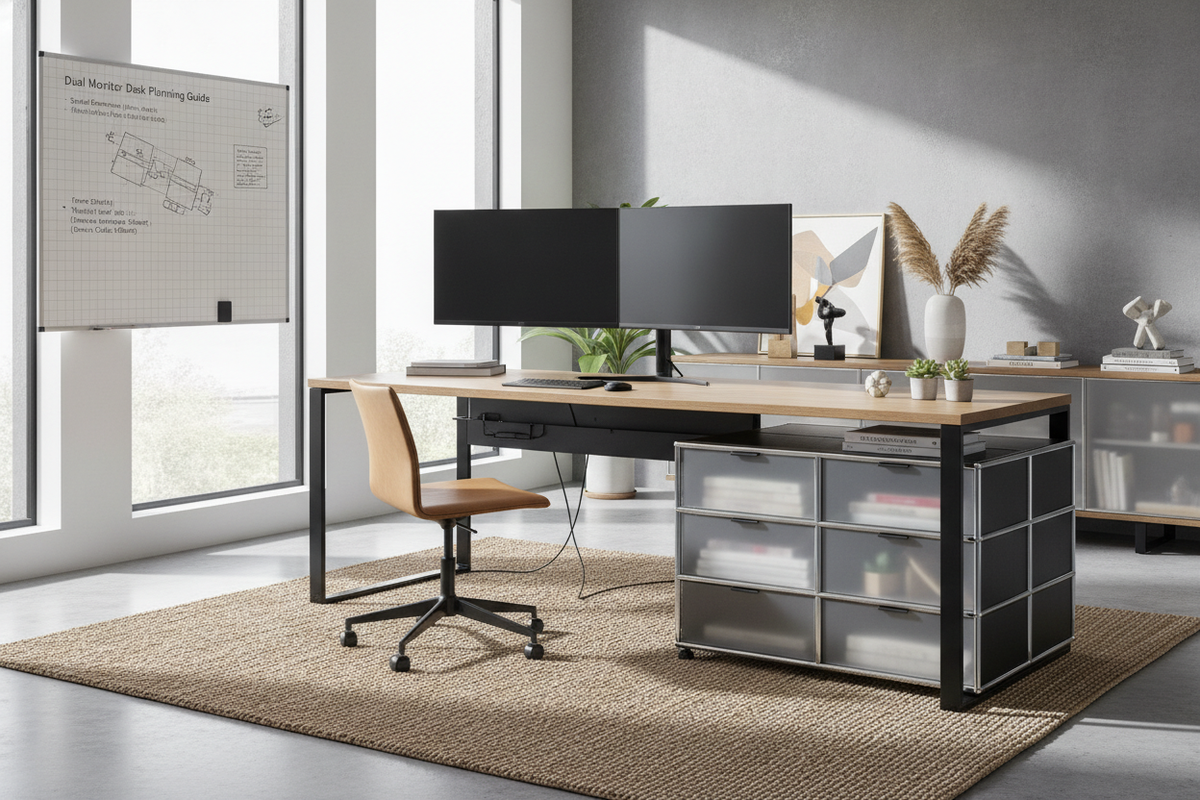
Integrating under-desk filing cabinets, mobile pedestals, and modesty panels requires careful spatial coordination around central keyboard trays. Ensuring that mobile drawers sit outside the tray's lateral perimeter allows storage compartments to open fully without colliding with extended typing platforms. Maintaining adequate clearance preserves practical access to office documents while keeping primary input devices centered with displays.
Strategic Workstation Planning: Choosing the Optimal Solution
Choosing between a factory-integrated desk pull-out tray and a modular aftermarket attachment comes down to matching your existing furniture with long-term workflow needs. Built-in solutions provide clean aesthetics, seamless material finishes, and stable, purpose-built sliding tracks. Modular aftermarket trays offer customizable positioning, adaptable clamp systems, and the flexibility to transfer hardware between workstations. Auditing under-desk clearances, peripheral dimensions, and storage layouts ensures your resulting workstation remains comfortable, organized, and structurally sound.

Dejar un comentario
Este sitio está protegido por hCaptcha y se aplican la Política de privacidad de hCaptcha y los Términos del servicio.