










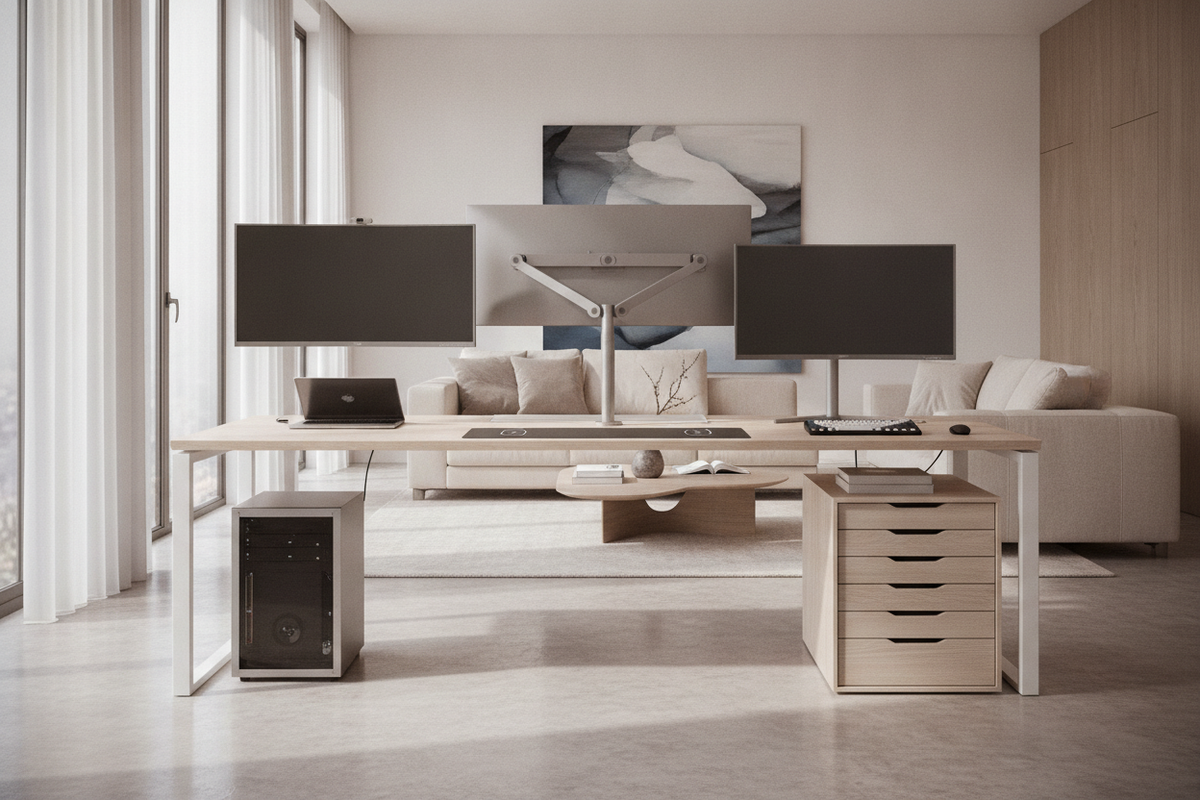
Anatomy of a High Tech Desk: Key Features and Structural Mechanics
A modern workspace requires more than a simple flat surface. Transforming a workstation into a capable high-tech computer desk involves balancing physical surface area with functional routing, thermal airflow, and hardware stability. Heavy multi-monitor displays, desktop towers, audio interfaces, and charging hubs place unique demands on furniture construction. When outfitting a workspace with high-performance peripherals, consulting a curated tech high office guide ensures accessory aesthetics harmonize with functional desk surfaces.
Key structural mechanics to look for in a dedicated high tech desk include:
- Reinforced Clamping Zones: Sufficient perimeter depth and under-desk clearance along the rear edge to accommodate heavy-duty monitor arm C-clamps and grommet mounts without pinching internal framing.
- Integrated Cable Passages: Built-in grommet holes, rear raceways, and underside channel pathways that let power lines, display cables, and data wires travel cleanly from hardware to floor receptacles.
- Thermal Ventilation Clearance: Open backings or vented peripheral compartments that prevent heat buildup around desktop towers, power bricks, and uninterruptible power supplies.
- Subframe Rigidity: Solid crossbars, structural side panels, or robust metal framework to minimize monitor wobble during typing and desk adjustments.
Desktop Sizing Tiers and Spatial Footprints for Tech Payloads
Choosing the correct surface footprint is essential for balancing expansive digital setups with room proportions. Evaluating surface dimensions within an adaptable computer desk collection helps match room boundaries to multi-device footprints.
Workstation sizing generally falls into three functional tiers:
- Compact Tier: Geared toward single-laptop setups with one external display. These surfaces focus on vertical organization and minimal desktop footprints, making them ideal for multi-purpose rooms or smaller apartments.
- Standard Professional Tier: Designed to accommodate dual standard displays or a single widescreen monitor alongside dedicated input peripherals, desktop speakers, and desk pads. This tier represents the core baseline for an everyday tech office desk.
- Expansive Multi-Device Tier: Tailored for heavy development rigs, triple-screen arrays, digital audio workstations, and streaming setups. These surfaces provide deep focal length adjustment and extensive lateral room for multiple input devices and secondary tech gear.
Corner Configurations and Corner Space Planning for Heavy Tech Rigs
For corner-oriented rooms requiring dedicated hardware shelving alongside generous display zones, an engineered office computer desk product delivers optimized spatial separation. An L-shaped or corner high tech office desk provides a natural dual-zone layout. One wing can serve as the primary focus zone for computing, writing, and video conferencing, while the return wing provides dedicated space for secondary hardware, reference materials, or 3D printers.
Material Selection, Surface Finishes, and Hardware Weight Capacity
The materials comprising your desk directly influence its longevity, tactile feel, and resistance to wear. When supporting complex tech rigs, consider the structural behavior of different tabletop and frame choices:
- Engineered Wood with Melamine or Laminate: Offers high resistance to surface scratches, heat, and moisture from beverage cups. Matte or textured finishes help reduce glare from overhead lighting and desk lamps while providing a smooth tracking surface for optical mice.
- Edge Banding and Structural Substrates: Dense composite core materials paired with durable edge seals protect high-contact zones against impact damage from chair armrests and clamping accessories.
- Framing and Support Beams: Long desktop spans require center support ribs or robust modesty panels to prevent long-term surface bowing under concentrated hardware loads like dual-arm monitor mounts and computer towers.
Integrated Storage Architecture: Concealing Peripheral Clutter and Power Bricks
A functional tech workstation looks clean because its supporting accessories remain out of sight. For setups where tech hardware must seamlessly disappear outside of work hours, reviewing a computer desk office guide offers proven concealment frameworks.
Concealment planning centers around separating active access items from passive infrastructure:
- Passive Cable Vaults: Dedicated under-desk trays or enclosed lower compartments keep surge protectors, AC adapters, and excess cable slack off the floor and away from foot traffic.
- Enclosed Drawer Banks: Stashing external hard drives, card readers, audio adapters, and flash drives in soft-close drawers keeps desktop surfaces open for active tasks.
- Adjustable Shelving Bays: Open or semi-enclosed lower cubbies provide dedicated homes for gaming consoles, network switches, or desktop towers while preserving legroom.
Large Storage Integration and Desktop Organization for Professional Setups
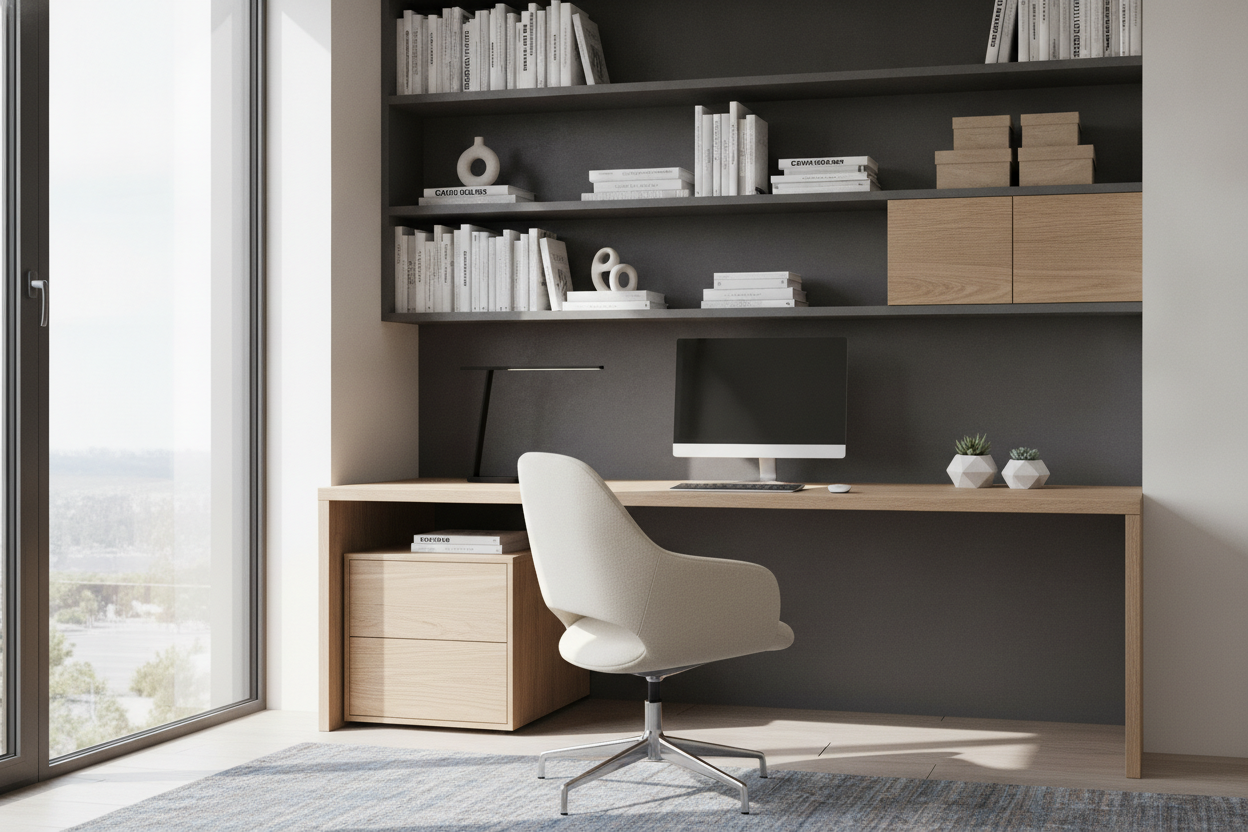
Maximizing vertical capacity without sacrificing desktop clearance is straightforward with a compartmentalized office computer desk product. Combining dedicated desktop real estate with built-in multi-tier shelving creates a unified workstation where hardware, books, and reference monitors can coexist within arm's reach.
Ergonomic Layout Framework and Cable Flow Setup
Once you select a desk, laying out equipment properly establishes an ergonomic and sustainable workflow. Organize your high tech desk using three structural zones:
- Primary Reach Zone: Keep your keyboard, mouse, and active input controllers directly in front of you, allowing elbows to remain at relaxed angles near your torso.
- Secondary Reach Zone: Position reference tablets, audio control dials, desk microphones, and frequently used stationery within an easy forearm sweep without bending at the waist.
- Tertiary Display Zone: Set primary monitors at a comfortable eye-level focal distance, tilting screens slightly upward to maintain a neutral neck posture during long work sessions.
To complete the setup, route wires systematically from peripherals down through grommets, along rear horizontal raceways, and down vertical cable spines to power sources. This structured cable flow keeps your workspace visually serene, safe, and ready for high-performance productivity.


Dejar un comentario
Este sitio está protegido por hCaptcha y se aplican la Política de privacidad de hCaptcha y los Términos del servicio.