










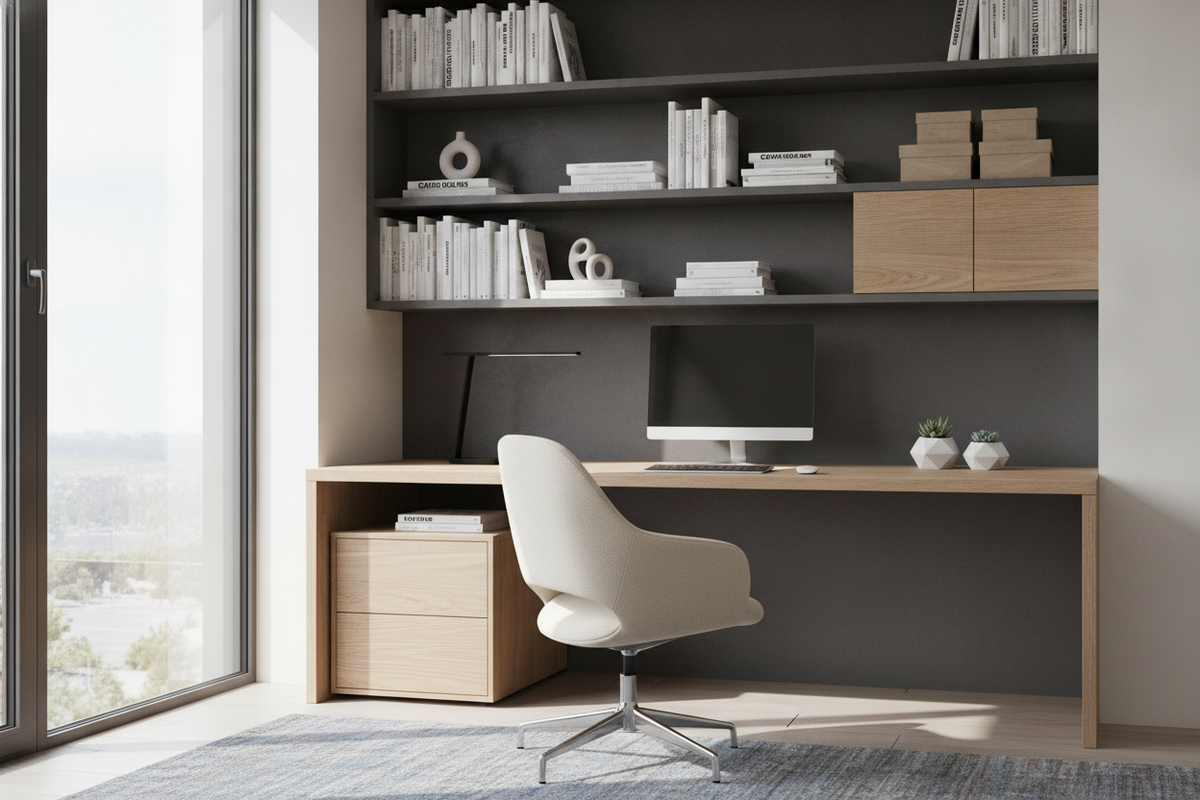
Creating an efficient, comfortable home workstation requires viewing furniture not as isolated objects, but as an interconnected ecosystem. Finding the best chair desk pairing involves evaluating how dynamic seating mechanics align with stationary desktop surfaces and integrated storage cabinetry. When these components work in harmony, daily workflow improves, physical fatigue diminishes, and your room layout maintains an open, uncluttered aesthetic.
Workstation Harmony: Why Matching Your Chair and Desk Matters
Many home office setups fall short because seating and desks are acquired independently without considering physical clearances or user proportions. An ergonomic chair with advanced multi-directional adjustments cannot perform as intended if a low table apron restricts legroom or forces armrests to collide with the tabletop. Conversely, an expansive executive desk loses its functional value if paired with a rigid seat lacking essential height and lumbar adjustments.
Achieving true harmony between your seating and work surface balances three core principles:
- Postural alignment: Enabling relaxed shoulders, neutral wrist angles, and supported lower back posture during long computing sessions.
- Spatial efficiency: Ensuring the chair can roll and swivel smoothly without colliding with surrounding drawer units or modesty panels.
- Visual cohesion: Matching silhouette lines, frame finishes, and textures to maintain an intentional room design.
Workstation Geometry: Key Clearance Dimensions and Spatial Tiers
Before selecting furniture pieces, calculating clearance thresholds prevents frustrating spatial conflicts. The vertical gap beneath the desktop must comfortably accommodate the user's upper legs while allowing the chair armrests to slide beneath the surface when the chair is fully pushed in. When browsing a dedicated computer desk collection, examine the distance between the floor and the lowest structural beam or drawer bottom.
Spatial planning also relies on understanding home office footprint categories:
- Compact nooks: Workspaces built into alcoves or multi-use bedrooms benefit from low-profile chairs with flip-up arms that tuck cleanly beneath slender tables.
- Dedicated workrooms: Standard rectangular offices allow mid-back or high-back task chairs with broader five-star caster bases and dedicated keyboard clearance zones.
- Executive suites: Large rooms with deep credenzas accommodate wider recline angles and expanded movement paths.
Evaluating the Best Computer Work Chair Mechanics
Identifying the best computer work chair comes down to evaluating adjustable components rather than aesthetic styling alone. Seating should adapt to individual body geometry across multiple work postures throughout the day. When paired with a robust work surface like a solid desk computer product, a mechanical chair provides steady, responsive stability.
Key mechanical features to assess include:
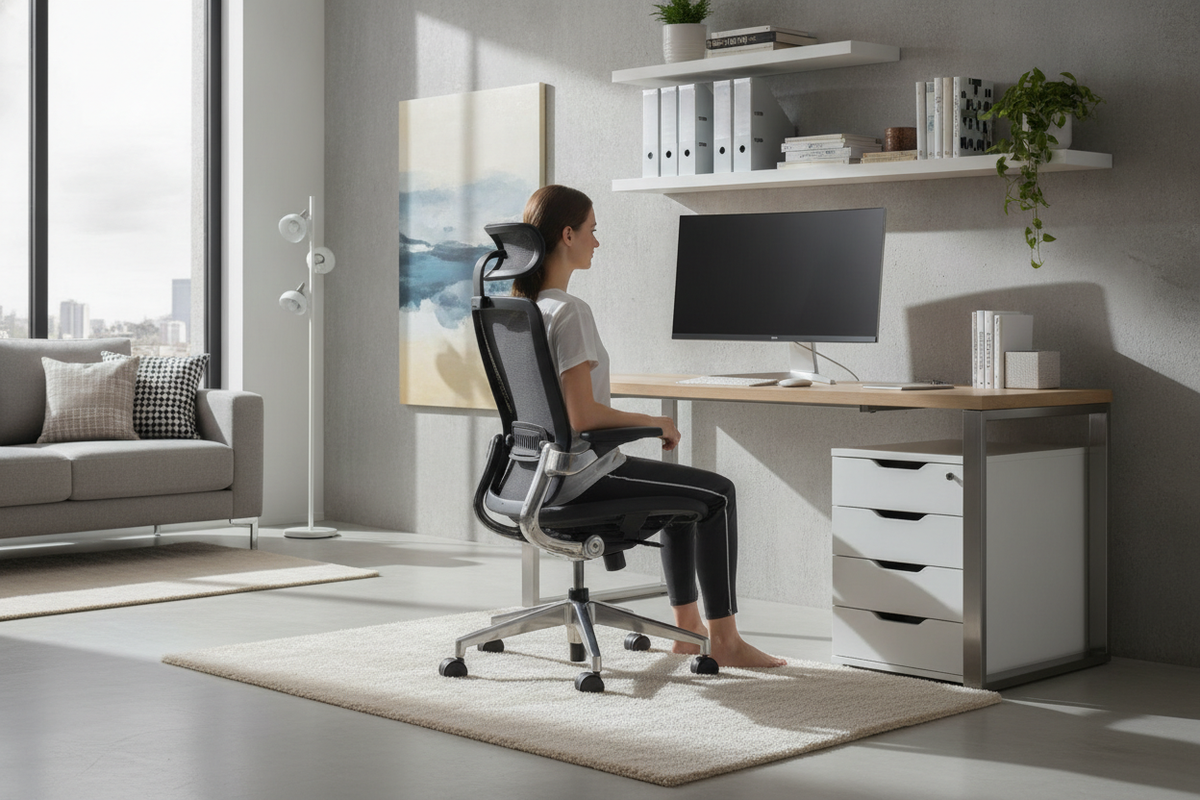
- Pneumatic height travel: Smooth vertical travel allows precise alignment so feet rest flat on the floor while forearms remain parallel to the desk plane.
- Synchronized tilt and recline tension: A synchronized mechanism angles the backrest and seat pan in a balanced ratio, maintaining support whether sitting upright or leaning back to read.
- Seat pan contouring: A gentle waterfall front edge relieves pressure behind the knees, promoting healthy circulation through extended workdays.
- Armrest adaptability: Multi-directional armrests help prevent shoulder elevation and ensure close positioning to keyboards and input devices.
Material Selection: Balancing Comfort, Durability, and Maintenance
Workstation materials influence daily comfort, long-term durability, and overall upkeep. Breathable mesh backrests provide continuous ventilation, making them popular for warmer environments and intense work schedules. In contrast, high-density molded foam cushions upholstered in durable fabric or supple synthetic leather offer plush, structured support that holds its shape over years of use.
Base construction and caster selection are equally critical. Reinforced nylon or aluminum bases offer long-term stability under continuous swivel action. For hard flooring such as wood, laminate, or tile, soft-tread polyurethane casters prevent surface scratching and glide quietly. For high-pile carpeting, firmer hard-nylon wheels reduce rolling resistance and structural drag.
Pairing Seating with Desks and Integrated Storage Architecture
A functional home office demands close integration between seating movement and storage accessibility. Fixed under-desk pedestals, side drawers, and low keyboard shelves can obstruct chair armrests or limit swivel arcs. When setting up a corner layout with an L-shaped computer desk product, ensure the central pivot point provides an unobstructed turning radius between primary typing areas and adjacent file storage.
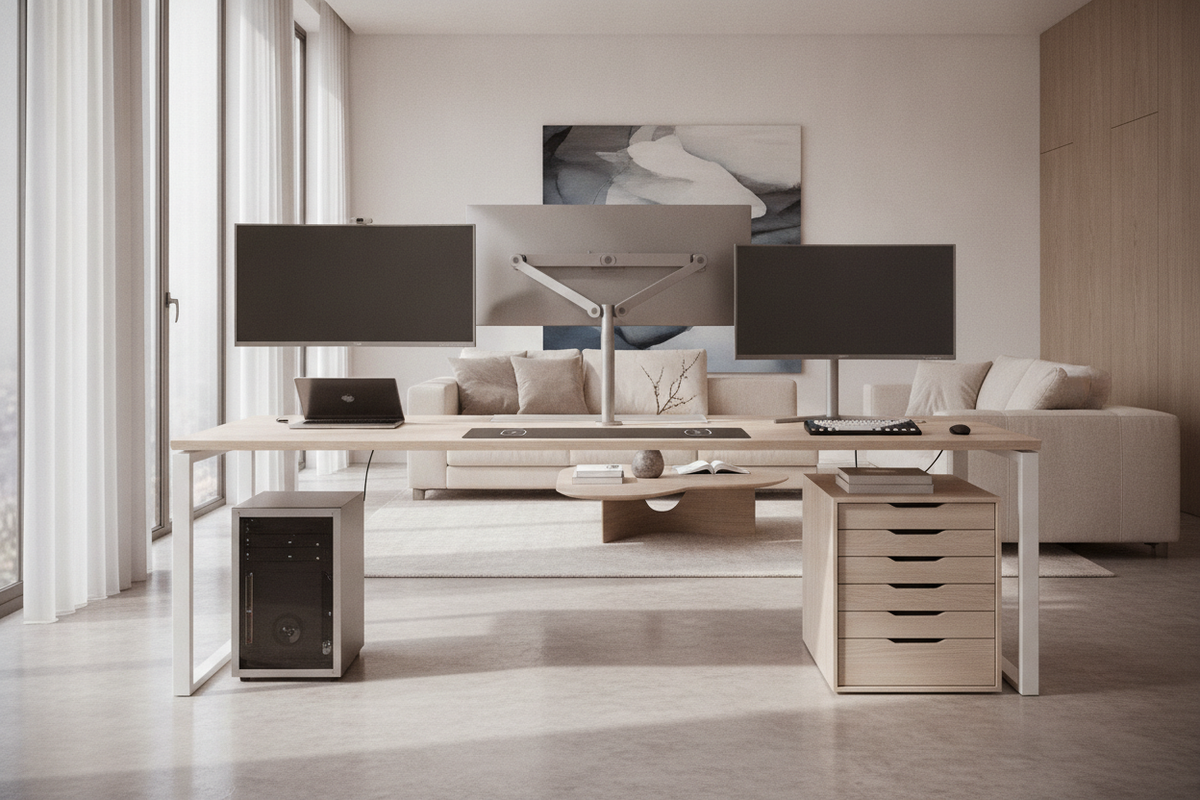
For space-conscious arrangements, reviewing a comprehensive computer desk guide helps identify compact armoires and concealed desks that fold away neatly when not in use. When positioning mobile pedestals and credenzas, place frequently used supplies within an easy arm's reach to avoid repetitive twisting or strain.
Maximizing Value: Choosing the Best Desk Chair for the Money
Finding the best desk chair for the money involves prioritizing foundational ergonomic mechanics over superficial extras. Highly durable tilt mechanisms, sturdy base cylinders, and adjustable lumbar contours deliver lasting daily utility, whereas built-in electronic gadgets often add unnecessary cost without improving posture. In our view, investing in solid core adjustability consistently yields the greatest satisfaction.
To guide your final evaluation, consult this quick selection checklist:
- Verify that seat height adjustment aligns with the lower edge of your main work surface.
- Confirm that armrest height clears under-desk crossbeams, drawers, and keyboard trays.
- Ensure the seat pan depth supports the upper legs without pressing against the calves.
- Check that caster materials match your room's flooring type.
- Coordinate frame colors, wood tones, and metal accents with adjacent storage cabinets.
For additional layout strategies and ergonomic pairing frameworks, our detailed desk work guide offers deeper insights into crafting a cohesive, productive home office space.

Dejar un comentario
Este sitio está protegido por hCaptcha y se aplican la Política de privacidad de hCaptcha y los Términos del servicio.