










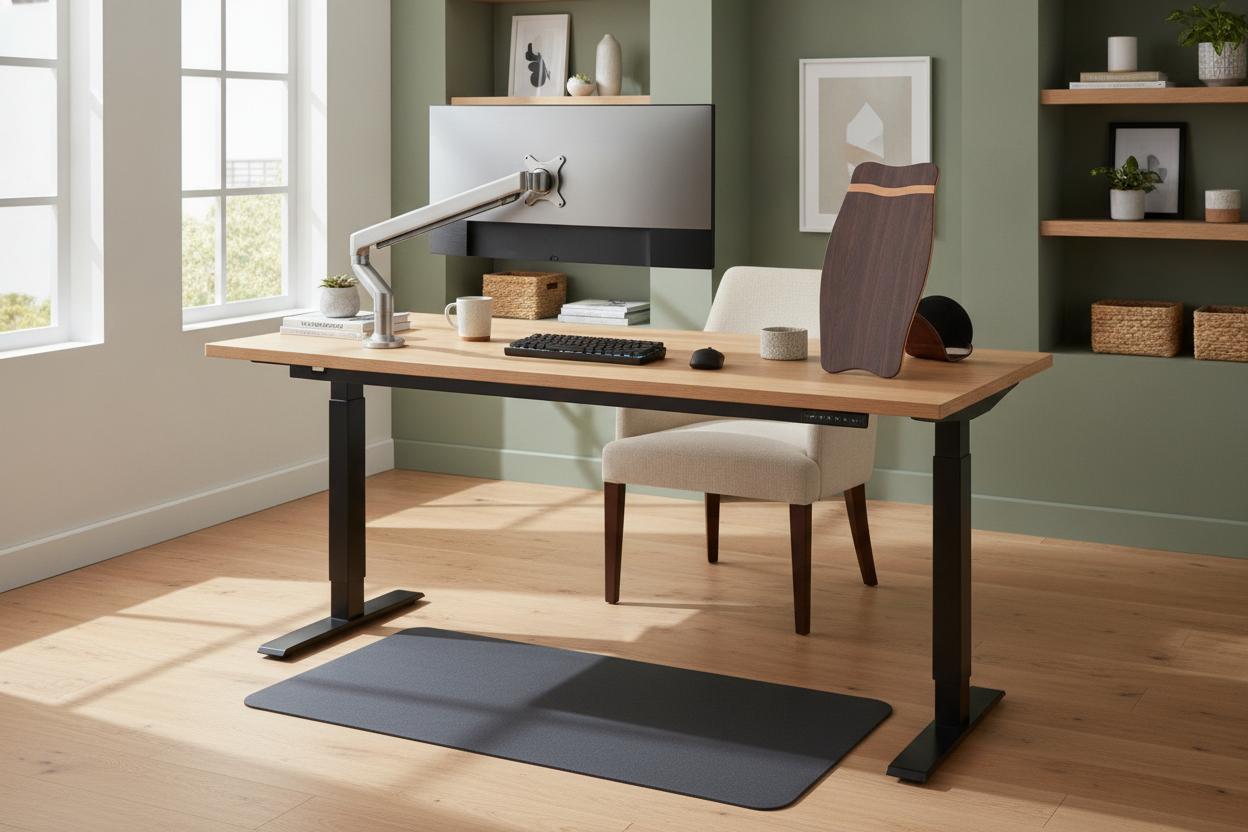
I remember the day I finally unboxed my first motorized frame. I felt like I had unlocked a secret level of productivity, only to realize forty minutes later that my lower back felt like it was being compressed by a hydraulic press and my heels were screaming. I had the desk, sure, but I didn't have the right accessories for standing desk setups to actually make it livable.
Quick Takeaways
- A high-density anti-fatigue mat is the single most important purchase you will make.
- Cable management isn't just about aesthetics; it prevents equipment damage when the desk moves.
- Monitor arms are the only way to keep your neck from craning as you shift between sitting and standing.
- Skip the balance boards and expensive proprietary laptop risers.
Why a Bare Motorized Desk Isn't Enough
Most of us make the jump from a traditional writing computer desk thinking the motor is the magic fix. You imagine yourself standing for eight hours straight, burning calories and feeling energized. Then reality hits. Within two days, you’re back to sitting 90% of the time because standing on a hardwood floor or thin carpet is brutal on the joints.
The transition is a physical adjustment. When you move away from a static sit-down setup, you realize that your old peripherals don't necessarily play nice with a moving surface. You need a specific set of standup desk accessories that bridge the gap between a piece of furniture and a functional workstation. Without them, that expensive motorized frame is just a very heavy, very pricey table that you never actually raise.
Essential #1: A Top-Tier Anti-Fatigue Mat
If you take nothing else away from this, hear me: do not use a kitchen rug or a yoga mat. You need a dedicated standing desk accessory designed for high-pressure support. Look for a mat with at least 3/4-inch thickness and a high-density polyurethane core. Cheap foam mats bottom out within three months, leaving you standing on the floor anyway.
I've found that even if you're using a budget standing motorized desk, a premium mat makes the entire experience feel high-end. It relieves the pressure on your knees and lower back that usually kicks in around the 20-minute mark. I personally prefer the mats with 'topography'—little mounds and ramps that let you stretch your calves and fidget while you work. It keeps your blood moving and prevents that static leg fatigue.
Essential #2: Cable Management That Actually Works
Nothing ruins the vibe of a clean office like a 'cable waterfall' hanging off the back of your workstation. When you raise your desk, those cords stretch. If they aren't managed, you risk unplugging your PC mid-meeting or, worse, snapping a port on your monitor. This is where most accessories for stand up desk kits fail by being too flimsy.
I recommend a steel under-desk cable tray rather than those sticky plastic clips that fall off after a week. You want something wide enough to hold a heavy power strip and all the 'bricks' for your laptop and monitors. Combine that with a magnetic cable sleeve that attaches to the desk leg. It keeps the transition from the floor to the desktop looking intentional rather than accidental. It’s the difference between a professional office and a college dorm room.
Essential #3: Ergonomic Monitor Arms
Your posture is not the same when you stand as when you sit. In a chair, you might lean back slightly; when standing, you tend to lean in. This shift means your monitor height needs to be perfectly adjustable. Fixed stands that come with monitors are rarely tall enough for proper ergonomics when you’re upright.
Using a sit stand up desk with memory presets is a great start, but pairing it with a gas-spring monitor arm is the finishing touch. You can pull the screen closer or push it higher in seconds. It ensures your eyes are always hitting the top third of the screen, preventing the 'tech neck' that comes from looking down at a display all day. If you're using two monitors, this isn't just an accessory; it's a requirement to keep your desk from feeling cramped.
The Overhyped Standing Desk Add-Ons to Skip
I have wasted a lot of money on standing desk add ons that now sit in my closet. Balance boards are the biggest culprit. They sound fun, but trying to type an email while wobbling is a recipe for typos and frustration. Unless you have the core strength of a pro surfer, you’ll stop using it after three days. The same goes for those bulky under-desk treadmills—unless you are committed to walking at 1 mph for hours, they just become a giant tripping hazard.
I also learned the hard way that you don't need the branded, $150 laptop holders sold by desk manufacturers. I actually cheaped out on a desk stand for my laptop, buying a simple $20 aluminum riser instead, and it does the exact same job without the 'ergonomic' markup. Spend that saved money on a better chair or a nicer keyboard instead.
FAQ
Do I need special shoes for a standing desk?
Not if you have a good mat. I usually work in socks or flat sneakers. Avoid heels or heavy boots, as they mess with your center of gravity when you're standing for long periods.
How often should I switch between sitting and standing?
The 'golden ratio' for most people is 20 minutes of sitting for every 8 minutes of standing, with 2 minutes of moving/stretching. Don't try to stand for 4 hours straight on day one; you'll regret it by lunch.
Are magnetic cable organizers better than Velcro?
Velcro is cheaper and great for bundling cords behind the monitor. Magnets are better for the 'run' down the desk leg because they allow the cables to slide slightly as the desk moves up and down.

Dejar un comentario
Este sitio está protegido por hCaptcha y se aplican la Política de privacidad de hCaptcha y los Términos del servicio.