










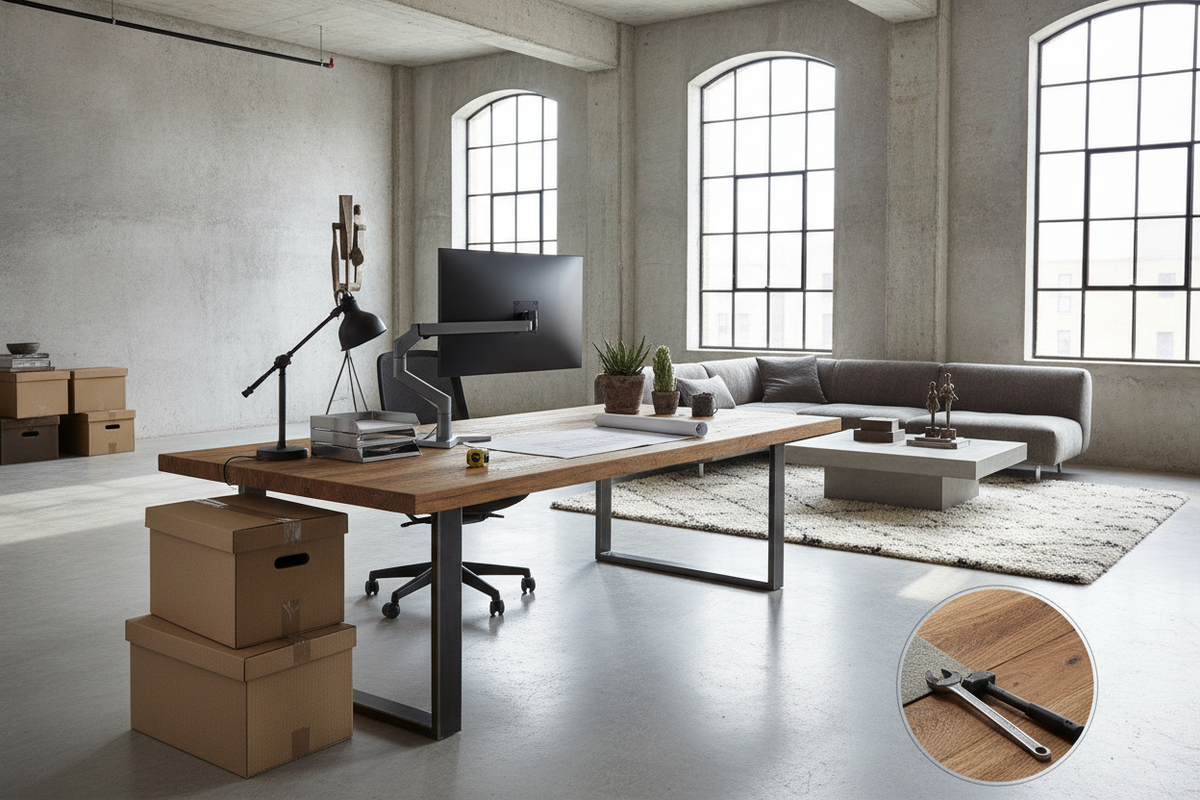
Understanding the Warehouse Desk: Industrial Utility Meets Digital Workflows
Operational work environments require furniture built on fundamentally different principles than traditional home offices or executive suites. While decorative writing tables prioritize slender silhouettes and light materials, a warehouse desk must withstand the continuous rhythm of back-of-house logistics, packing routines, barcode scanning, and multi-user shifts. Modern fulfillment hubs and industrial-inspired workshops rarely separate physical handling from digital record-keeping, turning the warehouse workstation desk into a hybrid center where computer monitors sit alongside thermal label printers, utility blades, and shipping cartons.
Choosing the right utilitarian table involves assessing how physical tasks interface with sensitive digital gear. A proper operational table prevents screen wobble when heavy packages land on the work surface, provides clean routing for power cords away from foot traffic, and maintains a stable foundation on unpolished commercial floors. Browsing an expansive computer desk collection reveals how practical engineering can merge industrial stability with everyday ergonomic support across demanding floor plans.
Footprint Categories and Spatial Clearance Planning
Spatial planning in an active facility or workshop starts with understanding operational flow. Unlike quiet home studies where desks rest flush against baseboards, a table situated within a distribution area or production room must account for pallet movement, shelving access, and wide walking lanes. Evaluating spatial sizing categories helps define clear zones for personnel without choking critical thoroughfares.
Compact Dispatch and Packing Hubs
Compact stations serve specific, fast-paced workflows where floor area remains at a premium. These setups are common in tight staging bays, intake corners, and shipping nooks. In these configurations, the surface holds essential hardware such as a single monitor, handheld scanner, and shipping tape dispenser. Depth is intentionally controlled to keep reach envelopes tight, allowing operators to complete repetitive tasks without straining across broad table surfaces. When planning room clearance, maintaining open walking space behind the operator prevents bottlenecks during active restocking periods.
Standard Multi-Tier Administrative Stations
Administrative stations balance physical paperwork handling with all-day computer use. In busy production environments, managers and inventory specialists require dedicated room for dual screens, order sheets, and peripheral trays. A mid-sized footprint offers sufficient depth to keep keyboards and screens positioned at comfortable viewing distances while retaining adequate legroom underneath. Selecting a balanced desk computer product provides the structural stability needed for continuous administrative logging without occupying the expansive footprint of a full industrial assembly bench.
Wide Dual-Zone Workbenches and Corner Layouts
Expansive workbenches and angular arrangements excel when work processes demand an explicit boundary between rough manual tasks and delicate electronics. Utilizing a dedicated L-shaped footprint or a wide continuous surface creates distinct operational hemispheres. One side accommodates package assembly, measuring, and tool staging, while the adjacent wing protects computer towers, keyboards, and printers from accidental impacts and dust. Incorporating an intentional computer desk product within an open workspace allows operators to pivot seamlessly between administrative entry and physical inventory review.
Structural Materials: Steel Framing, Solid Timber, and Surface Durability
The operational lifespan of a warehouse computer desk depends heavily on the resilience of its frame joinery and tabletop surface. Industrial work surfaces must tolerate contact with metal hand tools, abrasive cardboard boxes, solvent-based cleaning sprays, and shifting equipment. Understanding how core materials behave under constant activity ensures your investment endures heavy daily handling.
- Tubular Steel Frames: Welded or securely bolted steel box-section tubing provides rigid resistance against lateral racking. A powder-coated metal finish resists abrasion, chipping, and rust caused by damp storage conditions or frequent cleaning.
- Reinforced Cross-Struts and Triangular Bracing: Diagonal metal trusses positioned along the back or sides keep the desk frame square, preventing joint loosening over extended operational cycles.
- High-Density Laminate Tops: Dense commercial laminates bonded to reinforced engineered substrates resist surface gouging, pen indentations, and oil stains. Their sealed perimeter banding prevents moisture absorption during routine maintenance.
- Solid Timber Worktops: Thick wood surfaces offer substantial mass that absorbs vibration from desktop machinery. Minor scuffs can be sanded or conditioned over time, giving solid timber a resilient operational lifespan.
In our review of modern work tables, structural reinforcement remains the single most reliable predictor of overall workstation satisfaction. Reviewing an architectural computer desk guide highlights how material density, joinery type, and frame stability directly impact everyday usability across active work areas.
Storage Architecture and Equipment Integration
Clutter in a logistics or workshop environment is both an operational slowdown and a potential hazard. An effective operational desk integrates organized storage that isolates sensitive technology from ground-level floor debris, moisture, and rolling cart collisions. Elevating computer towers onto ventilated side shelves or integrated metal cradles protects internal fans from ambient warehouse dust.
Integrated open shelving tiers allow rapid visual tracking of essential packing supplies, tape rolls, clipboards, and parcel scales. Closed drawer pedestals, on the other hand, secure handheld inventory scanners, label rolls, and administrative records. Integrated desktop grommets and under-frame wire baskets route power and network cables neatly along structural beams rather than dangling into operator footwells. Exploring specialized functional layouts in a targeted design series demonstrates how dedicated utility features keep demanding workstations streamlined and secure.
Assembly, Leveling, and Floor Protection in Utilitarian Spaces
Setting up an industrial work table in an unfinished room or commercial facility requires careful leveling and structural calibration. Concrete and industrial epoxy floors often exhibit subtle undulations that cause lightweight tables to rock. A disciplined assembly sequence ensures maximum structural rigidity and operator safety from day one.
- Dry Layout and Hardware Sorting: Unbox components onto clean cardboard or a utility blanket to protect the work surface from concrete grit during initial construction. Verify all brackets and fasteners before tightening.
- Loose Frame Squaring: Fasten the main legs, stretchers, and horizontal support beams finger-tight. Check that the frame sits square before applying full torque to bolts, ensuring the metal joinery settles evenly without internal tension.
- Top Attachment and Reinforcement: Secure the desktop using reinforced pilot inserts or structural brackets. Tighten fasteners in an alternating diagonal pattern to distribute mechanical load uniformly across the substrate.
- Adjusting Floor Leveling Glides: High-utility desks feature threaded leveling feet under each leg. Adjust each glide individually until the worktop sits plumb in both directions, eliminating wobble on uneven floors while protecting floor coatings from bare metal contact.
- Securing Cable Pathways: Fasten power strips to dedicated underside struts and bundle cords with heavy-duty ties, ensuring loose cords never hang into walking lanes or near moving material handling equipment.
Frequently Asked Questions About Warehouse Desks
How much clearance should be left around a warehouse desk?
For general comfort and smooth workflow, maintain an open clearance zone behind the seated or standing operator. If hand trucks, utility carts, or frequent foot traffic pass the workstation, widening the perimeter walking aisle prevents accidental collisions and gives staff ample room to maneuver without impeding active staging lanes.
Can standard office chairs pair with industrial workstation tables?
Standard ergonomic office chairs pair well with conventional administrative desk heights. However, if the workstation is built as an elevated packing or inspection bench, pair the table with an industrial drafting stool featuring an adjustable foot ring to maintain proper ergonomic posture during extended shifts.
How do I clean and maintain an industrial desk surface?
Daily maintenance requires wiping down work surfaces with a microfiber cloth and a mild neutral cleaner to remove dust and adhesive residues from packaging tape. Avoid abrasive scrubbing pads that can scratch protective laminate finishes or strip protective clear coats from natural wood tops.


Dejar un comentario
Este sitio está protegido por hCaptcha y se aplican la Política de privacidad de hCaptcha y los Términos del servicio.