










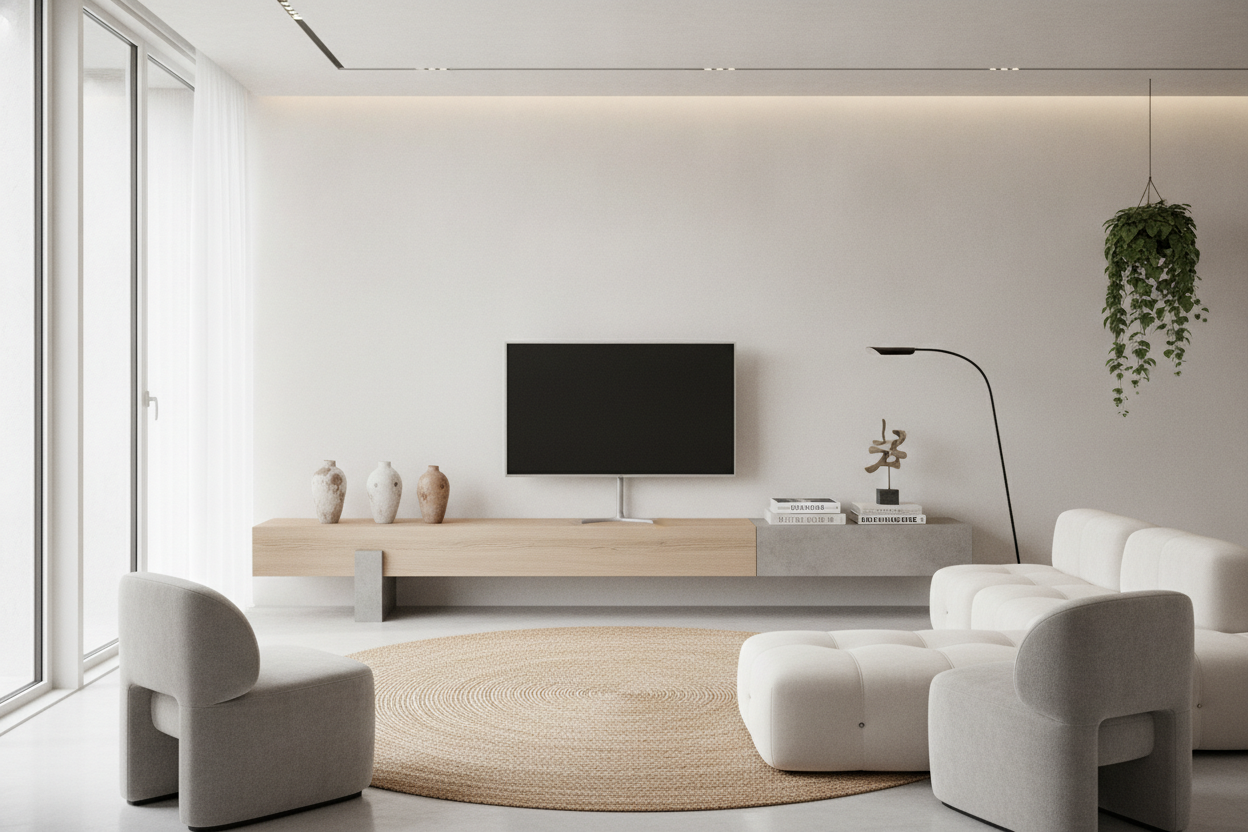
I spent three hours last Tuesday staring at my 70-inch media console and realized it looked like a literal coffin for my electronics. It was heavy, dark, and took up six feet of floor space just to hold a piece of glass and some plastic. That’s when I realized why my designer friends have been pivoting to the design table tv look—treating the screen like a sculpture on a pedestal rather than a monitor on a dresser.
- Ditch the 'entertainment center' search term for console tables or benches.
- Focus on 'visual weight'—open legs make a room feel larger.
- Cable management is the secret sauce to making this look expensive.
- Solid wood adds warmth to cold tech, while gloss adds modern edge.
What Exactly Is the 'Design Table' Approach?
It’s a move away from the boxy, storage-first mentality that has dominated living rooms for decades. Instead of buying a unit with drawers and doors that hide everything but the kitchen sink, you’re looking for a piece of furniture that stands on its own as a design object. Think Parsons tables, mid-century benches, or even a sleek, industrial sawhorse desk.
The goal is to let light pass underneath the unit. When you can see the baseboard behind your TV stand, the room feels like it has air. It stops the 'wall of furniture' effect that happens when you line up a sofa, a coffee table, and a massive media unit. You’re essentially treating your TV like a piece of art sitting on a gallery plinth.
Why Standard Consoles Are Usually Too Clunky for Modern Rooms
Standard consoles are built to hide things we don't really use anymore. Do you still have 400 DVDs? Probably not. Most of us have a TV, a soundbar, and maybe a slim console or Apple TV. These don't require a 24-inch deep cabinet that eats up half your walkway.
When I finally downsized to a small wood TV table, I felt like I’d gained five square feet of floor space instantly. Massive units eat visual volume. They make the ceiling feel lower and the walls feel closer. By stripping away the drawers and the chunky side panels, you let the architecture of your home actually breathe. It’s the difference between a room that feels 'furnished' and one that feels 'designed.'
The No-Drawer Dilemma: How to Actually Hide Your Cords
This is where people get nervous. An open design table means your 'spaghetti mess' of wires is on full display. But you don't need a cabinet to hide them; you just need ten dollars' worth of Velcro. I mount a slim power strip to the underside of the table using heavy-duty command strips. Every cord gets bundled and run down a single leg using clear clips or color-matched cable sleeves.
If you have a soundbar, hide the excess wire in a decorative tray or a marble bowl sitting on the table. It looks intentional, not messy. Also, consider the newer 'One Connect' style TVs that use a single transparent cord to keep the profile razor-thin. If you can’t hide the wire, make it part of the silhouette by tucking it tightly against the furniture frame.
Material Matters: Architectural Wood vs. Sleek Gloss
Organic wood brings warmth to a tech-heavy setup. A solid white oak or walnut table softens the 'black mirror' effect of a large TV. I love a live-edge bench for this—it creates a contrast between the perfect 4K pixels and the raw, natural grain of the wood. It makes the tech feel less like an intrusion and more like a part of the home.
On the other hand, if you’re going for a high-end gallery vibe, reflective surfaces can work. If the open-leg look feels too exposed for your lifestyle, you might actually prefer a high gloss entertainment center that keeps the modern lines but hides the mess. Gloss reflects light, which helps with the 'clunky' feeling, even if the unit is solid to the floor. It’s all about how you want the light to bounce around the room.
My Verdict After Living With a Scaled-Back Setup
I’ll be honest: I miss the junk drawer. I used to have a place for old remotes and batteries that I haven't used since 2018. Now, I have to be disciplined. Everything that stays on the table has to be beautiful—a stack of art books, a ceramic vase, or a sculptural candle. But the trade-off is worth it every time I walk into the room.
My living room feels like a curated space instead of a tech showroom. The TV doesn't dominate the room anymore; it sits on a beautiful piece of furniture. If you’re okay with losing some storage to gain a lot of style, this is the move. Just make sure your table is rated for the weight—don't put a 65-inch OLED on a flimsy $20 side table. Stick to solid wood or powder-coated steel for stability.
Is it safe to put a TV on a regular table?
Yes, as long as the weight capacity matches. Most modern TVs are surprisingly light, but check the specs. A solid wood or metal console table is usually more than enough for a 55-inch screen.
How do I hide the cable box?
Mount it to the back of the TV or the underside of the table using specialized brackets. Most remotes use RF or Bluetooth now, so they don't need a direct line of sight to work.
Will it look weird if the table is wider than the TV?
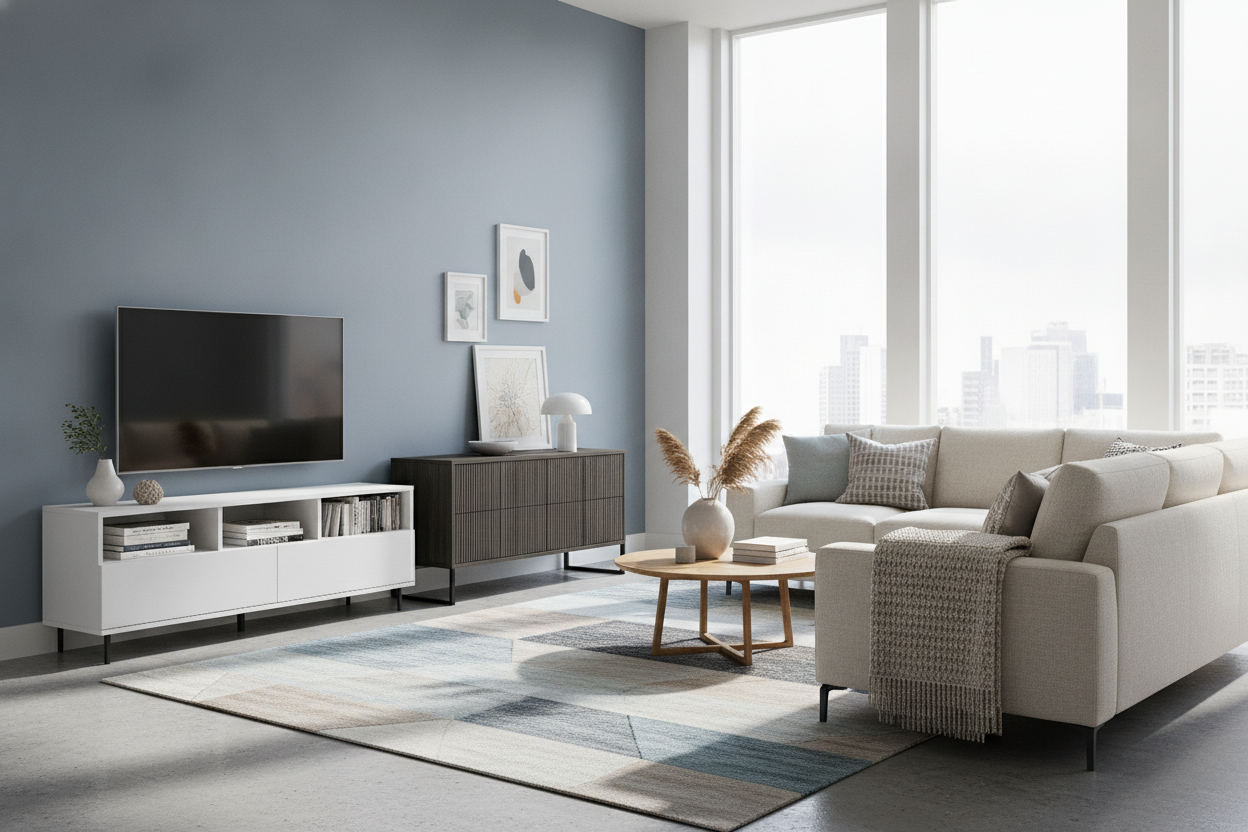
Actually, that's the goal. Having 6-10 inches of 'breathing room' on either side of the TV makes the setup look like a deliberate design choice rather than a tight squeeze. It gives you room for a lamp or a small plant.

Dejar un comentario
Este sitio está protegido por hCaptcha y se aplican la Política de privacidad de hCaptcha y los Términos del servicio.