










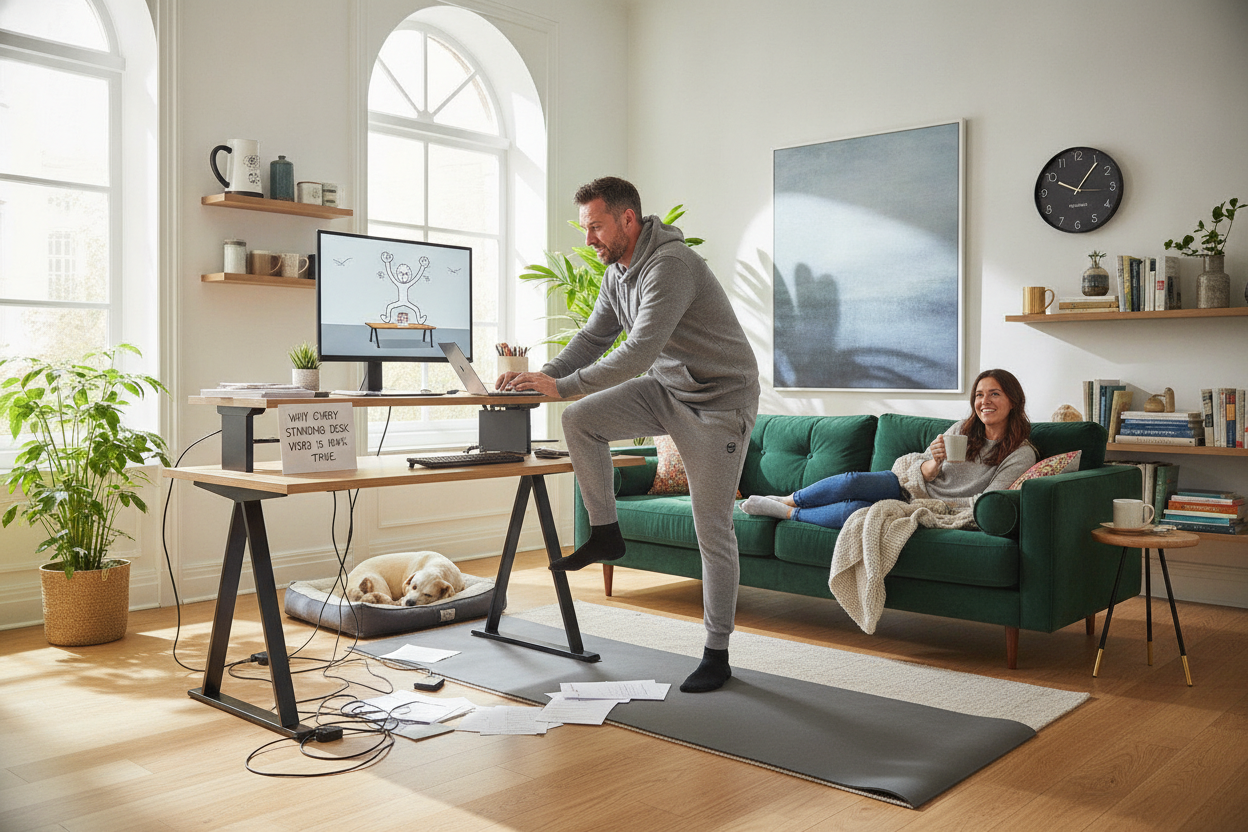
I spent three hours watching every standing desk funny compilation on TikTok before I finally hit 'buy' on my own setup. I thought those people were just clumsy or bad at technology. I was wrong. I was so, so wrong. Within forty-eight hours, I had already lived out three of the most common fails, including the one where you accidentally crush a trash can under the desk frame.
- Don't try to stand for eight hours on day one unless you want legs like lead.
- Memory presets are the difference between a smooth transition and a mid-meeting disaster.
- Cable management isn't optional; it is a safety requirement for your hardware.
- Invest in a thick anti-fatigue mat immediately.
The 'I Am Going to Be So Healthy' Delusion
The first mistake was the ego. I bought a massive 71 W Height Adjustable Standing Desk because I figured more surface area meant more room for my productivity to manifest. I genuinely believed I would stand for eight hours straight on day one and emerge with the core strength of a Pilates instructor.
Reality hit by 10:15 AM. My lower back was screaming, my calves felt like they were vibrating, and I was leaning on the desk like a tired toddler at a museum. The delusion that a piece of furniture magically grants you infinite stamina is the biggest standing desk joke of all. You have to train for this thing like it's a marathon, not a sprint.
The Classic Mid-Meeting Motor Whir
There is a specific brand of awkwardness that only happens to remote workers with electric lifts. You know the one: someone’s motor starts whirring during a serious budget review, and they slowly rise out of the frame like they’re being raptured. I did this during a quarterly meeting. I accidentally leaned on the manual 'up' button and just... ascended.
I was halfway through a sentence about KPIs when my chin disappeared from the webcam. Now I use an Adjustable Height Standing Desk With Electric Lift System 54 Desk With Memory Presets so I can hit one button and stop worrying about the slow-motion squat of shame. Having presets means I don't have to fiddle with the height while trying to look professional.
The Wobble, The Wires, and The Coffee Spills
Physics is a cruel mistress. When you stand, your center of gravity changes, and so does the stability of your setup. Typing with any level of passion creates a pendulum effect. My monitor wobbled, my coffee rippled, and my cable management looked like a literal bird's nest.
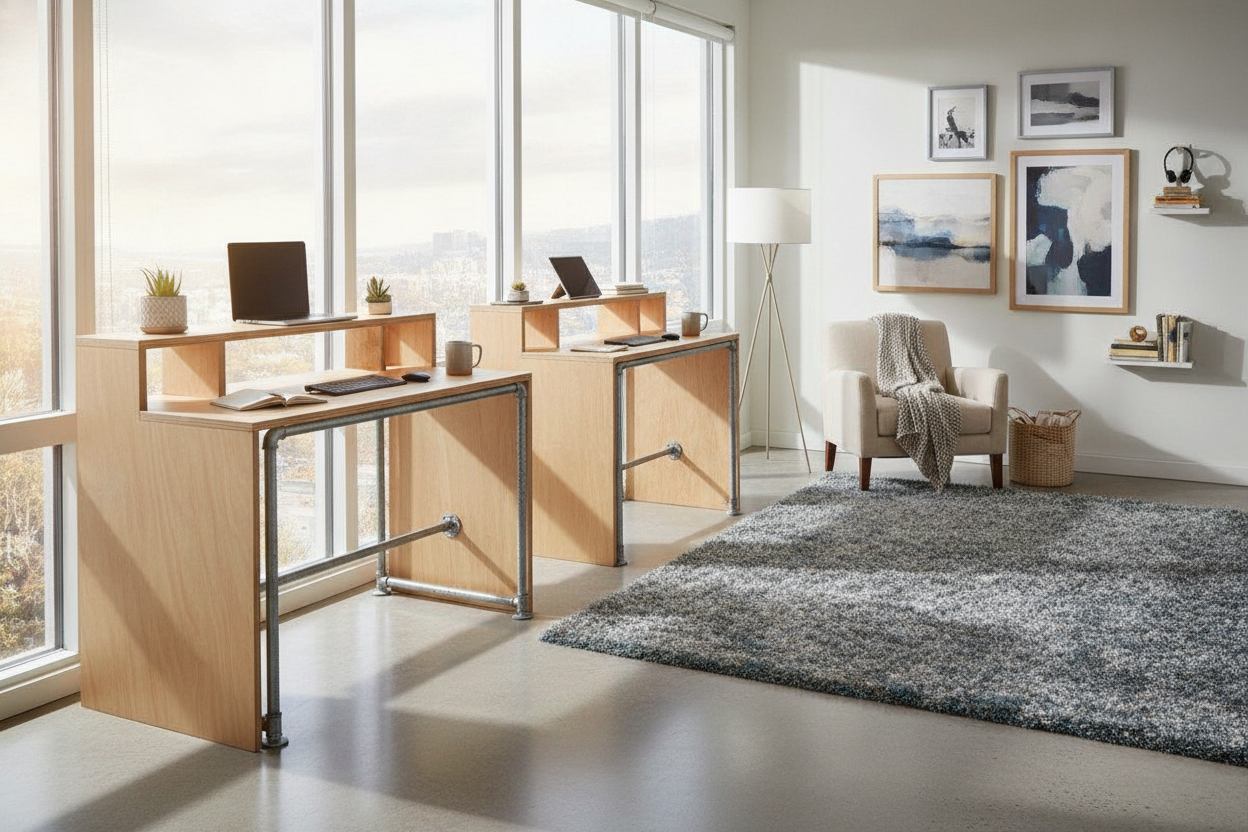
I actually had to stop and look up Elevate Your Space Designer Ideas For Standing Desk Layouts just to figure out how to keep my wires from pulling my laptop onto the floor every time I changed heights. If your cables aren't long enough, the first time you go to full height, you'll hear the terrifying sound of a power strip being ripped from the wall.
How I Finally Stopped Being a Meme
I eventually stopped being a meme. The secret isn't standing all day; it's the 20-minute swap. I used to hunch over a basic Writing Computer Desk until my neck felt like a rusted hinge. Now, I alternate. If I'm on a call, I stand. If I'm writing deep-focus copy, I sit.
My personal fail was trying to use a balance board while typing. I ended up horizontal on the rug within five minutes. Don't do that. Stick to a solid mat and a rhythm that doesn't leave you needing a nap by noon. It’s not about being a fitness guru; it’s about not being a gargoyle.
FAQ
How long should I stand each day?
Start with 15 minutes every hour. If you try to do the whole day at once, your feet will swell and you'll hate your life. Build up to a 50/50 split over a few weeks.
Do I really need an anti-fatigue mat?
Yes. Standing on hardwood or thin carpet in socks is a recipe for heel pain. A 1-inch thick foam mat is the best twenty bucks you'll ever spend on your office.
Will my monitors shake when I type?
If you have a cheap, two-stage frame, probably. Higher-end three-stage frames are much more stable at full extension. Also, don't hammer your keys like you're angry at them.


Dejar un comentario
Este sitio está protegido por hCaptcha y se aplican la Política de privacidad de hCaptcha y los Términos del servicio.