










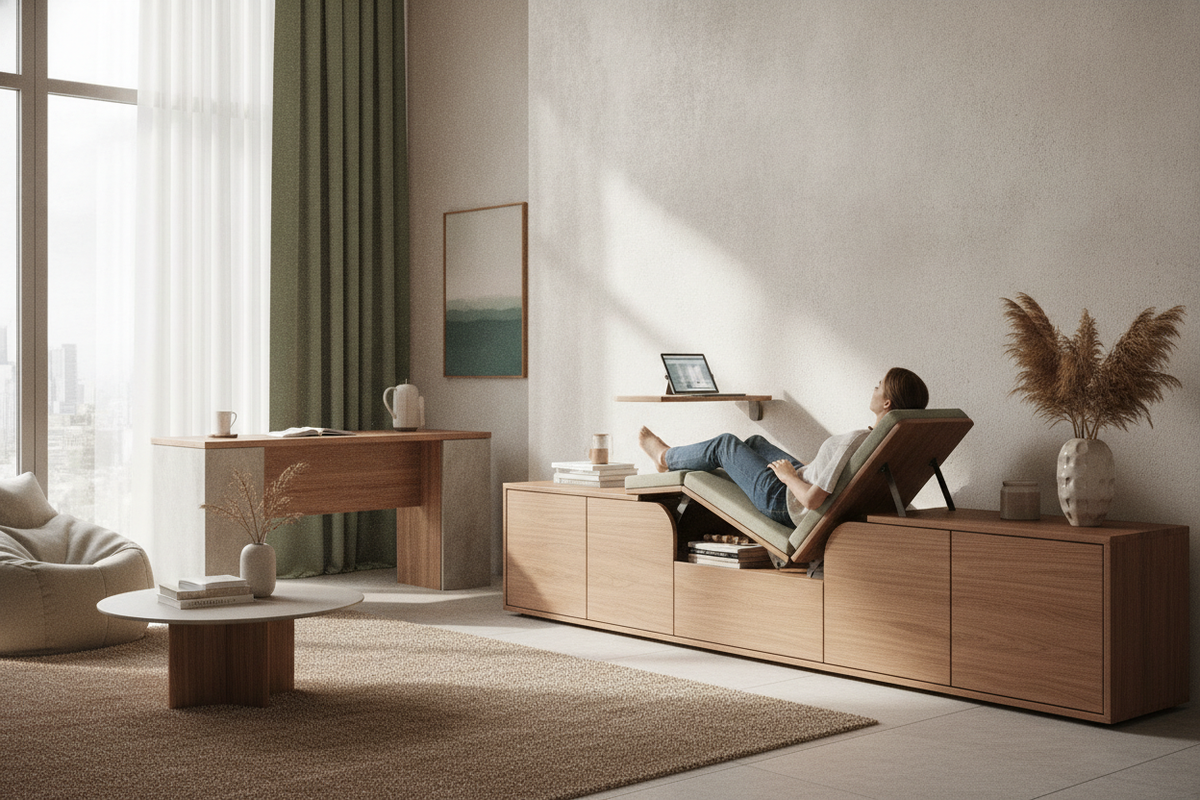
Understanding the Desk That Lays Down: Mechanics and Supine Workstation Concepts
The concept of a desk that lays down—often referred to as a supine workstation, zero-gravity computer rig, or lay-down desk—represents a departure from conventional seated and standing office setups. Rather than positioning the user vertically before a flat worktop, these specialized configurations tilt the entire body backward while suspending displays, keyboards, and input devices directly overhead and in front of the user.
At its core, a supine computing setup consists of three interdependent elements: an articulated, fully reclining chair or chassis, an overhead cantilevered monitor boom, and an adjustable, floating keyboard tray. When reclined, the user's body weight is distributed along the full length of the chair frame, altering the pressure points typical of standard upright desk chairs. The appeal of a lay-down desk centers on immersive digital focus, long-duration screen monitoring, and minimizing vertical spinal compression during sustained keyboard and mouse interaction.
Spatial Footprint and Room Fit: Evaluating Dimensions for Supine Computing
Integrating a horizontal workstation into a residence or shared office requires careful spatial consideration. Unlike conventional desks that sit flush against a wall or tuck neatly into room corners, a lay down workstation demands extensive clearance in multiple dimensions.
- Length Clearance: When fully extended into a horizontal position, a supine chassis occupies substantially more floor length than standard desk footprints.
- Overhead Arc: The counterweighted or motorized monitor arm requires open vertical space above and behind the chair to pivot smoothly without hitting ceilings or pendant lighting.
- Perimeter Access: Entering and exiting a reclined rig requires clear clearance on at least one side, as the articulated keyboard tray must swing outward to allow entry.
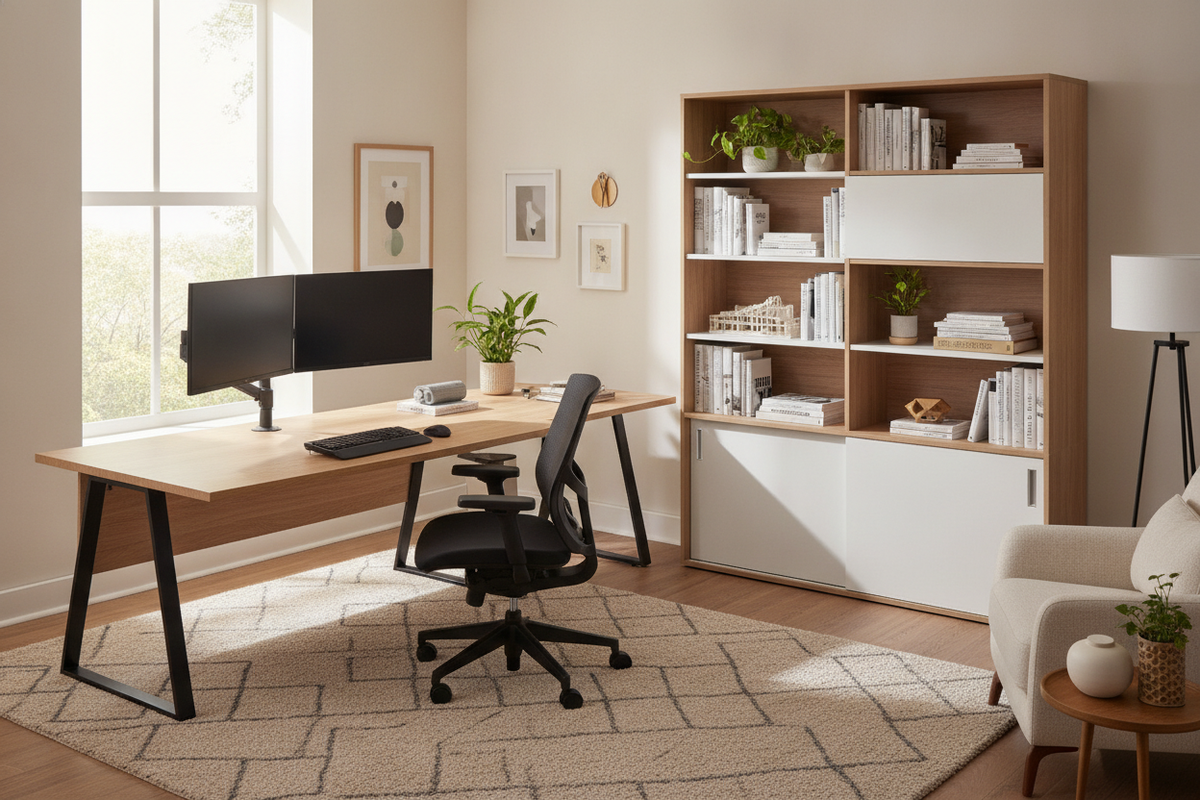
For dedicated media rooms or spacious private studies, these structural footprints can be accommodated easily. However, in multi-purpose bedrooms or compact open-plan apartments, monolithic horizontal rigs can overwhelm room traffic pathways. In tighter layouts, selecting a thoughtfully planned corner unit, such as an office computer desk product, often provides a far more space-efficient footprint while preserving ample legroom and integrated cabinetry.
Ergonomics and Daily Workflow: What to Expect from a Lie-Down Workstation
Working in a reclined or horizontal posture shifts daily interaction with equipment and workflow habits. While looking straight upward at an angled monitor reduces neck bending, the posture introduces unique operational dynamics that suit certain tasks better than others.
Supine computing works best for tasks dominated by reading, code review, video editing, and controller-based gaming. In these modes, hands rest naturally across a tilted keyboard or handheld controller, and visual attention remains fixed on suspended screens. Conversely, workflows involving physical paperwork, sketching, multi-device management, or frequent video conferencing can become awkward. Reclined camera angles present an unnatural perspective during professional meetings, and shifting between physical documents and screens becomes cumbersome without a flat surface nearby.
When planning how daily tasks align with furniture architecture, reading an office desk that guide can help you evaluate how primary responsibilities dictate the ideal blend of desk surface area, monitor elevation, and seating mobility.
Storage and Peripheral Challenges in Horizontal Workstations
A notable limitation of dedicated zero-gravity and lay-down setups is the near-total absence of flat desktop surfaces. Without a stationary tabletop, everyday workspace necessities require alternative storage solutions.
- Beverage and Accessory Placement: Standard cups, notebooks, pens, and external drives cannot sit freely on a tilted tray without specialized clamps or magnetic accessories.
- Cable Routing Complexity: Connecting power, display cables, and audio lines across articulated moving joints requires robust harness management to prevent pinching and tension.
- Hardware Storage: Tower computers, printers, and external storage drives must be housed in secondary credenzas or side units adjacent to the reclining rig.
To keep essential supplies within arm's reach while maintaining clean visual lines, incorporating secondary shelving and complementary storage units is essential. Implementing organizational principles from a desk that office guide enables you to coordinate vertical wall storage and side credenzas that keep gear organized without cluttering the floor perimeter around your primary seating area.
Practical Alternatives: Combining Dynamic Seating, Riser Desks, and Dedicated Gaming Tables
For many home office setups, an all-in-one horizontal rig may prove too rigid or visually dominant. Fortunately, you can achieve ergonomic relaxation and varied work postures using versatile, modular furniture components.
An effective alternative is pairing a high-recline ergonomic office chair featuring an extendable footrest with a fully articulated desk-mounted monitor arm. This configuration allows you to lean back deeply during passive reading or media consumption, while preserving standard desk utility for focused writing, paperwork, and meetings. In my view, modular setups offer a practical middle ground because they preserve room versatility without locking you into a single rigid posture.
For technology-heavy workflows, gaming enthusiasts, and creative specialists, a dedicated setup such as a computer desk gaming product provides raised monitor platforms, integrated power connections, and accessible drawer storage in a balanced footprint. Exploring the broader computer desk collection allows you to discover surfaces that balance generous monitor placement, cable channels, and comfortable leg clearance across diverse interior design styles.
Decision Matrix: Is a Lay-Down Desk Right for Your Workspace?
Deciding whether to invest in a horizontal computing rig or adopt a versatile hybrid desk setup comes down to evaluating four fundamental factors:
- Workflow Composition: If your workday consists almost entirely of digital reading, coding, or gamepad navigation, a horizontal orientation provides continuous comfort. If your work requires manual writing, varied paperwork, or frequent online presentations, a traditional or sit-stand surface remains more functional.
- Room Versatility: Specialized supine workstations are permanent fixtures that dominate their environment. If your room serves multiple purposes, modular desks and adjustable seating protect usable living space.
- Aesthetic Harmony: Industrial metal cockpits contrast with warm home decor. Coordinating wooden finishes, clean frames, and concealed storage creates a more cohesive home interior.
- Ease of Access: Entering, exiting, and adjusting a mechanical reclined rig takes deliberate physical movement. A standard desk paired with an adjustable chair allows quick transitions throughout a busy day.
By weighing your spatial constraints, primary computing tasks, and storage requirements, you can design a supportive, clutter-free workspace that promotes comfort and sustained productivity throughout the workday.

Leave a comment
This site is protected by hCaptcha and the hCaptcha Privacy Policy and Terms of Service apply.