










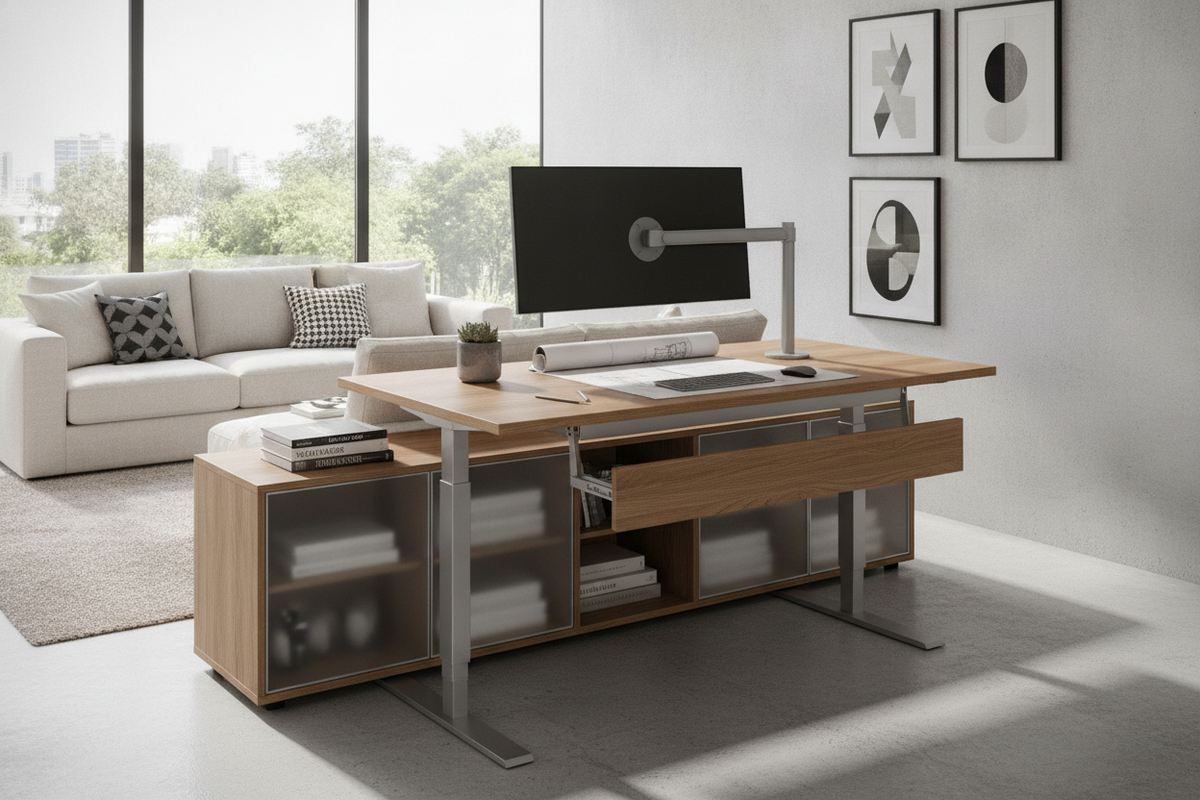
Integrating a desk that raises and lowers into a home office or professional workspace introduces dynamic flexibility to daily work routines. Unlike static tables, height-adjustable workstations require thoughtful planning regarding mechanical actuation, perimeter travel clearances, desktop equipment distribution, and surrounding storage furniture. Designing a functional layout around a computer desk that raises and lowers ensures smooth operation across sitting and standing positions without risking component collisions or wire strain.
Core Actuation Archetypes: Selecting the Right Lifting Drive
Lifting mechanisms determine how easily, quietly, and reliably a workstation transitions between elevation tiers. Evaluating the primary mechanical archetypes helps match the frame to your technical needs and room infrastructure:
- Electric Motorized Frames: Motorized lifting columns use push-button keypads or programmable memory presets to manage elevation changes smoothly. Single-motor systems use a connecting hex rod to drive both legs, while dual-motor setups feature independent motors housed within each column for balanced lifting capacity across wider tops.
- Pneumatic and Gas-Spring Mechanisms: Pneumatic desks rely on counterbalance cylinders triggered by a hand lever. They operate without electrical cords, making them versatile options for central floor plans, though lifting ease depends on balancing surface payload against cylinder resistance.
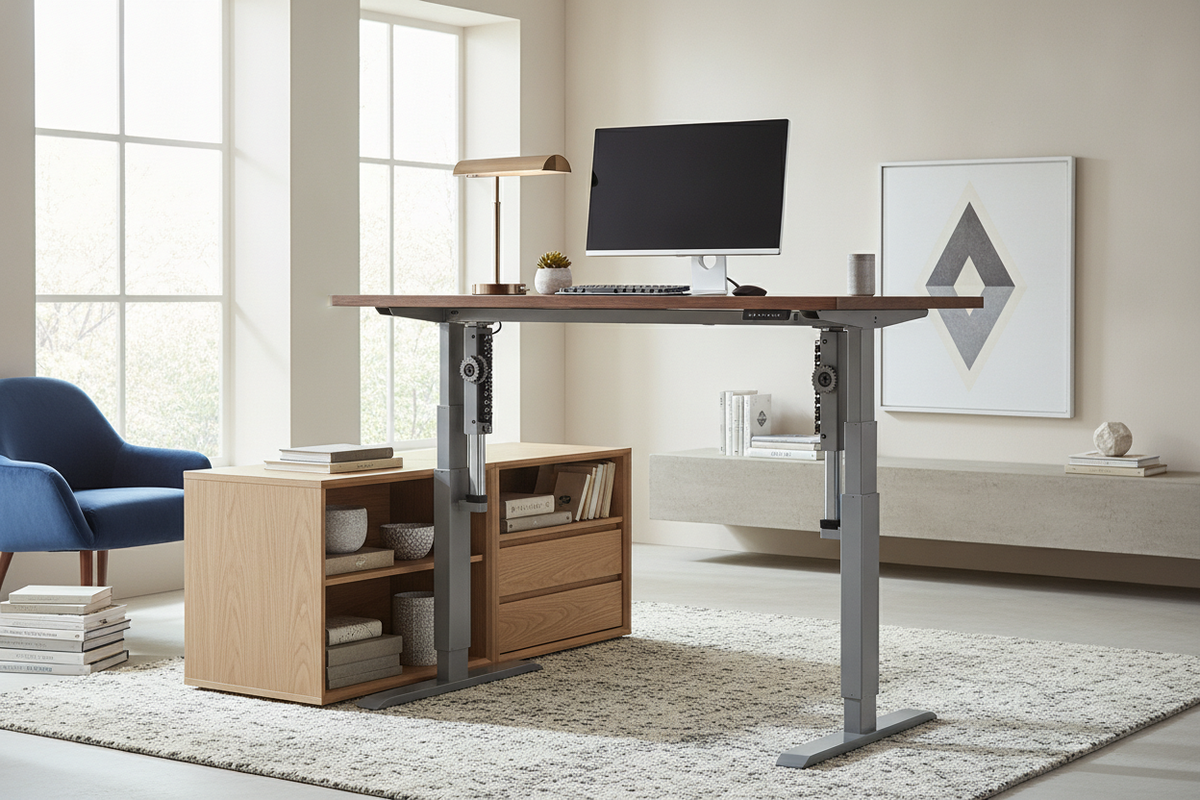
- Manual Hand-Crank Systems: Crank-driven desks use a mechanical bevel gear and drive shaft turned by a folding handle. They provide dependable adjustment without power requirements and eliminate motor maintenance, though they require physical effort for each height shift.
Workstation Footprint and Dimensional Sizing Categories
Choosing an appropriate top dimension requires balancing monitor configurations, reference materials, and physical room boundaries. When browsing options across a broad computer desk collection, dynamic desks generally align into distinct dimensional categories:
- Compact Footprints: Narrower worktops suit single laptop setups, study alcoves, and secondary work nooks. These frames prioritize slim leg bases that tuck neatly into tight wall spans.
- Mid-Span Desktops: Balanced widths accommodate dual-display setups, peripheral docks, and task lighting. Selecting durable worktops, comparable to a substantial desk computer product, provides structural stiffness that minimizes monitor wobble during vertical transit.
- Executive and Deep-Surface Tiers: Deeper work surfaces support multiple large screens, desktop audio equipment, and paper organization trays while maintaining comfortable focal distance.
Dynamic Clearance and Cable Slack Planning
A moving worktop interacts continuously with its surrounding environment. Proper dynamic planning prevents cord tangling, wall scuffing, and equipment tip-overs during vertical travel:
Wall Clearance Spacing: Keep a modest gap between the rear edge of the desktop and adjacent walls. Monitor mount brackets, clamp-on power strips, and wire pass-through channels expand beyond the raw edge of the top and can rub against wall finishes if placed flush.
Vertical Cable Slack Geometry: Route power cables, display connections, and network feeds through flexible under-desk cable management trays or segmented articulated spines. Ensure cords running from the desktop to floor outlets have sufficient slack when the desk reaches its highest travel limit.
Under-Frame Legroom and Under-Desk Obstructions: Maintain an open zone beneath the frame. Placing trash bins, rigid CPU towers, or fixed boxes directly beneath crossbars or lower support feet can cause structural collisions when lowering the workstation.
Office Storage Architecture Around Moving Desks
Because the worktop travels independently, integrated under-desk drawers common to static furniture are often replaced by modular storage solutions. Coordinating storage around an adjustable frame preserves legroom while keeping office essentials accessible:
Mobile Undercounter Pedestals: Low-profile mobile filing cabinets on smooth casters slide under the frame when the desk is elevated and wheel out beside the station when working in lower positions.
Perimeter Credenzas and Lateral Sideboards: Positioning static storage credenzas perpendicular or adjacent to the lifting frame creates an ergonomic L-shaped workflow zone. Stationary surfaces provide a landing area for heavy printers, reference binders, and organizers without adding weight to lifting columns.
Vertical Wall Storage Clearances: When mounting floating shelves, bulletin boards, or wall cabinets above an adjustable table, review our desk that guide to establish upper clearance boundaries that prevent displays from bumping into overhead cabinetry at full standing extension.
Room Fit Strategies for Multi-Use and Dedicated Workspaces
Adjustable workstations can be tailored to various domestic settings, from dedicated private studies to blended family areas:
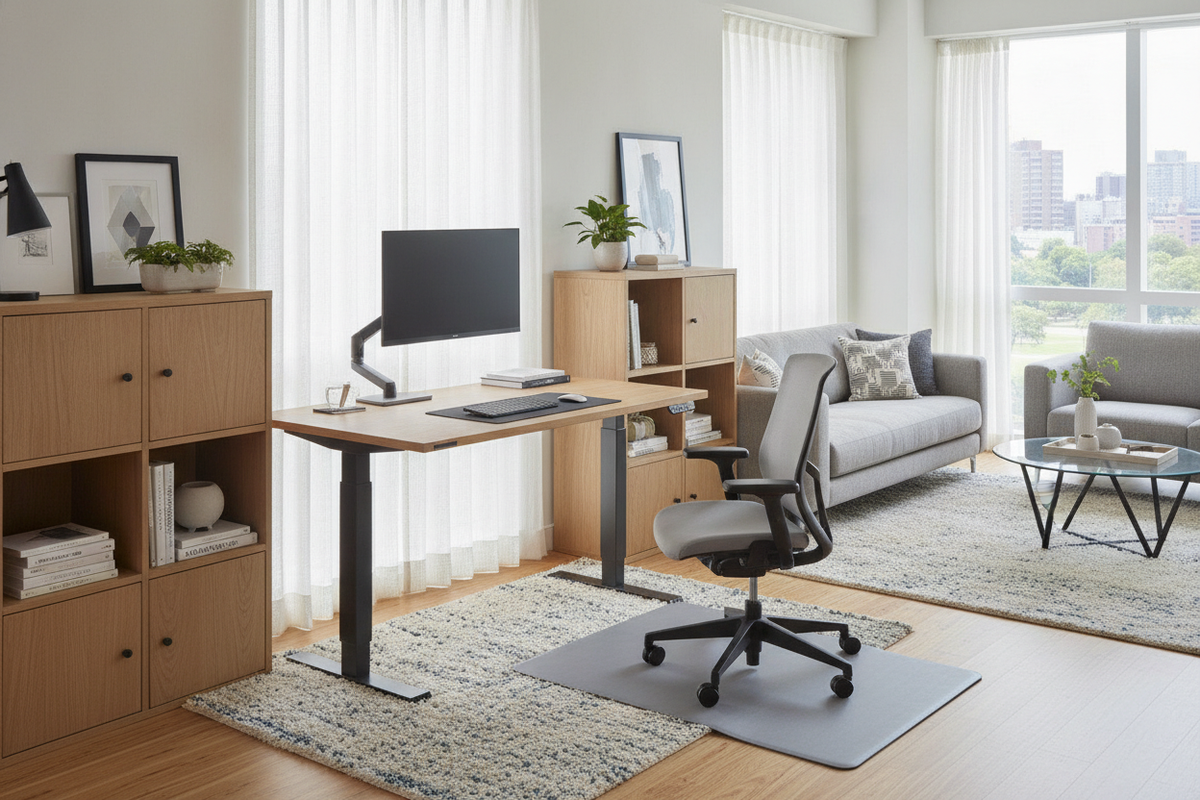
- Shared and Multi-Use Spaces: When setting up an active workstation in open living or combined dining zones, consult our computer desk that guide for strategies on concealing power hardware and blending modern desk frames into residential decor.
- Corner and Nook Configurations: While standard linear frames are common, corner workstations utilize multi-legged lifting frames to expand usable work surface area within room corners. For non-lifting alternative layouts with integrated organization, a dedicated computer desk product can provide generous surface area and fixed shelving.
Assembly, Calibration, and Structural Maintenance Checklist
Ensuring steady, wobble-free operation over time relies on systematic setup and periodic hardware checks:
- Leveling Glide Alignment: Adjust the threaded leveling feet under each base foot until the frame sits completely flat. Uneven contact with flooring causes lateral sway, especially at standing heights.
- Balanced Load Placement: Position central computing monitors and heavier hardware symmetrically above the lifting columns. Distributing weight evenly reduces mechanical strain across drive gears and guide bushings.
- Initial Control Calibration: For motorized frames, perform the manufacturer initial reset sequence—typically holding the down button until the frame reaches its lowest position—to synchronize dual-leg motor positions.
- Periodic Fastener Inspection: Periodically check and tighten top mounting screws, crossbar bolts, and leg connection hardware to maintain rigid frame geometry through repeated daily height adjustments.

Leave a comment
This site is protected by hCaptcha and the hCaptcha Privacy Policy and Terms of Service apply.