










Diagnostic First Response: Identifying Mechanical vs. Electrical Failures
When an electric workstation encounters operational interruptions, a systematic diagnostic protocol helps isolate the root issue before you dismantle structural hardware. Modern sit-stand setups rely on an interconnected ecosystem of control boxes, keypad interfaces, motor housings, and mechanical transmission elements. When facing general fezibo standing desk troubleshooting scenarios, start by categorizing the symptoms as either electrical communication blocks or physical drive disruptions.
Begin with a preliminary inspection of the electrical infrastructure. Ensure the power cable is firmly seated within both the wall outlet and the primary control module beneath the desktop. Loose quick-connect pins between the motor harness and the central controller frequently cause intermittent unresponsive behavior. If the keypad display illuminates but fails to trigger motion, or if it presents an error prompt, the system is likely in a safety protection mode or requires a baseline position recalibration. Conversely, if motor humming occurs without corresponding leg extension, the underlying cause is predominantly mechanical. Those considering a dependable setup often turn to an adjustable height standing desk with electric lift system designed for smooth mechanical stability.
Resolving the Uneven Elevation Issue: When Only One Side Moves
A common operational challenge in motorized desks occurs when a user notices their fezibo standing desk one side not working, leaving the desktop visibly tilted. Similarly, when a fezibo standing desk only one side works, continuing to activate the lift buttons can place severe lateral strain on the frame fasteners and mounting brackets.
In single-motor configurations that rely on a central transmission bar, this imbalance almost universally stems from a disengaged drive rod rather than motor failure. To resolve this issue, execute the following mechanical alignment steps:
- Unload and Power Down: Remove all hardware, monitors, and peripherals from the desktop, then disconnect the main power supply from the wall.
- Examine the Hexagonal Drive Rod: Look under the desktop where the central steel drive rod spans between the motorized leg and the passive slave leg.
- Inspect Coupler Locking Screws: Check the metal retaining collars at both ends of the rod. If a set screw has loosened, the rod can slide laterally out of the passive leg gear housing, leaving that side stationary while the motorized side rises.
- Manual Leveling: Loosen the locking collars completely. Manually rotate the passive leg drive insert or the hex rod until both desktop columns sit at an identical physical height. Use a bubble level to verify horizontal alignment.
- Secure the Assembly: Center the drive rod so equal lengths engage both gearbox receptacles, then firmly tighten the set screws. Reconnect power to confirm synchronized dual-column travel.
For broader desk surfaces, such as a large height adjustable standing desk, maintaining precise coupler engagement is essential for parallel column elevation.
Step-by-Step Controller Reset and Error Code Recovery Protocols
Digital controllers feature built-in safety parameters to protect internal circuitry from thermal overload, resistance spikes, and power fluctuations. Performing a manual controller reset is often the most direct resolution for non-responsive keypads or post-outage system freezes.
To execute a baseline reset sequence:
- Clear all obstructions from above and beneath the desk frame to allow uninterrupted vertical travel.
- Press and hold the down arrow button on the control keypad until the desk lowers to its lowest physical stop.
- Release the button momentarily, then immediately press and hold the down arrow again for several seconds until the digital readout flashes a reset confirmation prompt or the desk performs a brief downward-and-upward calibration rebound.
- Release the button. The controller now recognizes its baseline zero-point and standard height adjustment should function normally.
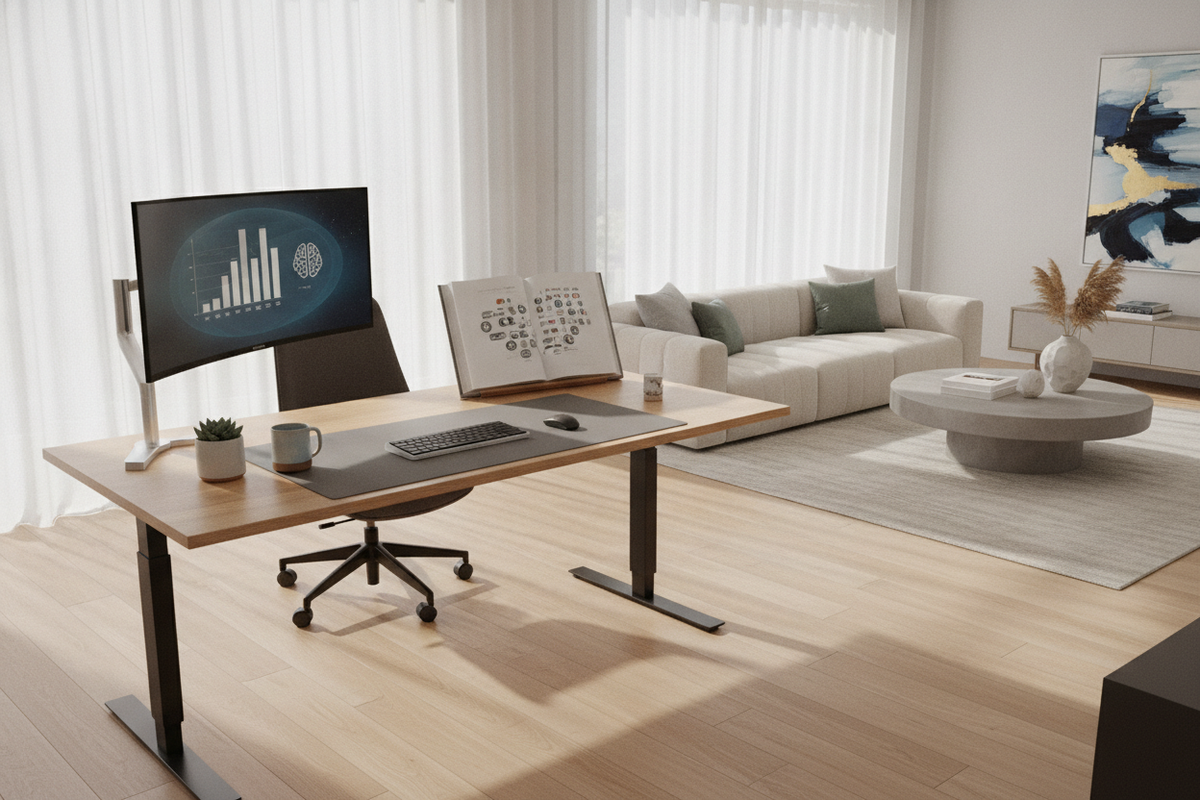
If the control interface remains unresponsive, inspect the keypad for an active child-lock indicator, which is commonly engaged or disengaged by holding designated preset buttons simultaneously. Maintaining clean cable routing and creating a room decor desk setup that balances aesthetics and utility ensures cables do not pull loose from the control box during everyday height adjustments.
Weight Distribution, Cable Tension, and Structural Alignment Checks
Physical drag and unbalanced load distribution can trigger anti-collision sensors, mimicking electronic or motor failure. When heavier peripherals—such as multi-monitor arrays, heavy PC towers, and clamped monitor arms—are concentrated entirely on one side of the desktop, the uneven resistance causes premature motor wear and frame racking.
Conduct a periodic physical audit to maintain structural integrity:
- Leveling Foot Calibration: Uneven flooring places torsional stress on the crossbars. Rotate the threaded glides beneath each foot until the frame rests completely flat without rocking.
- Fastener Tension: Verify that all structural crossbar bolts and desktop mounting screws remain snug, as subtle frame sway can increase internal lifting friction.
- Cable Slack Verification: Ensure power bricks and device leads have sufficient slack across the entire travel path so tension does not trip anti-collision safety triggers.
Using a spacious surface like a spacious standing desk with electric lift makes it easier to position heavier devices centrally, preserving smooth travel across both lifting columns.
Workstation Integration: Offloading Desk Weight into Perimeter Storage
Long-term mechanical reliability depends heavily on how you manage overall surface loading. While motorized desks are engineered to support substantial daily office gear, keeping the moving frame lean minimizes thermal cycling in the power supply and gearbox assemblies.
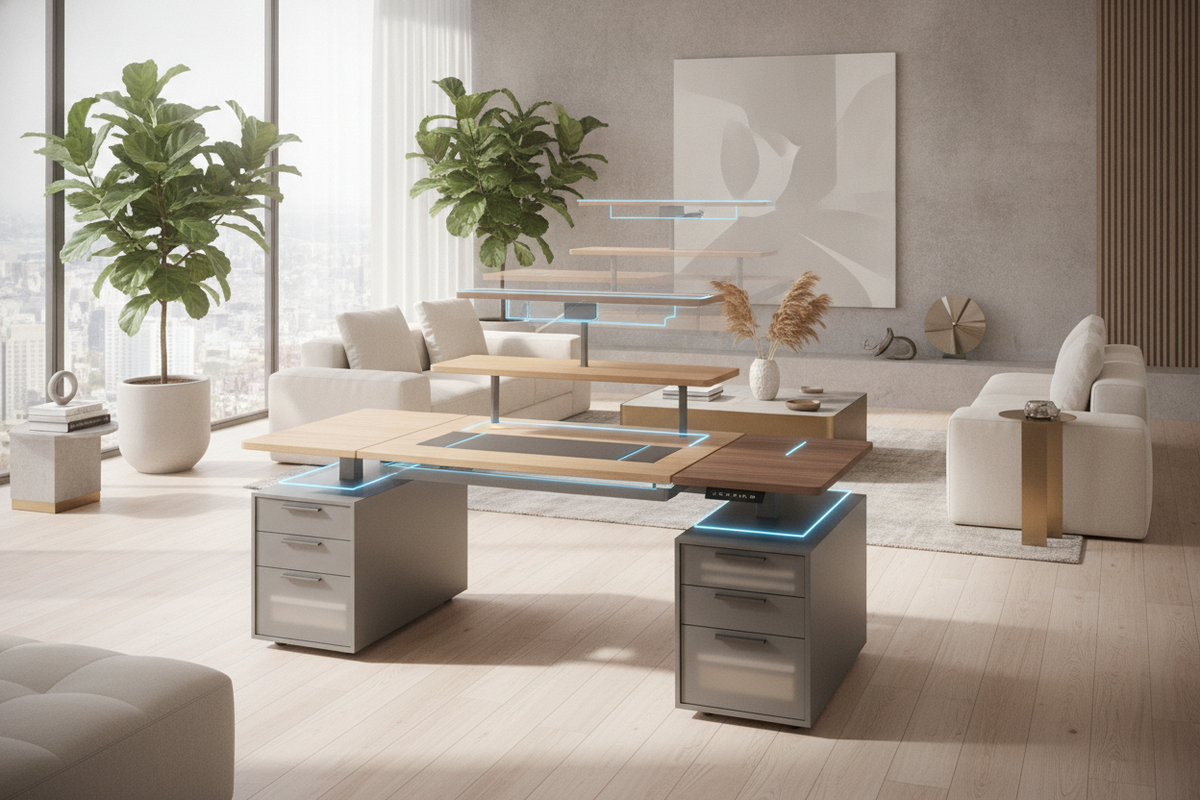
Consider migrating dense, static items—such as archival paperwork, heavy printers, reference books, and secondary hardware—off the rising tabletop and into dedicated perimeter cabinetry. Mobile filing pedestals, low-profile credenzas, and matching side storage units provide dedicated homes for heavier accessories. In my view, pairing an electric desk with modular auxiliary storage yields a cleaner, more intentional workspace that supports both posture changes and long-term hardware reliability.
By curating an organized desk setup that distributes weight strategically across surrounding furniture, you create an inviting workspace while keeping your adjustable desk operating smoothly.

Leave a comment
This site is protected by hCaptcha and the hCaptcha Privacy Policy and Terms of Service apply.