










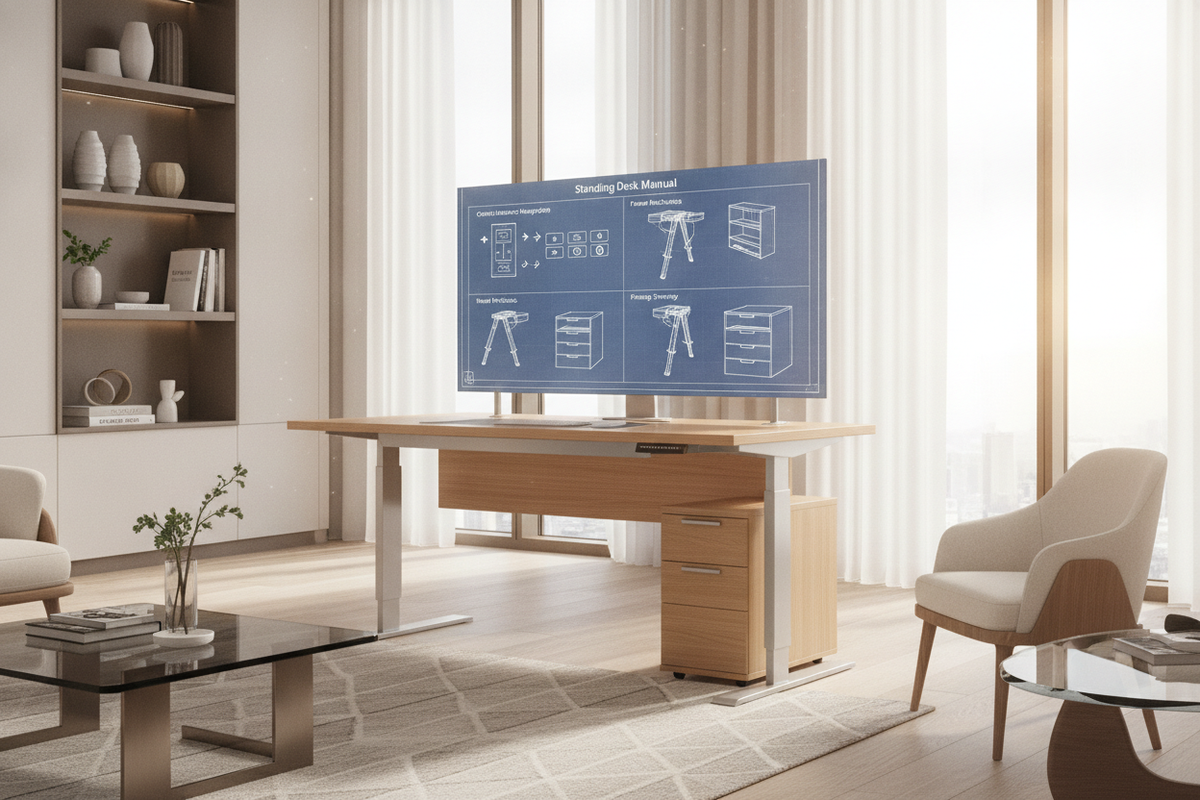
Core Operating Logic: Understanding Motorized Lifting Columns and Handset Interfaces
Modern electric sit-to-stand workstations rely on synchronized dual-motor lifting columns integrated into the leg assemblies. When reviewing a Herman Miller standing desk manual or a Herman Miller adjustable desk manual, understanding the communication pathway between the control box, the power supply, and the user handset is essential. The control unit continuously monitors motor revolution counts to ensure both legs raise and lower at the exact same rate. If one column encounters minor resistance or experiences a momentary voltage fluctuation, the control box may halt travel to prevent the desktop from tilting.
Depending on the specific configuration, user handsets range from minimalist paddle switches that respond to intuitive upward or downward nudges, to digital LED display controllers equipped with multi-station memory presets. Knowing how your specific handset relays input signals helps you operate the workstation smoothly, avoid false fault triggers, and maintain proper ergonomic posture throughout the working day.
Standard Calibration and Reset Sequence
Whenever an electric desk experiences a power interruption, is unplugged while in motion, or senses an uneven load, the internal processor enters a protective state. Performing a standard manual reset sequence re-establishes the baseline zero position across both telescoping columns.
To execute a general calibration and reset sequence across standard motorized desks:
- Clear Obstructions: Confirm that no storage pedestals, armrests, or trailing cords sit directly beneath the desktop frame or crossbeam.
- Engage Lowering Command: Press and hold the down button or push down on the paddle handset continuously until the desk reaches its absolute lowest physical travel point.
- Trigger the Reset Mode: Release the button briefly, then press and hold the down command again for several consecutive seconds.
- Confirm Re-indexing: The desk will typically perform a slight downward pulse, dip slightly, and rebound upward by a fraction of an inch, accompanied by a brief chime or digital display flash.
- Resume Normal Travel: Once the rebound movement finishes, release the switch. The control unit is now calibrated, and standard height adjustments can resume.
Programming Custom Height Presets and Sensitivity Boundaries
Fine-tuning height memory positions ensures that transitions between seated and standing postures remain effortless and ergonomically precise. On digital handsets, saving your preferred levels prevents continuous micro-adjustments.
To program a target height, elevate the desk until your forearms rest comfortably parallel to the desktop surface with your shoulders relaxed. Press the memory set button followed by your designated numbered preset. High-performance workstations, such as an adjustable standing desk product with integrated memory interfaces, allow users to store multiple sit-stand baselines for multiple household or office users.
Many advanced control systems also enable users to define container-stop limits—setting artificial lower or upper travel boundaries to prevent collisions with fixed under-desk filing cabinets or overhead wall shelves. Consult your specific handset documentation for the button combinations required to toggle between standard travel ranges and customized sensitivity zones.
Mechanical Assembly, Bolt Torquing, and Frame Structural Integrity
Even the most advanced motor system requires a rigid mechanical foundation. Wobble or frame shuddering during height transitions often stems from loose mechanical fasteners rather than motor faults. When assembling or maintaining wide-format tables like a rigid adjustable standing desk product, precise bolt tensioning is critical.
During primary frame assembly or semi-annual maintenance reviews:
- Cantilever Brackets: Ensure all fasteners securing the side support brackets to the underside of the work surface are tightened evenly to prevent surface flexing.
- Crossbar Alignment: Verify that telescoping crossbars are fully seated and centered before locking down the set screws. Uneven frame width distribution can place lateral stress on internal motor drive spindles.
- Foot Plate Fasteners: Inspect the heavy bolts connecting the base feet to the lifting columns. Any micro-movement at the floor plate multiplies into noticeable top-level wobble at full standing height.
- Leveling Glides: Adjust the threaded floor glides individually until the work surface is completely level across both axes, eliminating frame twist.
Cable Management Architecture and Kinetic Clearance Planning
Motorized workstations require deliberate cable management planning to accommodate dynamic vertical travel. Static cable runs that work for stationary desks can easily snag, disconnect delicate hardware, or pull equipment off the table when the frame elevates.
When organizing wiring, review dedicated workspace planning resources such as a standing desk guide to balance utility with clean aesthetics. Group power and monitor cords into an under-desk horizontal cable trough, and route all primary drops through an articulated vertical cable spine or flexible umbilical sleeve. Always test the full range of motion by running the desk to its maximum height before permanently securing cable ties, ensuring there is sufficient slack at the top of the travel cycle.
Integrating Surrounding Storage and Complementary Ergonomic Layouts
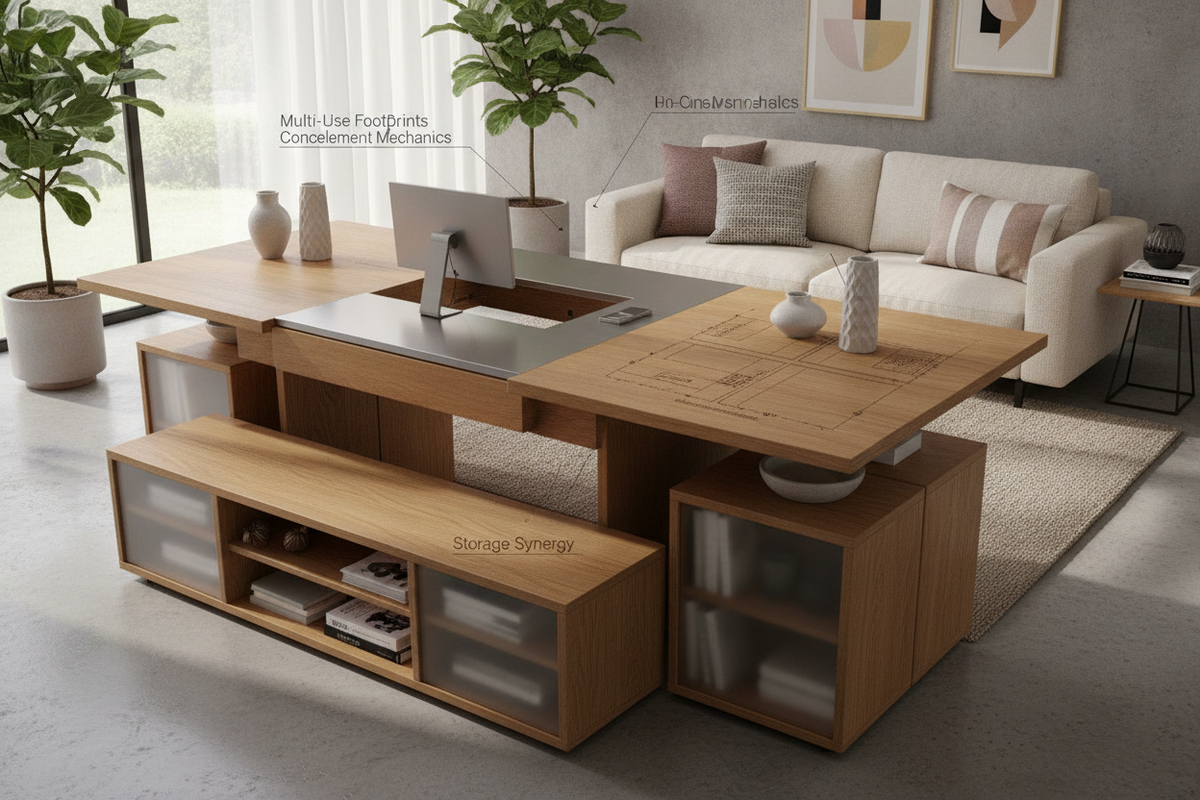
A sit-to-stand desk operates within a dynamic spatial envelope. Placing stationary furniture directly beneath or adjacent to the moving worktop introduces pinch points and collision hazards. Thoughtful layout planning pairs adjustable frames with mobile or low-profile cabinetry that fits safely within the desk's lower clearance zone.
Exploring comprehensive design concepts in an office layout standing desk guide provides practical inspiration for arranging mobile pedestals, acoustic dividers, and lateral returns. In addition, pairing your workspace with an adjustable collection of modular shelving units outside the desk travel envelope allows you to keep reference materials and office essentials accessible whether you are working in a seated or standing position.
Preventative Maintenance, Surface Care, and Troubleshooting Diagnostic Logic
Regular preventative care protects the mechanical components, electronics, and surface finishes of your height-adjustable desk over years of daily operation.
- Telescoping Column Care: Keep the exterior leg segments clean and free of dust or accumulated grit. Wipe the metal surfaces with a dry microfiber cloth; avoid applying wet lubricants or aerosol greases to the lifting columns, as internal glides are factory-sealed and external oils will simply attract debris.
- Surface Maintenance: Clean laminate, veneer, or solid surfaces with a damp cloth and mild neutral soap. Immediately dry any liquid spills to protect the core substrate around grommet cutouts and beveled edges.
- Cable Connection Audits: If the desk fails to move or displays an error code, power down the system by unplugging the main power cord. Check that the motor cables, handset lead, and power supply interconnects are firmly seated into the control box before restoring power and running a reset sequence.
- Hardware Re-torquing: Schedule a quick check every six months to verify that all under-desk machine screws remain securely tightened against daily kinetic vibrations.


Leave a comment
This site is protected by hCaptcha and the hCaptcha Privacy Policy and Terms of Service apply.