










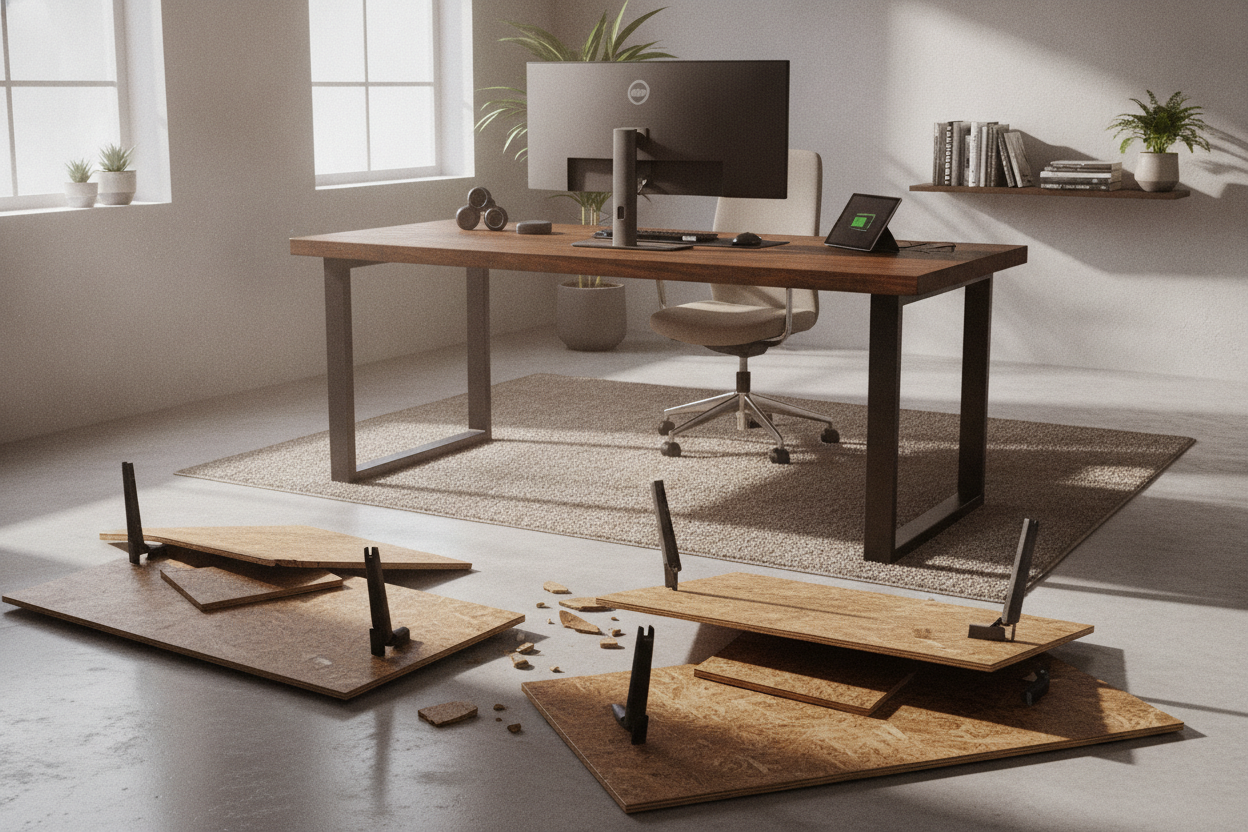
I was mid-Zoom when it happened. A faint grinding sound, a smell like burning dust, and then... silence. My $200 desk was stuck at 36 inches—the absolute 'no man's land' of ergonomics. It was too high to sit without my shoulders hitting my ears, and too low to stand without hunching like a gargoyle. I spent three days working on a stack of books before I finally admitted defeat and started looking for a standing desk pro.
Quick Takeaways
- Dual motors are non-negotiable for multi-monitor setups or heavy wood tops.
- Pro-grade frames eliminate the 'monitor shake' that plagues entry-level models at full height.
- Expect a much heavier, more difficult assembly process due to thicker steel components.
- High-end controllers don't lose their memory or require constant recalibration after power flickers.
The Day My Cheap Motor Finally Gave Up
When I first started working from home, I bought the cheapest motorized frame I could find. It worked for about eighteen months. But after loading it down with two 27-inch monitors, a heavy steel monitor arm, and a laptop dock, the single motor started sounding like a blender full of gravel. Eventually, it just quit. I actually considered giving up on the standing dream entirely and just buying a simple, static writing computer desk because I was tired of the tech failing me. But after a week of sitting for eight hours straight, my lower back reminded me why I made the switch in the first place.
The problem with entry-level desks is that they aren't built for a 'real' office setup. They're built for a laptop and a notebook. Once you add real weight, the strain on a single-motor hex-rod system is a ticking time bomb. I learned the hard way that saving $200 upfront leads to a dead desk and a literal headache three years later. If you're serious about your setup, you need the industrial-strength stuff.
What Actually Makes a Desk 'Pro'?
A 'Pro' designation isn't just marketing fluff. It usually comes down to the legs and the lifting capacity. While budget desks use two-stage columns (two telescoping segments), a pro model uses three-stage columns. This gives you a wider range of height—going lower for shorter users and higher for the tall ones—while maintaining stability. The steel in these legs is also significantly thicker, often 3mm versus the flimsy 1.5mm you find on Amazon specials.
Then there's the motor situation. A pro frame uses dual motors—one tucked inside each leg. They sync up electronically via a control box. This means the desk lifts faster, quieter, and can handle significantly more weight without the 'death groan.' We're talking a jump from a 150-lb capacity to 300 lbs or more. If you have a solid wood top, you need that extra muscle. Most cheap desks use a single motor that turns a literal rod to lift the other leg; it's inefficient and prone to misalignment.
The 3 Biggest Differences I Noticed Immediately
Stepping up to a professional frame isn't about the bells and whistles; it's about the lack of annoyance. Here are the three things that changed my workday immediately after I ditched the budget frame.
The Coffee Cup Wobble Test
On my old desk, every time I typed a particularly aggressive email, my monitors would shimmy. If I had a full cup of coffee on the desk, I’d see ripples like that scene in Jurassic Park. It’s called lateral sway, and it’s the hallmark of a cheap frame. With the pro model, the frame is so heavy and the tolerances are so tight that the desk stays dead-still, even at 45 inches high. I can actually lean on the desk while standing without feeling like the whole thing is going to tip over. It feels like a piece of architecture, not a piece of furniture.
Weight Capacity That Doesn't Lie
I don't just have monitors; I have a solid walnut top that weighs 60 pounds on its own. When you look at something like a 71 W height adjustable standing desk, you're dealing with a massive surface area. A cheap motor will bow the center rail or just refuse to lift. The pro frame handles the wood, the monitors, and my heavy desktop PC without a single stutter. It moves at the same speed regardless of how much gear I pile on. It’s the difference between a four-cylinder sedan trying to tow a boat and a heavy-duty truck that doesn't even feel the trailer.
Memory Presets That Actually Remember
My old desk had 'memory' buttons that required me to hold them down the entire time the desk moved. That’s not a preset; that’s just manual labor. A true electric lift system with memory presets allows for one-touch adjustment. I hit '2' and walk away to grab water. When I come back, it's exactly where I need it. Plus, higher-end controllers don't need to be 'reset' or 're-zeroed' every time you bump the power cord. They use more sophisticated encoders that actually track the position of the legs accurately.
How to Make a Heavy-Duty Frame Look Good at Home
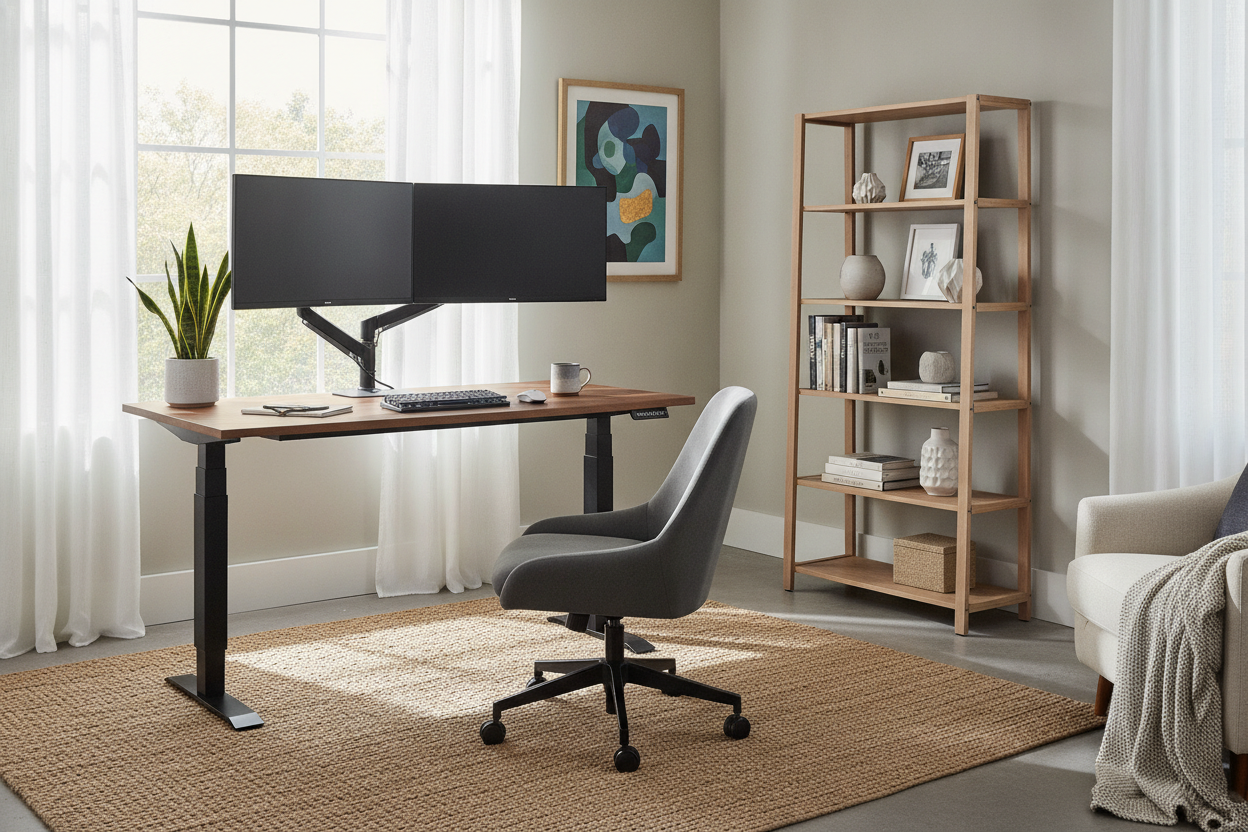
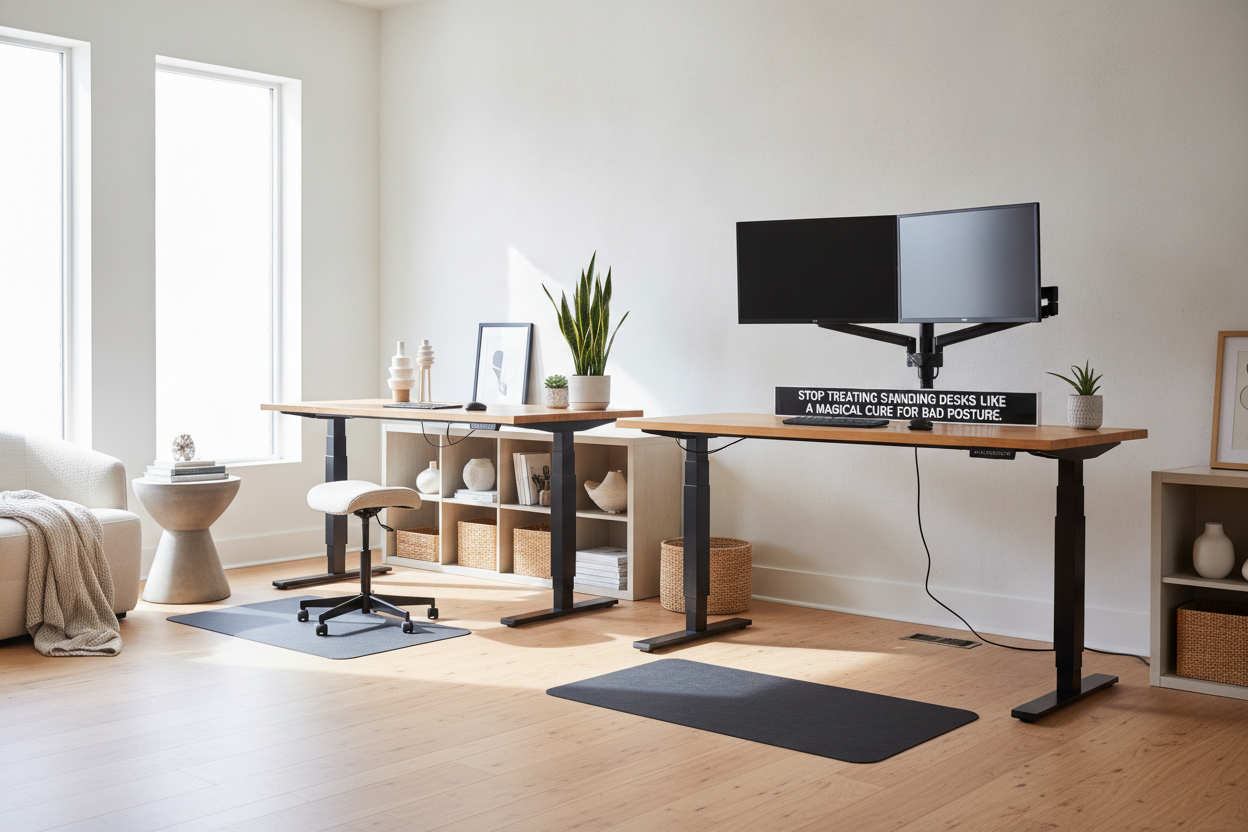
The downside of pro-grade gear is that it looks, well, pro-grade. The legs are chunky and the feet are long. It can easily look like a piece of hospital equipment if you aren't careful. To fix this, skip the white or gray frames and go for matte black. Pair it with a natural wood top to bring some warmth back into the room. I also suggest hiding the massive power brick and the tangle of wires in a dedicated under-desk cable tray. If you can't see the guts, the desk looks much more refined.
You can also use soft textures around the desk—a rug underneath or some large plants on the corner—to break up the hard lines of the steel columns. I've seen some great designer ideas for standing desk layouts that show how to integrate these beasts into a home office without it looking like a corporate cubicle. The key is to treat it like a piece of the room's architecture rather than just a piece of tech.
The Final Verdict: Who Should Actually Buy One?
If you just use a laptop and work from home once a week, a pro desk is overkill. Save your money. But if you have a multi-monitor setup, a heavy desktop, or you're taller than 6'0", the entry-level frames will fail you. They will wobble, they will strain, and eventually, the motor will burn out. Spending the extra money now means you won't be staring at a stuck desk three years from now. It’s an investment in your sanity and your spine.
FAQ
Is a pro desk harder to put together?
Yes. The motors and legs are significantly heavier. You’ll definitely want a second person to help you flip the desk over once the frame is attached, or you risk snapping the mounting screws. The steel is thick enough that it can be quite a workout.
Can I use my own desktop with a pro frame?
Usually, yes. Most pro frames are width-adjustable to fit tops from 48 to 80 inches. Just make sure your top is at least 1 inch thick so the mounting screws don't poke through the surface or pull out under the weight.
Are dual motors louder than single motors?
Actually, they're usually quieter. Because two motors are sharing the load, neither has to work as hard, resulting in a lower-pitched hum rather than the high-pitched whine of a struggling single motor.

Leave a comment
This site is protected by hCaptcha and the hCaptcha Privacy Policy and Terms of Service apply.